

301 Redirects Pro
/Year
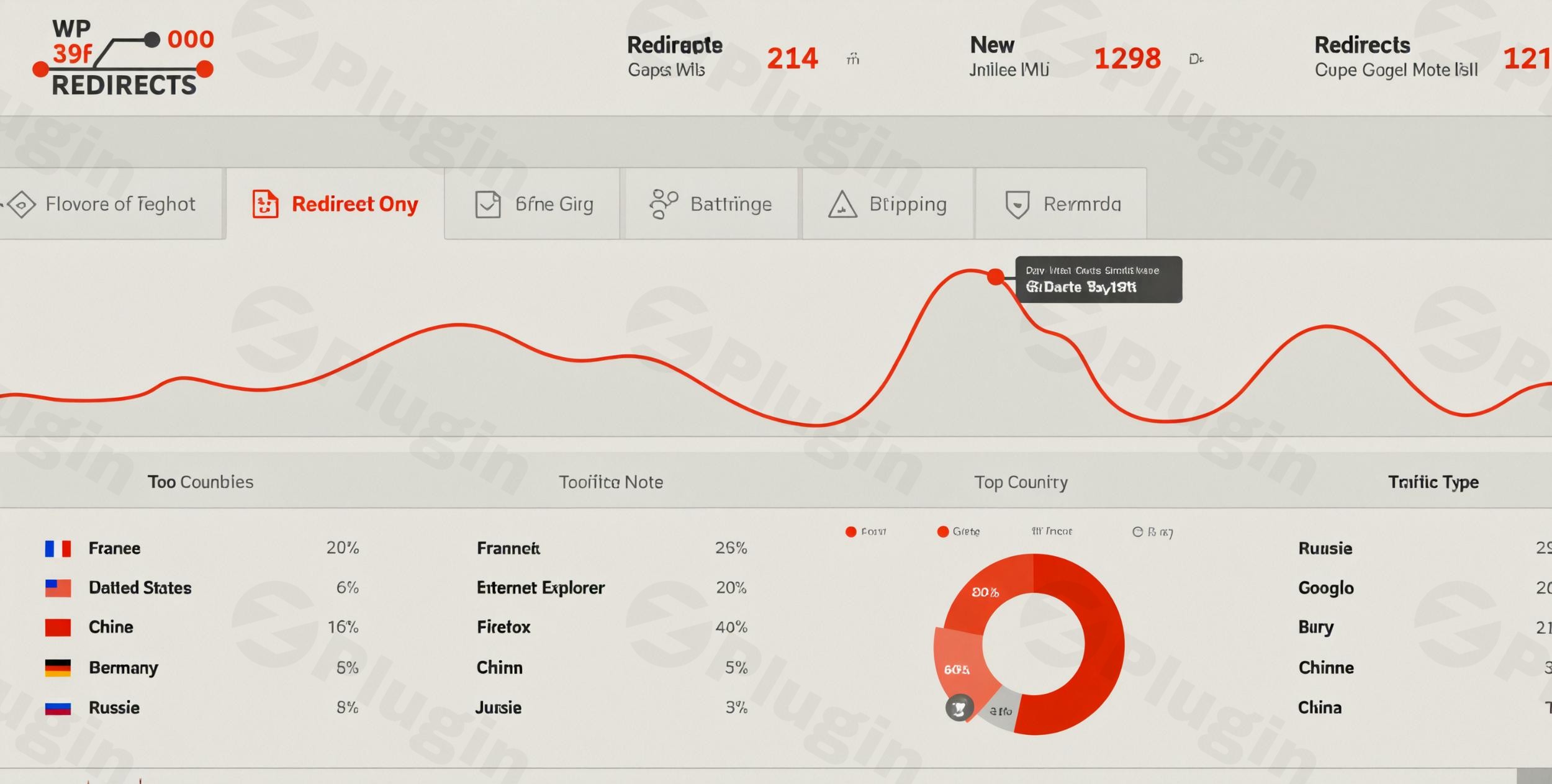
Maintaining a healthy website requires more than just great content; it requires a seamless user experience and technical precision. Broken links and 404 errors are more than just minor annoyances—they are “SEO killers” that signal to search engines that your site is poorly maintained. 301 Redirects Pro is a premium WordPress 301 redirects pro solution designed to capture lost traffic, preserve link equity, and manage your site’s structure with ease.Whether you are rebranding, migrating your site, or simply cleaning up old blog posts, using a dedicated 301 redirect plugin for WordPress ensures that your visitors never hit a dead end. This guide will explore how to use this powerful WordPress redirect manager to optimize your site’s performance and SEO.
Why 301 Redirects Pro is Essential for SEO
When you change a URL or delete a page, the old address remains in search engine indexes and on social media posts for a long time. If a user clicks that link, they see a 404 “Page Not Found” error. 301 Redirects Pro solves this by:
- Preserving Link Juice: It passes the ranking power (authority) from the old URL to the new one.
- Recovering Lost Traffic: It instantly sends users from broken links to relevant content.
* Improving User Experience: It eliminates the frustration of landing on an error page.
Key Features & Benefits
301 Redirects Pro stands out from basic alternatives by offering automated tools and centralized management.
1. Automatic URL Change Monitoring
One of the most common causes of 404 errors is changing a post permalink and forgetting to set up a redirect. This plugin monitors your posts and pages; the moment a URL is modified, it automatically creates a redirect rule from the old URL to the new one.
2. Advanced 404 Error Logging
The plugin doesn’t just wait for you to find errors. It proactively logs every 404 error occurring on your site. This log provides a clear roadmap of which links are broken, allowing you to fix 404 errors in WordPress with a single click.
3. Auto-Typo Fixing
Unique to the Pro version, this feature detects if a user has made a small typo in a URL. Instead of showing an error, the plugin identifies the “nearest” correct page based on the permalink and redirects the user automatically.
4. Centralized SaaS Dashboard
For agencies and power users managing multiple sites, 301 Redirects Pro offers a centralized dashboard. You can monitor redirects and 404 statistics across all your WordPress installations from one place, significantly reducing administrative overhead.
5. Regex and Wildcard Support
For technical SEOs, regex redirects in WordPress are vital. These allow you to redirect entire categories or folders (e.g., moving all /blog/old-category/* to /new-category/*) using a single rule rather than hundreds of manual entries.
How to Install 301 Redirects Pro
Setting up the plugin is straightforward and requires no coding knowledge. Follow these steps to get started:
- Purchase and Download: Acquire the Pro version from the official developer and download the
.zipfile. - Upload to WordPress: Navigate to your WordPress Dashboard, go to Plugins > Add New, and click Upload Plugin. Select your file and click Install Now.
- Activate: Once installed, click Activate Plugin.
- Enter License Key: Go to the plugin settings and enter your license key to unlock Pro features like the Link Scanner and Auto-Typo fixing.
5. Initial Configuration: Navigate to Settings > 301 Redirects. We recommend enabling “Monitor Permalink Changes” immediately to prevent future broken links.
Practical Usage & Best Practices
When to Use 301 Redirects
- Site Migrations: If you are moving from a subdomain (e.g.,
blog.wppick.com) to a subfolder (wppick.com/blog), use the bulk import tool to manage WordPress redirects at scale. - Affiliate Link Management: Use the plugin to create “pretty” outgoing links (e.g.,
wppick.com/go/tool) that redirect to your affiliate URL. - Content Pruning: When deleting outdated content, always redirect the old URL to a newer, relevant article to keep the SEO value.
Best Practices for Performance
- Avoid Redirect Loops: Ensure that Page A doesn’t redirect to Page B, which then redirects back to Page A.
- Whitelist Bots: 301 Redirects Pro automatically whitelists Google and other major search engines, ensuring they can crawl your site without being blocked by security filters.
* Regular Log Audits: Check your 404 logs once a week. If you see high traffic hitting a specific 404, it’s a prime candidate for a manual redirect.
FAQ & Troubleshooting
What is a 301 redirect and why is it important for SEO?
A 301 redirect is a permanent instruction that tells a browser or search engine that a page has moved. It is the best way to redirect 404 pages because it transfers nearly 100% of the SEO authority from the old link to the new one, ensuring your rankings don’t drop after a URL change.
How do I fix 404 errors on my WordPress site using this plugin?
To fix 404 errors, navigate to the “404 Log” tab in the plugin settings. Review the list of broken URLs that users have tried to access. You can click “Add Redirect” next to any entry to immediately point that broken link to a live page on your site.
Is 301 Redirects Pro compatible with WooCommerce and Elementor?
Yes. 301 Redirects Pro is designed to be lightweight and compatible with all major WordPress themes and plugins, including WooCommerce and page builders like Elementor or Gutenberg. It also supports translation plugins that use language prefixes (like /en/ or /fr/) in the URL.
Can I manage redirects across multiple WordPress sites?
Yes, the Pro version includes access to a centralized SaaS dashboard. This allows you to view statistics and manage rules for all your connected sites from a single external interface, which is ideal for agencies.
Final Verdict
301 Redirects Pro is more than just a simple utility; it is a vital tool for any site owner serious about SEO and user retention. By automating the process of monitoring URL changes and fixing typos, it saves hours of manual work while protecting your search engine rankings.If you are looking for the best WordPress plugin for redirecting 404 pages, 301 Redirects Pro offers the perfect balance of ease of use for beginners and advanced Regex/SaaS features for professionals. Visit wppick.com for more WordPress tutorials and plugin reviews to keep your site running at peak performance.
I. Download Limits & Account Benefits
- Free Downloads: Each email address receives 3 downloads per day for free products
- Upgrade Benefits: Purchase any paid product to increase your daily download limit by 3 for each paid product
- No Account Required: You can download immediately by receiving the download link via email
- Account Recommended: Create an account for easier access to your order history and direct update downloads
II. Understanding GPL vs Official Versions
Important: The products available on WPPick are GPL-licensed versions, which differ from official developer versions. Before purchasing, please read our comprehensive guide: Understanding GPL & Official Differences at WPPick
Key Points:
- GPL versions may not include premium support from original developers
- Updates may be delayed compared to official releases
- Some premium features might have limitations
- Always consider your specific needs and support requirements
III. Support & Assistance
We’re here to help through multiple channels:
- Email Support: Direct email assistance for all inquiries
- Live Chat: Real-time support during business hours
- Comprehensive Documentation: Detailed guides and tutorials
IV. Order Tracking
Access your complete purchase history and download links anytime: Order History
V. Account Access
New to WPPick? Login or Create Account to manage your downloads and orders efficiently.
VI. Refund Protection
We stand behind our products with a clear refund policy. Review our terms: Refund Policy
VII. Privacy & Security
Your data security is our priority. Learn how we protect your information: Privacy Policy
VII. Terms of Service
Understanding our service terms ensures a smooth experience: Terms of Use
Quick Tips for Best Experience
- Verify Compatibility: Check plugin/theme compatibility with your WordPress version
- Backup First: Always backup your site before installing new plugins or themes
- Test Environment: Consider testing on a staging site first
- Stay Updated: Regularly check for updates in your account dashboard
- Read Documentation: Review any included documentation for optimal setup
Need Help?
If you have questions about downloads, licensing, or need technical assistance, don’t hesitate to contact our support team. We’re committed to ensuring you have the best possible experience with WPPick products.
Ready to get started? Your download adventure begins with just one click!
- Performance Improvements