

301 Redirects Pro
/Year
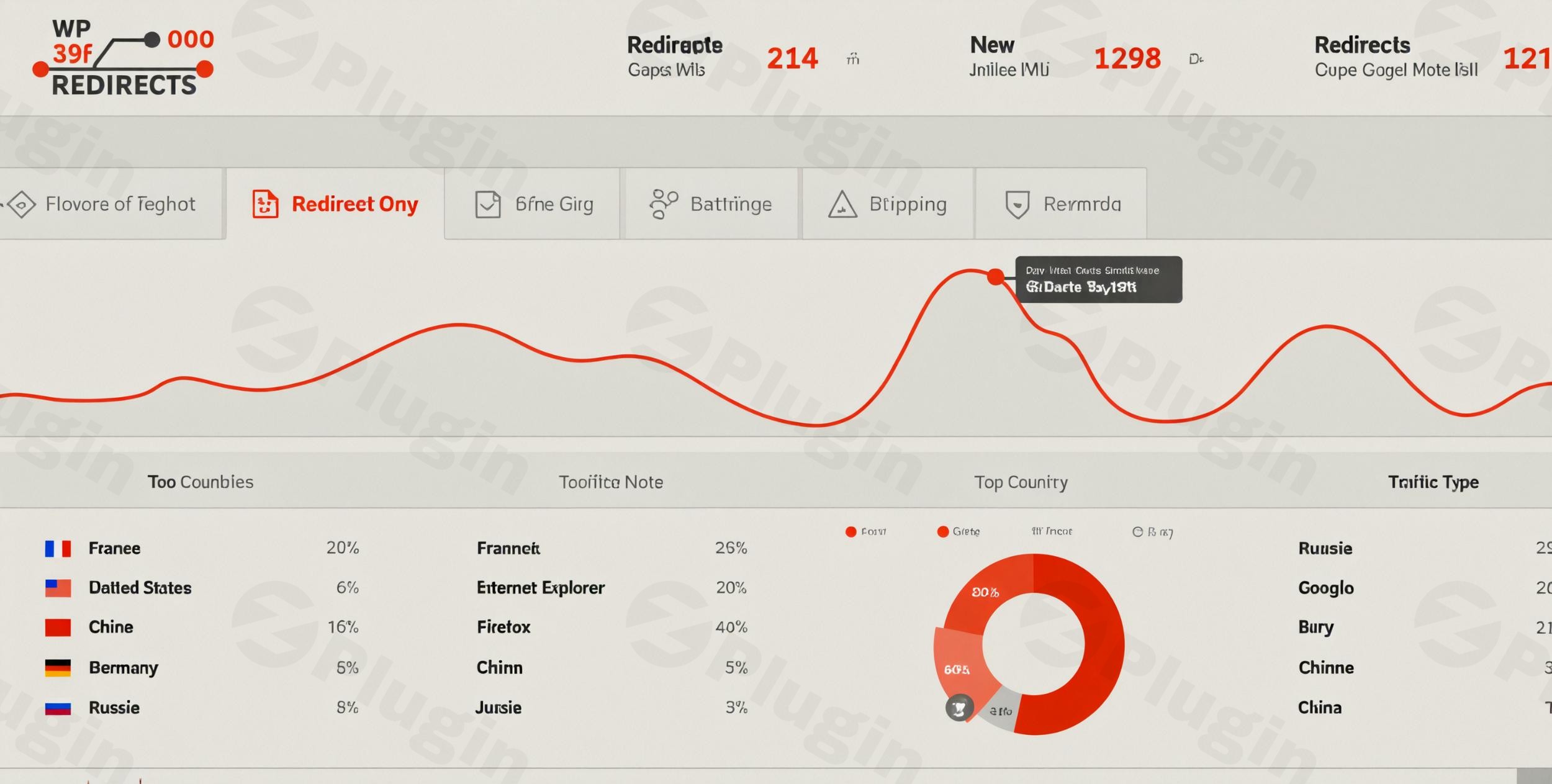
Managing broken links and URL changes is a critical part of maintaining a healthy website. When you change a page’s URL or delete content without a plan, you create 404 “Not Found” errors. These errors frustrate users and signal to search engines that your site is poorly maintained, which can tank your rankings. WP 301 Redirects Pro is a premium WordPress 301 redirects plugin designed to solve these issues automatically, ensuring your SEO remains intact and your users always find what they are looking for.
Developed by WebFactory Ltd—a team with over a decade of experience in the WordPress ecosystem—this plugin goes beyond basic link forwarding. It provides a sophisticated suite of tools for managing 301 redirects in WordPress, fixing 404 errors, and even catching typos in real-time.
Key Features & Benefits of WP 301 Redirects Pro
WP 301 Redirects Pro is built for performance and efficiency. Unlike some bloated SEO suites, it focuses heavily on being a lightweight, specialized tool for redirect management.
1. Robust Redirect Management (301, 302, 307)
Whether you need a permanent move (301 Redirects Pro) or a temporary detour (302/307), the plugin handles it with ease. It allows you to forward traffic from old URLs to new ones without losing “link juice” or search engine authority.
2. Automated 404 Error Monitoring
The plugin acts as a silent sentry, logging every time a user hits a dead end. By viewing the 404 error log, you can identify high-traffic broken links and fix 404 errors in WordPress with a single click before they impact your bounce rate.
3. Smart Auto-Typo Fixing
This is a standout feature for user experience. If a user mistypes a URL (e.g., yoursite.com/contatc instead of /contact), the plugin intelligently analyzes the permalinks and redirects them to the closest match. This prevents a 404 error and keeps the user on your site.
4. Centralized SaaS Dashboard
For agencies and site owners managing multiple properties, the PRO version includes a centralized SaaS dashboard. This allows you to monitor redirects and 404 logs across all your websites from one interface—a massive time-saver for professional workflows.
5. Advanced Wildcard and Regex Support
If you are performing a site-wide migration or changing a category structure, you don’t want to create hundreds of redirects manually. WP 301 Redirects Pro supports wildcard and regex URL matching, allowing you to redirect entire folders or patterns of URLs instantly.
6. Proactive Link Scanner
The built-in link scanner checks your site for invalid or broken URLs. By finding these issues proactively, you can fix them before a search engine bot or a customer ever encounters them.
How to Install and Set Up WP 301 Redirects Pro
Setting up the plugin is straightforward, even for those who aren’t technical experts. Follow these steps to get started:
- Purchase and Download: Secure your license from the official site and download the plugin ZIP file.
- Upload to WordPress: Navigate to your WordPress Dashboard, go to Plugins > Add New > Upload Plugin, and select the ZIP file.
- Activate & License: Click Activate. You will be prompted to enter your license key to unlock the PRO features and the SaaS dashboard.
- Initial Configuration:
- Go to the plugin settings page.
- Enable 404 Monitoring to begin logging broken links.
- Enable Automatic Redirects so that if you ever change a post title or permalink, the plugin will automatically create a redirect from the old URL to the new one.
5. Run a Link Scan: Head to the Link Scanner tab and run your first scan to identify existing broken links that need immediate attention.
Practical Usage & Best Practices
To get the most out of WP 301 Redirects Pro, consider these real-world workflows used by SEO professionals at wppick.com:
Scenario A: Content Pruning or Site Re-branding
When you delete old blog posts or change your site’s permalink structure (e.g., moving from /2023/post-name to /blog/post-name), use the Automatic Redirects feature. This ensures that any old backlinks from other sites still lead to your content, preserving your SEO value.
Scenario B: Managing Client Sites as an Agency
The SaaS redirect dashboard is ideal for agencies. Instead of logging into 20 different WordPress sites to check for 404 errors, you can see a bird’s-eye view of all client sites in one place. If one site shows a spike in 404 errors, you can jump in and fix it immediately.
Scenario C: E-commerce Product Updates
If you run a WooCommerce store and a product goes out of stock or is replaced by a newer model, use a 301 redirect to send users to the updated product. This prevents lost sales and keeps the user in your conversion funnel.
FAQ & Troubleshooting
What is a 301 redirect and why is it important for SEO?
A 301 redirect is a permanent instruction to search engines that a page has moved to a new location. It is vital for SEO because it passes the ranking power (link equity) of the old URL to the new one, ensuring you don’t lose search positions when changing URLs.
Does WP 301 Redirects Pro work with all WordPress themes?
Yes. WP 301 Redirects Pro is designed to be theme-agnostic. It works at the core WordPress level, making it compatible with all themes (including Astra, Divi, and GeneratePress) and major page builders like Elementor and Gutenberg.
How do I set up wildcard redirects in WordPress?
In the “Redirects” tab, you can use the asterisk (*) symbol or Regular Expressions (Regex) to create rules. For example, redirecting /old-category/* to /new-category/* will automatically forward every post within that category to the new structure.
Is it compatible with translation plugins?
Absolutely. The plugin has been tested and confirmed to work seamlessly with popular translation tools like Weglot, TranslatePress, Gtranslate, and Loco Translate, ensuring your redirects work across all localized versions of your site.
WP 301 Redirects Pro vs Redirection plugin: Which is better?
While the free “Redirection” plugin by John Godley is excellent for basic needs, WP 301 Redirects Pro offers premium features like the SaaS Dashboard, Auto-Typo Fixing, and a proactive Link Scanner that the free alternatives lack. It is built for users who need a more automated, “set and forget” solution.
Final Verdict
WP 301 Redirects Pro is an essential tool for any serious website owner, marketer, or agency. Its ability to auto-fix 404 redirects in WordPress and manage complex URL structures via a central dashboard provides a massive Return on Investment (ROI) in terms of saved time and preserved SEO rankings. If you want to ensure your site remains professional, error-free, and search-engine friendly, this is arguably the best WordPress redirect plugin available today. Its lightweight footprint ensures your site stays fast, while its deep feature set gives you total control over your URL architecture.
I. Download Limits & Account Benefits
- Free Downloads: Each email address receives 3 downloads per day for free products
- Upgrade Benefits: Purchase any paid product to increase your daily download limit by 3 for each paid product
- No Account Required: You can download immediately by receiving the download link via email
- Account Recommended: Create an account for easier access to your order history and direct update downloads
II. Understanding GPL vs Official Versions
Important: The products available on WPPick are GPL-licensed versions, which differ from official developer versions. Before purchasing, please read our comprehensive guide: Understanding GPL & Official Differences at WPPick
Key Points:
- GPL versions may not include premium support from original developers
- Updates may be delayed compared to official releases
- Some premium features might have limitations
- Always consider your specific needs and support requirements
III. Support & Assistance
We’re here to help through multiple channels:
- Email Support: Direct email assistance for all inquiries
- Live Chat: Real-time support during business hours
- Comprehensive Documentation: Detailed guides and tutorials
IV. Order Tracking
Access your complete purchase history and download links anytime: Order History
V. Account Access
New to WPPick? Login or Create Account to manage your downloads and orders efficiently.
VI. Refund Protection
We stand behind our products with a clear refund policy. Review our terms: Refund Policy
VII. Privacy & Security
Your data security is our priority. Learn how we protect your information: Privacy Policy
VII. Terms of Service
Understanding our service terms ensures a smooth experience: Terms of Use
Quick Tips for Best Experience
- Verify Compatibility: Check plugin/theme compatibility with your WordPress version
- Backup First: Always backup your site before installing new plugins or themes
- Test Environment: Consider testing on a staging site first
- Stay Updated: Regularly check for updates in your account dashboard
- Read Documentation: Review any included documentation for optimal setup
Need Help?
If you have questions about downloads, licensing, or need technical assistance, don’t hesitate to contact our support team. We’re committed to ensuring you have the best possible experience with WPPick products.
Ready to get started? Your download adventure begins with just one click!
- Performance Improvements