

Advanced Forms Pro For Acf
/Year
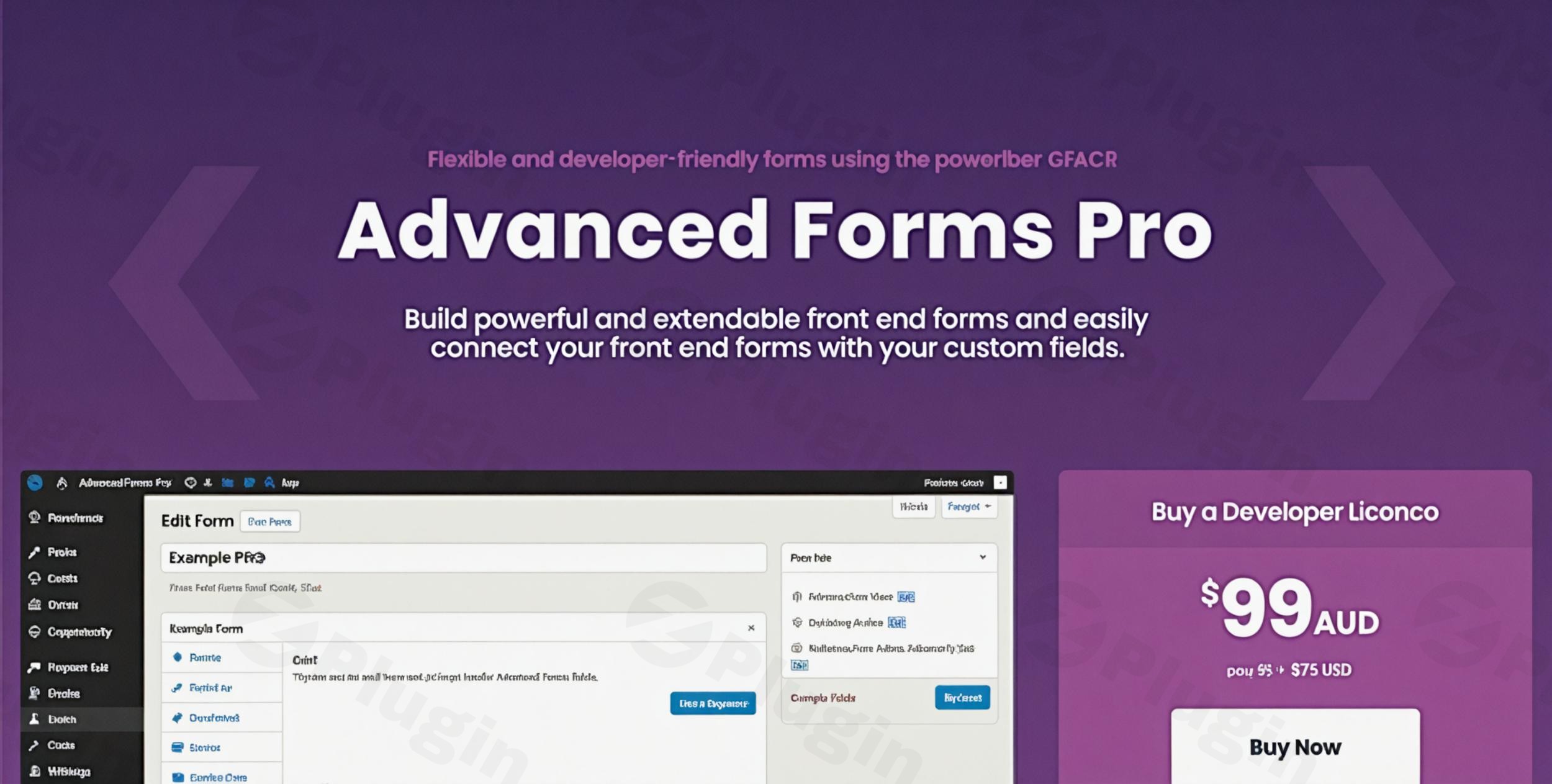
Creating custom data structures in WordPress usually starts with Advanced Custom Fields (ACF), but getting that data from your users on the front end often requires complex coding or clunky workarounds. Advanced Forms Pro for ACF is a premium WordPress plugin designed to bridge this gap, transforming ACF into a fully functional ACF Form Builder Pro solution.
Whether you need to build a user registration page, a front-end post submission tool, or a complex multi-step survey, this plugin leverages the power of ACF to make WordPress ACF forms intuitive to build and professional to deploy.
Why Use Advanced Forms Pro for ACF?
The core problem with standard ACF is that its field groups are primarily designed for the WordPress admin dashboard. If you want a user to submit a “Testimonial” or update their “User Profile” from the front end, you are typically left writing custom PHP acf_form() functions.
Advanced Forms Pro for ACF solves this by providing a dedicated UI to create, manage, and display forms. It allows you to map your existing ACF field groups to front-end forms with zero coding required, making it the ideal choice for developers and site owners who want to maintain a clean, ACF-centric workflow.
Key Features & Benefits
1. Seamless ACF Integration
Unlike generic form builders, this plugin is built specifically for the ACF ecosystem. It supports all ACF field types, including complex layouts like Repeaters, Flexible Content, Galleries, and Date Pickers. You use the familiar ACF interface to define your data, and the plugin handles the front-end rendering.
2. Powerful Front-End Form Building
You can display forms anywhere on your site using shortcodes, Gutenberg blocks, or PHP functions. This is perfect for:
- User-generated content: Letting guests or members submit guest posts.
- Directory listings: Allowing business owners to update their own profiles.
- Custom Dashboards: Building a “client portal” experience without giving users access to the
/wp-admin/area.
3. Multi-Step Forms & AJAX Submissions
For long forms, user experience is critical. Advanced Forms Pro allows you to split your forms into multi-step layouts, reducing form abandonment. Furthermore, it supports AJAX submissions, meaning the page doesn’t need to refresh when a user hits “Submit,” resulting in a much faster, modern feel.
4. Advanced Post and User Editing
One of the most powerful features is the ability to create or edit WordPress posts and users directly. You can map form fields to:
- Post Titles and Content.
- Featured Images.
- User Metadata (Email, Password, Bio).
- Custom Post Type (CPT) fields.
5. Calculated Fields & Logic
The plugin supports calculated fields, allowing you to perform math based on user input (e.g., a mortgage calculator or a quote generator). This includes aggregate calculations across different field types.
6. Third-Party Integrations
Connect your forms to the tools you already use:
- Slack: Get instant notifications in your team channels.
- Mailchimp: Automatically add form submitters to your email lists.
- Zapier: Connect to over 5,000+ apps for automated workflows.
Installation & Setup: How to Create Front-End Forms with ACF Pro
Setting up your first form is straightforward. Follow these steps to get started:
- Requirement Check: Ensure you have ACF PRO (v5.7 or later) installed and active. Advanced Forms Pro requires the Pro version of ACF to handle its advanced field types.
- Install the Plugin: Upload the
advanced-forms-profolder to your/wp-content/plugins/directory or install the ZIP via Plugins > Add New in your dashboard. - Create an ACF Field Group: Go to ACF > Field Groups and create the fields you want in your form (e.g., Name, Email, Message).
- Create a New Form: Navigate to Forms > Add New. Give your form a title.
- Map Field Groups: In the “Fields” meta box, select the ACF Field Group you created in Step 3.
- Configure Settings:
- Set up Success Messages or URL redirects.
- Enable AJAX for smoother submissions.
- Configure Email Notifications to alert your team.
- Publish & Display: Copy the provided Shortcode and paste it into any page, or use the Advanced Forms Gutenberg Block.
Practical Usage & Best Practices
Use Case 1: Front-End Post Submissions
If you run a community blog, you can use ACF post editing forms to let users submit articles.
- Best Practice: Use the “Post Mapping” settings to automatically set the post status to “Pending” so your editorial team can review it before it goes live.
Use Case 2: Custom User Profile Pages
Avoid the default WordPress profile page. Create a custom “Edit Profile” page for your members using Advanced Forms Pro.
- Best Practice: Use the Form Restrictions feature to ensure only “Logged In Users” can see or submit the profile edit form.
Use Case 3: Complex Quote Calculators
For service-based businesses, use Calculated Fields to provide instant quotes.
- Best Practice: Combine this with the Slack integration so your sales team gets an immediate notification with the calculated quote data as soon as the user submits the form.
FAQ & Troubleshooting
Is Advanced Forms Pro for ACF compatible with Elementor or Gutenberg?
Yes. The plugin provides a dedicated Gutenberg block for easy placement. For page builders like Elementor, WPBakery, or Divi, you can simply use the provided shortcode to display your forms anywhere on your layout.
Can I create user submission forms with ACF using this plugin?
Absolutely. This is one of the plugin’s core strengths. You can create forms that register new users or allow existing users to update their metadata and ACF fields directly from the front end of your website.
Does it support multi-step forms?
Yes, Advanced Forms Pro includes a built-in multi-step feature. You can break long ACF field groups into multiple pages with “Next” and “Previous” buttons to improve the user experience and conversion rates.
What should I do if my form is not sending emails?
First, ensure your Email Notifications are configured correctly within the form settings. If settings are correct but emails aren’t arriving, we recommend installing an SMTP plugin (like WP Mail SMTP) to ensure your WordPress site delivers emails reliably.
What are the technical requirements for optimal performance?
For the best experience on wppick.com or any high-performance site, it is recommended to use:
- WordPress 5.4+
- ACF PRO v5.7+
- PHP 8.2 or 8.3
- Lightweight Themes (the plugin is built to be lightweight and won’t bloat your site).
Final Verdict
Advanced Forms Pro for ACF is the premier choice for anyone already using Advanced Custom Fields who needs a professional, developer-friendly way to bring those fields to the front end. It eliminates the need for redundant form plugins by leveraging the data structures you’ve already built in ACF.
While general-purpose builders like WPForms or Gravity Forms are great, they don’t offer the same “native” feel and deep field integration that this ACF Form Builder Pro provides. If your site relies on custom data, this plugin is a high-ROI investment that simplifies your workflow and improves the user experience.
I. Download Limits & Account Benefits
- Free Downloads: Each email address receives 3 downloads per day for free products
- Upgrade Benefits: Purchase any paid product to increase your daily download limit by 3 for each paid product
- No Account Required: You can download immediately by receiving the download link via email
- Account Recommended: Create an account for easier access to your order history and direct update downloads
II. Understanding GPL vs Official Versions
Important: The products available on WPPick are GPL-licensed versions, which differ from official developer versions. Before purchasing, please read our comprehensive guide: Understanding GPL & Official Differences at WPPick
Key Points:
- GPL versions may not include premium support from original developers
- Updates may be delayed compared to official releases
- Some premium features might have limitations
- Always consider your specific needs and support requirements
III. Support & Assistance
We’re here to help through multiple channels:
- Email Support: Direct email assistance for all inquiries
- Live Chat: Real-time support during business hours
- Comprehensive Documentation: Detailed guides and tutorials
IV. Order Tracking
Access your complete purchase history and download links anytime: Order History
V. Account Access
New to WPPick? Login or Create Account to manage your downloads and orders efficiently.
VI. Refund Protection
We stand behind our products with a clear refund policy. Review our terms: Refund Policy
VII. Privacy & Security
Your data security is our priority. Learn how we protect your information: Privacy Policy
VII. Terms of Service
Understanding our service terms ensures a smooth experience: Terms of Use
Quick Tips for Best Experience
- Verify Compatibility: Check plugin/theme compatibility with your WordPress version
- Backup First: Always backup your site before installing new plugins or themes
- Test Environment: Consider testing on a staging site first
- Stay Updated: Regularly check for updates in your account dashboard
- Read Documentation: Review any included documentation for optimal setup
Need Help?
If you have questions about downloads, licensing, or need technical assistance, don’t hesitate to contact our support team. We’re committed to ensuring you have the best possible experience with WPPick products.
Ready to get started? Your download adventure begins with just one click!
- Added copy-to-clipboard button for the shortcode field on the form edit screen.
- Fixed issue where HTML in integration field labels was escaped by ACF 6.7+.
- Added copy-to-clipboard button for the shortcode field on the form edit screen.
- Fixed issue where HTML in integration field labels was escaped by ACF 6.7+.