

Advanced User Analytics Pro
/Year
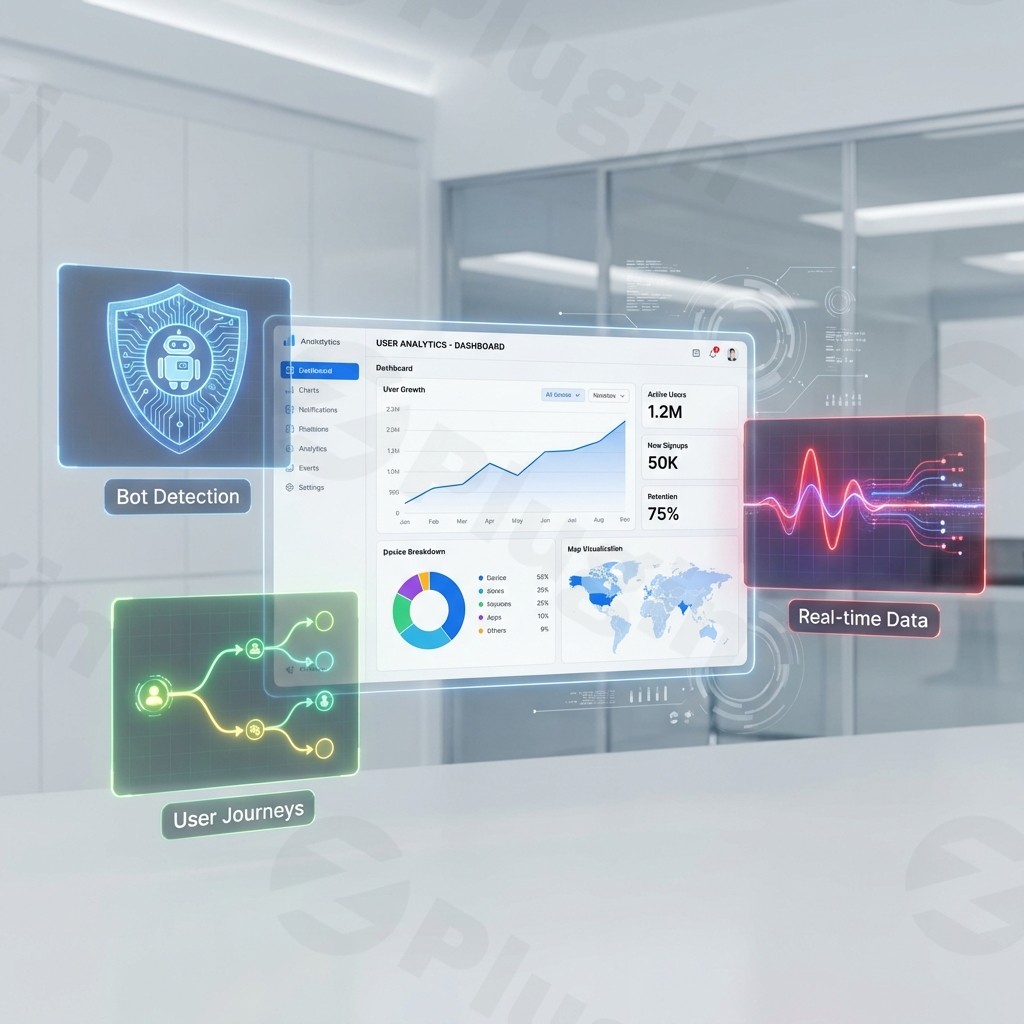
Understanding how visitors interact with your website is the difference between guessing and growing. While standard analytics provide a surface-level view, Advanced User Analytics Pro (also known as Advanced WC Analytics Pro) transforms your WordPress dashboard into a powerhouse of data. By offering deep integration with Google Analytics and a specific focus on e-commerce behavior, this WordPress user analytics pro solution helps site owners track every click, cart addition, and conversion with precision.
In this guide, we will explore how to leverage advanced user analytics for WordPress to optimize your store, improve user retention, and ensure your data collection remains GDPR compliant.
Key Features: Why Choose Advanced User Analytics Pro?
Advanced User Analytics Pro is specifically engineered for high-growth WooCommerce stores and data-driven marketers. It goes beyond simple pageview counts to provide actionable insights into the customer journey.
1. Enhanced E-commerce Tracking
This is the plugin’s standout feature. It tracks the entire WooCommerce lifecycle:
- Product Performance: See which products are viewed most and which actually convert.
- Checkout Funnel: Identify exactly where customers drop off in the payment process.
- Cart Behavior: Monitor “Add to Cart” and “Remove from Cart” events to understand intent.
2. Detailed User Behavior Analysis
Unlike basic tools, this plugin utilizes WordPress user tracking capabilities to provide:
- User ID Tracking: Connect sessions across different devices to see a unified view of a single customer’s journey.
- Retention Reports: Understand how often users return to your site and what keeps them coming back.
- Account Behavior: Analyze how logged-in users interact with their accounts and your content.
3. Traffic & Acquisition Insights
Stop wondering where your sales come from. The plugin tracks:
- Organic Traffic & Search Queries: See the exact terms driving visitors from Google.
- Referral Resources: Identify which external websites or social media platforms are sending the highest-value traffic.
- Enhanced Link Attribution: Differentiate between multiple links pointing to the same destination on a single page for better UI testing.
4. Privacy and GDPR Compliance
Data privacy is non-negotiable. Advanced User Analytics Pro includes built-in tools to keep you compliant:
- IP Anonymization: Automatically mask visitor IP addresses.
- Toggle Features: Easily disable demographics and interest reporting if your privacy policy requires it.
- User ID Control: Give users the ability to opt-out of granular tracking.
How to Install and Set Up Advanced User Analytics Pro
Setting up advanced user analytics for WordPress does not require a developer. Follow these steps to get started:
- Install the Plugin: Upload the plugin files via Plugins > Add New > Upload in your WordPress dashboard. Activate the plugin.
- Connect to Google Analytics: Navigate to the plugin settings page. Use the “Code-Free Integration” wizard to link your Google Analytics account via the Google Analytics Management API. This usually takes just a few clicks.
- Enable WooCommerce Tracking: If you are running an online store, ensure the “Enhanced E-commerce” toggle is switched on. This allows the plugin to begin sending transaction and product data to your reports.
- Configure the Dashboard: Choose which reports you want to see directly in your WordPress admin area. You can set up views for “Real-Time Stats,” “Acquisition,” and “Sales Performance.”
- Set Up Ad Tracking (Optional): If you run paid campaigns, enter your Meta Pixel (Facebook) or Google Ads conversion IDs in the dedicated integration tabs to sync your ROI data.
Practical Usage & Best Practices
To get the most ROI from Advanced User Analytics Pro, integrate it into your weekly marketing workflow.
Use Case 1: Reducing Abandoned Carts
By using the checkout funnel report, you might notice a 40% drop-off at the “Shipping Selection” step. This insight tells you that your shipping costs might be too high or the options are confusing. Addressing this directly can lead to an immediate lift in revenue.
Use Case 2: Optimizing Content Marketing
Use the acquisition reports to see which blog posts lead to actual product purchases. Instead of just looking at “traffic,” look at “conversions per post.” This helps you decide which topics deserve more promotion and which ones need a better Call-to-Action (CTA).
Use Case 3: Performance Monitoring
The Google Analytics dashboard in WordPress allows you to monitor site health daily. If you see a sudden spike in bounce rates or a drop in mobile conversions, you can quickly check if a recent plugin update or theme change has broken your mobile layout.
FAQ & Troubleshooting
Is Advanced User Analytics Pro compatible with WooCommerce?
Yes, Advanced User Analytics Pro is fully compatible with WooCommerce. In fact, it is specifically optimized for WooCommerce, offering “Enhanced E-commerce” features that track product impressions, cart actions, and successful transactions out of the box.
How does the plugin help with GDPR compliance?
The plugin provides several privacy-focused tools, including the ability to anonymize IP addresses, disable user ID tracking, and turn off demographics/interest reports. These features ensure you can collect vital data while respecting user privacy laws like GDPR and CCPA.
Does it support Google Ads and Meta Pixel tracking?
Yes. The plugin includes dedicated integration fields for Google Ads and Meta (Facebook) Pixel. This allows you to track conversions and optimize your ad spend directly through your WordPress analytics setup.
Can I see my reports without leaving WordPress?
Absolutely. One of the primary benefits of this WordPress user analytics pro tool is the integrated dashboard. It pulls data from Google Analytics and displays it in clean, easy-to-read charts within your WordPress admin area.
What should I do if stats aren’t showing up?
First, ensure your Google Analytics property is correctly linked and that you are not “filtering” your own admin visits (a setting in the plugin). Also, check for JavaScript conflicts with caching plugins; you may need to exclude the analytics script from minification.
Final Verdict
Advanced User Analytics Pro is an essential tool for any site owner who needs more than just basic traffic numbers. Its deep focus on e-commerce behavior, combined with its user-friendly dashboard and robust privacy controls, makes it a top-tier choice for growing businesses.
Whether you are looking for the best WordPress plugin for enhanced e-commerce analytics or simply want to understand your audience better, this plugin provides the data-driven edge needed in today’s competitive landscape. For more WordPress tips and plugin reviews, visit wppick.com.
I. Download Limits & Account Benefits
- Free Downloads: Each email address receives 3 downloads per day for free products
- Upgrade Benefits: Purchase any paid product to increase your daily download limit by 3 for each paid product
- No Account Required: You can download immediately by receiving the download link via email
- Account Recommended: Create an account for easier access to your order history and direct update downloads
II. Understanding GPL vs Official Versions
Important: The products available on WPPick are GPL-licensed versions, which differ from official developer versions. Before purchasing, please read our comprehensive guide: Understanding GPL & Official Differences at WPPick
Key Points:
- GPL versions may not include premium support from original developers
- Updates may be delayed compared to official releases
- Some premium features might have limitations
- Always consider your specific needs and support requirements
III. Support & Assistance
We’re here to help through multiple channels:
- Email Support: Direct email assistance for all inquiries
- Live Chat: Real-time support during business hours
- Comprehensive Documentation: Detailed guides and tutorials
IV. Order Tracking
Access your complete purchase history and download links anytime: Order History
V. Account Access
New to WPPick? Login or Create Account to manage your downloads and orders efficiently.
VI. Refund Protection
We stand behind our products with a clear refund policy. Review our terms: Refund Policy
VII. Privacy & Security
Your data security is our priority. Learn how we protect your information: Privacy Policy
VII. Terms of Service
Understanding our service terms ensures a smooth experience: Terms of Use
Quick Tips for Best Experience
- Verify Compatibility: Check plugin/theme compatibility with your WordPress version
- Backup First: Always backup your site before installing new plugins or themes
- Test Environment: Consider testing on a staging site first
- Stay Updated: Regularly check for updates in your account dashboard
- Read Documentation: Review any included documentation for optimal setup
Need Help?
If you have questions about downloads, licensing, or need technical assistance, don’t hesitate to contact our support team. We’re committed to ensuring you have the best possible experience with WPPick products.
Ready to get started? Your download adventure begins with just one click!