
Aelia Currency Switcher For Woocommerce v5.2.8.250501
/Year
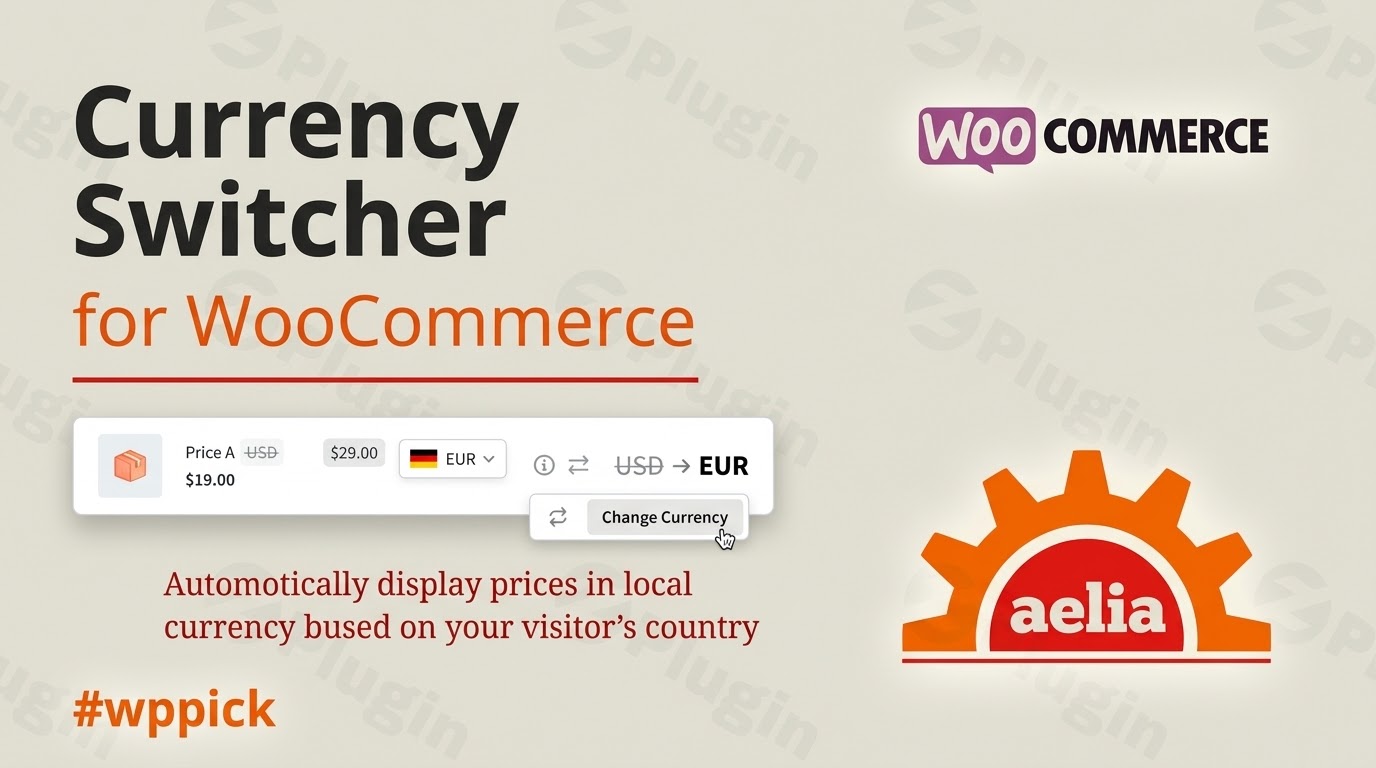
Empower Your Global Store with Aelia Currency Switcher
The Aelia Currency Switcher for WooCommerce is a robust solution designed for e-commerce stores looking to scale internationally. Operating a single-currency shop often alienates foreign shoppers due to unpredictable conversion rates and hidden transaction fees. This plugin solves that problem by allowing your WooCommerce store to display prices, handle checkout processes, and accept payments in multiple currencies simultaneously, providing an optimized shopping experience that drives conversion rates upward.
Latest Version 5.2.14.250918 Changes
Version 5.2.14.250918 of the Aelia Currency Switcher for WooCommerce declared compatibility with WooCommerce 10.2 and introduced a tweak improving general compatibility with PHP 8.4.
- Declared compatibility with WooCommerce 10.2.
- Tweak – Improved compatibility with PHP 8.4.
What It Does
This extension gives store owners complete control over how international customers interact with their catalog pricing. It detects a visitor’s location using integrated IP geolocation and displays the correct currency immediately. Unlike basic display-only conversion widgets, this plugin handles the entire transaction lifecycle in the customer’s preferred currency, from the shop page right through to the final payment gateway processing.
Who It Is For
Aelia Currency Switcher is built specifically for cross-border e-commerce businesses, digital storefronts targeting global regions, and scaling brands needing distinct currency strategies per country. It is engineered for merchants who want to offer localized customer experiences without building separate regional websites or complex multisite networks.
Key Capabilities
- Automated conversion tracking that updates exchange rates continuously via connections to trusted financial provider APIs.
- Manual exchange rate controls that let you lock down specific pricing formulas or base conversions on your own business margins.
- Advanced geolocation rules that map specific regional IP groups directly to targeted base currencies.
- Payment gateway filtering to show or hide specific checkout methods depending on the customer’s active transaction currency.
- Granular price customization options, including specific fixed prices per product or structural rounding rules for converted amounts.
Practical WordPress Use Cases
- Wholesale and B2B Operations: Define unique international prices for global distribution partners while maintaining standard domestic retail rates.
- Regional Promo Actions: Run localized promotional campaigns with specific currency-fixed coupons to protect product profit margins in different markets.
- Multi-Region Digital Goods: Sell downloadable products or access memberships worldwide with dynamic local pricing adjustments based on localized purchasing power.
Setup and Compatibility Notes
The plugin is built to be highly compatible with core WooCommerce infrastructure and modern database schemas, including High-Performance Order Storage (HPOS). It integrates cleanly with standard payment providers such as Stripe and PayPal, allowing multi-currency processing as long as your merchant accounts support the chosen international currencies. Setting it up requires configuring your base store currency, enabling your preferred secondary currencies, and scheduling your exchange rate synchronization updates via the dashboard settings.
Reasons to Choose It on WPPick
Obtaining this plugin through WPPick ensures access to clean, verified code that lets you test and deploy complex multi-currency workflows safely in staging or production environments. It provides full core functionality, allowing you to establish international checkout options without restrictive subscription layers or unexpected feature paywalls.
Latest Version Context
The latest updates focus heavily on server-side performance improvements and compatibility with contemporary WordPress ecosystem components. Specifically, it brings verified support for WooCommerce 10.2 database architecture and addresses technical optimization tweaks for modern PHP 8.4 hosting environments, ensuring smooth background processing and reliable multi-currency checkouts during peak traffic times.
Frequently Asked Questions
Does this plugin only display converted prices, or can customers pay in their local currency?
Customers can complete the entire transaction, including checkout and final payment processing, using their chosen or detected currency, provided your payment gateway supports that specific currency.
How are the international exchange rates calculated?
The system can fetch live exchange rates automatically from several financial network provider APIs at scheduled intervals, or you can manually enter fixed rates directly into the plugin settings to secure specific profit margins.
Can I set specific prices for a product in different currencies instead of using conversion rates?
Yes, the plugin gives store administrators the flexibility to define specific fixed product pricing directly on the edit product screen for each active currency, completely overriding automatic conversion calculations when necessary.
Is this plugin compatible with High-Performance Order Storage (HPOS)?
Yes, recent architectural updates ensure the plugin maintains compatibility with WooCommerce HPOS and underlying database performance layouts, avoiding fatal order management conflicts during admin order editing.
I. Download Limits & Account Benefits
- Free Downloads: Each email address receives 3 downloads per day for free products
- Upgrade Benefits: Purchase any paid product to increase your daily download limit by 3 for each paid product
- No Account Required: You can download immediately by receiving the download link via email
- Account Recommended: Create an account for easier access to your order history and direct update downloads
II. Understanding GPL vs Official Versions
Important: The products available on WPPick are GPL-licensed versions, which differ from official developer versions. Before purchasing, please read our comprehensive guide: Understanding GPL & Official Differences at WPPick
Key Points:
- GPL versions may not include premium support from original developers
- Updates may be delayed compared to official releases
- Some premium features might have limitations
- Always consider your specific needs and support requirements
III. Support & Assistance
We’re here to help through multiple channels:
- Email Support: Direct email assistance for all inquiries
- Live Chat: Real-time support during business hours
- Comprehensive Documentation: Detailed guides and tutorials
IV. Order Tracking
Access your complete purchase history and download links anytime: Order History
V. Account Access
New to WPPick? Login or Create Account to manage your downloads and orders efficiently.
VI. Refund Protection
We stand behind our products with a clear refund policy. Review our terms: Refund Policy
VII. Privacy & Security
Your data security is our priority. Learn how we protect your information: Privacy Policy
VII. Terms of Service
Understanding our service terms ensures a smooth experience: Terms of Use
Quick Tips for Best Experience
- Verify Compatibility: Check plugin/theme compatibility with your WordPress version
- Backup First: Always backup your site before installing new plugins or themes
- Test Environment: Consider testing on a staging site first
- Stay Updated: Regularly check for updates in your account dashboard
- Read Documentation: Review any included documentation for optimal setup
Need Help?
If you have questions about downloads, licensing, or need technical assistance, don’t hesitate to contact our support team. We’re committed to ensuring you have the best possible experience with WPPick products.
Ready to get started? Your download adventure begins with just one click!
- Declared compatibility with WooCommerce 10.2.
- Improved compatibility with PHP 8.4.
- Fixed logic used to save the cost of goods against order items. The original integration got broken by a change in how WooCommerce saves the costs.
- Fixed edge condition that caused a fatal error when editing an existing order while the HPOS "compatibility mode" was enabled.