
Aelia Tax Display By Country For Woocommerce
/Year
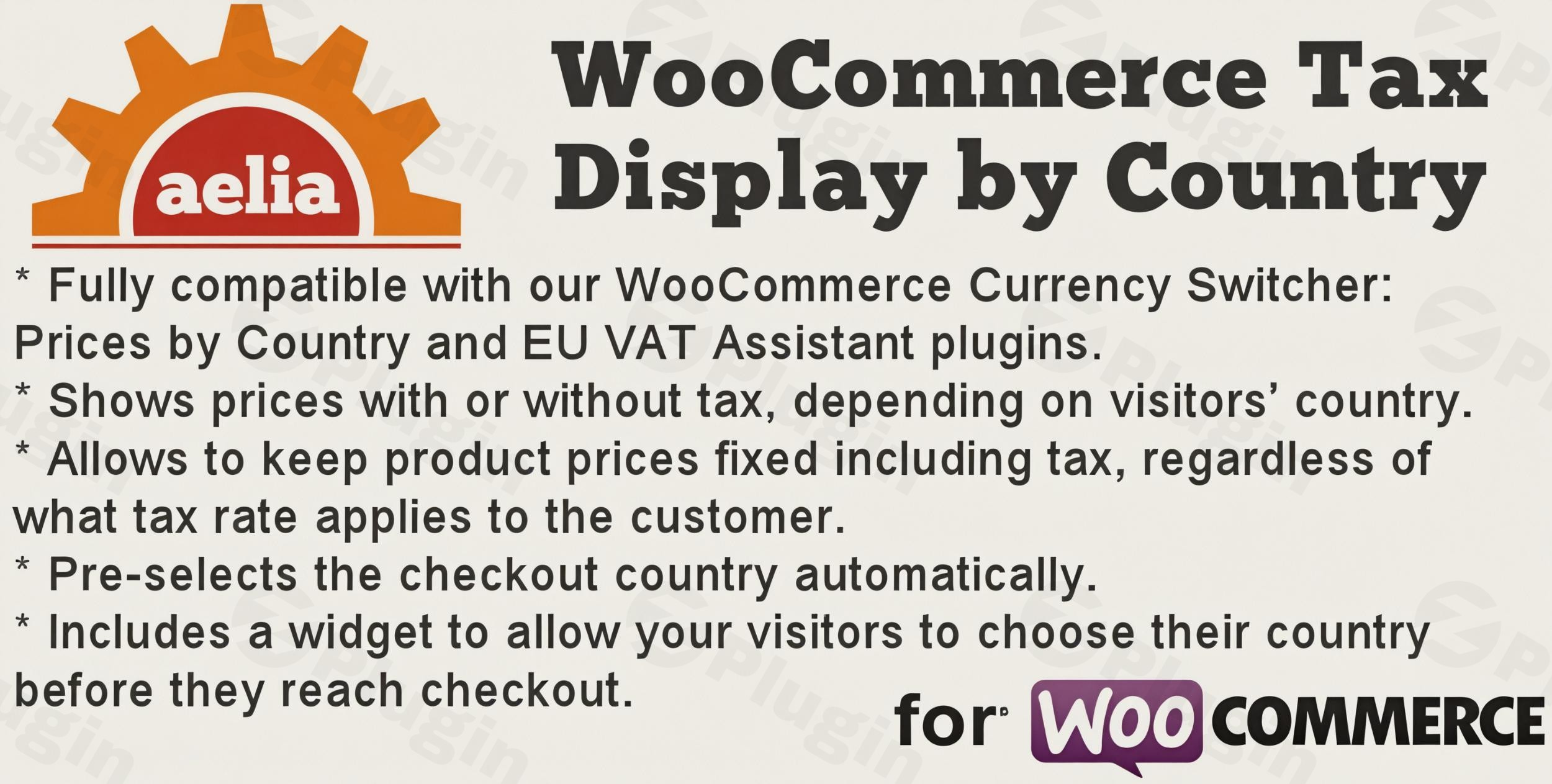
In the ever-expanding world of e-commerce, presenting clear and accurate pricing to international customers is paramount. The Aelia Tax Display by Country for WooCommerce plugin is a robust and essential solution designed to streamline the shopping experience by dynamically adjusting product prices to include or exclude taxes based on your customer’s location. This powerful WooCommerce tax by country plugin helps you reduce checkout friction, enhance transparency, and ensure compliance with global tax regulations, ultimately boosting your international sales and customer satisfaction.
Why Your WooCommerce Store Needs Dynamic Tax Display
WooCommerce, by default, can sometimes struggle with the complexities of international tax display, leading to confusion for customers and potential compliance issues for store owners. This is where the Aelia Tax Display by Country plugin shines. It addresses the critical need for a transparent and adaptable pricing structure, making your store more user-friendly for shoppers worldwide. Whether you’re dealing with varying VAT rates across the EU or simply need to show prices with or without sales tax in different regions, this plugin ensures your customers see the correct price from the moment they land on your product pages.
Key Features for Seamless Global Tax Management
The Aelia Tax Display by Country for WooCommerce offers a comprehensive suite of features engineered to provide granular control over how prices, shipping costs, and taxes are presented to your international clientele.
- Geo-Location Based Tax Display: Automatically detects your visitor’s country using their IP address (leveraging MaxMind GeoLite data) and displays product prices accordingly – either inclusive or exclusive of tax. This crucial functionality ensures your customers always see relevant pricing.
- Dynamic Price Presentation: Offers customizable options for displaying prices, allowing for a transparent structure that instantly adapts to the customer’s location, reducing cart abandonment.
- Fixed Prices Feature: A unique and powerful capability that allows store owners to set a Aelia fixed prices WooCommerce for products. This means the customer pays the exact same final amount, including taxes, regardless of their specific local tax rate, directly addressing a common WooCommerce limitation.
- Automatic Checkout Country Selection: Streamlines the checkout process by pre-filling the billing and shipping country fields based on the customer’s geolocation, minimizing errors and improving user experience.
- Country Switcher Widget: Empowers customers with a user-friendly widget to manually select their country at any point, giving them control over the displayed pricing and taxes before they even reach checkout. This is excellent for customers who might be browsing from a different location than where they intend to ship.
- Customizable Price Suffixes: Add country-specific suffixes to prices (e.g., “+ VAT” or “ex. Tax”) to clearly indicate whether the displayed amount includes or excludes tax, enhancing clarity for the customer.
- Support for Tax-Exempt Customers: Provides an option for customers to declare themselves tax-exempt, ensuring they consistently view and are charged tax-exclusive prices.
- Robust Compatibility:
- WooCommerce Currency Switcher: Seamlessly integrates with Aelia Currency Switcher for multi-currency support, allowing for dynamic currency and tax display simultaneously.
- Aelia Suite Integration: Works harmoniously with other Aelia plugins like Aelia Prices by Country and EU VAT Assistant, offering a holistic solution for international e-commerce.
- WPML Compatibility: Fully compatible with WPML (WordPress Multilingual Plugin), making it ideal for multi-language online stores.
- Caching Support: Includes built-in logic to work effectively with popular caching plugins, ensuring location-specific content is served correctly without conflicts.
- PHP 8.4+ & WooCommerce 10.2+: Regularly updated to ensure compatibility with the latest WordPress, WooCommerce, and PHP versions.
Easy Installation and Configuration
Getting started with Aelia Tax Display by Country is straightforward, designed for users of all technical levels.
- Purchase & Download: After purchasing the plugin, download the plugin zip file from your account.
- Upload to WordPress:
- Log in to your WordPress admin dashboard.
- Navigate to Plugins > Add New.
- Click on the “Upload Plugin” button.
- Choose the downloaded plugin zip file and click “Install Now“.
- Activate the Plugin: Once installed, click “Activate Plugin“.
- Install Aelia Foundation Classes: The plugin requires the free Aelia Foundation Classes for WooCommerce to function. If you don’t have it installed, you’ll be prompted to install and activate it. Follow the on-screen instructions.
- Configure MaxMind GeoLite Data: For accurate geolocation, you’ll need to set up MaxMind GeoLite data.
- Visit the MaxMind website and create a free account to obtain a license key.
- In your WordPress dashboard, navigate to WooCommerce > Settings > General. Scroll down to the “Default Customer Location” setting and ensure it’s set to “Geolocate (with page caching support)” or “Geolocate”.
- Enter your MaxMind License Key in the plugin’s settings, usually found under WooCommerce > Settings > Aelia Tax Display. This ensures the GeoIP database is regularly updated.
- Define Tax Display Rules: Go to the plugin’s settings (typically under WooCommerce > Settings > Aelia Tax Display) to configure your specific tax display rules. Here you can:
- Set whether prices are displayed with or without tax by default.
- Define country-specific rules for tax inclusion/exclusion.
- Configure fixed prices for certain products or regions.
- Customize price suffixes for clarity.
Practical Usage and Best Practices
The Aelia Tax Display by Country plugin empowers various types of WooCommerce store owners to optimize their international sales strategy.
- For Global E-commerce Businesses: If your store serves customers across different countries with varying VAT or sales tax laws, this plugin is indispensable. It allows you to automatically show prices inclusive of VAT for EU customers and exclusive of sales tax for US customers, all from the same product page. This prevents sticker shock at checkout and improves trust.
- Implementing “Fixed Prices” for Specific Markets: This is ideal for stores that want to maintain a consistent global price point, even if the underlying tax rate changes. For example, if you sell a digital product for $100 worldwide, the fixed prices feature ensures that customers in Germany (with 19% VAT) and the US (with 0% sales tax) both see a final price of $100. The plugin handles the back-end tax calculations to ensure your revenue targets are met while presenting a uniform price.
- EU VAT Compliance & Transparency: For stores operating within the European Union, managing WooCommerce VAT by country display is crucial. The plugin helps you clearly show prices with the correct VAT for each EU member state, contributing significantly to VAT MOSS compliance and clear customer communication.
- Improving User Experience and Reducing Abandonment: By dynamically adjusting prices and pre-selecting checkout countries, you remove common points of friction for international shoppers. Customers feel more confident when they see accurate, localized pricing from the outset, leading to higher conversion rates and a smoother purchasing journey. Using the Country Switcher Widget further enhances this by giving visitors immediate control over their pricing view.
FAQ & Troubleshooting
Here are answers to common questions about the Aelia Tax Display by Country for WooCommerce plugin:
What is Aelia Tax Display by Country for WooCommerce?
Aelia Tax Display by Country for WooCommerce is a premium WordPress plugin that automatically adjusts and displays product prices on your WooCommerce store to include or exclude taxes based on the customer’s geographical location. It uses geolocation to provide accurate pricing, helping international customers see prices relevant to their country and improving compliance with tax regulations.
How does Aelia Tax Display handle fixed prices?
The Aelia Tax Display plugin offers a unique “Fixed Prices” feature that allows store owners to set a final, fixed price for products, regardless of the tax rate applicable to the customer’s country. For example, if you set a product’s fixed price at $100, a customer in a 20% VAT country and a customer in a non-VAT country will both see and pay $100, with the plugin adjusting the underlying tax calculation to meet that fixed price. This feature solves a long-standing challenge in international WooCommerce pricing.
Is Aelia Tax Display by Country compatible with caching plugins?
Yes, the Aelia Tax Display by Country plugin is designed with caching compatibility in mind. It includes specific logic to work effectively alongside popular caching plugins, ensuring that location-specific content and dynamic tax displays are served correctly to each visitor without conflicting with cached pages. This means you can maintain fast website performance while offering precise localized pricing.
How to configure country-specific tax display in WooCommerce?
To configure country-specific tax display using Aelia Tax Display by Country, first ensure the plugin is installed and activated. Then, navigate to WooCommerce > Settings > Aelia Tax Display in your WordPress dashboard. Here, you can define rules based on customer location, choosing whether prices should be shown with or without tax for specific countries or regions. You can also set fixed prices, customize price suffixes, and manage tax exemptions. Remember to configure your MaxMind GeoLite data for accurate country detection.
What is geolocation in WooCommerce for taxes?
Geolocation in WooCommerce for taxes refers to the process of identifying a customer’s geographical location (usually via their IP address) to determine the correct tax rates and how prices should be displayed. For example, a customer browsing from Germany might see prices inclusive of German VAT, while a customer in the United States might see prices without sales tax. The Aelia Tax Display plugin utilizes MaxMind GeoLite data for precise geolocation to power its dynamic tax display features.
Conclusion
The Aelia Tax Display by Country for WooCommerce plugin is an indispensable asset for any online store aiming to thrive in the global marketplace. By providing dynamic, accurate, and transparent price displays, it not only enhances the customer experience for international shoppers but also significantly simplifies the complexities of global tax management. From its advanced geolocation capabilities to the unique “fixed prices” feature and broad compatibility, this plugin offers a robust, reliable, and user-friendly solution. Investing in this WooCommerce geo tax solution means investing in clarity, compliance, and ultimately, increased conversions for your worldwide customer base.
I. Download Limits & Account Benefits
- Free Downloads: Each email address receives 3 downloads per day for free products
- Upgrade Benefits: Purchase any paid product to increase your daily download limit by 3 for each paid product
- No Account Required: You can download immediately by receiving the download link via email
- Account Recommended: Create an account for easier access to your order history and direct update downloads
II. Understanding GPL vs Official Versions
Important: The products available on WPPick are GPL-licensed versions, which differ from official developer versions. Before purchasing, please read our comprehensive guide: Understanding GPL & Official Differences at WPPick
Key Points:
- GPL versions may not include premium support from original developers
- Updates may be delayed compared to official releases
- Some premium features might have limitations
- Always consider your specific needs and support requirements
III. Support & Assistance
We’re here to help through multiple channels:
- Email Support: Direct email assistance for all inquiries
- Live Chat: Real-time support during business hours
- Comprehensive Documentation: Detailed guides and tutorials
IV. Order Tracking
Access your complete purchase history and download links anytime: Order History
V. Account Access
New to WPPick? Login or Create Account to manage your downloads and orders efficiently.
VI. Refund Protection
We stand behind our products with a clear refund policy. Review our terms: Refund Policy
VII. Privacy & Security
Your data security is our priority. Learn how we protect your information: Privacy Policy
VII. Terms of Service
Understanding our service terms ensures a smooth experience: Terms of Use
Quick Tips for Best Experience
- Verify Compatibility: Check plugin/theme compatibility with your WordPress version
- Backup First: Always backup your site before installing new plugins or themes
- Test Environment: Consider testing on a staging site first
- Stay Updated: Regularly check for updates in your account dashboard
- Read Documentation: Review any included documentation for optimal setup
Need Help?
If you have questions about downloads, licensing, or need technical assistance, don’t hesitate to contact our support team. We’re committed to ensuring you have the best possible experience with WPPick products.
Ready to get started? Your download adventure begins with just one click!
- Fixed condition that prevented the Stripe gateway from fetching the State during the checkout process for guest users.
- Declared compatibility with WooCommerce 10.2.
- Declared compatibility with WooCommerce 9.9.
- Declared compatibility with WooCommerce 9.5.
- Declared compatibility with WordPress 6.7.9.