

Agile Store Locator (google Maps) For WordPress
/Year
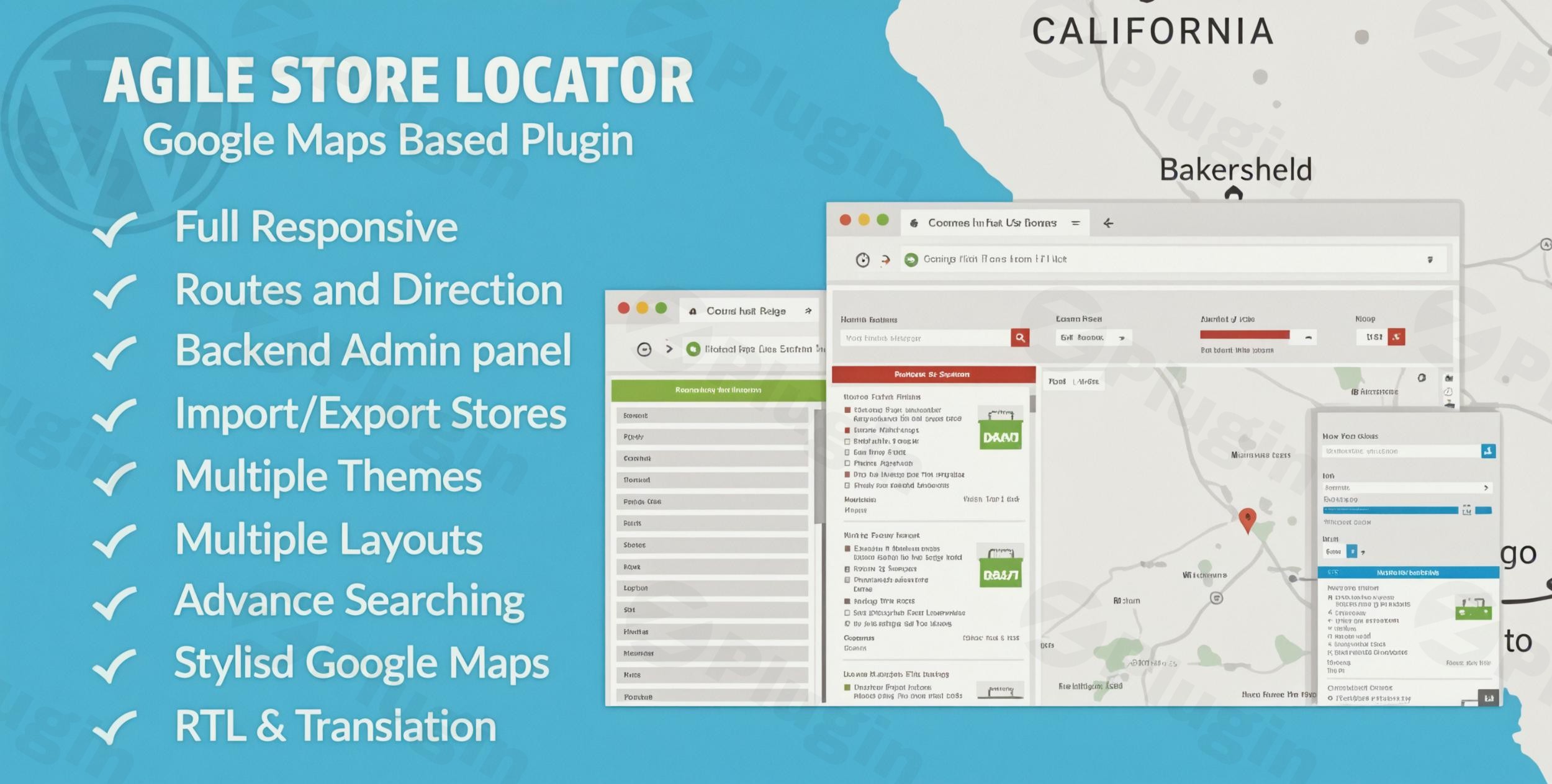
Agile Store Locator for WordPress Overview
Finding a physical business location should be a seamless and intuitive experience for potential customers navigating your website. Agile Store Locator for WordPress bridges the gap between digital presence and physical storefronts by providing an interactive, highly customizable mapping solution. This robust plugin leverages the power of Google Maps to create comprehensive business directories, branch locators, and dealer maps directly within any WordPress environment. By offering advanced filtering, automatic geolocation, and integrated routing capabilities, it ensures website visitors can locate exact points of interest without ever having to leave your domain. The interface is built to accommodate growing networks, managing hundreds or thousands of locations efficiently.
Core Capabilities
- Interactive map interfaces powered by Google Maps and flexible MapLibre geocoding alternatives.
- Advanced store filtering based on custom categories, search radius, distance limits, and specific location parameters.
- Intelligent marker clustering to manage large datasets of locations without sacrificing frontend loading performance.
- Highly customizable map themes, specialized list templates, and adaptable color palettes to match existing corporate branding.
- Comprehensive analytics integration for tracking user search queries, marker clicks, and overall location popularity.
- Efficient CSV import and export functionality for rapid bulk location management and synchronized database updates.
- Fully responsive layout structures that adapt fluidly to desktop monitors, tablet screens, and mobile viewing environments.
Who Benefits from Agile Store Locator
This dynamic directory tool serves a wide spectrum of WordPress users who manage, market, or organize multiple physical locations. Retail chains use it to guide online shoppers directly to the nearest brick-and-mortar storefronts, increasing foot traffic and local sales. Real estate agencies utilize the mapping features to plot available properties alongside essential community amenities such as schools and transit stops. Healthcare networks rely heavily on the locator functionality to help patients find nearby clinics, specialized doctors, or emergency care centers based on their exact coordinates. Additionally, equipment manufacturers and wholesale distributors implement dealer locators so end-users can seamlessly find authorized local retailers and service centers in their region.
Practical WordPress Use Cases
Implementing a locator system extends far beyond simple, static map embeds. A national franchise business can set up a unified directory where users type in their postal code and immediately receive a sorted list of the closest branches, complete with operating hours, phone numbers, and direct contact details. An event management company might build an interactive map displaying multiple festival venues, designated parking lots, and nearby transport hubs to assist attendees. For regional tourism boards, the plugin serves as a comprehensive digital concierge, plotting historic landmarks, recommended restaurants, and approved hotels, allowing visitors to filter the map by their specific personal interests.
Setup and Compatibility Context
Integrating Agile Store Locator requires standard WordPress installation procedures followed by the configuration of an active Google Maps API key or compatible MapLibre geocoding credentials. Site administrators must configure their map provider billing accounts correctly to ensure uninterrupted map rendering and precise address search functionality. The plugin operates smoothly alongside major WordPress page builders, enabling easy placement on front-facing pages via simple shortcodes or dedicated widget blocks. It integrates seamlessly with custom post types and maintains compatibility with standard server caching environments. Administrators should note that map scripts might need to be excluded from aggressive JavaScript minification tools to prevent frontend interface conflicts and ensure smooth rendering.
Reasons to Choose Agile Store Locator on WPPick
Selecting this plugin provides immediate access to a professional-grade directory system explicitly designed for scalability and performance. Users appreciate the excellent balance between robust backend data management and highly flexible frontend design options. The ability to batch-process locations, combined with detailed user search analytics, empowers site administrators to make informed business decisions about store performance and emerging customer geographical patterns. Furthermore, the extensive template library means you can launch a visually compelling, brand-aligned locator tool without needing custom CSS development or complex coding skills.
Latest Version Context
Detailed release notes are not available from the provided sources for Agile Store Locator version 5.4.3. Users are encouraged to maintain active database backups before applying updates and to monitor their map API usage dashboards periodically to ensure continued service stability and mapping accuracy following any core plugin modifications.
Frequently Asked Questions
Does the plugin support multiple categories for a single physical location?
Yes, administrators can easily assign multiple categories to individual stores, allowing users to find a specific location using various different filter combinations simultaneously.
Can I bulk upload my existing store locations from another database?
The system includes a dedicated CSV import tool, enabling administrators to upload hundreds or thousands of locations at once by formatting their spreadsheet data according to the provided template structure.
Does the map provide actual driving directions to the selected store?
The locator integrates built-in direction functionality, routing users directly from their detected or inputted starting point to the selected destination using standard map navigation data layers.
Is a map provider API key absolutely required for the plugin to function?
You must provide valid credentials, such as a Google Maps API key or a supported MapLibre provider equivalent, to enable the core map rendering, geolocation, and address-based search features.
Can the visual appearance of the map markers be customized?
Administrators have full administrative control over marker icons, allowing them to upload custom graphics, color-coded pins, or specific brand logos to replace the default location pins on the frontend map display.
I. Download Limits & Account Benefits
- Free Downloads: Each email address receives 3 downloads per day for free products
- Upgrade Benefits: Purchase any paid product to increase your daily download limit by 3 for each paid product
- No Account Required: You can download immediately by receiving the download link via email
- Account Recommended: Create an account for easier access to your order history and direct update downloads
II. Understanding GPL vs Official Versions
Important: The products available on WPPick are GPL-licensed versions, which differ from official developer versions. Before purchasing, please read our comprehensive guide: Understanding GPL & Official Differences at WPPick
Key Points:
- GPL versions may not include premium support from original developers
- Updates may be delayed compared to official releases
- Some premium features might have limitations
- Always consider your specific needs and support requirements
III. Support & Assistance
We’re here to help through multiple channels:
- Email Support: Direct email assistance for all inquiries
- Live Chat: Real-time support during business hours
- Comprehensive Documentation: Detailed guides and tutorials
IV. Order Tracking
Access your complete purchase history and download links anytime: Order History
V. Account Access
New to WPPick? Login or Create Account to manage your downloads and orders efficiently.
VI. Refund Protection
We stand behind our products with a clear refund policy. Review our terms: Refund Policy
VII. Privacy & Security
Your data security is our priority. Learn how we protect your information: Privacy Policy
VII. Terms of Service
Understanding our service terms ensures a smooth experience: Terms of Use
Quick Tips for Best Experience
- Verify Compatibility: Check plugin/theme compatibility with your WordPress version
- Backup First: Always backup your site before installing new plugins or themes
- Test Environment: Consider testing on a staging site first
- Stay Updated: Regularly check for updates in your account dashboard
- Read Documentation: Review any included documentation for optimal setup
Need Help?
If you have questions about downloads, licensing, or need technical assistance, don’t hesitate to contact our support team. We’re committed to ensuring you have the best possible experience with WPPick products.
Ready to get started? Your download adventure begins with just one click!
- Improved frontend performance for large store sets with batched Google Maps marker creation, optimized clustering, and grouped list rendering
- Reduced duplicate map, marker, and store-list work with delegated event handling and debounced viewport refreshes
- Prevented stale remote-search responses from replacing newer results and improved loading-state handling for aborted requests
- Fixed store-card cache invalidation for refreshed data, distance changes, and branch selection
- Fixed search-area bounds filtering across Google Maps and MapLibre geocoding providers
- Fixed provider-aware address search across the standalone search widget, standard locator, Template 3, and list template
- Restored Legacy and New Google Places support for list-only locators while keeping database search provider-free
- Prevented missing provider credentials from producing avoidable JavaScript geocoding errors
- Improved automatic MapLibre geocoding selection with Geoapify and Mapbox credential detection
- Added a clear frontend warning when MapLibre address search has no configured geocoding provider