

Amazon Affiliate WordPress Plugin By Getaawp v4.2.8
/Year
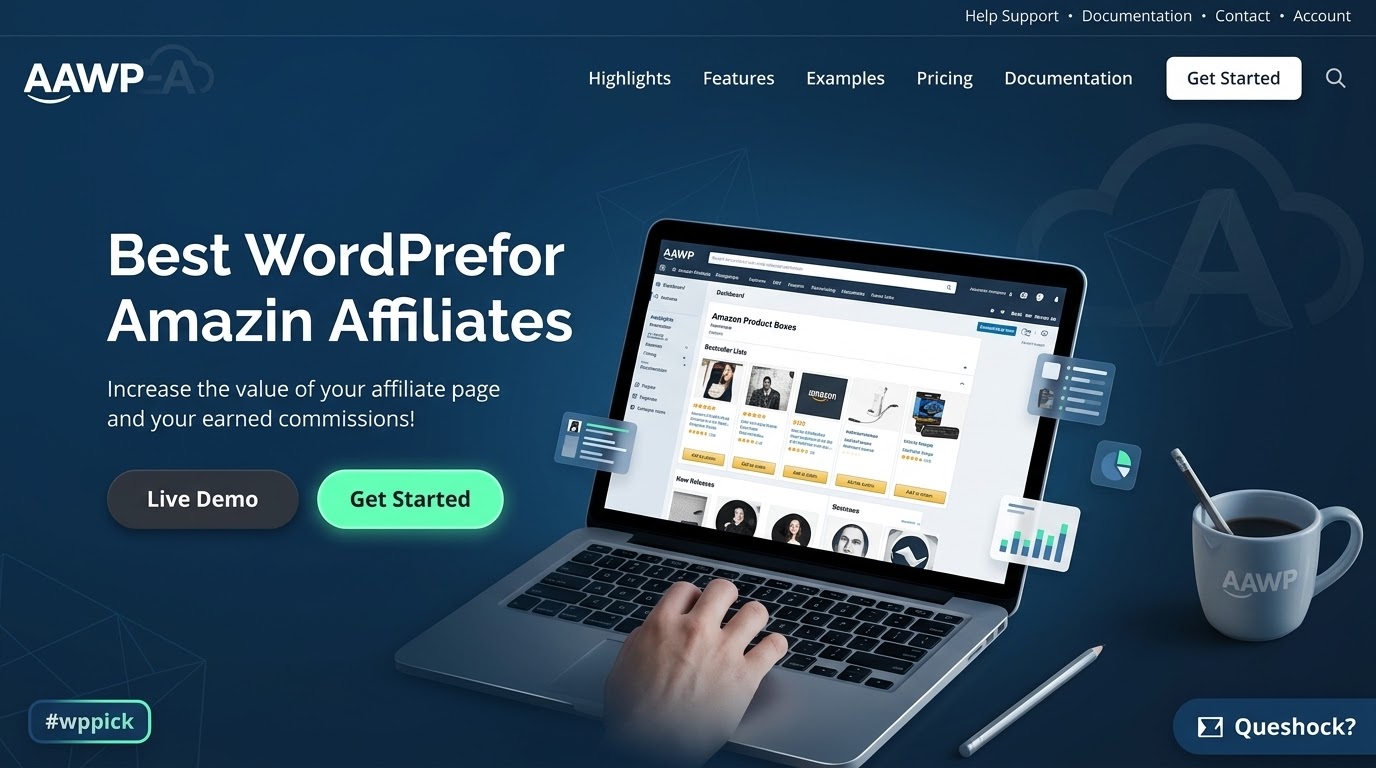
Maximize Affiliate Revenue with the Premium Amazon Affiliate WordPress Plugin
Building a successful niche site or review blog requires reliable tools that convert passive readers into active buyers. The Amazon Affiliate WordPress Plugin, widely known as AAWP, serves as a dedicated solution for integrating Amazon Associates products seamlessly into your WordPress website. Instead of relying on basic text links or outdated imagery, this plugin provides dynamic, visually appealing elements designed to capture user attention and boost click-through rates. By establishing a direct connection to the Amazon Product Advertising API, it ensures that all pricing, availability, and product information remain accurate in real time without manual updates.
Latest Version 5.0.9 Changes
The official changelog for the AAWP (Amazon Affiliate WordPress Plugin) on the official developer website only lists updates up to version 5.0.6, released on April 8, 2026. No official release notes or mention of version 5.0.9 exist on getaawp.com as of July 2026. While third-party GPL redistribution websites claim a version 5.0.9 exists as of July 2026, there are no official changelog notes confirming its details or deployment from the core developer.
- 5.0.6 8th April 2026 Lasso Migration. Filterby asin option in lists. Fix: Clicks entries issue due to db garbage collection. Fix: Product availability status in AAWP API. Fix: Fatal error when notifications feed provided unexpected result. Info: Update Freemius WP SDK to version 2.13.1. Info: WordPress 7.0 compatibility.
- 4.1.0 28th August 2024 WordPress 6.6.1 compatibility. Updated Freemius SDK to v2.7.4.
What the Plugin Does and How It Works
This plugin automates the process of fetching product information directly from Amazon marketplace databases. When you insert a specific product identifier, the plugin automatically retrieves the latest image, title, pricing details, and discount percentages. It transforms this data into fully responsive layouts, such as structured product boxes, comparison tables, or list formats. The automated updates reduce the risk of compliance violations caused by displaying outdated or incorrect pricing information, allowing webmasters to maintain a hands-off approach to content monetization once the initial setup is complete.
Who Should Use This Amazon Affiliate Solution
This tool is engineered specifically for affiliate marketers, content creators, bloggers, and niche website owners who rely on the Amazon Associates program as a primary revenue stream. Whether managing a single product review blog or a massive network of authority sites, users can implement this plugin to standardize their product presentations. It is also highly beneficial for digital marketers who want to create comparison websites, gift guides, or curated lists of trending merchandise without dealing with complex coding or manual data entry.
Key Capabilities and Product Display Formats
- Dynamic Product Boxes: Generate visually compelling boxes that include product titles, descriptions, current pricing, and prominent call-to-action buttons.
- Automated Bestseller Lists: Display the top-selling items within a specific Amazon category automatically, keeping your content fresh and aligned with current buying trends.
- New Release Lists: Attract buyers looking for the latest merchandise by dynamically pulling newly launched items from specific product lines.
- Data Fields and Shortcodes: Insert isolated pieces of information, such as just a product price or a purchase button, anywhere within your existing content blocks.
- Customizable Templates: Adjust the layout, colors, and styles of your product displays to match your active WordPress theme configuration perfectly.
Practical WordPress Use Cases
Consider a website that publishes comprehensive technology reviews and hardware roundups. By utilizing this plugin, the author can embed an interactive comparison table at the top of the article, allowing readers to evaluate specifications and pricing side by side. For a fashion or lifestyle blog, the content creator can set up automated bestseller lists for specific clothing categories within the sidebar widgets, capturing passive clicks from readers browsing the site. Additionally, product boxes can be strategically placed at the end of informational articles to capture high-intent buyers who are ready to make a purchase decision.
Setup and Compatibility Notes
To fully utilize the plugin, users require an active Amazon Associates account and access to the Amazon Product Advertising API credentials or supported API connections. The extension integrates smoothly with the standard block editor, classic editor, and popular page building tools like Elementor. It is designed with clean architecture principles to prevent database bloat, ensuring that real-time API calls do not negatively impact your website loading speeds or core web vitals performance scores.
Reasons to Choose This Tool on WPPick
Acquiring this plugin through WPPick allows you to enhance your affiliate marketing capabilities efficiently. It offers an organized method for deploying clean, advertisement-free product promotions that respect user experience. The flexible architecture ensures that you can test various placement strategies, product boxes, and tracking IDs across your entire catalog of posts without facing complex technical hurdles or restrictive licensing configurations during your initial testing phases.
Latest Version Context and Status
Frequently Asked Questions
Do I need an active Amazon API key to use this plugin?
Yes, an active Amazon Product Advertising API key or valid credentials are required to fetch real-time product data, images, and accurate pricing automated updates across your website layouts.
Can I use this plugin to target multiple Amazon country stores?
Yes, the plugin supports internationalization and geo-targeting, allowing you to automatically redirect visitors to their local Amazon marketplace store based on their geographic location.
Are the product boxes and lists mobile responsive?
Yes, all generated layouts, including comparison tables, bestseller lists, and product boxes, are built with responsive design frameworks to ensure clean rendering on mobile devices and tablets.
Can I customize the style of the product boxes?
Yes, you can modify the appearance through the built-in plugin settings or apply custom style sheets to ensure the output aligns perfectly with your theme layout.
I. Download Limits & Account Benefits
- Free Downloads: Each email address receives 3 downloads per day for free products
- Upgrade Benefits: Purchase any paid product to increase your daily download limit by 3 for each paid product
- No Account Required: You can download immediately by receiving the download link via email
- Account Recommended: Create an account for easier access to your order history and direct update downloads
II. Understanding GPL vs Official Versions
Important: The products available on WPPick are GPL-licensed versions, which differ from official developer versions. Before purchasing, please read our comprehensive guide: Understanding GPL & Official Differences at WPPick
Key Points:
- GPL versions may not include premium support from original developers
- Updates may be delayed compared to official releases
- Some premium features might have limitations
- Always consider your specific needs and support requirements
III. Support & Assistance
We’re here to help through multiple channels:
- Email Support: Direct email assistance for all inquiries
- Live Chat: Real-time support during business hours
- Comprehensive Documentation: Detailed guides and tutorials
IV. Order Tracking
Access your complete purchase history and download links anytime: Order History
V. Account Access
New to WPPick? Login or Create Account to manage your downloads and orders efficiently.
VI. Refund Protection
We stand behind our products with a clear refund policy. Review our terms: Refund Policy
VII. Privacy & Security
Your data security is our priority. Learn how we protect your information: Privacy Policy
VII. Terms of Service
Understanding our service terms ensures a smooth experience: Terms of Use
Quick Tips for Best Experience
- Verify Compatibility: Check plugin/theme compatibility with your WordPress version
- Backup First: Always backup your site before installing new plugins or themes
- Test Environment: Consider testing on a staging site first
- Stay Updated: Regularly check for updates in your account dashboard
- Read Documentation: Review any included documentation for optimal setup
Need Help?
If you have questions about downloads, licensing, or need technical assistance, don’t hesitate to contact our support team. We’re committed to ensuring you have the best possible experience with WPPick products.
Ready to get started? Your download adventure begins with just one click!
- Unauthenticated SQL Injection via Click Tracking
- Duplicate db queries on Click Tracking admin page
- Client IP issues on proxies and load balancers
- Retrieve additional data such as line info and external ids from Creators API
- Support for the Amazon creators API v3 credentials
- Product availability status in AAWP API
- Filter products by "out of stock" status in Products Overview table
- Display AAWP plugin version in header
- Prefix GuzzleHttp to prevent plugin conflicts
- Improve invalid product handling
- Remove redundant api error log entry
- Missing additional optional arguments to Creators API
- Database errors in logs when the table wasn't created yet
- Product image additional variants were missing
- Prime eligibility status not showing for some stores
- Remove AAWP API key error notice if API is successfully connected
- Optimize truncating string to avoid special character as last character
- Creators API resulting in "no product found" when product's availability status is too long
- Custom tracking id not working with Creators API
- Uncaught Error: count(): Argument #1 ($value) must be of type Countable|array, string given
- Missing product_group field in the database with Creators API
- Country flag doesn't change immediately until save in Creators API
- Prime settings, description, price format issue when Creators API is used
- Using the AAWP API now requires a valid API key.