

Analytify Pro WordPress Plugin
/Year
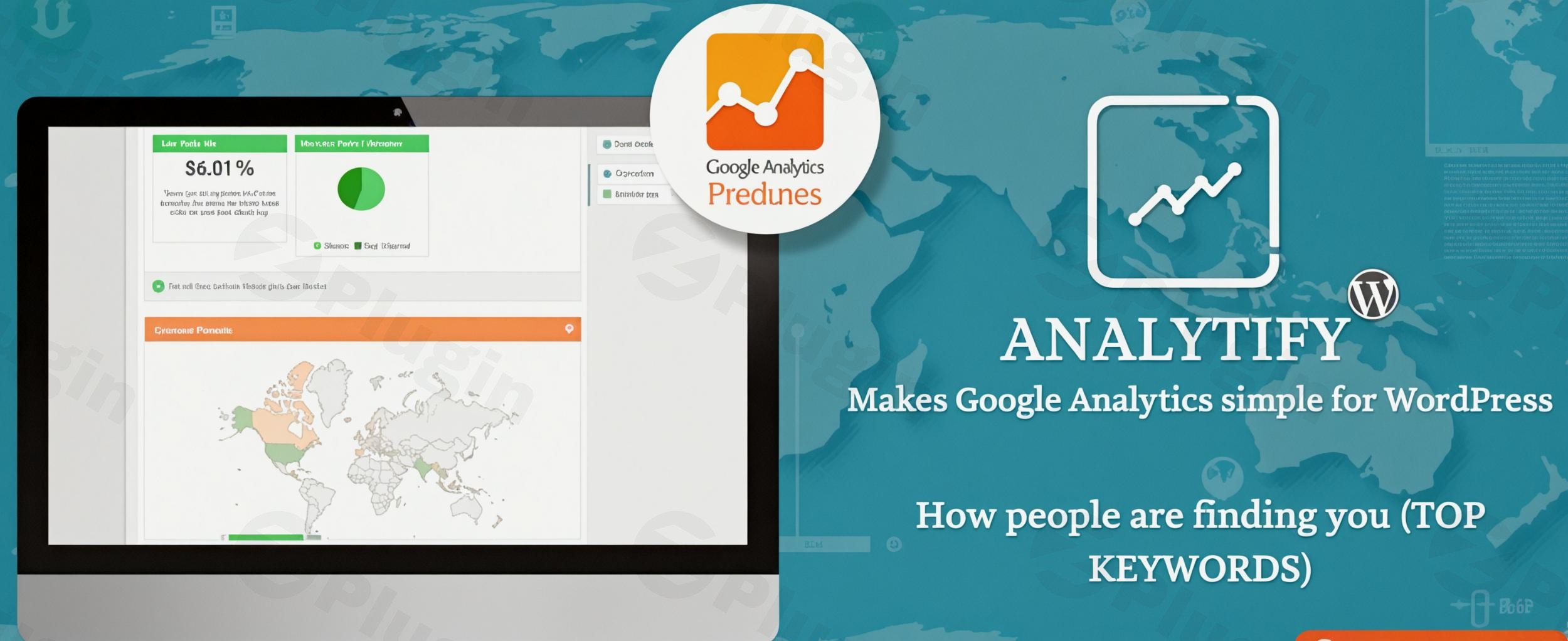
Streamline Your Website Traffic Tracking with Analytify Pro
Managing website traffic data can often feel overwhelming when dealing with complex external platforms. The Analytify Pro WordPress Plugin solves this challenge by bringing comprehensive tracking metrics directly into the administrative area of your website. By integrating seamlessly with your site infrastructure, it presents complex data through an intuitive interface, eliminating the need to navigate back and forth between multiple windows or external tools to gauge performance.
What Analytify Pro Does
This tracking solution serves as a bridge between your website and your analytics tracking profile. It automatically embeds the necessary tracking scripts onto your site and organizes incoming visitor data into clear, graphical overviews. Instead of viewing raw data streams, site managers can see interactive charts representing visitor sessions, page views, bounce rates, and average time spent on specific URLs without ever leaving their administration panel.
Who This Analytics Tool Is For
This integration is built specifically for users who need actionable performance metrics without the steep learning curve. It is an ideal asset for digital marketing professionals who want to monitor campaign performance, content creators looking to track article engagement, and small business owners who want to understand their audience behavior. Additionally, online store managers benefit greatly from its specialized data filters that follow customer buying journeys.
Key Capabilities and Infrastructure
- Comprehensive tracking views directly on the main dashboard screen.
- Detailed page-level and post-level metrics available while browsing the admin panel.
- Geographic reporting to identify top performing visitor countries and cities.
- Referral filtering to monitor which social platforms or external links drive traffic.
- Audience behavior categorization distinguishing between new and returning visitors.
Practical WordPress Use Cases
Content heavy websites utilize page level metrics to determine which editorial topics resonate best with their readership, helping editors optimize future publications. Portals running dedicated marketing initiatives rely on campaign tracking variables to evaluate the exact return on investment for social media promotions or newsletter links. For platforms managing registration procedures, tracking forms submissions provides direct clarity on user sign up drop off rates.
Setup and Compatibility Considerations
Setting up the system involves a straightforward authentication process that securely connects your database to your tracking profile with just a few button selections. The plugin maintains wide compatibility with modern core software versions and follows modern scripting standards to ensure it does not conflict with active themes or search engine optimization extensions. It is designed to be lightweight, running tracking operations efficiently to preserve site loading speeds.
Reasons to Choose It on WPPick
Acquiring this optimization asset through WPPick allows administrators to deploy premium management features efficiently across development environments. Users receive pristine, deployment ready files verified for script safety and performance stability. This marketplace alternative provides an accessible method to implement full dashboard visibility, helping teams audit traffic trends and refine conversion optimization tactics across their portfolio with confidence.
Latest Version Context
Detailed release notes are not available from the provided sources. For the most optimal performance, compatibility with the latest block editors, and security maintenance, keeping the tracking infrastructure updated to the current build ensures reliable data synchronization with external tracking protocols.
Frequently Asked Questions
How does this plugin show statistics for individual pages?
The plugin adds a dedicated reporting section directly underneath the editor screen for every post and page, allowing administrators to view views, users, and engagement metrics specifically for that individual piece of content.
Can I track custom post types with this solution?
Yes, the system is fully capable of tracking custom post types such as portfolios, testimonials, products, and galleries, providing identical deep data metrics for specialized content structures.
Does the system require manual tracking script insertion?
No, the integration fully automates the script deployment process. Once authenticated with your account, the plugin handles script insertion uniformly across your entire template layout.
Is this tracking infrastructure compatible with privacy compliance frameworks?
The plugin is designed to operate harmoniously alongside popular privacy and cookie consent extensions, ensuring that visitor tracking respects local compliance preferences and user opt out choices.
I. Download Limits & Account Benefits
- Free Downloads: Each email address receives 3 downloads per day for free products
- Upgrade Benefits: Purchase any paid product to increase your daily download limit by 3 for each paid product
- No Account Required: You can download immediately by receiving the download link via email
- Account Recommended: Create an account for easier access to your order history and direct update downloads
II. Understanding GPL vs Official Versions
Important: The products available on WPPick are GPL-licensed versions, which differ from official developer versions. Before purchasing, please read our comprehensive guide: Understanding GPL & Official Differences at WPPick
Key Points:
- GPL versions may not include premium support from original developers
- Updates may be delayed compared to official releases
- Some premium features might have limitations
- Always consider your specific needs and support requirements
III. Support & Assistance
We’re here to help through multiple channels:
- Email Support: Direct email assistance for all inquiries
- Live Chat: Real-time support during business hours
- Comprehensive Documentation: Detailed guides and tutorials
IV. Order Tracking
Access your complete purchase history and download links anytime: Order History
V. Account Access
New to WPPick? Login or Create Account to manage your downloads and orders efficiently.
VI. Refund Protection
We stand behind our products with a clear refund policy. Review our terms: Refund Policy
VII. Privacy & Security
Your data security is our priority. Learn how we protect your information: Privacy Policy
VII. Terms of Service
Understanding our service terms ensures a smooth experience: Terms of Use
Quick Tips for Best Experience
- Verify Compatibility: Check plugin/theme compatibility with your WordPress version
- Backup First: Always backup your site before installing new plugins or themes
- Test Environment: Consider testing on a staging site first
- Stay Updated: Regularly check for updates in your account dashboard
- Read Documentation: Review any included documentation for optimal setup
Need Help?
If you have questions about downloads, licensing, or need technical assistance, don’t hesitate to contact our support team. We’re committed to ensuring you have the best possible experience with WPPick products.
Ready to get started? Your download adventure begins with just one click!
- Introduced visitor countries and cities in the Realtime dashboard.
- Introduced Forms add-on tracking for additional form plugins (Happyforms, Forminator, GiveWP, and WeForms).
- Added table styling options (colors, font size, layout) to the Analytify shortcode and block.
- Added validation for ad-pixel ID fields (Meta, TikTok, LinkedIn, Pinterest, X, Snapchat, Microsoft UET) to prevent invalid values from being saved.
- Refreshed email report icon/logo assets for sharper rendering.
- Improved reliability of license deactivation.
- Clearer update notices for license renewal vs. Core updates, with a direct update link.
- World‑map shortcode now correctly shows geographic data for specific periods using the
[analytify_worldmap]shortcode. - Custom‑range logic fixed in email reports for proper date‑range behavior.
- Fixed an issue where Fluent Forms submissions were sometimes not tracked after a Fluent Forms update.
- Fixed a JavaScript error that silently broke anchor/hash-based virtual pageview tracking in Events Tracking.
- Author Stats CSV export now correctly matches GA4 data.
- Social Media CSV export now actually filters for social referral sources instead of exporting unfiltered top referrers.
- Email report tables no longer render blank when a reporting period has no activity, now shows a proper "no activity" message.
- Diagnostic shortcode error messages are now only shown to administrators, not site visitors.
- Enhanced Tel Link Analytics dashboard table is no longer broken on mobile screens.
- Fixed 404, JavaScript, and AJAX error stat boxes not displaying on the dashboard.
- Fixed WooCommerce Orders page bulk actions.
- Fixed WooCommerce and Paid Memberships Pro dashboard date range filters not applying correctly.
- Compatible with WordPress 7.0.
- Updated the POT and all supported (DE, ES, FR, IT, nb_NO, NL, RU, and TR) languages.
- Removed the deprecated Enhanced Link Attribution (UA-only) option as part of GA4 cleanup and UI simplification.
- Fixed an UI issue with email formatting in reports.
- Updated the Geolocation REST API to use a dynamic date range in email reports.
- Easy Digital Downloads reports now show correct sales and download data.
- Email reporting notes now support HTML formatting for better customization.
- Applied coding standards and optimized the codebase for improved performance and faster loading times.
- Added animated loaders and smooth UI feedback for license validation and email notification actions.
- Added a Tools section in the Help tab for improved user experience.
- Improved Analytify notification layout for better readability.
- Resolved Google Analytics link attribution and WooCommerce tracking issues.
- Compatible with WordPress 6.9
- Gravity Form table layout
- Dual script issue
- Fix Custom Dimensions Reporting
- Introduced a new dimension for Archives statistics.
- Limited admin notices to Analytify-specific pages only.
- Restricted WooCommerce and Easy Digital Downloads add-ons activation to prevent unauthorized access.
- Resolved Analytify Pro version detection issue flagged by WordFence security scans.
- Email Add-On - Set default city value when location data is not available.
- Resolved Analytify Pro version detection issue flagged by WordFence security scans.