

Arprice – WordPress Pricing Table Plugin
/Year
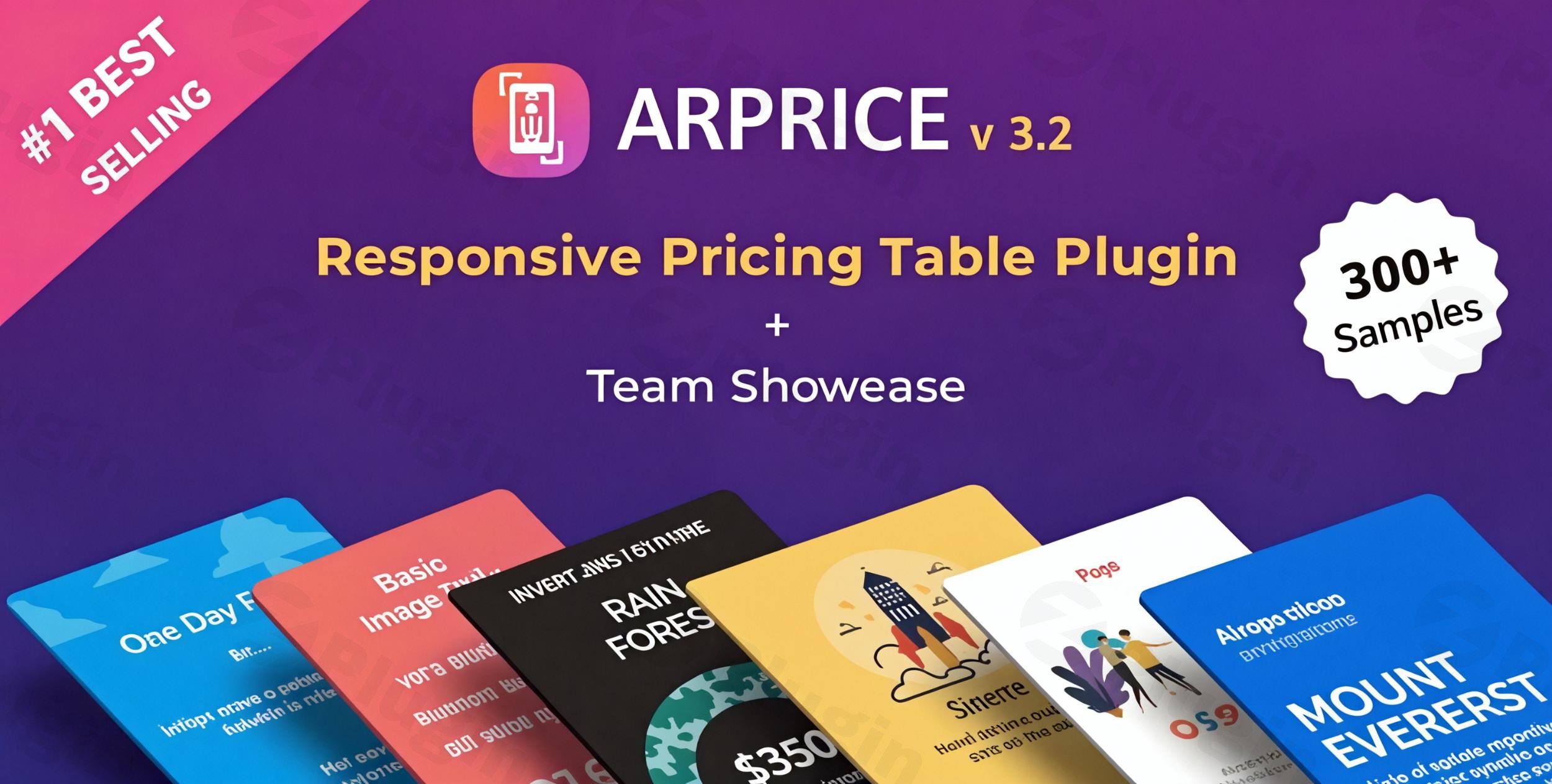
In today’s competitive digital landscape, presenting your products, services, or subscription plans clearly and attractively is crucial for converting visitors into customers. For WordPress users, achieving this often means finding a powerful yet user-friendly solution. This is where the ARPrice WordPress plugin shines, offering an all-in-one toolkit to design and deploy stunning, responsive pricing and comparison tables effortlessly.ARPrice is the ultimate WordPress pricing table plugin designed for businesses, agencies, and freelancers who need to showcase their offerings with clarity, style, and advanced functionality. It tackles the common challenge of creating engaging price breakdowns without requiring any coding knowledge, making it accessible to everyone. With its extensive template library and intuitive real-time editor, ARPrice empowers you to build dynamic pricing presentations that not only look professional but also drive conversions.
Key Features of ARPrice: Elevate Your Pricing Strategy
ARPrice is packed with features that give you complete control over your pricing displays. Let’s delve into the capabilities that make it a standout choice for creating impactful pricing and comparison tables.
Extensive Template Library for Instant Professionalism
Jumpstart your design process with over 300 professionally designed ARPrice templates. This vast collection caters to diverse styles and website aesthetics, ensuring you can find the perfect starting point for any niche. These templates are not just pre-made designs; they are fully customizable to match your brand’s unique identity.
Intuitive Real-Time Drag & Drop Editor
The cornerstone of ARPrice’s user-friendliness is its powerful ARPrice drag and drop editor. This real-time visual builder allows you to customize every aspect of your pricing tables with simple drag-and-drop actions. You can instantly preview changes across different devices, eliminating the need for coding and making the design process both efficient and enjoyable.
Dynamic Monthly/Yearly Pricing Toggle
A critical feature for subscription-based businesses, ARPrice offers an easy-to-implement ARPrice pricing toggle. This allows your visitors to seamlessly switch between monthly, yearly, or even up to five different pricing periods with a single click, providing flexibility and clarity for your pricing plans.
Advanced Customization & Styling Options
ARPrice gives you unlimited control over the aesthetics of your tables:
- Unlimited Colors: Customize headers, body, pricing, and buttons with any color to perfectly align with your brand.
- Typography: Access to 900+ Google Fonts and 2400+ Font Awesome icons (among a broader library of 3000+ icons) ensures personalized and engaging typography.
- CSS-Based Ribbons & Tooltips: Easily add attention-grabbing “Best Deal” or “Discount” ribbons without relying on images, complete with full customization options. Enhance user experience with customizable tooltips for additional information.
- Animation and Hover Effects: Bring your tables to life with advanced animations, column rotations, and customizable hover effects for buttons, columns, and other elements, making your tables truly stand out.
Fully Responsive Design for Every Device
In today’s mobile-first world, responsiveness is non-negotiable. All ARPrice tables are ARPrice responsive pricing table designs, ensuring they look flawless on desktops, tablets, and smartphones. The live preview in the editor allows you to verify responsiveness as you build.
Multimedia Integration
Go beyond text and images. ARPrice supports embedding videos (YouTube, Vimeo, Dailymotion, Metacafe), audio (SoundCloud, Mixcloud, Beatport), and even Google Maps directly into your pricing tables, creating a richer, more engaging user experience.
Built-in Analytics & Performance Tracking
Optimize your pricing strategy with ARPrice’s detailed analytics. Track views and interactions, including button clicks, to gain valuable insights into user engagement and the performance of your pricing tables. The premium version even offers A/B testing capabilities to fine-tune your conversions.
Versatile Use Cases: Beyond Pricing
While its name suggests pricing tables, ARPrice is also a capable ARPrice team showcase plugin, offering pre-made templates and functionalities for creating visually appealing team member profiles.
Seamless Integrations & Compatibility
ARPrice integrates smoothly with essential WordPress tools and page builders, including:
- Page Builders: Gutenberg, Elementor, WPBakery (Visual Composer), Divi Builder, Beaver Builder, Cornerstone, King Composer, Fusion Builder, and Thrive Builder Tabs.
- E-commerce & Payments: PayPal for “Buy Now” buttons and ARPrice plugin WooCommerce integration for product pricing.
- Multilingual Support: WPML-ready for creating multilingual websites and full support for Right-to-Left (RTL) languages.
Installation & Setup: How to Create Pricing Tables in WordPress with ARPrice
Installing and setting up ARPrice is a straightforward process, even if you’re not a developer. Here’s a step-by-step guide to get your first pricing table live.
- Purchase and Download: Obtain the ARPrice plugin from a trusted source like ZeroPlugin.com, ensuring you get a genuine GPL license for regular updates and security. You’ll receive a
.zipfile. - Upload the Plugin:
- Log in to your WordPress admin dashboard.
- Navigate to Plugins > Add New.
- Click on the “Upload Plugin” button at the top of the page.
- Click “Choose File”, select the ARPrice
.zipfile you downloaded, and click “Install Now”.
- Activate the Plugin: Once installed, click “Activate Plugin”. You should now see “ARPrice” added to your WordPress admin sidebar.
- Create Your First Pricing Table:
- Go to ARPrice in your WordPress admin menu.
- Click “Add New Pricing Table” (or similar option to start a new table).
- Choose one of the 300+ ready-made ARPrice templates as your starting point.
- Enter the ARPrice drag and drop editor. Here, you can customize columns, rows, colors, fonts, add ribbons, toggles, and more.
- Configure Pricing Toggles (Optional): If offering monthly/yearly plans, use the ARPrice pricing toggle options to set up different price points and periods.
- Insert into a Page/Post: After saving your table, ARPrice will provide a shortcode.
- Edit the page or post where you want the pricing table to appear.
- Paste the shortcode directly into the content editor. If using a page builder, look for an “ARPrice” module or a “Shortcode” element to insert it.
- Publish and Preview: Save your page or post and view it live to ensure your responsive pricing table looks perfect on all devices.
Practical Usage & Best Practices
ARPrice is incredibly versatile, fitting various business models and marketing strategies. Here are a few practical use cases and best practices to maximize its potential:
- SaaS & Subscription Services: Utilize the monthly/yearly toggle feature to clearly present different subscription tiers. Highlight the “most popular” or “best value” plan with a visually distinct ribbon. Integrate direct “Buy Now” buttons with PayPal for seamless sign-ups.
- Agencies & Freelancers: Showcase service packages (e.g., Basic, Standard, Premium web design, SEO, or content writing packages). Emphasize key deliverables for each tier and include call-to-action buttons for “Request Quote” or “Contact Us.”
- E-commerce Stores (with WooCommerce): Leverage ARPrice plugin WooCommerce integration to create stylish comparison tables for product variations, premium add-ons, or subscription boxes. Use multimedia elements to showcase product videos or detailed feature explanations.
- Course Creators & Educators: Present different course levels or membership plans with features like “course access,” “private community,” or “1-on-1 coaching.” The visual nature of ARPrice helps learners quickly grasp the value of each option.
- Optimizing with ARPrice WordPress Pricing Table Analytics: Regularly monitor your pricing table’s performance using the built-in analytics. Track which plans get the most views and clicks. If you notice a particular plan isn’t performing well, use the data to inform A/B tests on pricing, features, or call-to-action text. This data-driven approach is key to improving conversion rates.
FAQ & Troubleshooting
Is ARPrice a good WordPress pricing table plugin?
Yes, ARPrice is a good WordPress pricing table plugin known for its comprehensive features, extensive template library (over 300), and intuitive real-time drag-and-drop editor. It is highly rated by users on marketplaces like CodeCanyon (over 7,611 sales with a 4.44/5 star rating), praised for its flexibility, ease of use, and visual customization capabilities without requiring coding.
How to customize ARPrice pricing tables?
You can customize ARPrice pricing tables using its powerful real-time drag-and-drop editor. After creating or selecting a template, you can visually adjust columns, rows, colors, fonts (from 900+ Google Fonts and 2400+ Font Awesome icons), backgrounds, and buttons. You can also add animations, hover effects, CSS-based ribbons, and multimedia elements directly within the editor with instant live previews.
Does ARPrice support Elementor?
Yes, ARPrice is highly compatible with popular WordPress page builders, including Elementor. It also works seamlessly with Gutenberg, WPBakery (Visual Composer), Divi Builder, Beaver Builder, Cornerstone, King Composer, Fusion Builder, and Thrive Builder Tabs. You can embed ARPrice tables into pages built with these editors using its shortcode or dedicated modules where available.
What are the alternatives to ARPrice plugin?
While ARPrice offers a robust solution, some popular alternatives include Go Pricing, Easy Pricing Tables, Responsive Pricing Table by WP Darko, Pricing Table by Supsystic, CSS3 Responsive WordPress Compare Pricing Tables, Elementor Addons (e.g., ElementsKit), SeedProd, and WP Table Builder. ARPrice differentiates itself with its exceptionally large template library, powerful real-time editor, multi-level pricing toggle, and integrated analytics.
ARPrice plugin minimum requirements
The ARPrice plugin minimum requirements are PHP version 5.6 or higher and WordPress version 4.0 or higher. The plugin is designed for optimized performance, ensuring pricing tables load quickly, and has undergone continuous improvements for compatibility with recent WordPress and PHP versions (including PHP 8.x).
Conclusion
ARPrice stands as a premier solution for anyone looking to create professional, engaging, and highly effective pricing and comparison tables on their WordPress website. Its unparalleled library of over 300 templates, coupled with an intuitive drag-and-drop editor, empowers users to design beautiful tables without any coding barriers. From dynamic monthly/yearly toggles to built-in analytics and extensive page builder compatibility, ARPrice delivers a comprehensive toolkit for optimizing your conversion strategy.Whether you’re selling software, services, or physical products via WooCommerce, the ARPrice WordPress plugin provides the flexibility and power needed to clearly communicate value and drive sales. For a trustworthy and feature-rich pricing table solution, ARPrice offers significant ROI, making it an ideal choice for businesses and individuals committed to elevating their online presence.
I. Download Limits & Account Benefits
- Free Downloads: Each email address receives 3 downloads per day for free products
- Upgrade Benefits: Purchase any paid product to increase your daily download limit by 3 for each paid product
- No Account Required: You can download immediately by receiving the download link via email
- Account Recommended: Create an account for easier access to your order history and direct update downloads
II. Understanding GPL vs Official Versions
Important: The products available on WPPick are GPL-licensed versions, which differ from official developer versions. Before purchasing, please read our comprehensive guide: Understanding GPL & Official Differences at WPPick
Key Points:
- GPL versions may not include premium support from original developers
- Updates may be delayed compared to official releases
- Some premium features might have limitations
- Always consider your specific needs and support requirements
III. Support & Assistance
We’re here to help through multiple channels:
- Email Support: Direct email assistance for all inquiries
- Live Chat: Real-time support during business hours
- Comprehensive Documentation: Detailed guides and tutorials
IV. Order Tracking
Access your complete purchase history and download links anytime: Order History
V. Account Access
New to WPPick? Login or Create Account to manage your downloads and orders efficiently.
VI. Refund Protection
We stand behind our products with a clear refund policy. Review our terms: Refund Policy
VII. Privacy & Security
Your data security is our priority. Learn how we protect your information: Privacy Policy
VII. Terms of Service
Understanding our service terms ensures a smooth experience: Terms of Use
Quick Tips for Best Experience
- Verify Compatibility: Check plugin/theme compatibility with your WordPress version
- Backup First: Always backup your site before installing new plugins or themes
- Test Environment: Consider testing on a staging site first
- Stay Updated: Regularly check for updates in your account dashboard
- Read Documentation: Review any included documentation for optimal setup
Need Help?
If you have questions about downloads, licensing, or need technical assistance, don’t hesitate to contact our support team. We’re committed to ensuring you have the best possible experience with WPPick products.
Ready to get started? Your download adventure begins with just one click!
- Version 4.2.1 released on 10 July 2025