

Astra Pro – Extend Astra Theme With Pro Addon
/Year
What is Astra Pro?
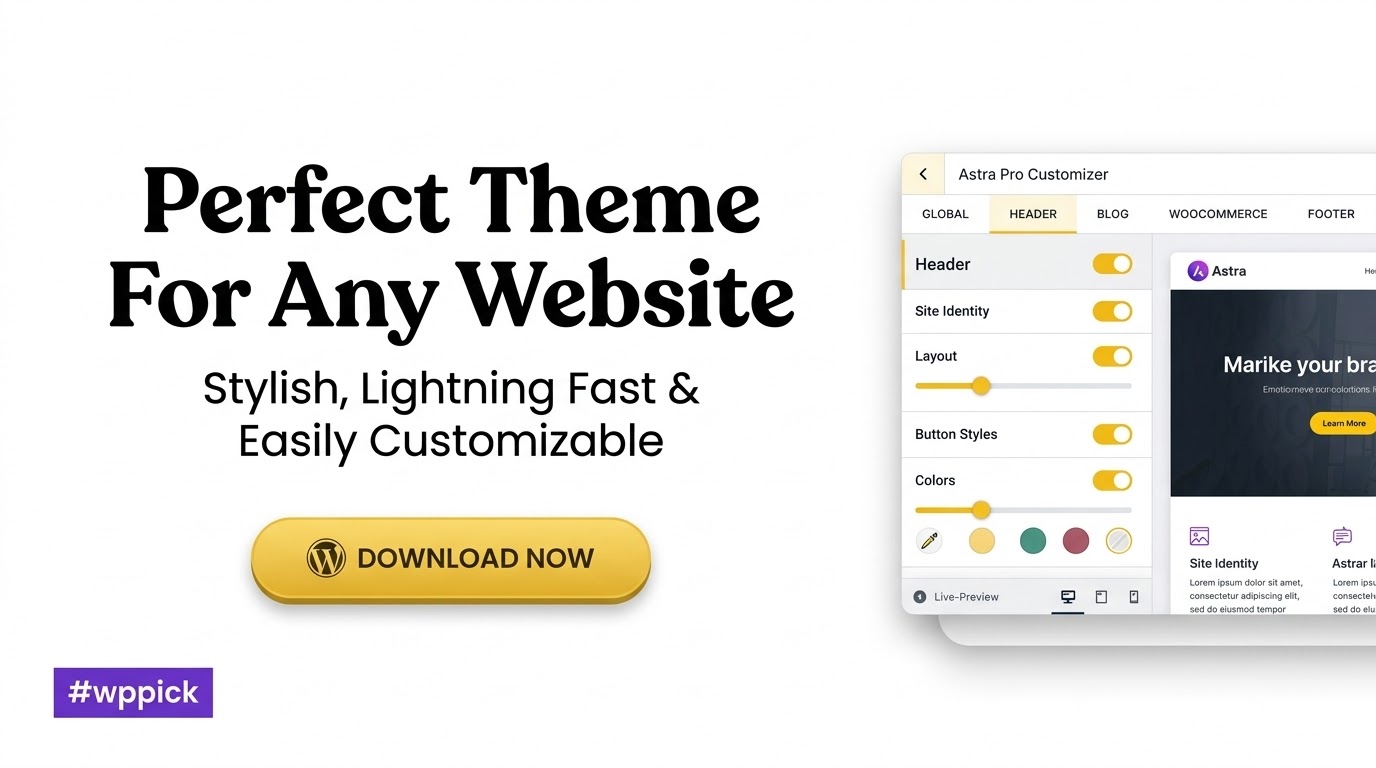
Astra Pro is a powerful companion plugin that unlocks advanced functionality and granular design controls within the lightweight Astra WordPress theme. It provides professional tools for managing headers, footers, blog layouts, and e-commerce storefronts without requiring code.
Latest Version 4.13.7 Changes
Astra version 4.13.7 focuses on security hardening for Site Builder and custom code layouts, fixing language persistence issues with WPML, resolving sticky header and SVG logo bugs, fixing Block Editor crashes with Overlay Templates, and correcting various display and spacing glitches in mobile filters, pagination, and post filters.
- Site Builder output is more tightly escaped and author names in Advanced Headers archive titles are hardened.
- Site Builder layouts with custom code are locked down properly, restricting code-editor layouts to admins and sanitizing snippets.
- Fixed WPML issue where Customizer text (header/footer HTML, button text) could be saved in the wrong language during updates.
- Cleared lingering ‘update available’ notice after updates.
- Fixed bug where SVG logos vanished when enabling the shrink effect on sticky headers.
- Resolved sticky header left-drifting issue with Max Width site layouts and scroll/fade animations.
Who is Astra Pro For?
This plugin is designed for web developers, agency owners, freelancers, and business owners building high-performance WordPress sites. It suits users seeking detailed custom layouts, flexible blog grids, and optimized online shops.
Key Capabilities
- Advanced header and footer builder options including sticky and transparent navigation.
- Comprehensive WooCommerce controls for product catalogs, quick views, and off-canvas filters.
- Custom layouts and hooks for dynamic template injection across pages and archives.
- Blog Pro enhancements for pagination, infinite scroll, and customized post loops.
Practical WordPress Use Cases
Astra Pro excels at powering business websites, digital agencies, and dynamic online stores. Users can construct complex custom post layouts, design tailored checkout flows, and maintain branding consistency across multilingual setups using WPML.
Latest Version Context
Astra version 4.13.7 introduces important security hardening for Site Builder layouts, restricting code-editor capabilities to administrators and sanitizing custom snippets. This release also resolves WPML translation persistence bugs, sticky header alignment shifts, and mobile WooCommerce filter glitches.
Frequently Asked Questions
Does Astra Pro work as a standalone theme?
No, Astra Pro is an extension plugin that requires the free Astra theme to be installed and activated on your WordPress website.
Can I customize my WooCommerce store with Astra Pro?
Yes, Astra Pro includes specialized e-commerce modules that add sales bubbles, modern product galleries, off-canvas filters, and cart optimizations.
Is coding required to use Astra Pro features?
No coding knowledge is necessary. All design adjustments, layout configurations, and styling changes are managed visually through the native WordPress Customizer and Site Builder.
How does version 4.13.7 improve security?
Version 4.13.7 restricts code-editor layouts exclusively to administrator user roles and sanitizes code snippets to prevent unwanted script execution on the frontend.
I. Download Limits & Account Benefits
- Free Downloads: Each email address receives 3 downloads per day for free products
- Upgrade Benefits: Purchase any paid product to increase your daily download limit by 3 for each paid product
- No Account Required: You can download immediately by receiving the download link via email
- Account Recommended: Create an account for easier access to your order history and direct update downloads
II. Understanding GPL vs Official Versions
Important: The products available on WPPick are GPL-licensed versions, which differ from official developer versions. Before purchasing, please read our comprehensive guide: Understanding GPL & Official Differences at WPPick
Key Points:
- GPL versions may not include premium support from original developers
- Updates may be delayed compared to official releases
- Some premium features might have limitations
- Always consider your specific needs and support requirements
III. Support & Assistance
We’re here to help through multiple channels:
- Email Support: Direct email assistance for all inquiries
- Live Chat: Real-time support during business hours
- Comprehensive Documentation: Detailed guides and tutorials
IV. Order Tracking
Access your complete purchase history and download links anytime: Order History
V. Account Access
New to WPPick? Login or Create Account to manage your downloads and orders efficiently.
VI. Refund Protection
We stand behind our products with a clear refund policy. Review our terms: Refund Policy
VII. Privacy & Security
Your data security is our priority. Learn how we protect your information: Privacy Policy
VII. Terms of Service
Understanding our service terms ensures a smooth experience: Terms of Use
Quick Tips for Best Experience
- Verify Compatibility: Check plugin/theme compatibility with your WordPress version
- Backup First: Always backup your site before installing new plugins or themes
- Test Environment: Consider testing on a staging site first
- Stay Updated: Regularly check for updates in your account dashboard
- Read Documentation: Review any included documentation for optimal setup
Need Help?
If you have questions about downloads, licensing, or need technical assistance, don’t hesitate to contact our support team. We’re committed to ensuring you have the best possible experience with WPPick products.
Ready to get started? Your download adventure begins with just one click!
- Site Builder - Hardened output escaping for the author name shown in Advanced Headers archive titles.
- WPML - Customizer strings like header/footer HTML and button text getting permanently saved in the wrong language when addon updates re-wrote options through WPML translation filters.
- Updater - Cleared the leftover "update available" notice for the already-installed version that could appear once after updating from an older version.
- Sticky Header - SVG logo no longer disappears when the "Enable Shrink Effect" option is enabled.
- Sticky Header - Primary Header no longer shifts to the left on scroll with the Max Width Site Layout when a margin is set from the Design tab.
- Sticky Header - Above/Below Header no longer shifts to the left on scroll with the Max Width Site Layout when the animation is set to Scroll or Fade.
- Site Builder - Creating a new Overlay Template from a Navigation block's Overlay settings no longer crashes the Block Editor with an "astra-custom-layout plugin has encountered an error" message.
- WooCommerce - Product Filters block no longer opens a second popup inside the Off-Canvas filter flyout on mobile product category pages.
- Live Search - Header Cover search style rendered a duplicate `id="ast-search-form"` in the DOM when used with the Header/Footer Builder, as the same template loads for both desktop and mobile header bars.
- Spacing - Blog / Archive "Pagination" spacing control no longer disappears from the Customizer when the Blog Pro module is turned off.
- Blog Pro - Post Filters showed a blank content area when the selected category used a custom Site Builder template; those tabs now load the page directly so the template renders.
- Site Builder - Restricted code-editor layouts to admins and sanitized non-executed snippets to prevent stored front-end scripts.
- WooCommerce - Resolved a PHP notice on WordPress 6.9.1+ triggered when the `flexslider` script handle was added as a dependency of `astra-addon-js` but WooCommerce was inactive or its scripts had not yet been registered.
- WooCommerce - Fixed mobile layout shift where the filter/sort toolbar briefly overlapped the product grid on initial page load before snapping into position with modern style.
- Sticky Header - Submenu dropdown appearing with a negative offset inside the header when logo width pushes header height beyond the configured header height value.
- Mega Menu - Custom padding set in the editor is now correctly applied when "Open Mega Menu On" is set to Hover, resolving a CSS specificity conflict that caused the hardcoded default to override user-defined values.
- Blog Pro - Infinite Scroll throwing a JS error on Custom Post Type archive pages that use a custom Site Builder template, caused by the script assuming the `#main` element always exists.
- Fixed gaps around featured images when Blog Card Content Alignment is enabled.
- Sticky header not working when jQuery 4.0 is loaded.
- Accordion tab content clipped on initial page load when containing dynamic content on single product pages.
- Translated custom layout hooks are displayed across all languages instead of only their assigned language when using the "Front Page" display condition with Polylang.
So glad I got this! My website looks professional now and it was surprisingly easy to set up. Thanks!
Hi, I’m currently using 4.10.5 on a site still running WP 6.5. Is updating to the official 4.11.10 version safe? I’m worried about the known conflicts with PHP 8.2 and the recent WP updates. Thanks!
Been using this for a while now, really solid addon. Makes my site look so much better. Ngl, it’s pretty good.
Having trouble getting the custom layouts feature to work correctly with conditional display rules. I want to show a specific layout only on custom post types, but it’s either showing everywhere or not at all. The documentation isn’t super clear on advanced conditions. Any tips or a more detailed tutorial on this?
I was looking for Astra Pro but wanted a reliable source outside the official site, and WPPick delivered! Their selection is truly well-curated, and the download process was incredibly easy and straightforward. It’s a fantastic alternative if you’re looking for premium plugins from a trustworthy platform. So grateful for WPPick’s excellent service!
After the last update, my transparent header option is completely broken on mobile devices. It looks fine on desktop, but on mobile, it’s just a solid white bar, even though the setting is enabled. I’ve cleared all caches (theme, plugin, browser) and it persists. Please look into this bug!
Astra Pro is a game changer fr! Super easy to use and adds so much 🔥 to my site. Def worth it.
WPPick is fantastic! I got Astra Pro from here, and the whole experience was seamless. Their curation of plugins is spot on, making it easy to find what you need. The download process was incredibly simple, and it’s clear they are a reliable source. For anyone needing a solid alternative to the official repositories, WPPick’s service is absolutely stellar.
Excellent plugin! I saw in the changelog for 4.11.10 that the custom breakpoints functionality has been significantly improved. I’m still rocking 4.8.2, which is solid, but I need those new controls. When will this latest version be available here?
Finding Astra Pro on WPPick was a game-changer! I love that they have such a good selection of premium plugins, and the fact that it’s a reliable source gives me so much peace of mind. The download was super easy, no fuss at all. It’s definitely a top-notch alternative to the official repos, and I’m really impressed with WPPick’s service.