

Backuply Pro
/Year
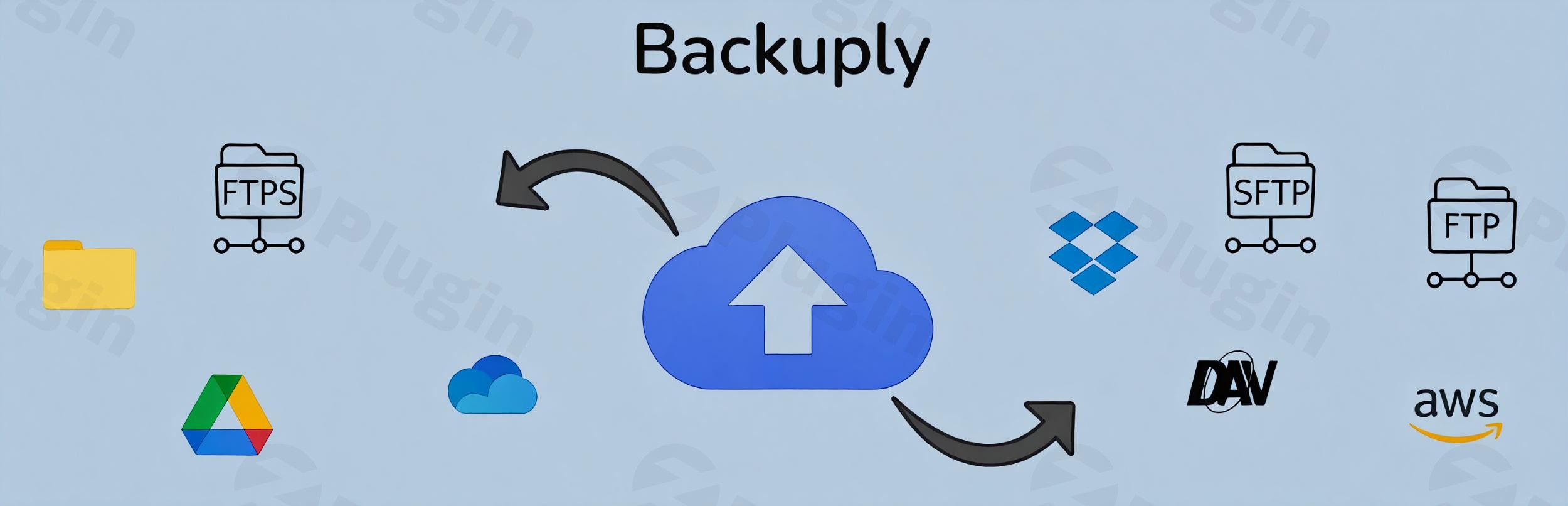
What is Backuply Pro?
Backuply Pro is a comprehensive WordPress backup and migration plugin designed to safeguard your website from unexpected data loss, server failures, and faulty updates. It empowers website owners, developers, and agencies to automate site backups, store archives securely in external cloud locations, and restore entire systems with a single click.
Latest Version 1.5.4 Changes
Backuply Pro version 1.5.4 introduced an option to trigger automatic backups during WordPress Core updates, added a Self Diagnosis tool for firewall troubleshooting and debug log access, resolved cloud quota updating issues for duplicate location types, fixed UI incompatibilities with WordPress 7.0, and excluded internal backup folders from backup tasks.
- [Feature Pro] Option to trigger Backup when updating WordPress Core.
- [Improvement] Added Self Diagnosis, help knowing if some firewall is blocking Backuply’s requests, and quick access to Backuply debug logs.
- [Bug-Fix] There was an issue with the quota updating, if 2 locations of same Cloud location type were added.
- [Bug-Fix] Minor UI fixes caused because of incompatibility with the new WordPress 7.0.
- [Task] backup-migration and backup folders inside wp-content won’t be backed up.
What Does Backuply Pro Do?
The plugin automates the process of saving complete website snapshots, including your database, media uploads, themes, and plugins. It enables seamless site migrations between different servers or domain names without requiring technical expertise. Users can schedule automated backups at regular intervals, configure multiple cloud storage destinations, and execute rapid recoveries if a site crashes.
Who is Backuply Pro For?
Backuply Pro is built for a wide range of WordPress users who require dependable site security and disaster recovery solutions:
- Website owners looking for a hands-off, automated routine to protect valuable content and customer data.
- Freelancers and agencies managing multiple client sites who need fast migration and reliable staging-to-live backup workflows.
- Developers who frequently update core files, themes, and plugins and want an instant safety net before deploying changes.
Key Capabilities and Features
Backuply Pro offers an extensive suite of tools tailored for complete data security and efficient server management:
- Automated scheduled backups stored directly to remote cloud destinations such as Google Drive, Dropbox, and Amazon S3.
- One-click restoration wizard to revert your website to a stable state instantly after an error or security incident.
- Built-in site migration utility that simplifies transferring heavy WordPress installations to new hosts or domains.
- Advanced encryption protocols to ensure your backup archives remain secure during transit and storage.
- Self-diagnosis capabilities to identify firewall blocks and provide quick access to detailed debug logs.
Practical WordPress Use Cases
Website administrators can deploy Backuply Pro across various everyday scenarios. Before implementing major core updates, plugin patches, or custom code modifications, users can generate an immediate snapshot. If an incompatibility breaks the site frontend or backend, the one-click restore feature brings the environment back online instantly. Additionally, agencies can use the migration tools to clone staging environments to production servers seamlessly.
Setup and Compatibility Context
Installing and configuring Backuply Pro takes just a few minutes via the standard WordPress dashboard upload method. The plugin integrates smoothly with major hosting environments, PHP configurations, and popular third-party storage providers. Its streamlined setup wizard guides users through connecting cloud accounts and establishing automated backup schedules without complex database configurations.
Latest Version Context
Backuply Pro version 1.5.4 brings important performance enhancements and compatibility updates. This release introduces an option to trigger automatic backups whenever WordPress Core updates, helping protect against unforeseen core conflict issues. It also adds a Self Diagnosis utility to help administrators identify firewall restrictions blocking requests and provides quick access to debug logs. Furthermore, version 1.5.4 resolves cloud quota update issues when using duplicate location types, fixes minor user interface incompatibilities with WordPress 7.0, and excludes internal backup and migration directories from backup routines to optimize storage efficiency.
Why Choose Backuply Pro on WPPick?
Choosing Backuply Pro through WPPick gives website managers access to a robust, feature-rich disaster recovery solution without complicated licensing hurdles. Its combination of scheduled cloud storage, diagnostic utilities, and straightforward restoration workflows makes it a dependable addition to any professional WordPress toolkit.
Frequently Asked Questions
Can Backuply Pro handle large WordPress websites?
Yes, the plugin is optimized to handle large databases and extensive media libraries by processing data efficiently to prevent server timeout errors during backup creation.
Where are my backup files stored?
You can store your backups locally on your server or choose from multiple external cloud storage integrations, including Google Drive, Dropbox, Amazon S3, and FTP locations.
Does Backuply Pro support site migration?
Yes, it includes built-in migration tools that allow you to transfer your entire WordPress installation to a new domain or web host quickly and securely.
What happens if a firewall blocks backup requests?
Version 1.5.4 introduces a built-in Self Diagnosis tool specifically designed to help you identify whether a server firewall is blocking Backuply requests and provides direct access to debug logs for troubleshooting.
Are internal backup folders included in the archive?
No, internal backup and migration folders located inside the wp-content directory are automatically excluded from backup tasks to prevent redundant file duplication and save storage space.
I. Download Limits & Account Benefits
- Free Downloads: Each email address receives 3 downloads per day for free products
- Upgrade Benefits: Purchase any paid product to increase your daily download limit by 3 for each paid product
- No Account Required: You can download immediately by receiving the download link via email
- Account Recommended: Create an account for easier access to your order history and direct update downloads
II. Understanding GPL vs Official Versions
Important: The products available on WPPick are GPL-licensed versions, which differ from official developer versions. Before purchasing, please read our comprehensive guide: Understanding GPL & Official Differences at WPPick
Key Points:
- GPL versions may not include premium support from original developers
- Updates may be delayed compared to official releases
- Some premium features might have limitations
- Always consider your specific needs and support requirements
III. Support & Assistance
We’re here to help through multiple channels:
- Email Support: Direct email assistance for all inquiries
- Live Chat: Real-time support during business hours
- Comprehensive Documentation: Detailed guides and tutorials
IV. Order Tracking
Access your complete purchase history and download links anytime: Order History
V. Account Access
New to WPPick? Login or Create Account to manage your downloads and orders efficiently.
VI. Refund Protection
We stand behind our products with a clear refund policy. Review our terms: Refund Policy
VII. Privacy & Security
Your data security is our priority. Learn how we protect your information: Privacy Policy
VII. Terms of Service
Understanding our service terms ensures a smooth experience: Terms of Use
Quick Tips for Best Experience
- Verify Compatibility: Check plugin/theme compatibility with your WordPress version
- Backup First: Always backup your site before installing new plugins or themes
- Test Environment: Consider testing on a staging site first
- Stay Updated: Regularly check for updates in your account dashboard
- Read Documentation: Review any included documentation for optimal setup
Need Help?
If you have questions about downloads, licensing, or need technical assistance, don’t hesitate to contact our support team. We’re committed to ensuring you have the best possible experience with WPPick products.
Ready to get started? Your download adventure begins with just one click!
- Option to trigger Backup when updating WordPress Core.
- Added Self Diagnosis, help knowing if some firewall is blocking Backuply’s requests, and quick access to Backuply debug logs.
- There was an issue with the quota updating, if 2 locations of same Cloud location type were added.
- Minor UI fixes caused because of incompatibility with the new WordPress 7.0.
- backup-migration and backup folders inside wp-content won’t be backed up.
- Hacking, Server Crashes, Dodgy Updates Or Simple User Error Can Ruin Your WordPress Site.
- Secure Cloud Backups, One-Click Restore, Easy Migrations.
- 100% Restore Rate.
- For some cases, upload to OneDrive was getting stuck because OneDrive's servers were either breaking the request abruptly or not responding. This has been fixed.
- In certain cases, the info file and version file were not getting added to the backup; this has been fixed.
- Size of a file uploaded through FTP was showing wrong when the backup size was more than 2GB; this has been fixed.
- Backuply now handles UTC-based time zones as well. Earlier, it used to handle just the city-based timezones of WordPress General settings.