

Barn2 Media Document Library Pro
/Year
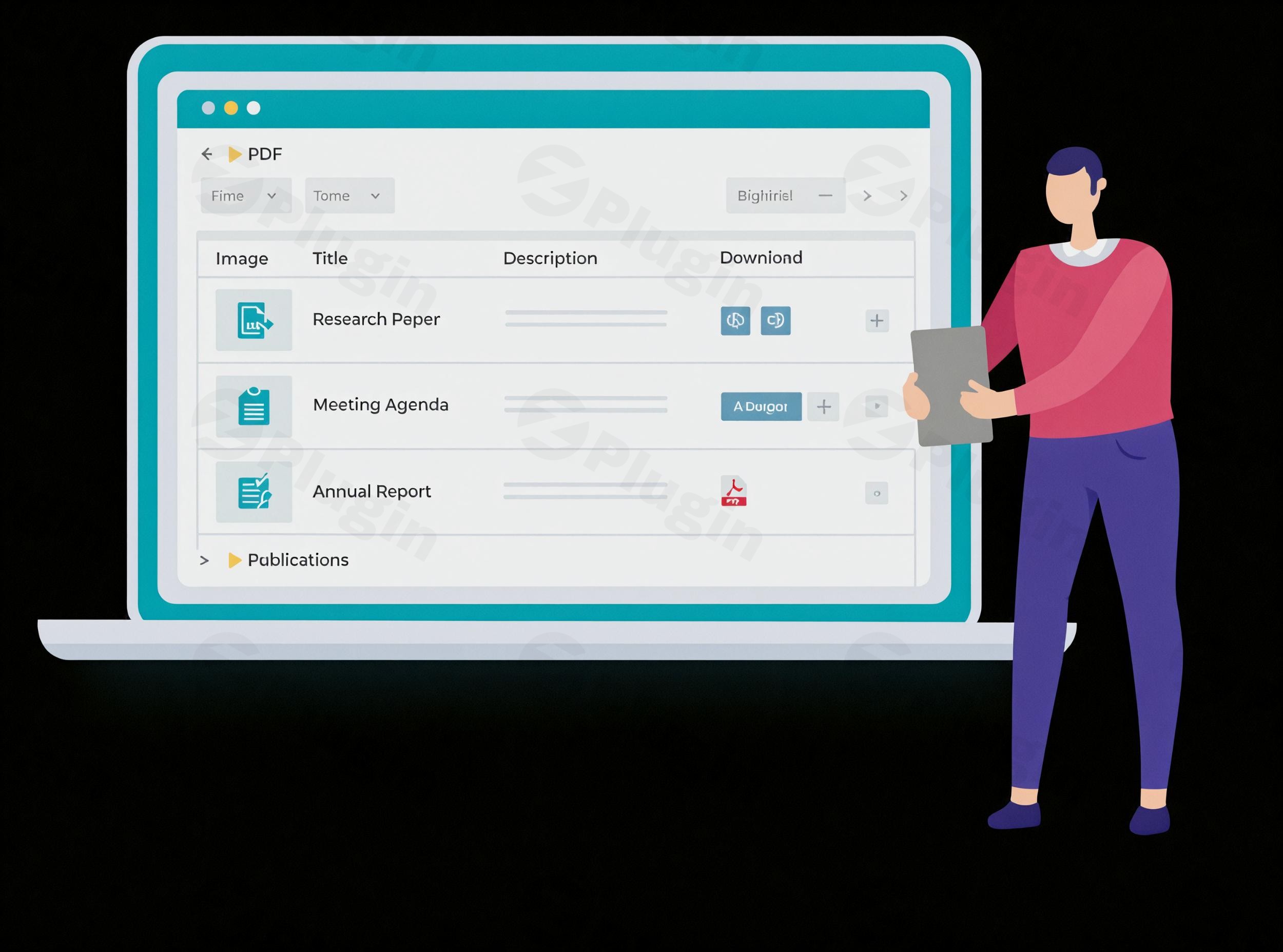
Efficiently Organize and Showcase Business Resources
Barn2 Media Document Library Pro offers an automated way to store, organize, and showcase documents on your WordPress website. Whether you manage corporate training manuals, legal policies, non-profit resources, or academic research, this plugin eliminates cluttered media directories. It converts standard uploads or external files into structured assets that visitors can navigate, search, and download effortlessly.
What It Does
The plugin generates a structured digital repository using a dedicated ‘Documents’ post type. Files can be organized hierarchically with categories, nested folders, and custom metadata fields. On the frontend, it delivers layout options including clear data tables, modern grid cards, or folder hierarchies. This ensures that users do not have to hunt for downloads through endless pages or unorganized archives.
Who It Is For
This document management tool satisfies real-world administrative needs across several sectors:
- Corporations: Distribute internal employee handbooks, HR documentation, standard operating procedures, and technical guides safely.
- Government & Non-profits: Share public meeting minutes, official circulars, community reports, and active compliance documents transparently.
- Educational Institutes: Build structured educational resource portals, research project libraries, syllabi, and student worksheets.
- Client Portals: Maintain individual, password-protected download directories or assets mapped directly to specific user accounts.
Key Capabilities
- Flexible Layout Interfaces: Display files in a searchable table layout, a modern grid layout with thumbnails, or an intuitive nested folder view.
- Robust Internal Search & Multi-Filters: Combine high-performance AJAX keyword searches with dropdown filters sorted by category, tag, or custom taxonomy fields.
- Diverse Document Sources: Upload standard assets directly, convert existing items via the Media Library, run large bulk CSV imports, or link to external assets hosted on Google Drive and Dropbox.
- Advanced Access Control & Restrictions: Restrict visibility globally, by category, or at an individual document level using specific passwords, user roles, or custom user logins.
- Version Control Tracking: Save complete operational histories by archiving and managing older document versions whenever updates occur.
Practical WordPress Use Cases
Organizations deploy Document Library Pro for explicit operational workflows:
- Policy Repositories: Creating an indexed, sorting-enabled catalog for organizational policies where legal teams can apply publication or expiry tracking dates.
- Lead Generation Tools: Utilizing built-in lead capture capabilities to request email addresses or account registration prompts before visitors download key files.
- Digital Asset Directories: Displaying cross-platform multimedia types, from embedded audio/video previews to technical files like ZIP, PDF, Word, and Excel.
Setup and Compatibility Context
The system integrates smoothly with the standard block editor and provides dedicated shortcodes for placement on any page. It maintains explicit compatibility with major SEO platforms, custom field frameworks like Advanced Custom Fields (ACF), translation engines such as TranslatePress, and search tools including FacetWP or SearchWP. This structure guarantees a seamless configuration that respects underlying server memory and architectural standards.
Why Choose It on WPPick
Sourcing your WordPress plugins from WPPick grants you instant access to completely clean, unaltered file packages. We verify our inventory through rigid security checks to preserve integrity. Our neutral marketplace model ensures you receive a secure deployment option, immediate file downloads, and straightforward licensing management designed for professional scaling.
Latest Version Context
The deployment of version 3.3.0 focuses on administrative convenience and platform-wide optimization. It introduces a dedicated media filter dropdown inside the Select File interface when adding files, alongside explicit visibility warning panels if a protected configuration is saved without active constraints. This release also implements full functional adjustments to styling components, color selectors, and operational frameworks to match the architecture of WordPress 7.0 and modern PHP environments.
Frequently Asked Questions
Can I host my files outside of WordPress?
Yes. The system accommodates external third-party file URLs. You can host your documents on remote storage systems like Dropbox, Amazon S3, or Google Drive and link them smoothly to your frontend repository cards.
What file formats does the plugin support?
It handles all file variants registered by your WordPress environment, including PDF, DOCX, XLSX, PPTX, ZIP, MP3, and MP4. It can also manage web links or embedded video URLs.
Can I restrict specific files to registered members only?
Yes. The advanced versions include native access control tools that let you secure files based on user roles, private passwords, specific account usernames, or global parameters.
Does it generate automatic document previews?
Yes. You can embed native previews or incorporate quick-view links, allowing visitors to inspect documents directly in their browser windows before choosing to download them.
How does the CSV bulk import work?
The system lets you map standard file paths, titles, tags, and category taxonomies inside a single spreadsheet to populate thousands of indexable assets simultaneously.
I. Download Limits & Account Benefits
- Free Downloads: Each email address receives 3 downloads per day for free products
- Upgrade Benefits: Purchase any paid product to increase your daily download limit by 3 for each paid product
- No Account Required: You can download immediately by receiving the download link via email
- Account Recommended: Create an account for easier access to your order history and direct update downloads
II. Understanding GPL vs Official Versions
Important: The products available on WPPick are GPL-licensed versions, which differ from official developer versions. Before purchasing, please read our comprehensive guide: Understanding GPL & Official Differences at WPPick
Key Points:
- GPL versions may not include premium support from original developers
- Updates may be delayed compared to official releases
- Some premium features might have limitations
- Always consider your specific needs and support requirements
III. Support & Assistance
We’re here to help through multiple channels:
- Email Support: Direct email assistance for all inquiries
- Live Chat: Real-time support during business hours
- Comprehensive Documentation: Detailed guides and tutorials
IV. Order Tracking
Access your complete purchase history and download links anytime: Order History
V. Account Access
New to WPPick? Login or Create Account to manage your downloads and orders efficiently.
VI. Refund Protection
We stand behind our products with a clear refund policy. Review our terms: Refund Policy
VII. Privacy & Security
Your data security is our priority. Learn how we protect your information: Privacy Policy
VII. Terms of Service
Understanding our service terms ensures a smooth experience: Terms of Use
Quick Tips for Best Experience
- Verify Compatibility: Check plugin/theme compatibility with your WordPress version
- Backup First: Always backup your site before installing new plugins or themes
- Test Environment: Consider testing on a staging site first
- Stay Updated: Regularly check for updates in your account dashboard
- Read Documentation: Review any included documentation for optimal setup
Need Help?
If you have questions about downloads, licensing, or need technical assistance, don’t hesitate to contact our support team. We’re committed to ensuring you have the best possible experience with WPPick products.
Ready to get started? Your download adventure begins with just one click!
- "Filter by media" dropdown on the Select File modal when adding documents.
- Notice shown when a document's visibility is protected but no protection types are selected.
- License key field now displays only the last 4 characters.
- Added a tooltip to the "delete data on uninstall" setting checkbox.
- Updated Select2, color picker and document field styling for WordPress 7.0.
- Login form block triggered a "WP_Block_Type_Registry::register was called incorrectly" notice.
- Document link metabox not showing when a previously stored value was invalid.
- Save button now appears enabled even when post saving is locked.
- PHP 8.4 "passing free to non-nullable parameter" deprecation warning.
- Updated Barn2 libraries.
- Tested up to WP 7.0.
- Empty documents being added under certain conditions.
- Updated language files.
- Protected documents were not correctly excluded from Yoast sitemaps.
- Navigation menu visibility check for protected documents was using an incorrect method.
- Folder order was not handled correctly and caused validation errors.
- Column types from v2 configurations were not parsed correctly when migrating settings.
- Card layout had incorrect min-width and overflow properties causing display issues.
- Updated Barn2 libraries.
- Added filters selector.
- Added lead capture functionality.
- Removed the name of the edition from the settings panel.
- Circumvent memory issues with TranslatePress.
- Added Italian translation.
- Clear terms and visibility cache on terms update.
- Added one more capability to the Users endpoint.
- WP Engine - Auth prompt displaying on every page load.
- Incorrect labelling of a field on the settings page.
- Divi - React error in theme builder.
- Single link button class.
- German translation files.
- date_columns backwards compatibility.
- Documents assigned both public and protected categories were not excluded from document archive listings.
- Non-document posts inherited global protection in search queries.
- Documents with protection set at the document level were not unlocked in search queries.
- Always show download button on protected document listings if the link is set to the single document page.
- Updated Barn2 libraries.
- Tested up to WordPress 6.9.
- Global document owner protection would not unlock inherited protected documents in the main library
- The 'Show protected categories and documents' setting would override the 'Limit categories' setting on the frontend submission form
- Subcategory protection inheritance was not working correctly in a specific folder mode configuration
- SearchWP and FacetWP integrations were not initializing due to namespace scoping issues
- Updating access control settings could remove the 'read' custom capability from unselected document owner roles
- Added handling for errors returned by `get_objects_in_term` and `get_term_children` calls
- PHP warning caused by `remove_menu_page` calls executed outside the `admin_menu` hook
- Fatal error when metaboxes interacted with custom roles lacking document capabilities
- Added missing translation files
- ACF fields were not being displayed with the correct formatting on the frontend.
- Yoast SEO category sitemap error due to incorrectly named class method.
- Filter to disable the taxonomy libraries feature.
- Renamed plugin to Document Library Pro - Advanced
- Access control features to restrict document access at the global, category and individual document level
- Control which roles can manage documents in the WordPress admin
- The document library is displayed on document category archive pages
- Document library login shortcode and block
- Frontend Submission Form shows a maximum of 50 terms.
- Updated Barn2 libraries.
- Improved file upload UI
- Reset link is missing when using the grid layout
- EPT - unable to import metadata during csv import
- Updated Barn2 libraries
- Tested up to WordPress 6.8.2
- Added design templates
- Incorrect sort with accented characters
- Filter `document_library_pro_column_heading_link` no longer working
- Adjusted regex for ACF field values
- Filter `document_library_pro_data_title` no longer working
- Updated Barn2 libraries