

Barn2 Media Woocommerce Bulk Variations
/Year
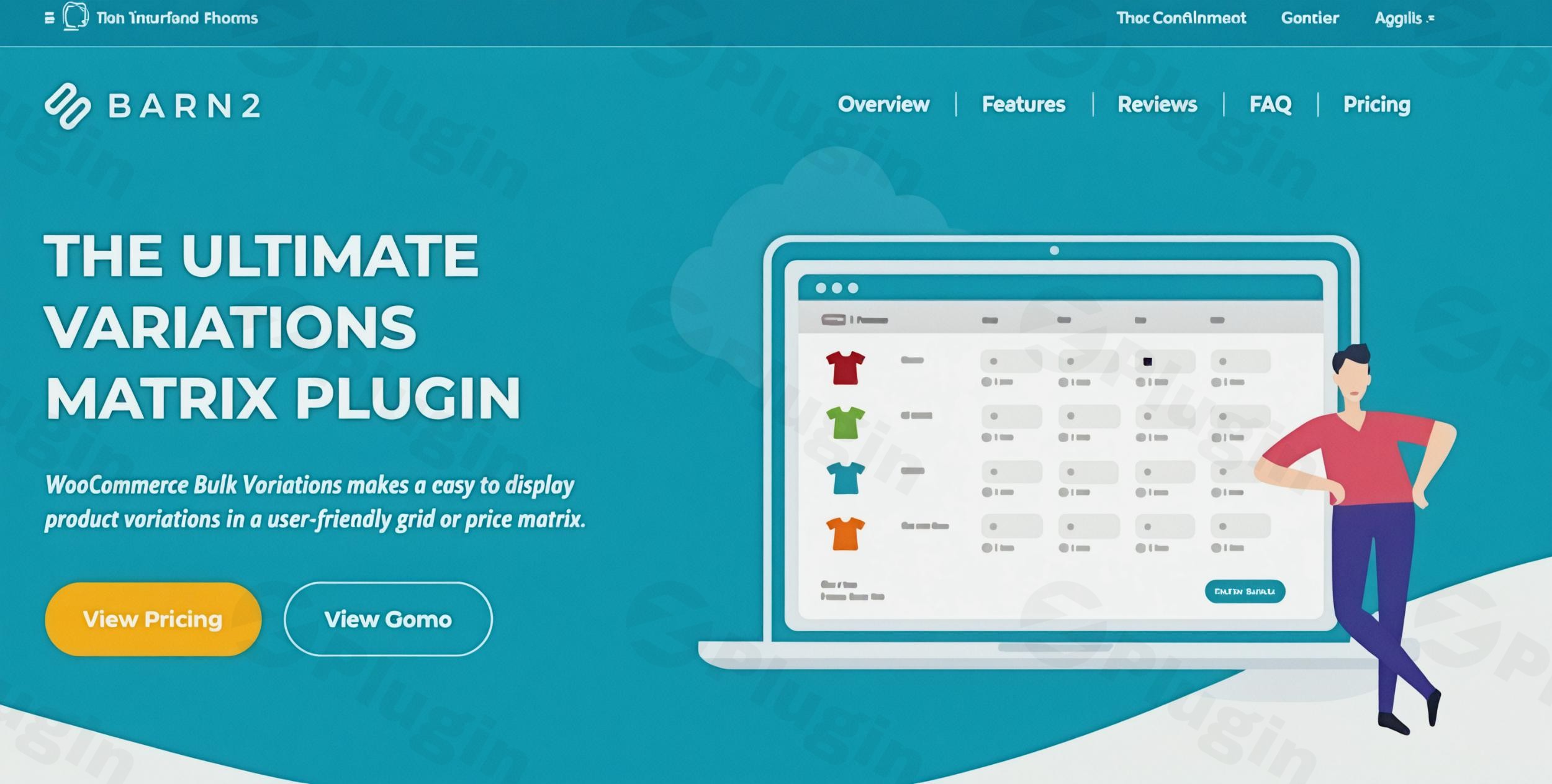
Streamlining Large Orders in WooCommerce
Barn2 Media WooCommerce Bulk Variations is a targeted e-commerce extension designed to transform how customers purchase variable products. By default, WooCommerce requires shoppers to select one variation at a time from standard dropdown menus. This creates friction for buyers who need multiple combinations of a single product. This plugin replaces that standard interface with an intuitive variation grid or price matrix. It allows customers to view all available options, input their desired quantities for each specific combination simultaneously, and add everything to their shopping cart with a single click. This approach significantly reduces the time spent navigating product pages and streamlines the purchasing process for high-volume orders.
Latest Version 2.5.2 Changes
The official changelog for Barn2 WooCommerce Bulk Variations does not list version 2.5.2. The latest version documented on the official changelog page is 2.5.1, released on July 7, 2026.
Target Audience and Ideal Users
This extension serves specific types of online stores where bulk purchasing is a standard customer behavior. It is highly effective for business-to-business environments and wholesale distributors who serve clients placing large, complex orders. Clothing retailers benefit significantly, as buyers often need the same apparel item in various sizes and colors for teams or inventory stock. Hardware suppliers, office supply merchants, and specialized component vendors will also find this layout improves their customer experience. Essentially, any WooCommerce store where a customer typically buys more than one variation of a product in a single transaction will find this interface highly practical.
Key Capabilities and Features
The core functionality revolves around generating flexible, customizable matrix layouts for variable products to enhance usability.
- Creates a dedicated variations grid that displays all product attributes logically in rows and columns.
- Replaces standard variation dropdown menus with immediate quantity input fields for every possible combination.
- Displays prices clearly within the matrix, accommodating different price points for specific product variations.
- Maintains accurate stock control by hiding or disabling inputs for out-of-stock variations to prevent fulfillment issues.
- Integrates a unified cart button that processes all inputted quantities across the entire grid simultaneously.
- Supports responsive design, ensuring the matrix remains highly usable and navigable on mobile devices and tablets.
Practical WooCommerce Use Cases
Implementing this matrix layout solves several common e-commerce friction points. In an apparel store, a team manager ordering uniforms can view a grid with sizes along the top and colors down the side. They can enter five medium red shirts, three large blue shirts, and two small green shirts directly into the grid, purchasing the entire team set instantly. For a wholesale food distributor, a buyer can order coffee beans in different roast profiles and bag sizes from a single view without refreshing the page. In a hardware setting, a contractor can purchase varying lengths and diameters of piping from a comprehensive table, referencing prices in real time.
Setup and Compatibility Context
Integrating the matrix into a WooCommerce store requires minimal technical configuration. The plugin utilizes existing WooCommerce product data, meaning administrators do not need to recreate their product variations or existing attributes. It automatically reads the current attribute configurations to construct the row and column axes. Store owners can enable the grid globally for all variable products or restrict it to specific items or categories. It is built to function alongside standard WooCommerce themes and typically inherits the existing styling for buttons and text inputs. Compatibility with other specialized extensions expands its utility for complex setups.
Choosing This Plugin on WPPick
Acquiring this tool through WPPick provides store administrators with immediate access to a verified and tested installation package. The provided file has undergone security scanning, showing a clean VirusTotal record with no detected malicious elements, ensuring a secure deployment environment. WPPick offers a straightforward download process, allowing developers to test the grid functionality in staging environments or implement it directly on live stores without unnecessary delays. This platform ensures that you are receiving the exact plugin file needed to enhance your WooCommerce infrastructure.
Latest Version Context
Frequently Asked Questions
Can I use this grid alongside standard WooCommerce product dropdowns?
Store administrators have granular control over where the matrix appears. You can choose to enable the bulk variations grid on specific products while leaving the standard WooCommerce dropdown menus active on others, depending on the purchasing behavior expected for each specific item in your catalog.
Does the matrix support variable products with more than two attributes?
Yes, the plugin accommodates complex variable products seamlessly. While two attributes map perfectly to rows and columns, additional attributes are handled by creating multiple grids or utilizing integrated dropdown filters to refine the visible matrix, ensuring standard usability remains intact regardless of catalog complexity.
How does the grid handle out-of-stock product variations?
The plugin directly reads standard WooCommerce inventory data. If a specific variation is out of stock, the corresponding input cell in the matrix will be disabled or visually indicated as unavailable automatically, preventing customers from attempting to order items you cannot currently fulfill.
Will the variation matrix display correctly on mobile phones?
The grid is designed with standard responsive principles in mind. On smaller screens where a wide table might not fit comfortably, the layout adapts automatically to ensure that customers can still view options, enter quantities, and process their bulk orders without encountering significant usability issues.
Does this plugin manage wholesale pricing rules automatically?
This extension focuses exclusively on the display and ordering interface. It does not natively apply wholesale user role discounts. However, it is designed to work directly in conjunction with dedicated wholesale pricing plugins, displaying the correct adjusted prices within the matrix based on the specific user viewing the page.
I. Download Limits & Account Benefits
- Free Downloads: Each email address receives 3 downloads per day for free products
- Upgrade Benefits: Purchase any paid product to increase your daily download limit by 3 for each paid product
- No Account Required: You can download immediately by receiving the download link via email
- Account Recommended: Create an account for easier access to your order history and direct update downloads
II. Understanding GPL vs Official Versions
Important: The products available on WPPick are GPL-licensed versions, which differ from official developer versions. Before purchasing, please read our comprehensive guide: Understanding GPL & Official Differences at WPPick
Key Points:
- GPL versions may not include premium support from original developers
- Updates may be delayed compared to official releases
- Some premium features might have limitations
- Always consider your specific needs and support requirements
III. Support & Assistance
We’re here to help through multiple channels:
- Email Support: Direct email assistance for all inquiries
- Live Chat: Real-time support during business hours
- Comprehensive Documentation: Detailed guides and tutorials
IV. Order Tracking
Access your complete purchase history and download links anytime: Order History
V. Account Access
New to WPPick? Login or Create Account to manage your downloads and orders efficiently.
VI. Refund Protection
We stand behind our products with a clear refund policy. Review our terms: Refund Policy
VII. Privacy & Security
Your data security is our priority. Learn how we protect your information: Privacy Policy
VII. Terms of Service
Understanding our service terms ensures a smooth experience: Terms of Use
Quick Tips for Best Experience
- Verify Compatibility: Check plugin/theme compatibility with your WordPress version
- Backup First: Always backup your site before installing new plugins or themes
- Test Environment: Consider testing on a staging site first
- Stay Updated: Regularly check for updates in your account dashboard
- Read Documentation: Review any included documentation for optimal setup
Need Help?
If you have questions about downloads, licensing, or need technical assistance, don’t hesitate to contact our support team. We’re committed to ensuring you have the best possible experience with WPPick products.
Ready to get started? Your download adventure begins with just one click!
- Added attribute filters functionality
- Tested up to WooCommerce 11.1.0
- Total should be updated on input change
- Product-level disable purchasing option doesn't override global setting
- Tested up to WordPress 6.9.4 and WooCommerce 10.5.3
- Bulk variations total should update on quantity input change
- Removed a deprecated function
- Tested up to WordPress 6.9.0 and WooCommerce 10.4.3
- Updated internal libraries and tested up to WordPress 6.8.2 and WooCommerce 10.1.2
- Unable to edit input field value in the grid when the WooCommerce Quantity Manager plugin is active
- Shortcode lightbox attribute doesn't work
- Compatibility issue with Breakdance page builder
- Undefined array key warning and a fatal error in Grid file.
- Tested up to WordPress 6.8.1 and WooCommerce 9.9.5