
Barn2 Media Woocommerce Fast Cart
/Year
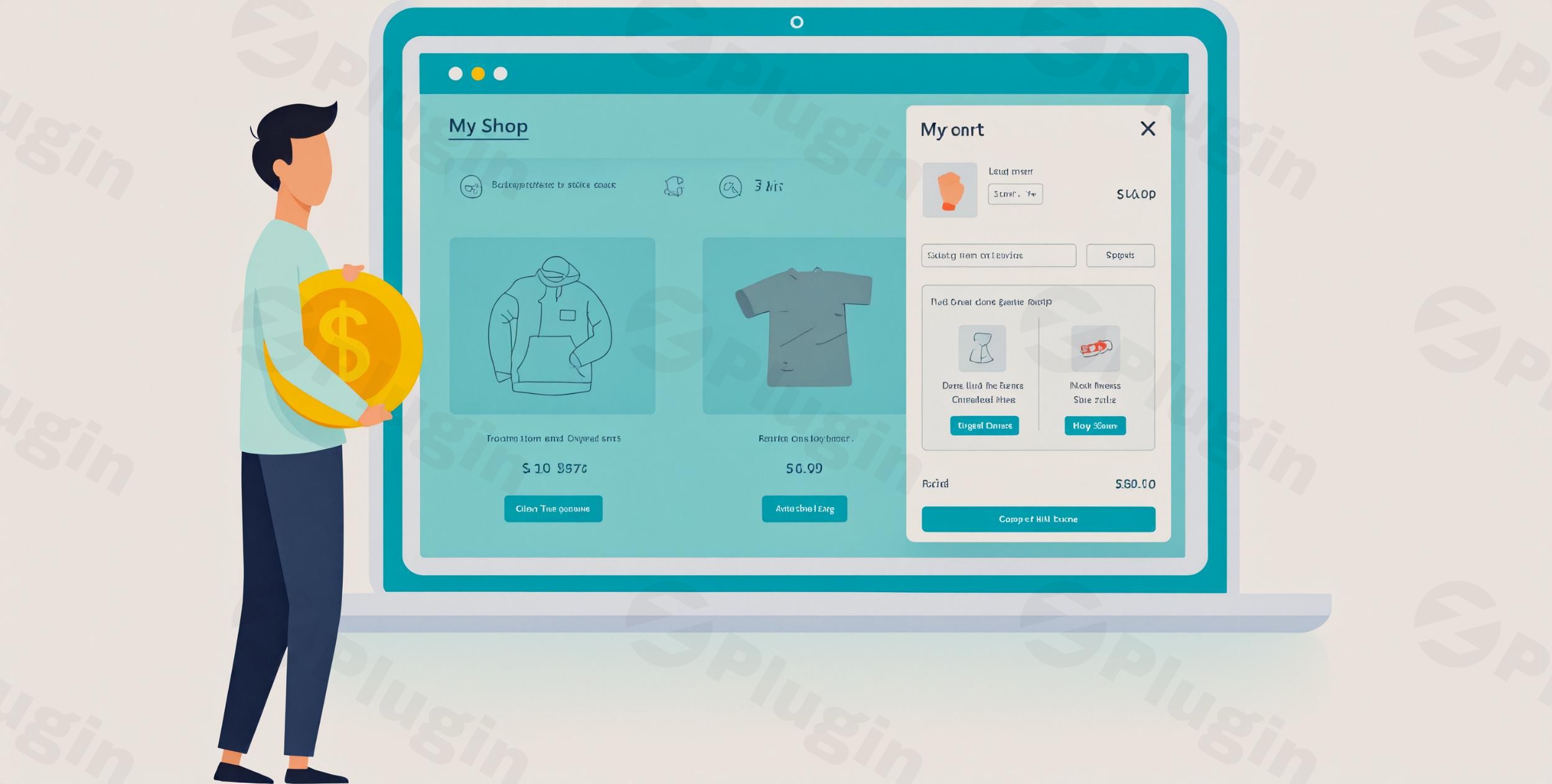
The modern eCommerce landscape demands speed and efficiency. In the fast-paced world of online shopping, a slow or multi-step checkout process is a major roadblock, leading to frustrated customers and, ultimately, abandoned carts. This is where the WooCommerce Fast Cart plugin becomes an indispensable tool for any store owner looking to optimize their sales funnel and provide a seamless shopping experience.WooCommerce Fast Cart transforms your traditional WooCommerce checkout by introducing an instant popup cart and on-page checkout functionality. This powerful solution allows customers to review their order, make changes, apply coupons, and complete their purchase without ever leaving the product page or navigating through multiple steps. By streamlining the buying journey, this plugin is designed to significantly reduce cart abandonment and drive higher conversion rates.
Key Features That Drive Conversions and User Experience
The WooCommerce Fast Cart plugin is packed with features engineered to enhance the user experience and boost your store’s bottom line. It’s more than just a cart; it’s a complete conversion optimization tool.
- Instant Popup Cart & On-Page Checkout: This is the plugin’s core value proposition. Customers can interact with their cart and finalize their order within a dynamic popup or slide-in interface. This eliminates the need for multiple page loads, delivering a truly WooCommerce instant checkout experience.
- Flexible Layout Options: Tailor the cart’s appearance to best suit your store’s design. Choose between a sleek WooCommerce side cart plugin that slides in from the screen’s edge or a prominent centered popup lightbox.
- Customizable Floating Cart Icon: Provide immediate access to the cart from anywhere on your site. Position this icon (e.g., top-right, bottom-right) and customize its colors, background, and text to match your brand.
- Auto-Open on Add to Cart: Prompt customers to complete their purchase by automatically opening the fast cart immediately after a product is added, reducing hesitation.
- Direct Checkout (Skip Cart): For single-product purchases or lightning-fast transactions, configure the plugin to bypass the cart page entirely and open the popup checkout directly.
- Product Upsells & Cross-sells in Cart: Leverage WooCommerce’s recommendation engine by displaying related products directly within the popup cart. This encourages customers to increase their average order value (AOV) before completing their purchase.
- Quick View Integration: Enhance product browsing. Customers can preview products in a lightbox and add them to the cart without leaving the category or shop page.
- Full Customization Control: Take command of the design and functionality. Adjust button colors, choose which elements to display (product images, subtotals, quantity pickers, delete buttons, coupon fields, shipping info), ensuring a cohesive brand experience.
- Coupon Redemption & Quantity Editing: Empower customers to apply discount codes and modify product quantities directly within the intuitive popup interface, ensuring a seamless journey.
Seamless Installation & Setup: How to Add Fast Checkout to WooCommerce
Installing and configuring WooCommerce Fast Cart is a straightforward process, even for those without deep technical knowledge. Here’s a step-by-step guide to get your instant popup cart up and running:
- Purchase and Download: Obtain the plugin from ZeroPlugin.com. You’ll receive a
.zipfile containing the plugin. - Upload the Plugin:
- Log in to your WordPress admin dashboard.
- Navigate to Plugins > Add New.
- Click the “Upload Plugin” button at the top of the page.
- Click “Choose File,” select the
woocommerce-fast-cart.zipfile you downloaded, and click “Install Now.”
- Activate the Plugin: Once installed, click the “Activate Plugin” button.
- Configure Settings:
- After activation, a new menu item, typically under WooCommerce > Fast Cart or Appearance > Customize > Fast Cart, will appear.
- Explore the settings to customize your cart’s appearance and behavior:
- Layout: Choose between a “Side Cart” or “Popup Lightbox.”
- Trigger: Decide when the cart should open (e.g., automatically on “Add to Cart,” via a floating icon).
- Floating Cart: Configure its position, colors, and text.
- Display Options: Toggle features like product images, quantity selectors, coupon fields, and upsells.
- Checkout Fields: The popup checkout will mirror your standard WooCommerce checkout fields, which can be further customized using plugins like Checkout Field Editor if needed.
- Save your changes.
- Test Thoroughly: Add products to your cart, apply coupons, and go through the checkout process on different devices (desktop, mobile) to ensure everything works as expected.
Practical Usage & Best Practices for Maximizing Sales
WooCommerce Fast Cart isn’t just about convenience; it’s a strategic tool for enhancing your eCommerce performance. Here’s how different users can leverage its power:
- For Store Owners Focused on Conversion Rate Optimization (CRO):
- Reduce WooCommerce Cart Abandonment: The primary benefit. By removing page reloads and keeping customers on the current product page, you eliminate common friction points. Enable the “auto-open on add to cart” feature to immediately prompt purchase.
- A/B Test Layouts: Experiment with the side cart versus the popup lightbox. Analyze which performs better for your specific audience and products to optimize your WooCommerce checkout page even further.
- Monitor Analytics: Keep an eye on your conversion rates and cart abandonment metrics before and after implementing the plugin to quantify the positive impact.
- For Marketers Boosting Average Order Value (AOV):
- Strategic Upsells & Cross-sells: Use the in-cart upsell feature wisely. Suggest complementary products or higher-value alternatives that genuinely enhance the customer’s purchase. For example, if a customer adds a camera, suggest a lens cleaning kit. This is an excellent way to implement WooCommerce upsells in cart.
- Coupon Code Promotion: Clearly display coupon fields within the popup to encourage customers to complete their purchase when a discount is available.
- For Agencies Building Client Sites:
- Deliver a Premium Experience: Offer your clients a cutting-edge, WooCommerce popup cart with integrated checkout that impresses their customers and drives better results.
- Theme & Plugin Compatibility: Reassure clients that the plugin is designed to work with all major WordPress themes and popular payment gateways, minimizing potential conflicts. (Compatible with WooCommerce 3.0+).
- For Businesses Selling Single Products or Subscriptions:
- Ultra-Fast Direct Checkout: Configure the plugin to use “direct checkout” after adding a product. This is ideal for one-click purchases, subscription sign-ups, or highly focused landing pages, making the buying process incredibly efficient.
FAQ & Troubleshooting
Here are answers to common questions about the WooCommerce Fast Cart plugin, designed to provide clear and direct guidance.
What is WooCommerce Fast Cart?
WooCommerce Fast Cart is a premium WordPress plugin for WooCommerce stores that provides an instant, on-page popup or slide-in cart and checkout experience. Its primary goal is to reduce cart abandonment and increase conversion rates by allowing customers to manage their cart and complete purchases without navigating away from the current page.
How do I install Barn2 Fast Cart?
You can install Barn2 Fast Cart like any other WordPress plugin. First, download the plugin’s .zip file from ZeroPlugin.com. Then, go to your WordPress dashboard, navigate to Plugins > Add New, click “Upload Plugin,” select the downloaded .zip file, and click “Install Now,” followed by “Activate Plugin.”
Does WooCommerce Fast Cart work with my theme?
Yes, WooCommerce Fast Cart is designed to work with most WordPress themes that adhere to WordPress and WooCommerce coding standards. It integrates seamlessly with popular themes and is built to be lightweight for fast performance. Barn2 Media, the developer, provides support for any theme-related conflicts you might encounter.
Can I customize the Fast Cart popup?
Absolutely. WooCommerce Fast Cart offers extensive customization options. You can choose between a side cart or a centered popup lightbox, customize the floating cart icon’s position and appearance, and decide which elements to display within the cart (e.g., product images, quantity fields, coupon forms, upsells). These settings are typically found under a dedicated Fast Cart menu within your WooCommerce or Customizer settings.
How does Fast Cart reduce abandoned carts?
WooCommerce Fast Cart reduces abandoned carts by streamlining the entire checkout process. It eliminates multiple page loads, keeps customers engaged on the same page, and offers an “instant checkout” experience. By minimizing friction points, such as slow loading times or too many steps, it encourages customers to complete their purchase rather than abandoning their cart.
What is the performance impact of Barn2 Fast Cart?
The plugin is designed with performance in mind. It uses lightweight code and loads dynamically via AJAX, meaning it typically adds only a small script and stylesheet to your site and loads cart contents after the main page. While generally fast, overall site performance issues (e.g., slow hosting, excessive plugins) can still influence the popup’s loading speed due to server requests for cart updates.
Conclusion
The WooCommerce Fast Cart plugin stands out as an essential tool for any serious WooCommerce store owner aiming to boost sales and enhance the customer experience. By delivering a truly instant checkout for WooCommerce within an intuitive popup or side cart, it directly addresses the critical issue of cart abandonment.This plugin empowers you to offer a frictionless shopping journey, from the moment a product is added to the final purchase confirmation. With its robust features, comprehensive customization options, and focus on conversion optimization, WooCommerce Fast Cart is an investment that pays dividends, ensuring your customers enjoy a fast, modern, and highly satisfying buying experience, leading to increased revenue and customer loyalty for your online store.
I. Download Limits & Account Benefits
- Free Downloads: Each email address receives 3 downloads per day for free products
- Upgrade Benefits: Purchase any paid product to increase your daily download limit by 3 for each paid product
- No Account Required: You can download immediately by receiving the download link via email
- Account Recommended: Create an account for easier access to your order history and direct update downloads
II. Understanding GPL vs Official Versions
Important: The products available on WPPick are GPL-licensed versions, which differ from official developer versions. Before purchasing, please read our comprehensive guide: Understanding GPL & Official Differences at WPPick
Key Points:
- GPL versions may not include premium support from original developers
- Updates may be delayed compared to official releases
- Some premium features might have limitations
- Always consider your specific needs and support requirements
III. Support & Assistance
We’re here to help through multiple channels:
- Email Support: Direct email assistance for all inquiries
- Live Chat: Real-time support during business hours
- Comprehensive Documentation: Detailed guides and tutorials
IV. Order Tracking
Access your complete purchase history and download links anytime: Order History
V. Account Access
New to WPPick? Login or Create Account to manage your downloads and orders efficiently.
VI. Refund Protection
We stand behind our products with a clear refund policy. Review our terms: Refund Policy
VII. Privacy & Security
Your data security is our priority. Learn how we protect your information: Privacy Policy
VII. Terms of Service
Understanding our service terms ensures a smooth experience: Terms of Use
Quick Tips for Best Experience
- Verify Compatibility: Check plugin/theme compatibility with your WordPress version
- Backup First: Always backup your site before installing new plugins or themes
- Test Environment: Consider testing on a staging site first
- Stay Updated: Regularly check for updates in your account dashboard
- Read Documentation: Review any included documentation for optimal setup
Need Help?
If you have questions about downloads, licensing, or need technical assistance, don’t hesitate to contact our support team. We’re committed to ensuring you have the best possible experience with WPPick products.
Ready to get started? Your download adventure begins with just one click!
- Added cart icon visibility option to control when the cart button is displayed
- Improved the design of the cart items that have live preview
- Added authorization check for order key handling to prevent unauthorized access
- Added proper output escaping to cart button template to prevent XSS vulnerabilities
- Grouped products in cross-sells now correctly include add_to_cart_button class
- Improved the integration with the Breakdance page builder
- Updated internal libraries and tested up to WooCommerce 10.4.3 and WordPress 6.9
- Patched issue with price display when combined with WooCommerce Discount Manager
- Tested up to WooCommerce 10.1.2 and updated internal libraries and packages
- Resolved notices regarding string translation in WordPress 6.8
- Verified compatibility with latest WordPress and WooCommerce versions and updated internal libraries.