

Barn2 Media Woocommerce Quantity Manager
/Year
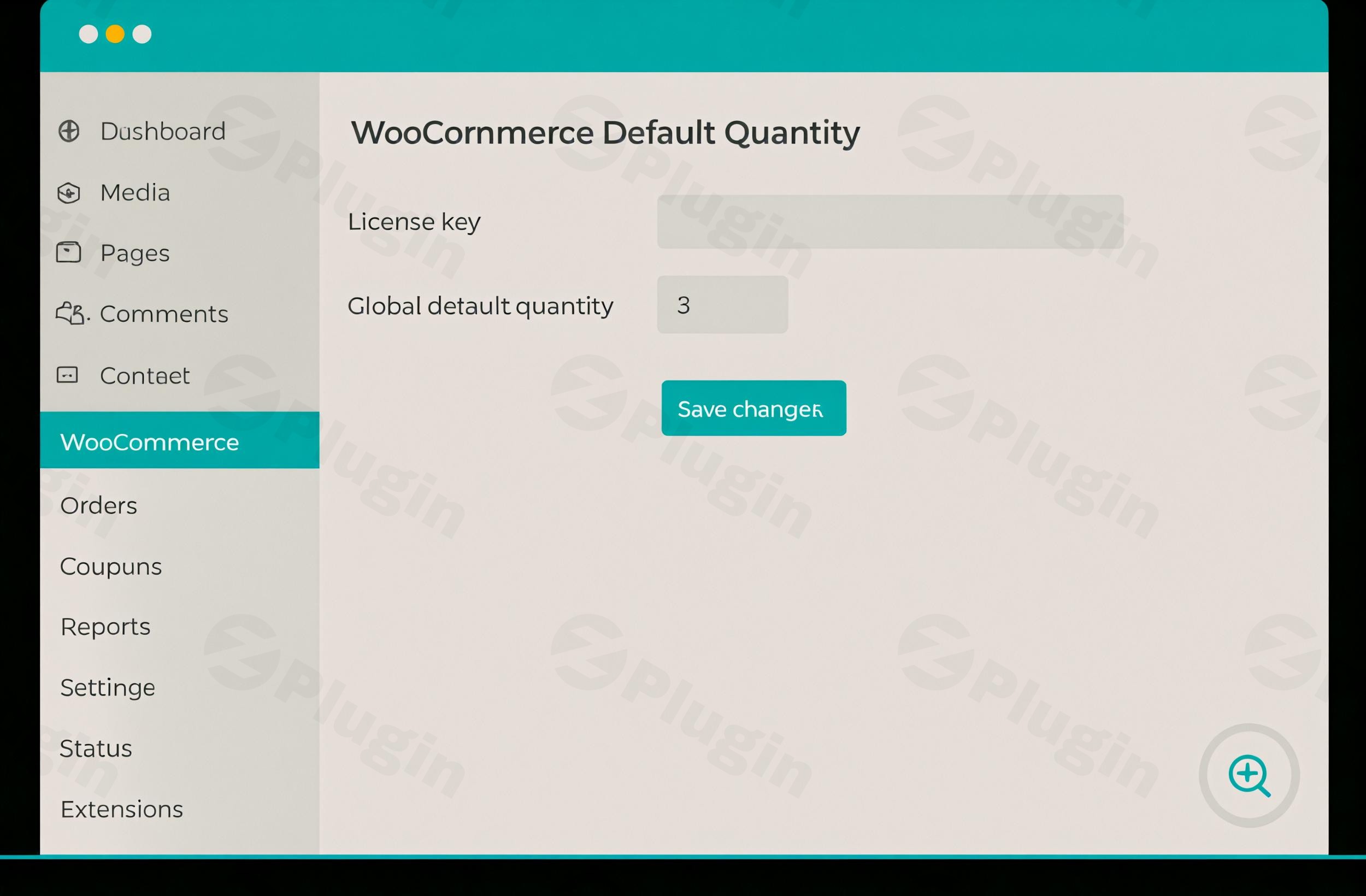
Transform your WooCommerce store’s shopping experience and optimize purchasing behavior with the advanced WooCommerce Quantity Manager plugin by Barn2 Media. This powerful premium tool provides unparalleled control over product quantities, enabling you to streamline orders, boost average order values, and ensure profitability across your entire catalog.Designed for e-commerce businesses of all sizes, from wholesale operations to retail stores, WooCommerce Quantity Manager offers a robust and user-friendly solution for managing how customers interact with product quantities. It’s a cornerstone for any store looking to implement strategic quantity rules without sacrificing flexibility.
Why Choose WooCommerce Quantity Manager?
As a premium plugin available through ZeroPlugin.com with full GPL licensing, WooCommerce Quantity Manager stands out for its technical excellence, reliability, and security. Each product undergoes rigorous security scanning via VirusTotal and third-party dependency checks, guaranteeing a safe and stable addition to your e-commerce environment. Regular updates ensure ongoing compatibility with the latest WooCommerce versions and WordPress standards, providing peace of mind and continuous performance.Barn2 Media is a reputable plugin developer known for high-quality code and stable performance. Users consistently praise the plugin’s ease of use, flexibility, and excellent customer support, making it an essential tool for managing order values and streamlining operations.
Key Features for Unmatched Quantity Control
WooCommerce Quantity Manager is engineered to provide comprehensive control over your product quantities, adapting to virtually any business model.
Flexible Quantity Rules
Empower your store with dynamic quantity rules that cater to your specific needs:
- Minimum & Maximum Quantities: Define precise minimum and maximum quantities for individual products, categories, or even store-wide. This is ideal for ensuring profitable orders or preventing overselling.
- Quantity Increments & Step Groupings: Force customers to buy in specific multiples (e.g., packs of 6, dozens). This feature is invaluable for wholesale, product bundles, or optimizing packaging and shipping.
- Minimum & Maximum Order Values: Set thresholds for the total value of items in an order, ensuring that every transaction meets your profitability requirements.
Intelligent Default Quantities
Influence customer purchasing behavior with smart default settings:
- Customizable Default Values: Change the initial quantity that appears to customers on product pages. You can set it to zero for maximum customer flexibility or to a specific number to subtly encourage larger purchases.
- Strategic Encouragement: By optimizing default settings, you guide customers toward optimal order sizes, reducing friction in the quantity selection process and potentially increasing conversion rates.
Granular Control Across Your Store
The plugin offers an impressive hierarchy of control, allowing you to apply rules exactly where they’re needed:
- Store-wide Configuration: Establish a universal default quantity and set of rules that apply across your entire product catalog, ensuring consistent shopping behavior.
- Category-Based Settings: Implement tailored quantity rules for specific product categories. These rules can override global settings, perfect for managing different product types with varying purchasing patterns.
- Individual Product Customization: Gain granular control by setting unique default quantities and rules for specific products. These product-level rules can override category-specific rules, ideal for high-value items or specialty products.
- Variation-Specific Rules: For products with multiple variations, you can set distinct quantity rules for each option, offering ultimate precision.
- User Role Restrictions: Create role-based quantity rules, enabling specific purchasing requirements for wholesale customers, members, or other defined user groups.
Profit Protection & Versatile Applications
WooCommerce Quantity Manager is a strategic tool for business growth:
- Ensure Profitability: The plugin helps ensure that every order is both profitable and manageable by aligning order quantities with your warehousing capabilities, delivery systems, and business margins.
- Diverse Industry Support: It’s designed for various industries, including wholesale (ensuring minimum quantities for bulk orders), product bundles (like meal deals or gift baskets), and general e-commerce to optimize average order values.
Technical Excellence and Seamless Integration
Built following the latest WordPress coding standards and best practices, WooCommerce Quantity Manager ensures smooth operation alongside other WooCommerce extensions and third-party plugins.
- WooCommerce & Theme Compatibility: Requires the WooCommerce plugin and is designed to work seamlessly with any WordPress theme that adheres to WordPress standards.
- Gutenberg & Block Checkout Integration: Fully integrated with Gutenberg product blocks and the block checkout, ensuring a modern and future-proof experience.
- Lightweight & Performant: The clean, efficient codebase contributes to faster page loading times and improved user experience without compromising functionality.
- Mobile-Responsive Design: All quantity fields are mobile-responsive, providing an optimal purchasing experience across all devices.
- Extensive Compatibility: Works seamlessly with other Barn2 plugins such as WooCommerce Product Table, WooCommerce Discount Manager, WooCommerce Wholesale Pro, WooCommerce Restaurant Ordering, and WooCommerce Quick View Pro.
Rapid Implementation and User-Friendly Interface
Get started in minutes with an intuitive setup process. Whether you’re a store owner managing your first WooCommerce site or a developer implementing client solutions, WooCommerce Quantity Manager offers straightforward configuration without technical complexity. The comprehensive documentation and support resources ensure you have all the guidance needed.Important Note: This plugin focuses on controlling quantities, not changing prices based on quantity. For quantity-based pricing, Barn2 Media offers a separate plugin, WooCommerce Discount Manager, which can be used alongside WooCommerce Quantity Manager for a complete solution. It is also not intended to be used with other plugins that set their own quantity rules to avoid conflicts.
Benefits for All Users
WooCommerce Quantity Manager offers significant advantages for both technical and non-technical users:
- For Store Owners & Marketers: Simplify tasks, improve workflows, and see a direct return on investment (ROI) by strategically guiding customers toward optimal order sizes. Increase conversion rates by reducing friction in the quantity selection process.
- For Developers: Benefit from clean, efficient code that follows WordPress best practices, ensuring smooth operation and easy integration with existing systems. The plugin’s stability and compatibility make it a reliable choice for client solutions.
- For Customers: Enjoy an enhanced shopping experience where quantity selections are intuitive and guided, leading to a more efficient and satisfying purchase journey.
Conclusion
The Barn2 Media WooCommerce Quantity Manager is an indispensable premium plugin for any e-commerce store seeking precise control over product quantities. By offering flexible rules, intelligent default settings, granular control, and robust technical foundations, it empowers businesses to optimize profitability, streamline operations, and elevate the customer shopping experience. Choose WooCommerce Quantity Manager to revolutionize how you manage product quantities and drive your store’s success.
I. Download Limits & Account Benefits
- Free Downloads: Each email address receives 3 downloads per day for free products
- Upgrade Benefits: Purchase any paid product to increase your daily download limit by 3 for each paid product
- No Account Required: You can download immediately by receiving the download link via email
- Account Recommended: Create an account for easier access to your order history and direct update downloads
II. Understanding GPL vs Official Versions
Important: The products available on WPPick are GPL-licensed versions, which differ from official developer versions. Before purchasing, please read our comprehensive guide: Understanding GPL & Official Differences at WPPick
Key Points:
- GPL versions may not include premium support from original developers
- Updates may be delayed compared to official releases
- Some premium features might have limitations
- Always consider your specific needs and support requirements
III. Support & Assistance
We’re here to help through multiple channels:
- Email Support: Direct email assistance for all inquiries
- Live Chat: Real-time support during business hours
- Comprehensive Documentation: Detailed guides and tutorials
IV. Order Tracking
Access your complete purchase history and download links anytime: Order History
V. Account Access
New to WPPick? Login or Create Account to manage your downloads and orders efficiently.
VI. Refund Protection
We stand behind our products with a clear refund policy. Review our terms: Refund Policy
VII. Privacy & Security
Your data security is our priority. Learn how we protect your information: Privacy Policy
VII. Terms of Service
Understanding our service terms ensures a smooth experience: Terms of Use
Quick Tips for Best Experience
- Verify Compatibility: Check plugin/theme compatibility with your WordPress version
- Backup First: Always backup your site before installing new plugins or themes
- Test Environment: Consider testing on a staging site first
- Stay Updated: Regularly check for updates in your account dashboard
- Read Documentation: Review any included documentation for optimal setup
Need Help?
If you have questions about downloads, licensing, or need technical assistance, don’t hesitate to contact our support team. We’re committed to ensuring you have the best possible experience with WPPick products.
Ready to get started? Your download adventure begins with just one click!
- Updated the internal libraries and tested up to WooCommerce 10.1.2
- Added the translation files
- Undefined array key in the quantity input