
Barn2 Media Woocommerce Restaurant Ordering
/Year
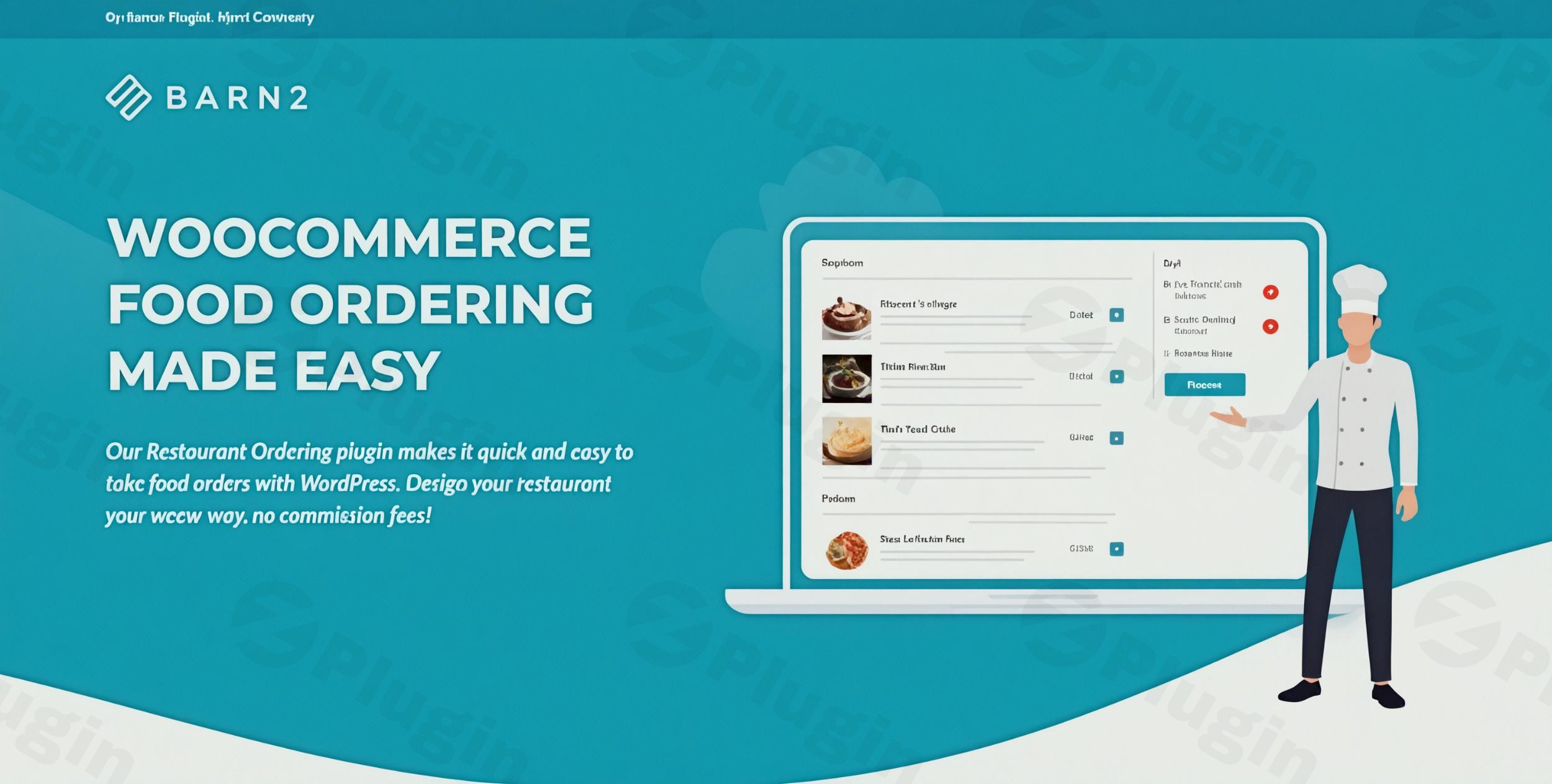
Transform your WordPress restaurant website into a powerful, commission-free online ordering system with the premium Barn2 Media WooCommerce Restaurant Ordering solution. Designed specifically for the fast-paced food service industry, this plugin provides an intuitive platform for your customers while giving you complete control over your online menu and order management. Say goodbye to third-party fees and hello to a seamless, branded ordering experience.
Streamlined One-Page Ordering Experience
The Barn2 Media WooCommerce Restaurant Ordering plugin revolutionizes how your customers interact with your menu. Its intelligent one-page design enables customers to effortlessly browse categories, select desired items, and complete their order—all without cumbersome page reloads. This streamlined process significantly reduces cart abandonment, ensuring a higher conversion rate for your business.
Key Benefits of One-Page Ordering:
- Accelerated Process: Customers can quickly find what they need and complete their purchase, enhancing satisfaction.
- Category-Based Organization: An intuitive structure improves menu discoverability, making navigation simple and efficient.
- Integrated WooCommerce Checkout: Maintain brand consistency with a familiar, secure payment processing experience.
- Mobile-Responsive Design: The layout adapts perfectly to all devices, ensuring an optimal ordering experience whether on desktop, tablet, or smartphone.
Complete Menu Customization Control
Your online menu is a digital storefront, and the Barn2 Media plugin ensures it perfectly reflects your brand. With comprehensive customization options, you have full control over the visual presentation and functional elements of your menu. Choose precisely which food details to display, configure column layouts, and create an inviting menu that resonates with your customers.
Menu Design Features:
- Flexible Layouts: Choose from 1, 2, or 3-column layouts to best showcase your dishes.
- Customizable Product Information: Display key details like price, description, images, and dietary information.
- Multiple Ordering Methods: Offer options like direct “buy buttons” or “click-to-order” for added flexibility.
- Modern, Mobile-Friendly Interface: A sleek design ensures an appealing look on any device.
- White-Label Solution: Present a fully branded experience with no external plugin branding.
Advanced Food Option Management
Handling complex food customization is effortless with this premium plugin. Whether customers want extra toppings, specific sizes, or particular cooking methods, the system supports variable products and optional add-ons through an elegant lightbox interface. This ensures all customer preferences are accurately captured, streamlining kitchen operations and minimizing errors.
Option Management Capabilities:
- Lightbox Selection: Customers can easily select extra toppings, modifications, or dietary requirements via an intuitive popup.
- Full WooCommerce Variable Product Support: Leverage existing WooCommerce product variations for sizes, flavors, and more.
- Compatibility with WooCommerce Product Add-Ons: Seamlessly integrate with the official WooCommerce Product Add-Ons extension for even more advanced choices.
- Quantity & Special Instruction Fields: Allow customers to specify quantities and add special notes for their order.
Comprehensive Features for Modern Restaurants
Beyond core menu and ordering, the Barn2 Media WooCommerce Restaurant Ordering plugin includes a suite of advanced features designed to enhance operational efficiency and customer experience:
- Robust WooCommerce Integration: Built to work seamlessly with WooCommerce, ensuring smooth operations, order processing, and inventory management.
- Efficient Order Management: Provides tools for efficient handling of incoming orders, streamlining kitchen workflows. Email and SMS notifications can be configured to alert staff upon new orders.
- Multi-Location Support: For businesses with multiple branches, the plugin offers centralized control to manage online orders across all locations.
- Flexible Delivery & Collection Options: Offer customers the choice between delivery and in-store pickup directly at checkout.
- Opening Hours Management: Precisely control when your online ordering system accepts orders by setting specific opening and closing times.
- Coupon & Discount Support: Fully compatible with standard WooCommerce coupons and discount codes to run promotions and specials.
- Extensive Payment Gateway Integration: Works with a wide range of local and international payment gateways supported by WooCommerce.
- No Commissions: Enjoy the freedom of processing orders without relinquishing a percentage of your sales to third-party platforms.
Setup and Usage Guide: Getting Started with Barn2 Media WooCommerce Restaurant Ordering
Implementing this powerful plugin into your WordPress site is a straightforward process, designed for both technical and non-technical users.
- Installation: Begin by ensuring you have a self-hosted WordPress installation with the WooCommerce plugin already active. Upload and activate the Barn2 Media WooCommerce Restaurant Ordering plugin.
- Configuring Menu Layouts: Navigate to the plugin settings within your WordPress dashboard. Here, you can define your preferred menu layout (1, 2, or 3 columns), choose which product details to display, and set up your category structure.
- Setting Up Product Customization: For dishes with variations or add-ons, utilize WooCommerce variable products and consider integrating with the official WooCommerce Product Add-Ons extension. Configure the lightbox options for toppings, sizes, and other modifications directly from your product pages.
- Managing Orders and Settings: Set your restaurant’s opening hours, enable desired delivery or collection options, and integrate your preferred payment gateways via WooCommerce. Monitor incoming orders through the standard WooCommerce order management interface, benefiting from streamlined processing and potential email/SMS notifications.This plugin is designed to be highly compatible with any WordPress theme and is built following best practices, ensuring smooth operation alongside other well-coded plugins.
Why Choose Our Premium Restaurant Ordering Solution?
Investing in the Barn2 Media WooCommerce Restaurant Ordering plugin means choosing a solution backed by expertise, experience, and a commitment to trustworthiness.
- Genuine GPL Licensed Product: When you purchase through ZeroPlugin.com, you receive a genuine GPL-licensed product, guaranteeing flexibility and adherence to open-source principles.
- Regular Updates & Security Assurance: Benefit from continuous updates and feature enhancements, ensuring your system remains current and secure. Our files undergo rigorous VirusTotal third-party security scanning to protect your website.
- Expert-Backed Development: The Barn2 team brings extensive experience in helping restaurants transition to digital ordering. The plugin’s development is informed by real-world feedback, resulting in a robust and highly functional product.
- Exceptional Customer Satisfaction: With a stellar 5.00-star rating based on customer reviews, users consistently praise its ease of setup, comprehensive features, and excellent support. Reviewers frequently highlight its “game-changer” status and its ability to “save £££££ in 3rd party platform commissions.”
- Versatility for Various Food Businesses: This system is perfectly adaptable for a wide range of food establishments, including pizzerias, cafes, burger joints, fine dining, food trucks, and catering services. Its flexible design caters to diverse menu requirements, regardless of cuisine type or business size.
- 30-Day Money-Back Guarantee: Barn2 provides a 30-day money-back guarantee, offering peace of mind and demonstrating confidence in their product.
Conclusion
Elevate your restaurant’s online presence with the Barn2 Media WooCommerce Restaurant Ordering plugin. It’s a professional, reliable, and feature-rich solution that puts you in complete control, eliminates commission fees, and provides your customers with an exceptional, intuitive ordering experience. Increase your orders, streamline your operations, and build a stronger customer base with this invaluable premium WordPress plugin.
I. Download Limits & Account Benefits
- Free Downloads: Each email address receives 3 downloads per day for free products
- Upgrade Benefits: Purchase any paid product to increase your daily download limit by 3 for each paid product
- No Account Required: You can download immediately by receiving the download link via email
- Account Recommended: Create an account for easier access to your order history and direct update downloads
II. Understanding GPL vs Official Versions
Important: The products available on WPPick are GPL-licensed versions, which differ from official developer versions. Before purchasing, please read our comprehensive guide: Understanding GPL & Official Differences at WPPick
Key Points:
- GPL versions may not include premium support from original developers
- Updates may be delayed compared to official releases
- Some premium features might have limitations
- Always consider your specific needs and support requirements
III. Support & Assistance
We’re here to help through multiple channels:
- Email Support: Direct email assistance for all inquiries
- Live Chat: Real-time support during business hours
- Comprehensive Documentation: Detailed guides and tutorials
IV. Order Tracking
Access your complete purchase history and download links anytime: Order History
V. Account Access
New to WPPick? Login or Create Account to manage your downloads and orders efficiently.
VI. Refund Protection
We stand behind our products with a clear refund policy. Review our terms: Refund Policy
VII. Privacy & Security
Your data security is our priority. Learn how we protect your information: Privacy Policy
VII. Terms of Service
Understanding our service terms ensures a smooth experience: Terms of Use
Quick Tips for Best Experience
- Verify Compatibility: Check plugin/theme compatibility with your WordPress version
- Backup First: Always backup your site before installing new plugins or themes
- Test Environment: Consider testing on a staging site first
- Stay Updated: Regularly check for updates in your account dashboard
- Read Documentation: Review any included documentation for optimal setup
Need Help?
If you have questions about downloads, licensing, or need technical assistance, don’t hesitate to contact our support team. We’re committed to ensuring you have the best possible experience with WPPick products.
Ready to get started? Your download adventure begins with just one click!
- WP Bakery page builder content was not rendered in the product modal.
- Updated internal libraries and tested up to WordPress 6.9 and WooCommerce 10.4.3.
- Updated the internal libraries and tested up to WooCommerce 10.1.2
- Added the translation files