

Barn2 Media Woocommerce Variation Prices
/Year
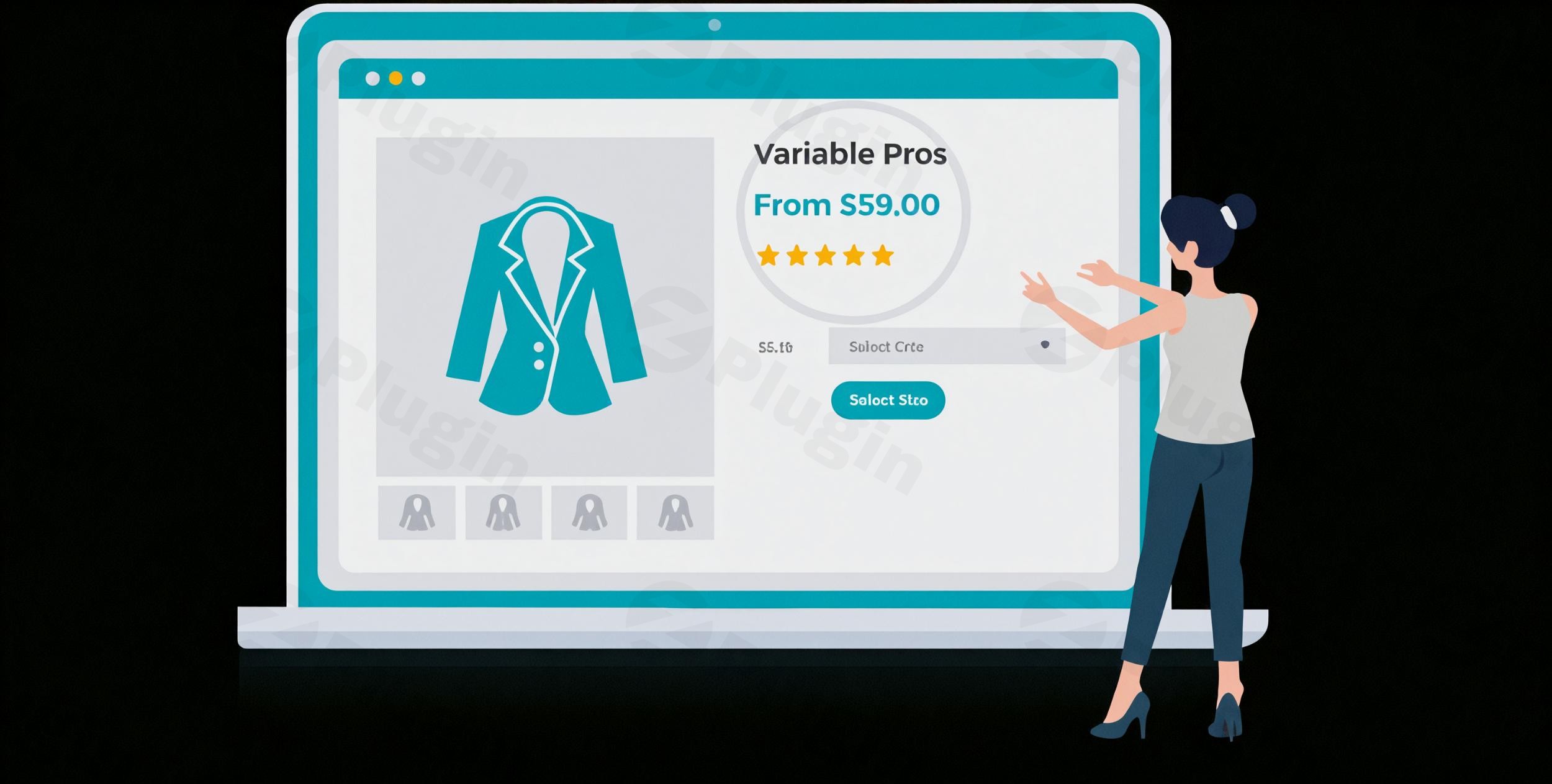
The default WooCommerce price range for variable products often falls short, presenting a rigid “$X – $Y” format that can sometimes deter customers or create confusion. For store owners looking to optimize their product pages and provide a more intuitive shopping experience, the WooCommerce Variation Prices plugin offers a powerful solution. This essential WordPress plugin allows you to completely transform how variable product prices appear in your store, replacing generic ranges with flexible, customer-friendly formats like “From $50”, “$50+”, or custom layouts that better suit your unique products and sales strategy.Originally developed by Barn2 Media and now maintained by Kestrel, the WooCommerce Variation Prices plugin is designed to give you granular control over your product pricing presentation, enhancing buyer psychology and potentially boosting your conversion rates. Whether you need to customize woocommerce variation price display or hide woocommerce variation price range until a selection is made, this plugin provides the tools to achieve a refined and engaging pricing presentation across your entire WooCommerce store.
Key Features That Elevate Your Pricing Strategy
The WooCommerce Variation Prices plugin provides a robust set of features to fine-tune how prices for your variable and grouped products are displayed. Each feature is crafted to improve clarity, engage customers, and ultimately drive sales.
Multiple Price Display Formats
Beyond the standard price range, this plugin empowers you to choose from various presentation styles to customize woocommerce variation price display. You can opt for clear starting prices (“From $X”), highlight maximum prices (“Up to $X”), or use custom separators (e.g., “$50 / $100”). This flexibility is crucial for presenting prices in a way that aligns with your marketing goals and product offerings, allowing you to show min max variation price woocommerce with ease.
Seamless Integration Across Your Store
The advanced price formats you configure seamlessly integrate and work perfectly across all key areas of your WooCommerce store. This includes:
- Single Product Pages: The main product page where customers make their selections.
- Shop Archives: Category, tag, and custom archive pages.
- Product Tables: Displays correctly within popular WooCommerce extensions like Product Tables, ensuring consistency everywhere.This extensive compatibility means your customized price displays function as expected, providing a uniform and professional look throughout the customer journey.
Instant Price Updates for Enhanced User Experience
One of the most impactful features is the ability to enable instant price updates. When customers select different variations on a single product page, the main product price can dynamically update to reflect the selected variation’s price. This immediate feedback significantly improves user experience by:
- Removing ambiguity about the exact price.
- Confirming their selection visually.
- Speeding up the decision-making process.This dynamic functionality ensures a smooth and interactive shopping experience, addressing the need to
update main price on variation select woocommerce.
Complete Control Over Pricing Visibility
The plugin gives you full command over when and how prices are shown. You have the flexibility to:
- Display all variation prices upfront: A key functionality to
list all woocommerce variation pricesimmediately, eliminating the need for customers to select a variation to see its price. This promotes transparency and can improve conversion rates by reducing friction. - Hide prices until selection: Conversely, you can
hide woocommerce variation price rangeor the main price entirely until a customer selects a specific variation. This encourages interaction and ensures that customers focus on making a choice before seeing the final price, which can be particularly useful for products with wide price discrepancies between variations.
Perfect for All Product Types
This plugin is meticulously designed to work flawlessly with both variable products and grouped product structures. This ensures consistent pricing presentation across your entire product catalog, regardless of how your products are configured. This broad compatibility ensures that whether you’re selling t-shirts with different sizes (variable) or a bundle of related items (grouped), your price displays will always be under your control.
Simple Setup Process: Getting Started with WooCommerce Variation Prices
Installing and configuring the WooCommerce Variation Prices plugin is a straightforward process, designed to get you up and running in minutes without requiring any coding knowledge. This makes it accessible for store owners, marketers, and developers alike.Here’s a simple step-by-step guide on how to change woocommerce variable product price format:
- Purchase and Download: First, acquire the plugin from a trusted source like ZeroPlugin.com, which ensures you receive authentic, malware-free software with ongoing support. After purchase, download the plugin’s
.zipfile to your computer. - Install the Plugin:
- Log in to your WordPress admin dashboard.
- Navigate to Plugins > Add New.
- Click the Upload Plugin button at the top of the page.
- Click Choose File, select the
.zipfile you downloaded, and then click Install Now. - Once installed, click Activate Plugin.
- Configure Your Preferred Price Display Format:
- After activation, navigate to the plugin’s settings page within your WooCommerce or WordPress dashboard (the exact path may vary slightly but is typically found under WooCommerce > Settings > Products or a dedicated plugin menu).
- You’ll find intuitive options to define your desired price display formats. This is where you can select whether to show “From $X”, “$X+”, custom separators, or
hide woocommerce variation price rangeuntil a selection is made. - Explore settings for
woocommerce product variations from priceand options forwoocommerce dynamic variation pricing displayon variation selection.
- Save Changes and Enjoy: Save your settings, and your WooCommerce store will immediately reflect the transformed pricing presentation. It’s that simple!The plugin also integrates seamlessly with any WordPress theme, utilizing your theme’s existing font styling to ensure a cohesive look and feel, and supports popular multilingual plugins like WPML.
Practical Usage & Best Practices for Maximizing Conversions
The WooCommerce Variation Prices plugin isn’t just about changing how prices look; it’s about strategically influencing customer perception and streamlining the buying process. Here are a few practical usage scenarios and best practices:
- Boosting Conversions with “From Price” Displays:
- Use Case: You sell a product with many variations, and the lowest price is significantly more attractive than the highest.
- Best Practice: Configure the plugin to display “From $X” (e.g., “From $19.99”). This immediately presents the most appealing entry point to the customer, encouraging them to explore further rather than being deterred by a high-end price range. It can be a powerful tactic to get customers onto the product page.
- Enhancing Transparency for Complex Products:
- Use Case: You offer a service or product where different variations have distinct pricing and you want to clearly
list all woocommerce variation pricesto ensure full transparency. - Best Practice: Utilize the option to display all variation prices upfront, perhaps in a compact list format. This helps customers quickly compare options without needing to interact with dropdowns, which is ideal for configurable products or service packages.
- Use Case: You offer a service or product where different variations have distinct pricing and you want to clearly
- Encouraging Interaction and Guiding Choices:
- Use Case: You have highly customizable products where the price varies widely, and you want customers to focus on building their ideal product before seeing the specific price.
- Best Practice:
Hide woocommerce variation price rangeuntil a variation is selected. This encourages customers to engage with the product options first. Once they’ve made their choices, thewoocommerce dynamic variation pricing displayinstantly updates, showing them the exact cost for their custom configuration. This can lead to a more committed purchase decision.
- Maintaining Brand Consistency Across Product Types:
- Use Case: Your store sells both simple variable products (e.g., clothing sizes) and more complex grouped products (e.g., build-your-own bundles), and you need a unified pricing look.
- Best Practice: Leverage the plugin’s compatibility with both variable and grouped products. Configure a consistent display format that reflects your brand’s voice and applies it universally. This consistency builds trust and improves the overall professional appearance of your store.By strategically applying these display options, you can create a more engaging, transparent, and conversion-optimized pricing experience for your customers.
FAQ & Troubleshooting
Here are answers to common questions about the WooCommerce Variation Prices plugin, designed to be clear and helpful for both traditional and AI-powered search.
What does the WooCommerce Variation Prices plugin do?
The WooCommerce Variation Prices plugin enhances how prices for variable products are displayed in your WooCommerce store. It replaces the default price range (e.g., “$50 – $100”) with customizable formats such as “From $50”, “Up to $100”, custom text, or even allows you to hide prices until a variation is selected. Its core purpose is to provide store owners with flexible control over woocommerce variation price display to improve user experience and sales.
How to display “From Price” in WooCommerce variable products?
To display from price in woocommerce variable products, install and activate the WooCommerce Variation Prices plugin. Then, navigate to the plugin’s settings within your WordPress dashboard. Here, you will find options to select “From [Minimum Price]” as your preferred display format for variable products. This setting automatically calculates and shows the lowest available price across all variations with a “From” prefix.
Can I hide the WooCommerce price range until a variation is selected?
Yes, you can hide the woocommerce price range until variation selected using the WooCommerce Variation Prices plugin. The plugin offers a dedicated setting that allows you to conceal the main product price or price range on the single product page until a customer interacts with the variation selectors (e.g., dropdowns for size or color). Once a specific variation is chosen, the price for that variation will then be dynamically displayed.
Barn2 Variation Prices plugin compatibility: Which versions of WordPress and WooCommerce does it support?
The Barn2 Variation Prices plugin compatibility (now under Kestrel) is designed for seamless integration with modern WordPress and WooCommerce environments. While specific minimum version numbers may update, Barn2 plugins generally maintain compatibility with the latest stable releases of WordPress (typically 5.8 or higher) and WooCommerce (usually 9.x+). It is also theme-agnostic and supports popular multilingual plugins like WPML. For the most precise compatibility details, always refer to the official product page on ZeroPlugin.com or the plugin’s documentation.
Conclusion
The WooCommerce Variation Prices plugin is an indispensable tool for any WooCommerce store owner seeking to refine their product presentation and optimize the customer buying journey. By moving beyond the limitations of WooCommerce’s default price range, you gain the power to strategically customize woocommerce variation price display to better suit your products, marketing goals, and customer psychology.From displaying attractive “From” prices to clearly list all woocommerce variation prices, or even dynamically updating the main price upon selection, this plugin offers the flexibility needed to create a more engaging and transparent shopping experience. Its seamless integration, easy setup, and robust feature set provide significant ROI by reducing friction and encouraging conversions. If you aim to provide a superior user experience and present your woocommerce variation prices with precision and purpose, this plugin is an essential addition to your store’s toolkit.
I. Download Limits & Account Benefits
- Free Downloads: Each email address receives 3 downloads per day for free products
- Upgrade Benefits: Purchase any paid product to increase your daily download limit by 3 for each paid product
- No Account Required: You can download immediately by receiving the download link via email
- Account Recommended: Create an account for easier access to your order history and direct update downloads
II. Understanding GPL vs Official Versions
Important: The products available on WPPick are GPL-licensed versions, which differ from official developer versions. Before purchasing, please read our comprehensive guide: Understanding GPL & Official Differences at WPPick
Key Points:
- GPL versions may not include premium support from original developers
- Updates may be delayed compared to official releases
- Some premium features might have limitations
- Always consider your specific needs and support requirements
III. Support & Assistance
We’re here to help through multiple channels:
- Email Support: Direct email assistance for all inquiries
- Live Chat: Real-time support during business hours
- Comprehensive Documentation: Detailed guides and tutorials
IV. Order Tracking
Access your complete purchase history and download links anytime: Order History
V. Account Access
New to WPPick? Login or Create Account to manage your downloads and orders efficiently.
VI. Refund Protection
We stand behind our products with a clear refund policy. Review our terms: Refund Policy
VII. Privacy & Security
Your data security is our priority. Learn how we protect your information: Privacy Policy
VII. Terms of Service
Understanding our service terms ensures a smooth experience: Terms of Use
Quick Tips for Best Experience
- Verify Compatibility: Check plugin/theme compatibility with your WordPress version
- Backup First: Always backup your site before installing new plugins or themes
- Test Environment: Consider testing on a staging site first
- Stay Updated: Regularly check for updates in your account dashboard
- Read Documentation: Review any included documentation for optimal setup
Need Help?
If you have questions about downloads, licensing, or need technical assistance, don’t hesitate to contact our support team. We’re committed to ensuring you have the best possible experience with WPPick products.
Ready to get started? Your download adventure begins with just one click!
- Update licensing to support Barn2 customers