
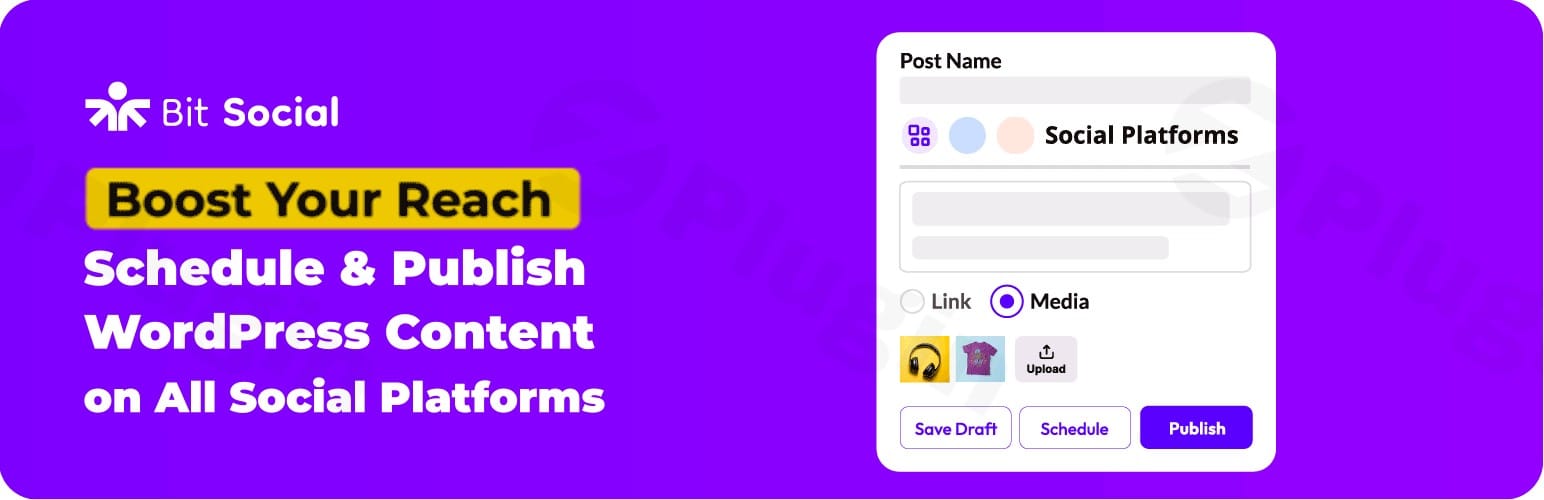
Bit Social Pro – Advanced Social Media Schedule & Auto Poster Plugin
/Year
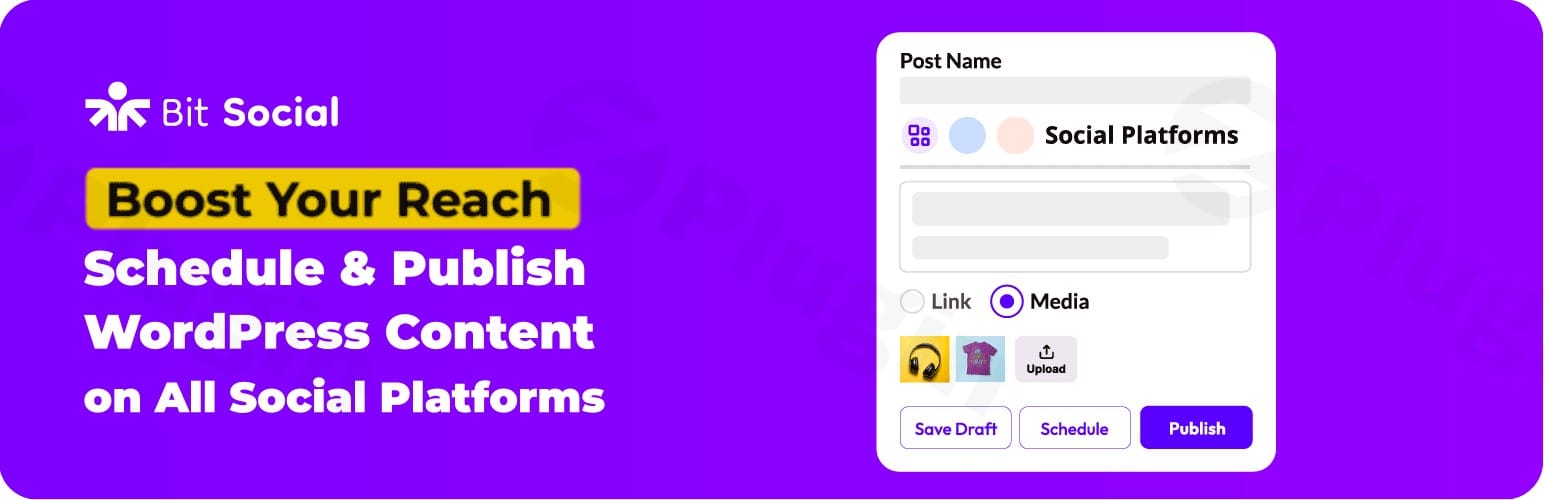
Advanced Social Media Automation for WordPress
Bit Social Pro is designed to bridge the gap between your WordPress website and your social media channels. It enables digital marketers, content creators, and business owners to automatically publish new posts, schedule legacy content, and recycle high-performing articles across major networks. By automating these repetitive tasks, the plugin frees up valuable time while ensuring your social profiles remain consistently active and engaging.
What It Does and Who It Is For
This premium plugin serves as a central hub for social media distribution. Instead of manually copying and pasting links, images, and text to multiple platforms, Bit Social Pro handles the process instantly upon post publication or according to a customized queue. It is an ideal tool for digital marketing agencies managing client accounts, bloggers looking to increase content reach, and e-commerce stores wanting to announce new product arrivals automatically.
Key Capabilities and Channel Integrations
Bit Social Pro supports a broad ecosystem of integrations, including Facebook, Twitter (X), LinkedIn, Instagram, TikTok, Pinterest, Tumblr, YouTube, and Google Business Profile. Key capabilities include:
- Automatic posting of new WordPress content as soon as it goes live.
- Advanced scheduling to drip-feed content and maintain consistent publishing patterns.
- Content recycling to automatically republish older, evergreen posts and maximize their lifecycle.
- Smart template builders that allow customized captions per platform using dynamic smart tags.
- AI-driven prompt assistants to automatically rewrite captions and generate post imagery.
Practical WordPress Use Cases
Integrating Bit Social Pro into your daily workflow opens up powerful use cases across various industries:
- WooCommerce Product Promotion: Automatically share new products to Instagram and Pinterest, utilizing dynamic product descriptions and price tags.
- Evergreen Blog Recycling: Keep older, high-value tutorials active on Twitter and LinkedIn by setting up a continuous recycling queue.
- Local Business Updates: Instantly push business announcements and blogs directly to Google Business Profile to boost local SEO visibility.
- Multi-Channel Campaigns: Coordinate a single WordPress post launch across Facebook, Threads, and Bluesky with platform-specific custom imagery.
Setup, Compatibility, and Best Practices
Getting started with Bit Social Pro is straightforward. After installing and activating the plugin on your WordPress dashboard, you connect your desired accounts via secure API or OAuth authentication. The plugin is built with modern clean code that is compatible with popular page builders like Elementor and Divi, as well as Gutenberg blocks. For optimal performance, it is recommended to set up a server-side cron job to handle heavy scheduling queues smoothly without placing excessive load on shared hosting servers.
Why Choose Bit Social Pro on WPPick
Acquiring Bit Social Pro through WPPick ensures you receive a secure, fully clean, and verified package of this advanced automation tool. WPPick offers access to premium resources so you can streamline your social workflows, test integrations in staging environments, and scale your audience reach affordably. It provides a straightforward way to harness enterprise-grade multi-channel marketing automation without the high recurring costs associated with external SaaS tools.
Latest Version Context & Release Notes
The latest version 1.15.3 brings important functional improvements and critical bug fixes to streamline your social sharing workflows. This update migrates the integrated OpenAI image generation engine from older DALL·E models to the advanced gpt-image-1 model, providing higher-quality visual outputs for automated posts. Additionally, account group management UI interactions have been refined. Under-the-hood fixes resolve issues with orphaned media cleanups during failed image generations, ensure group-based selections execute correctly during auto-posts, isolate per-platform publishing failures to prevent one error from blocking other networks, and introduce descriptive error logs for TikTok video uploads.
Frequently Asked Questions
Does Bit Social Pro support custom post types?
Yes, the plugin is highly flexible and fully supports custom post types, including WooCommerce products, portfolio items, and events, allowing you to share any content type across your social channels.
Can I write customized messages for different social networks?
Yes, the social template preview feature allows you to customize and preview distinct post captions, hashtags, and layouts for individual social networks before publishing them.
Does it support AI content generation?
Yes, Bit Social Pro features built-in OpenAI integration to generate captions and images based on your WordPress post titles and content using custom-defined prompt templates.
Is a recurring monthly fee required to use this plugin?
No, unlike third-party SaaS scheduling platforms that charge high monthly subscription fees, Bit Social Pro operates directly from your own WordPress installation without arbitrary posting limits.
I. Download Limits & Account Benefits
- Free Downloads: Each email address receives 3 downloads per day for free products
- Upgrade Benefits: Purchase any paid product to increase your daily download limit by 3 for each paid product
- No Account Required: You can download immediately by receiving the download link via email
- Account Recommended: Create an account for easier access to your order history and direct update downloads
II. Understanding GPL vs Official Versions
Important: The products available on WPPick are GPL-licensed versions, which differ from official developer versions. Before purchasing, please read our comprehensive guide: Understanding GPL & Official Differences at WPPick
Key Points:
- GPL versions may not include premium support from original developers
- Updates may be delayed compared to official releases
- Some premium features might have limitations
- Always consider your specific needs and support requirements
III. Support & Assistance
We’re here to help through multiple channels:
- Email Support: Direct email assistance for all inquiries
- Live Chat: Real-time support during business hours
- Comprehensive Documentation: Detailed guides and tutorials
IV. Order Tracking
Access your complete purchase history and download links anytime: Order History
V. Account Access
New to WPPick? Login or Create Account to manage your downloads and orders efficiently.
VI. Refund Protection
We stand behind our products with a clear refund policy. Review our terms: Refund Policy
VII. Privacy & Security
Your data security is our priority. Learn how we protect your information: Privacy Policy
VII. Terms of Service
Understanding our service terms ensures a smooth experience: Terms of Use
Quick Tips for Best Experience
- Verify Compatibility: Check plugin/theme compatibility with your WordPress version
- Backup First: Always backup your site before installing new plugins or themes
- Test Environment: Consider testing on a staging site first
- Stay Updated: Regularly check for updates in your account dashboard
- Read Documentation: Review any included documentation for optimal setup
Need Help?
If you have questions about downloads, licensing, or need technical assistance, don’t hesitate to contact our support team. We’re committed to ensuring you have the best possible experience with WPPick products.
Ready to get started? Your download adventure begins with just one click!
- OpenAI: Migrated AI image generation from DALL·E to the new gpt-image-1 model.
- Account Groups: Improved group management UI and modal interaction.
- OpenAI: Clean up orphaned media files when a generated image fails to save.
- Auto Post: Include group accounts when selecting accounts to auto-post to, so group-based selections publish correctly.
- Auto Post: Isolate per-platform publishing failures so one failed network no longer blocks the rest.
- TikTok: Show clear error messages when a post is missing a video or the video file can't be read.
- Smart tag: {post_categories} and {post_tags} now return plain text.
- Enhanced {hashtags_[post_categories]} to generate clean camelCase hashtags like #postCategories.