
Bookingpress Pro – Appointment Booking Calendar Plugin
/Year
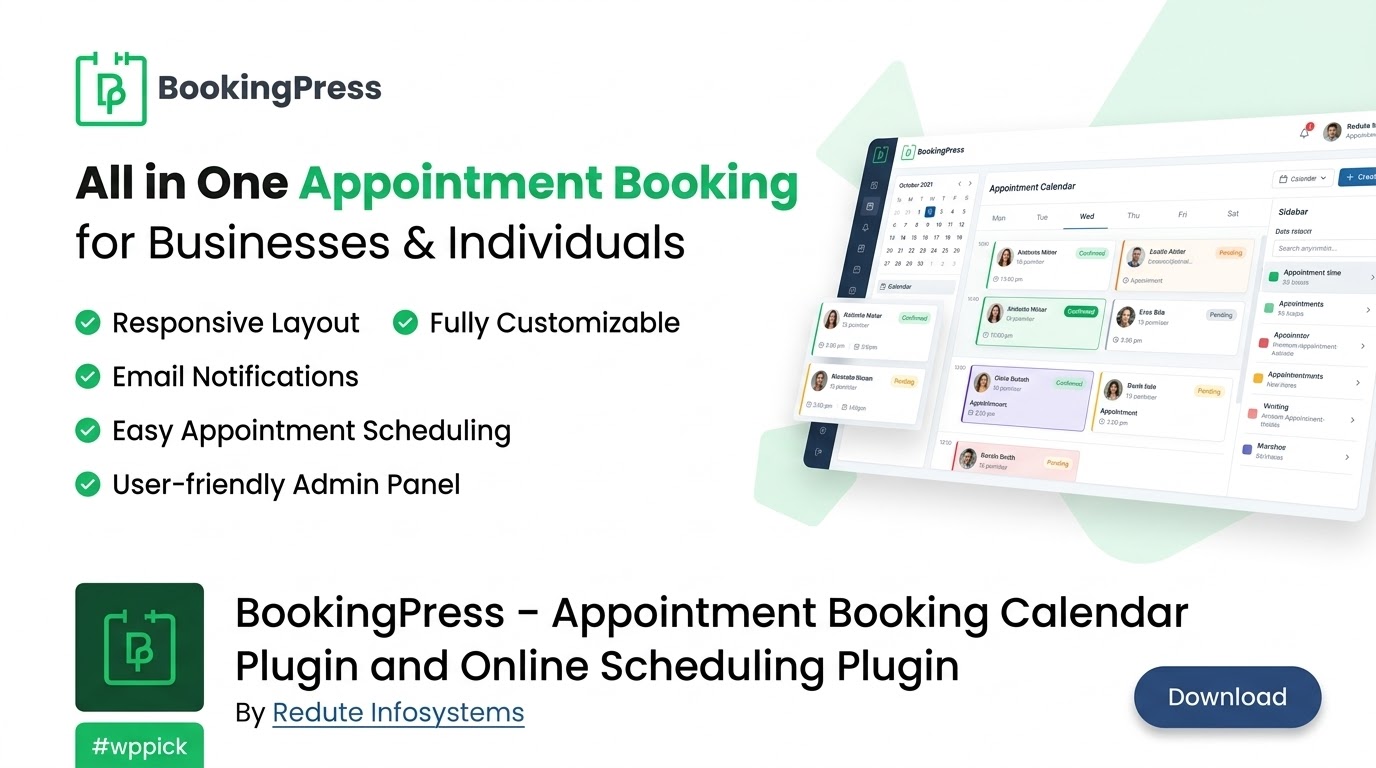
Streamline Your WordPress Appointment Scheduling
Managing client appointments efficiently is essential for service-oriented businesses operating on WordPress. BookingPress Pro provides a robust, all-in-one reservation ecosystem designed to handle end-to-end scheduling workflows without requiring complex third-party platforms. Whether you run a local clinic, a beauty salon, a consulting practice, or a multi-staff fitness center, this plugin automates booking intake, reduces administrative overhead, and creates a seamless digital experience for your customers.
Latest Version 6.1 Changes
BookingPress Premium/Pro version 6.1 focuses on security improvements, particularly by reinforcing Vue3 payment confirmation with server-side validation for amounts, currencies, and booking ownership. It also adds compatibility with WordPress 6.1 and resolves minor bugs.
- Strengthened Vue3 payment confirmation by enforcing server-side payment amount/currency validation and booking ownership verification before finalizing appointments.
- Added compatibility with WordPress version 6.1.
- Included minor bug fixes.
What Does BookingPress Pro Do?
BookingPress Pro transforms a standard WordPress website into a fully functioning booking portal. It handles the entire lifecycle of an appointment, starting from service discovery and customizable form submissions to date selection, staff assignment, secure payment collection, and post-booking notifications. The platform includes an intuitive administrative dashboard where managers and individual staff members can oversee schedules, track earnings, and update client records in real time.
Who Is This Booking Plugin For?
This solution is engineered for a wide array of service providers and digital agencies looking to deploy reliable scheduling infrastructure. Ideal users include:
- Healthcare professionals and private clinics requiring patient appointment management.
- Salons, spas, and wellness centers coordinating multi-employee service hours.
- Consultants, coaches, and freelancers offering paid one-on-one sessions.
- Fitness instructors and sports facilities managing class schedules and equipment slots.
- Web agencies building custom client websites that demand native booking features.
Key Capabilities and Features
BookingPress Pro stands out through a comprehensive feature set built specifically for WordPress environments. Key capabilities include:
- Intuitive drag-and-drop form builder tailored for capturing custom client intake fields.
- Comprehensive staff management tools allowing individual schedules, breaks, and service assignments.
- Seamless calendar integration supporting synchronization with major external calendar systems.
- Multiple built-in payment gateway integrations for secure online transactions and deposits.
- Automated SMS and email notifications to minimize client no-shows and keep teams informed.
- Support for service packages, add-ons, recurring appointments, and dynamic discounts.
Practical WordPress Use Cases
Implementing a dedicated scheduling tool unlocks numerous operational use cases for growing websites. Businesses utilize BookingPress Pro to let clients book consultations directly from service pages, collect advance deposits to secure commitments, manage multi-service cart checkouts, and automate reminder sequences. Staff members can also leverage the platform to review internal notes and track daily workloads directly from their WordPress user roles.
Setup and Compatibility Context
Getting started with BookingPress Pro involves installing the plugin package within the standard WordPress dashboard. The setup wizard guides administrators through configuring default business hours, defining service categories, setting pricing structures, and embedding the booking form via shortcodes or page builder blocks. The system is designed to integrate smoothly with standard WordPress themes and popular multilingual frameworks.
Why Choose BookingPress Pro on WPPick?
Sourcing BookingPress Pro through WPPick ensures access to up-to-date software files and verified feature sets tailored for professional WordPress deployments. It offers a cost-effective path to enterprise-grade scheduling functionality, empowering site administrators to scale their reservation workflows quickly and securely.
Latest Version Context and Security Enhancements
The latest version 6.1 update introduces critical security fortifications and functional refinements. Specifically, it strengthens Vue3 payment confirmation workflows by enforcing rigorous server-side validation for payment amounts, currencies, and booking ownership before finalizing any appointment. Version 6.1 also guarantees full compatibility with WordPress version 6.1, resolves PayPal processing edge cases involving three-currency decimals, improves UI alignment across summary pages, and fixes various service package add-on and recurring appointment calculation bugs.
Frequently Asked Questions
Can I manage multiple staff members with different working hours? Yes, BookingPress Pro includes dedicated staff management features that allow you to assign unique services, custom schedules, breaks, and individual pricing to different team members.
Does the plugin support online payments during booking? Yes, it integrates with multiple secure payment gateways, allowing you to collect full payments, partial deposits, or custom fees during the checkout process.
Can I customize the appearance of the booking forms? Absolutely. The plugin features an integrated form customizer that lets you modify fields, layouts, colors, and steps to match your brand identity.
Are automated notifications available for clients and staff? Yes, the system sends automated email notifications and supports SMS reminders to ensure both customers and service providers stay updated on appointment status changes.
Is BookingPress Pro compatible with translation plugins? Yes, the plugin is built to support multilingual workflows, enabling you to translate booking labels and notices for international audiences.
I. Download Limits & Account Benefits
- Free Downloads: Each email address receives 3 downloads per day for free products
- Upgrade Benefits: Purchase any paid product to increase your daily download limit by 3 for each paid product
- No Account Required: You can download immediately by receiving the download link via email
- Account Recommended: Create an account for easier access to your order history and direct update downloads
II. Understanding GPL vs Official Versions
Important: The products available on WPPick are GPL-licensed versions, which differ from official developer versions. Before purchasing, please read our comprehensive guide: Understanding GPL & Official Differences at WPPick
Key Points:
- GPL versions may not include premium support from original developers
- Updates may be delayed compared to official releases
- Some premium features might have limitations
- Always consider your specific needs and support requirements
III. Support & Assistance
We’re here to help through multiple channels:
- Email Support: Direct email assistance for all inquiries
- Live Chat: Real-time support during business hours
- Comprehensive Documentation: Detailed guides and tutorials
IV. Order Tracking
Access your complete purchase history and download links anytime: Order History
V. Account Access
New to WPPick? Login or Create Account to manage your downloads and orders efficiently.
VI. Refund Protection
We stand behind our products with a clear refund policy. Review our terms: Refund Policy
VII. Privacy & Security
Your data security is our priority. Learn how we protect your information: Privacy Policy
VII. Terms of Service
Understanding our service terms ensures a smooth experience: Terms of Use
Quick Tips for Best Experience
- Verify Compatibility: Check plugin/theme compatibility with your WordPress version
- Backup First: Always backup your site before installing new plugins or themes
- Test Environment: Consider testing on a staging site first
- Stay Updated: Regularly check for updates in your account dashboard
- Read Documentation: Review any included documentation for optimal setup
Need Help?
If you have questions about downloads, licensing, or need technical assistance, don’t hesitate to contact our support team. We’re committed to ensuring you have the best possible experience with WPPick products.
Ready to get started? Your download adventure begins with just one click!
- Strengthened Vue3 payment confirmation by enforcing server-side payment amount/currency validation and booking ownership verification before finalizing appointments.
- Improved PayPal payment processing and fixed payment errors when using currencies configured with three decimal places.
- Fixed Summary Page total amount row UI design.
- Fixed 24-hour time format updates not being reflected correctly in staff working hours.
- Fixed several Summary page UI issues, including payment totals, coupons, and tip validation.
- Fixed multiple Service Package Add-on issues related to package eligibility, multiple cart services, package redemption, and alphanumeric invoice IDs.
- Fixed Coupon, Gift Card, Advanced Discount, and Deposit calculation and display issues when used with Cart bookings.
- Fixed several Recurring Appointments and Extra Services layout and booking validation issues.
- Fixed other minor bug fixes & improvements.
- Improved staff and appointment validation to display appropriate error messages instead of generic errors.
- Improved Calendar and staff management interface alignment and notification handling.
- Improved Cart Add-on booking calculations and resolved server/client total mismatch errors, including compatibility with Deposits and Packages.
- Improved Day Service availability validation, including staff availability, overlapping appointments, and booking-step compatibility.
- Minor bug fixes
- Improvements
- Front-end form loading improvement
- Other minor bug fixes
- Added new facility to add internal notes to appointments from both the Admin and Staff panels.
- Minor bug fixes
- Added new placeholder to show service description in notifications
- Minor bug fixes