

Bookly Cart (add-on)
/Year
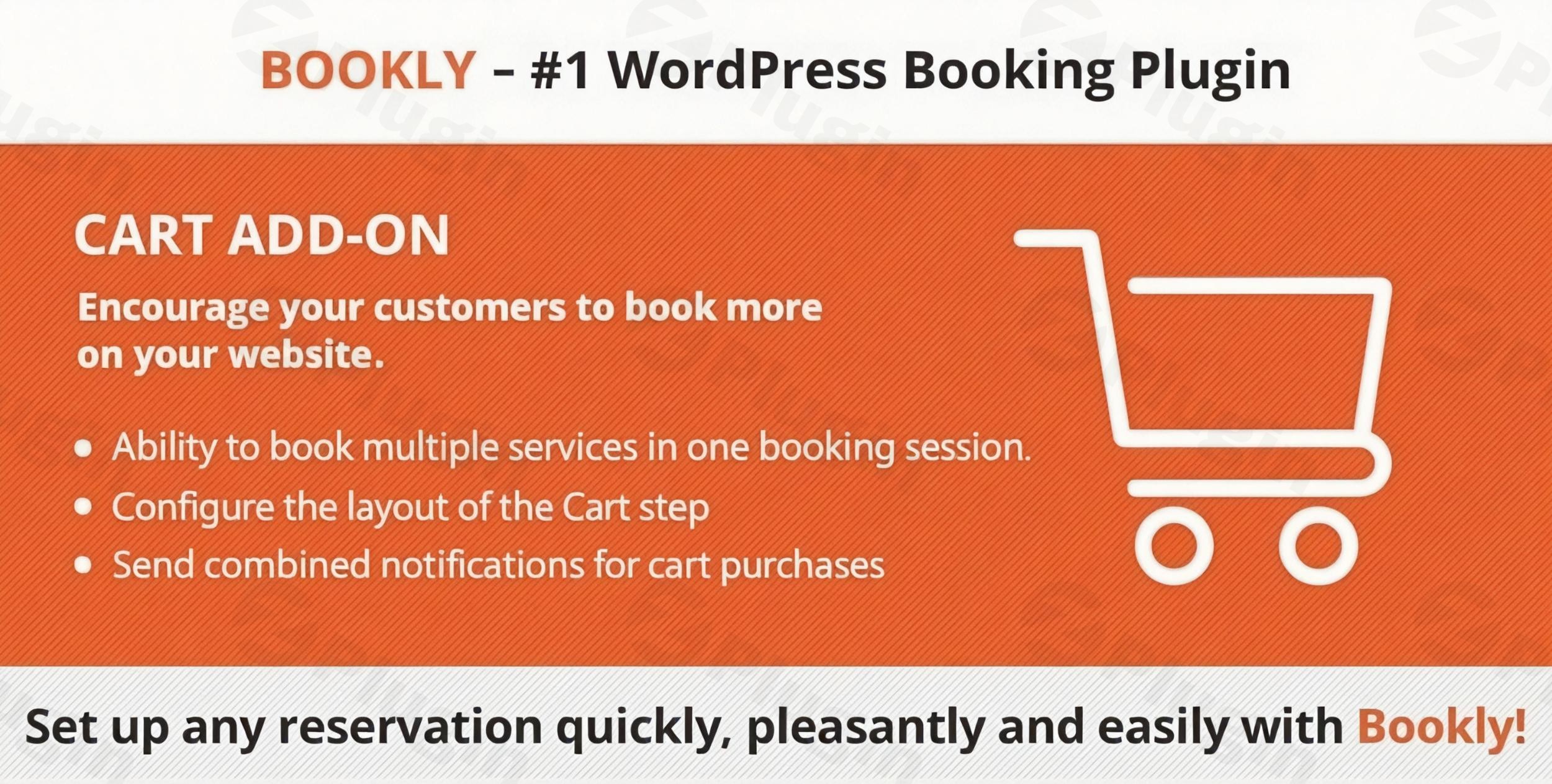
Providing a seamless booking experience is critical for service-based businesses. The Bookly Cart add-on is a specialized extension for the Bookly PRO plugin that transforms the standard one-service booking process into a flexible WordPress booking cart system. By allowing clients to book and pay for Bookly multiple appointments in a single session, you reduce friction, increase average order value, and improve customer satisfaction.
In this guide, we will explore the features, setup process, and best practices for using the Bookly Cart add-on to streamline your multi-service scheduling.
What is the Bookly Cart Add-on?
The Bookly Cart add-on is an extension designed to allow customers to “shop” for services. Instead of completing a full checkout for every individual service, clients can add multiple appointments—each with different staff members, dates, or times—to a virtual cart. Once they have selected everything they need, they can proceed to a single checkout page for payment and confirmation.
This tool is essential for businesses like hair salons, medical clinics, or educational centers where a client might need several different services or recurring sessions in one visit.
Key Features and Benefits
1. Seamless Multiple Appointment Booking
The core benefit of this add-on is the ability for clients to select multiple services concurrently. By eliminating the need to restart the booking process for every service, you provide a modern, eCommerce-like experience.
2. Fully Customizable Cart Layout
You can tailor the appearance and content of the cart step to match your website’s branding. Within the Bookly settings, you can:
- Choose which summary information to display (service name, staff, price, etc.).
- Rearrange the order of the information columns.
- Ensure the layout fits perfectly within your WordPress theme.
3. “Book More” Functionality
The add-on introduces a “Book More” button to the summary step. This allows clients to return to the first step of the booking form to add additional services while their current selections remain safely stored in the cart.
4. Integrated Payment & Notification System
The Bookly Cart add-on integrates directly with the Bookly PRO ecosystem:
- Single Payments: Clients pay for the entire cart total at once.
- Combined Notifications: Instead of sending five different emails for five services, the system can send a single, combined notification for all appointments.
- Reporting: Payment reports in the backend clearly identify which transactions were made via the cart.
5. Individual Staff Scheduling
Even though the checkout is combined, the backend organization remains precise. Each appointment is recorded separately in the respective staff member’s calendar, ensuring no double bookings or scheduling conflicts.
How to Install and Set Up the Bookly Cart Add-on
To use this feature, you must have the Bookly PRO plugin active on your WordPress site. Follow these steps to get started:
- Purchase and Download: Obtain the Bookly Cart add-on from the official site or CodeCanyon.
- Upload to WordPress: Go to Plugins > Add New > Upload Plugin and select the .zip file.
- Activate: Click Activate Plugin.
- Configure the Cart Step:
- Navigate to Bookly > Appearance.
- Look for the Cart step in the progress bar.
- Check the box to Show cart.
- Customize the columns and text to fit your business needs.
- Enable the “Book More” Button: Under the Appearance settings, ensure the “Book More” button is enabled so customers can return to the service selection screen easily.
Practical Usage and Best Practices
Ideal for Multi-Service Workflows
The Bookly Cart add-on is most effective for businesses where cross-selling is common.
- Beauty Salons: A client can book a haircut, a manicure, and a facial in one go.
- Medical Clinics: Patients can schedule a consultation followed by specific diagnostic tests or therapy sessions.
- Training Centers: Students can book multiple different classes or private tutoring sessions in one transaction.
Best Practices for Site Owners
- Keep the Cart Clean: Only display essential information (Date, Time, Service, Price) to avoid cluttering the mobile view.
- Test Theme Compatibility: While Bookly works with most themes, always test the cart layout on a staging site to ensure it renders correctly on mobile devices.
- Use Combined Notifications: To avoid spamming your customers, enable combined email/SMS notifications so they receive one comprehensive itinerary.
FAQ & Troubleshooting
Can Bookly book multiple appointments at once?
Yes. By using the Bookly Cart add-on, clients can add several different services, dates, and staff members to a single cart and check out once.
How do I customize the Bookly cart step?
You can customize the cart by going to Bookly > Appearance and selecting the Cart tab. Here, you can toggle which columns are visible, change the button text, and adjust the layout order.
Does the Cart add-on require Bookly PRO?
Yes, the Bookly Cart add-on is an extension and requires the Bookly PRO plugin to be installed and activated on your WordPress site to function.
Is the Bookly Cart add-on compatible with WPML?
Yes, the add-on supports WPML, allowing you to offer a multi-service booking experience in multiple languages for international or bilingual audiences.
What should I do if the cart doesn’t match my theme?
Bookly is designed for broad compatibility. If the cart layout looks off, check your theme’s CSS settings or contact Bookly support (provided by Nota-info, a Power Elite Author) for specific styling hooks.
Conclusion: Final Verdict
The Bookly Cart add-on is an essential investment for any business looking to optimize its WordPress booking cart experience. It significantly reduces the time it takes for a customer to book multiple services, which directly impacts conversion rates.
While there are alternatives like Amelia or Booknetic that offer similar features, the flexibility of the Bookly PRO add-on ecosystem allows you to build a highly tailored scheduling system. If your clients frequently request more than one service at a time, the Bookly Cart add-on provides the professional, streamlined workflow your business needs.
For more WordPress plugin guides and SEO tips, visit wppick.com.
I. Download Limits & Account Benefits
- Free Downloads: Each email address receives 3 downloads per day for free products
- Upgrade Benefits: Purchase any paid product to increase your daily download limit by 3 for each paid product
- No Account Required: You can download immediately by receiving the download link via email
- Account Recommended: Create an account for easier access to your order history and direct update downloads
II. Understanding GPL vs Official Versions
Important: The products available on WPPick are GPL-licensed versions, which differ from official developer versions. Before purchasing, please read our comprehensive guide: Understanding GPL & Official Differences at WPPick
Key Points:
- GPL versions may not include premium support from original developers
- Updates may be delayed compared to official releases
- Some premium features might have limitations
- Always consider your specific needs and support requirements
III. Support & Assistance
We’re here to help through multiple channels:
- Email Support: Direct email assistance for all inquiries
- Live Chat: Real-time support during business hours
- Comprehensive Documentation: Detailed guides and tutorials
IV. Order Tracking
Access your complete purchase history and download links anytime: Order History
V. Account Access
New to WPPick? Login or Create Account to manage your downloads and orders efficiently.
VI. Refund Protection
We stand behind our products with a clear refund policy. Review our terms: Refund Policy
VII. Privacy & Security
Your data security is our priority. Learn how we protect your information: Privacy Policy
VII. Terms of Service
Understanding our service terms ensures a smooth experience: Terms of Use
Quick Tips for Best Experience
- Verify Compatibility: Check plugin/theme compatibility with your WordPress version
- Backup First: Always backup your site before installing new plugins or themes
- Test Environment: Consider testing on a staging site first
- Stay Updated: Regularly check for updates in your account dashboard
- Read Documentation: Review any included documentation for optimal setup
Need Help?
If you have questions about downloads, licensing, or need technical assistance, don’t hesitate to contact our support team. We’re committed to ensuring you have the best possible experience with WPPick products.
Ready to get started? Your download adventure begins with just one click!
- Added support for Bookly Pro 9.3