

Bookly Invoices (add-on)
/Year
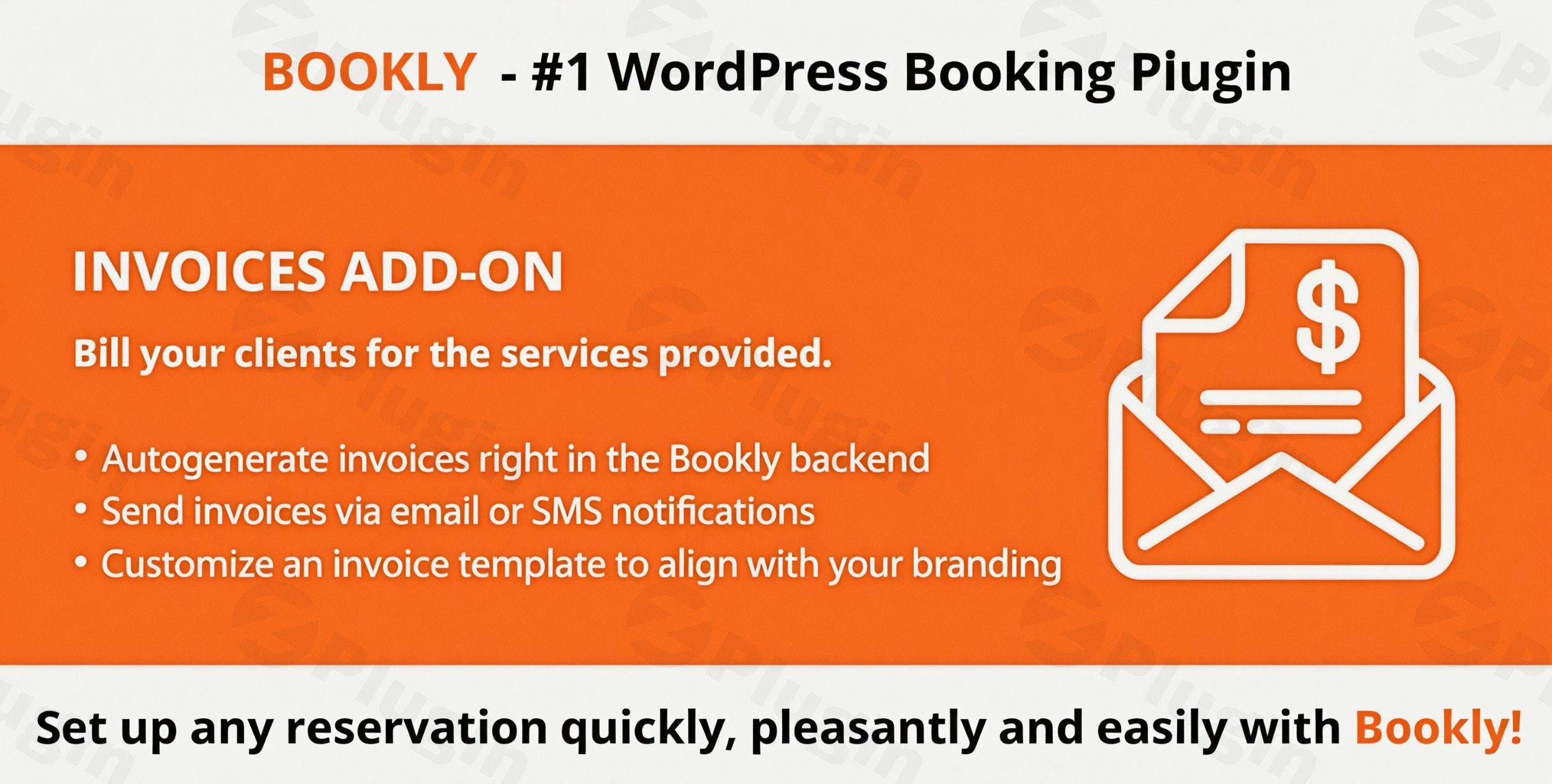
Streamline Your Appointment Billing Automatically
Managing service client billing manually often leads to administrative bottlenecks and delayed payments. Bookly Invoices resolves this issue by bridging the gap between your online reservation schedule and professional accounting workflows. This companion extension connects directly into your booking cycle to trigger automated payment requests and document generation without external service integration overhead.
What the Bookly Invoices Extension Does
The primary function of this extension is the automated creation and distribution of itemized payment documents based on real-time reservation data. When a client books a slot or a status change occurs, the system extracts critical data points—such as client particulars, chosen services, staff assignments, custom configurations, and pricing structures—to build a comprehensive statement. It eliminates human errors associated with manual data copy routines while reinforcing a professional client interaction standard.
Who Should Use This Billing Add-on
This extension is built for business operations that already use Bookly Pro to organize client schedules and require a structured mechanism to handle client financial documentation. It serves medical clinics, legal consultancies, professional salons, educational tutors, and equipment rental providers who want clear, itemized records. It is ideal for service operations shifting away from manual post-appointment billing processes toward a fully hands-off digital receipt workflow.
Key Capabilities and Document Control
- Automatic Document Assembly: Generate clean billing records using variable codes that fetch dynamic client data, price values, and service specifics directly.
- Flexible Delivery Options: Send document notifications instantly using integrated email channels or via text message alerts depending on customer preference.
- Custom Layout Frameworks: Tailor templates to align with operational aesthetics, incorporating corporate logos, precise addresses, custom text notes, and tax specifications.
- Status Filtering Options: Set document production and dispatch behaviors to match your scheduling flow, triggering only when appointments move to confirmed or paid states.
Practical WordPress Use Cases
Consider a multi-practitioner physical therapy clinic using WordPress. When patients book an assessment online, Bookly Invoices automatically builds a professional document, attaches it as a PDF download link in the confirmation email, and records the itemized breakdown in the admin view. For mobile repair businesses or corporate consulting firms, it lets managers handle corporate accounting compliance easily, allowing enterprise clients to download structured expenses records immediately for their tax reporting history.
Setup and System Requirements Context
Because this tool operates as a specialized add-on component, it relies entirely on a working core architecture. Users must have an active, configured installation of Bookly Pro running on their WordPress site. It utilizes native database values established by the core scheduling software, meaning no separate complex customer databases or configuration flows are required. Simply activate the plugin, adjust your corporate layout settings within the unified booking menu, and specify your tax details to begin automation.
Why Obtain This Extension via WPPick
Acquiring your appointment toolkit components through WPPick ensures clean, checked code packages optimized for immediate deployment. It allows service operations to test system compatibility across multi-addon architectures securely within staging environments. This helps you avoid expensive vendor locked-in subscription fees while testing how invoice generation handles peak operational demands on your actual server configuration.
Latest Version Context
Detailed release notes are not available from the provided sources. The system documentation confirms that development focuses on structural synchronization to ensure full compatibility with the core scheduling engine infrastructure, minimizing conflicts during system updates.
Frequently Asked Questions
Can clients download their invoices directly?
Yes, you can include unique, secure download links in your automated customer emails or text messages, enabling clients to view and save files at their convenience.</p
Does this extension require a separate accounting platform?
No, it operates independently within your WordPress dashboard, handling formatting, generation, and tracking internally without mandatory external SaaS subscriptions.</p
Can I apply custom tax rates or discounts?
Yes, the document generator adapts to structural calculations from your main booking settings, displaying applied discounts, coupon deductions, and regional tax obligations clearly.</p
Are multiple currency types supported?
The billing tool automatically adopts the global currency layout configured inside your primary Bookly system settings to maintain total pricing consistency across your client interfaces.
I. Download Limits & Account Benefits
- Free Downloads: Each email address receives 3 downloads per day for free products
- Upgrade Benefits: Purchase any paid product to increase your daily download limit by 3 for each paid product
- No Account Required: You can download immediately by receiving the download link via email
- Account Recommended: Create an account for easier access to your order history and direct update downloads
II. Understanding GPL vs Official Versions
Important: The products available on WPPick are GPL-licensed versions, which differ from official developer versions. Before purchasing, please read our comprehensive guide: Understanding GPL & Official Differences at WPPick
Key Points:
- GPL versions may not include premium support from original developers
- Updates may be delayed compared to official releases
- Some premium features might have limitations
- Always consider your specific needs and support requirements
III. Support & Assistance
We’re here to help through multiple channels:
- Email Support: Direct email assistance for all inquiries
- Live Chat: Real-time support during business hours
- Comprehensive Documentation: Detailed guides and tutorials
IV. Order Tracking
Access your complete purchase history and download links anytime: Order History
V. Account Access
New to WPPick? Login or Create Account to manage your downloads and orders efficiently.
VI. Refund Protection
We stand behind our products with a clear refund policy. Review our terms: Refund Policy
VII. Privacy & Security
Your data security is our priority. Learn how we protect your information: Privacy Policy
VII. Terms of Service
Understanding our service terms ensures a smooth experience: Terms of Use
Quick Tips for Best Experience
- Verify Compatibility: Check plugin/theme compatibility with your WordPress version
- Backup First: Always backup your site before installing new plugins or themes
- Test Environment: Consider testing on a staging site first
- Stay Updated: Regularly check for updates in your account dashboard
- Read Documentation: Review any included documentation for optimal setup
Need Help?
If you have questions about downloads, licensing, or need technical assistance, don’t hesitate to contact our support team. We’re committed to ensuring you have the best possible experience with WPPick products.
Ready to get started? Your download adventure begins with just one click!
- Added support for Bookly Pro 10.2
- Added support for Bookly Pro 9.6
- Added support for Bookly Pro 9.3
- Added support for Bookly Pro 9.1
- Added support for Bookly Pro 9.0