

Bookly Multiply Appointments (add-on)
/Year
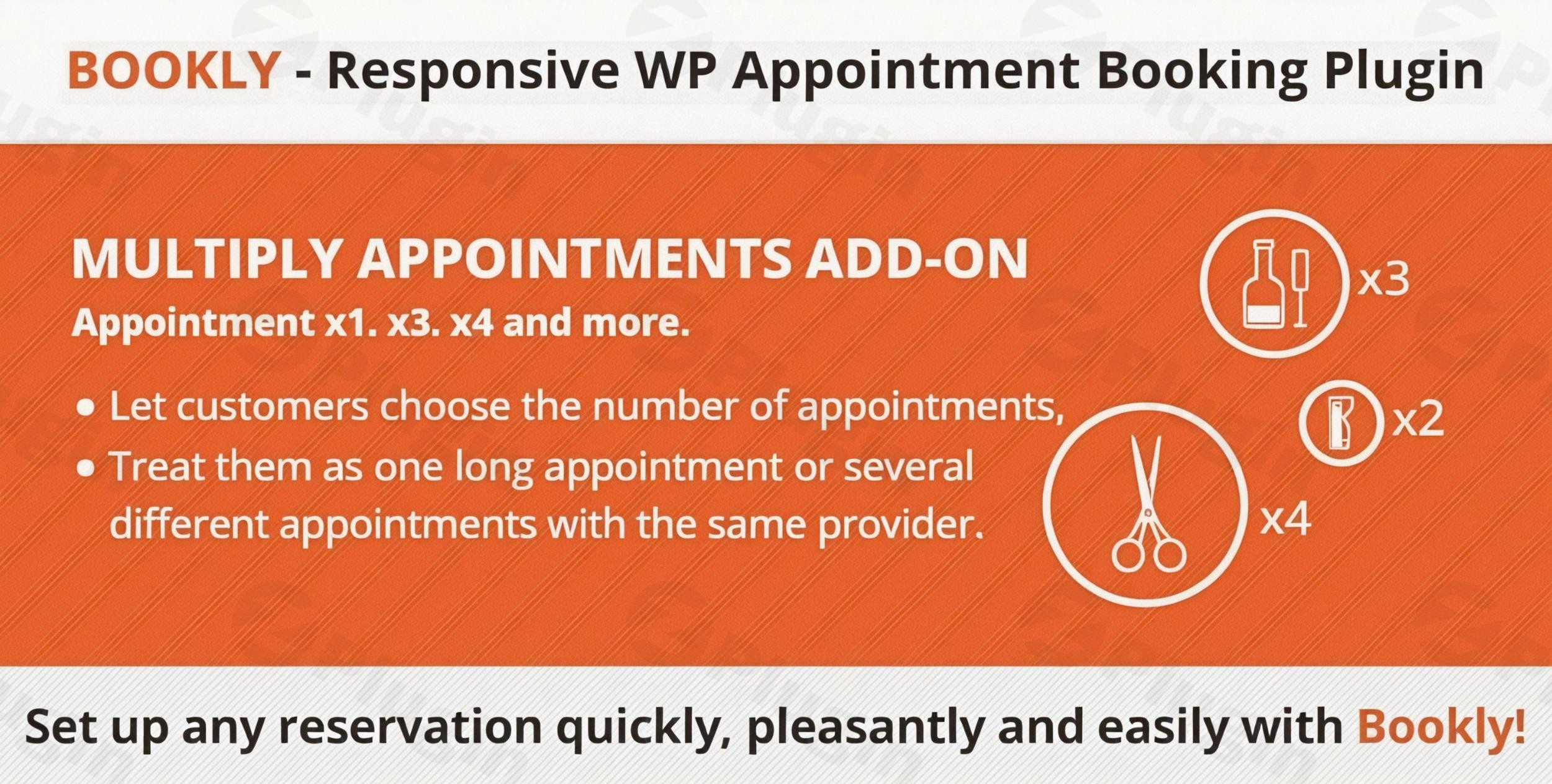
Streamline Sequential Bookings with Bookly Multiply Appointments
Managing service schedules that require extended or consecutive time blocks can be challenging for digital service providers. The Bookly Multiply Appointments add-on provides a direct solution by letting your clients reserve multiple sequential appointment slots in a single session. Instead of going through the entire checkout loop multiple times, users can select a base time and extend their appointment length instantly based on availability. This extension integrates into your current WordPress configuration to optimize schedule density and lower friction for customers who need long-form sessions.
What Bookly Multiply Appointments Does
This expansion module alters the standard behavior of the Bookly scheduling algorithm. When a customer selects a service, the interface permits them to determine how many consecutive slots they wish to occupy. The system dynamically checks the provider calendar to ensure all requested slots are open back-to-back without overlapping existing reservations. Once verified, the software locks the full time period and aggregates the pricing dynamically, presenting a singular unified total at the checkout phase. This process keeps the reservation workflow intuitive while preserving calendar organization backend rules.
Who Is This Scheduling Extension For
This extension is built for business owners, independent professionals, and platform managers who operate appointment-based platforms where service durations fluctuate depending on client requirements. It is regularly utilized in wellness clinics, legal consultancies, educational centers, and repair facilities. If your staff offers services that can be extended on demand, or if clients routinely book double slots for comprehensive sessions, this tool automates that resource allocation without requiring human admin intervention.
Key Capabilities and Features
- Sequential Slot Allocation: Enables customers to purchase identical back-to-back intervals with the same staff member instantly.
- Real-Time Availability Validation: Automatically blocks the booking progression if any sub-slot within the requested chain is occupied.
- Dynamic Price Calculation: Multiplies the base service fee relative to the total quantity of consecutive units reserved.
- Unified Notification Processing: Delivers a single confirmation email and SMS alert detailing the comprehensive combined time range instead of separate messages.
- Staff Dashboard Integration: Displays the multiplied appointments as a single elongated block within the internal Bookly administrative calendar view.
Practical WordPress Use Cases
Consider a massage therapy center where the baseline session is set to thirty minutes. A client wanting an extended ninety-minute session can select three consecutive blocks during their initial booking step. Another common implementation occurs within music academies or educational tutoring spaces, where students decide to book double periods right before examinations to get extra preparation time. Similarly, automotive repair shops or beauty salons can utilize this mechanism to accommodate comprehensive multi-hour procedures without needing to design dozens of distinct custom services for varying lengths.
Setup and Compatibility Notes
To run this configuration successfully, you must have the primary Bookly Pro system installed and activated on your WordPress dashboard. This utility acts as an optional accessory framework and relies on the core scheduling infrastructure for database entries, payment collection gateways, and client profile management. It is designed to work harmoniously alongside other official add-ons, maintaining strict alignment with standard database rules to avoid plugin conflicts during concurrent checkout operations.
Reasons to Choose This Tool on WPPick
Acquiring your extensions via WPPick ensures access to clean, verified digital files that deploy correctly on standard production environments. This environment gives administrators a safe path to test scheduling variations, explore multi-slot functionality, and build scalable configurations prior to committing to complex software ecosystems. It offers a practical method for evaluating calendar workflows and ensuring compatibility across your tech stack.
Latest Version Context
Detailed release notes are not available from the provided sources. The system continues to undergo internal compatibility evaluations alongside modern infrastructure rollouts to maintain parity with core operational requirements. This ongoing upkeep ensures that the background verification logic remains stable when parsing calendar data arrays during complex front-end multi-slot requests.
Frequently Asked Questions
Can a client book multiple slots across different service providers?
No. This specific add-on focuses exclusively on multiplying consecutive time increments with the exact same staff member. If a customer wishes to schedule appointments with various providers or at distinct times throughout the week, they should utilize the standard shopping cart feature instead.
How does the plugin handle breaks or non-working hours?
The reservation script honors all default calendar rules configured in the core system. If a provider has a scheduled break or if their shift ends midway through the requested chain of slots, the system will recognize the block as unavailable and prevent the user from completing that specific combination.
Are confirmation emails sent for every single time slot?
No, the system groups the sequential selections together. The client receives a singular unified notification displaying the overall start time and total calculated end time, preventing inbox clutter while providing clean reservation details.
Does this add-on work with fixed-time services?
Yes. The extension applies directly to your preconfigured service lengths. It allows the customer to determine the quantity of those units they want to chain together, provided there is uninterrupted calendar availability on the requested date.
I. Download Limits & Account Benefits
- Free Downloads: Each email address receives 3 downloads per day for free products
- Upgrade Benefits: Purchase any paid product to increase your daily download limit by 3 for each paid product
- No Account Required: You can download immediately by receiving the download link via email
- Account Recommended: Create an account for easier access to your order history and direct update downloads
II. Understanding GPL vs Official Versions
Important: The products available on WPPick are GPL-licensed versions, which differ from official developer versions. Before purchasing, please read our comprehensive guide: Understanding GPL & Official Differences at WPPick
Key Points:
- GPL versions may not include premium support from original developers
- Updates may be delayed compared to official releases
- Some premium features might have limitations
- Always consider your specific needs and support requirements
III. Support & Assistance
We’re here to help through multiple channels:
- Email Support: Direct email assistance for all inquiries
- Live Chat: Real-time support during business hours
- Comprehensive Documentation: Detailed guides and tutorials
IV. Order Tracking
Access your complete purchase history and download links anytime: Order History
V. Account Access
New to WPPick? Login or Create Account to manage your downloads and orders efficiently.
VI. Refund Protection
We stand behind our products with a clear refund policy. Review our terms: Refund Policy
VII. Privacy & Security
Your data security is our priority. Learn how we protect your information: Privacy Policy
VII. Terms of Service
Understanding our service terms ensures a smooth experience: Terms of Use
Quick Tips for Best Experience
- Verify Compatibility: Check plugin/theme compatibility with your WordPress version
- Backup First: Always backup your site before installing new plugins or themes
- Test Environment: Consider testing on a staging site first
- Stay Updated: Regularly check for updates in your account dashboard
- Read Documentation: Review any included documentation for optimal setup
Need Help?
If you have questions about downloads, licensing, or need technical assistance, don’t hesitate to contact our support team. We’re committed to ensuring you have the best possible experience with WPPick products.
Ready to get started? Your download adventure begins with just one click!
- Added support for Bookly Pro 10.2
- Added support for Bookly Pro 9.3