

Bookly Ratings (add-on)
/Year
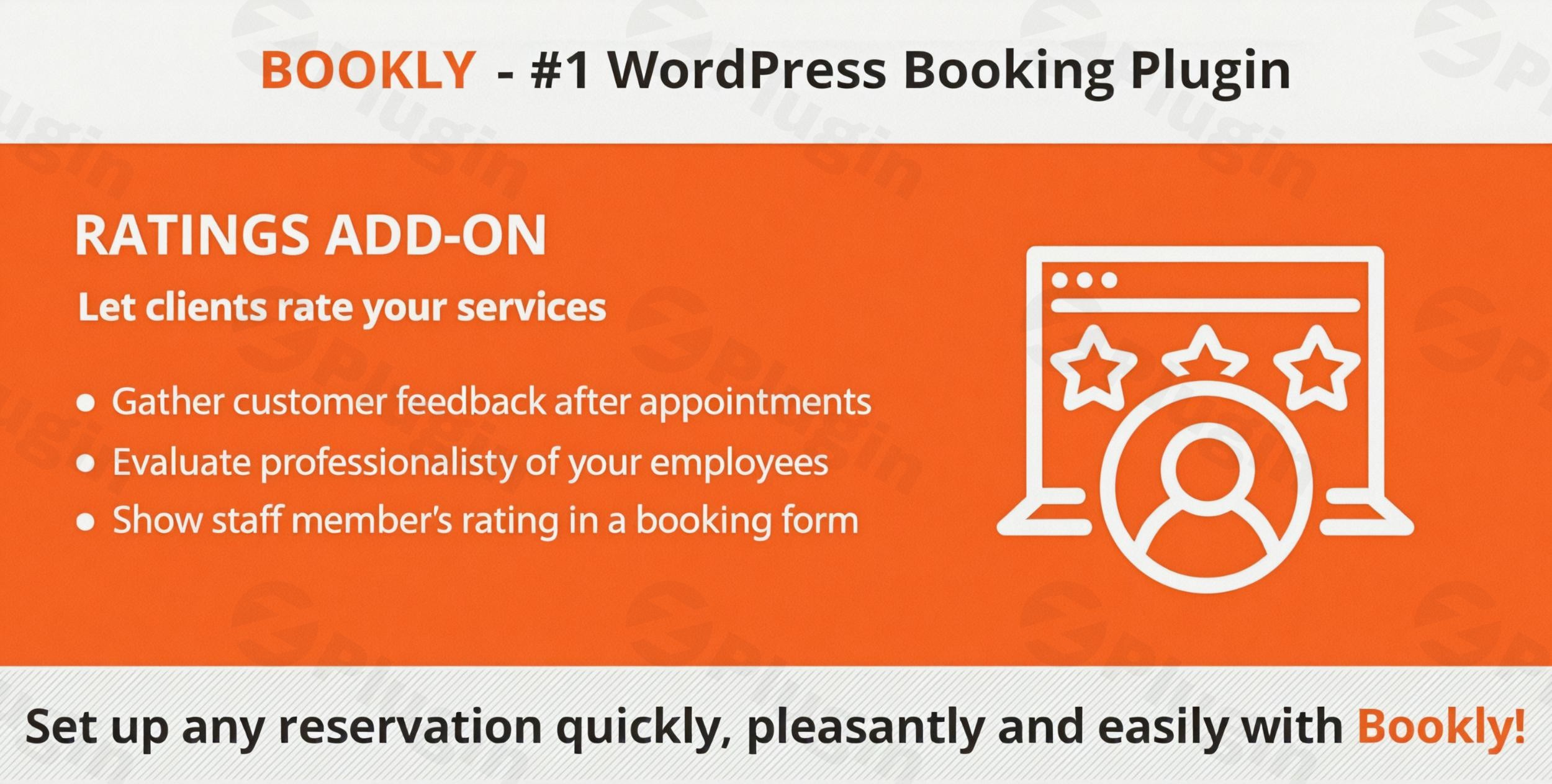
In the world of online service providers, social proof is the ultimate currency. When potential clients look to book an appointment, they don’t just look at prices; they look at what others have to say. The Bookly Ratings add-on is a powerful bookly review plugin extension designed to bridge the gap between providing a service and building a public-facing reputation. By automating the feedback loop, this add-on helps businesses collect wordpress appointment ratings that drive higher conversion rates and improve service quality.
The Bookly Ratings add-on solves a critical problem for service-based businesses: the “silent customer.” Without an automated system, most happy customers simply move on after their appointment, while only the unhappy ones seek out review platforms. This add-on ensures every client is prompted to share their experience, giving you a balanced and authoritative reflection of your brand.
Key Features & Benefits of the Bookly Ratings Add-on
The Bookly Ratings add-on isn’t just a simple comment box; it is a sophisticated feedback management system built directly into the Bookly ecosystem.
1. Automated Feedback Collection
One of the most valuable aspects of this add-on is its “set and forget” nature. It utilizes the Bookly notification system to send automated emails or SMS prompts to clients immediately after their appointment is completed. This ensures the experience is fresh in their minds, leading to higher response rates and more detailed reviews.
2. Service and Staff-Specific Ratings
Not all appointments are created equal. This plugin allows you to:
- Rate Specific Services: See which of your offerings are performing best.
- Rate Staff Members: Gain internal insights into staff performance and allow customers to choose the best-rated professional for their next visit.
3. Comprehensive Review Moderation
To maintain a professional online presence, the add-on includes a robust moderation panel. As an administrator, you can:
- Approve, edit, or delete reviews before they go public.
- Respond to feedback to show customers that their opinions are valued.
- Manage user permissions so staff can see their own ratings without having full administrative control.
4. SEO-Friendly Rich Snippets
The Bookly Ratings add-on supports structured data (Schema.org). This means your service ratings can appear as star ratings in Google Search results. These “rich snippets” significantly improve your click-through rate (CTR) by making your website stand out from competitors who lack visible social proof.
5. Highly Customizable Forms and Widgets
You can tailor the review process to fit your brand. The add-on allows for customizable review fields, ensuring you ask the questions that matter most to your business. Once collected, you can display these ratings anywhere on your site using responsive widgets or shortcodes.
Installation and Setup: How to Get Customer Reviews with Bookly
Setting up the Bookly Ratings add-on is straightforward, but it does require a specific environment to function.
Step 1: Verify Requirements
Before installing, ensure you have Bookly PRO installed and activated. The Ratings add-on is an extension and will not function with the free version of Bookly alone.
Step 2: Upload and Activate
- Download the Bookly Ratings add-on zip file from your account (typically via CodeCanyon or the Bookly website).
- Log in to your WordPress dashboard.
- Navigate to Plugins > Add New > Upload Plugin.
- Select the zip file and click Install Now, then Activate.
Step 3: Configure Notification Settings
To start collecting feedback, you must tell Bookly when to ask for it:
- Go to Bookly > Email Notifications.
- Find the notification type related to “Follow-up” or “Post-appointment.”
- Insert the
{rating_form}codes provided by the add-on into your email template.
Step 4: Display Ratings on Your Site
To display appointment ratings on your WordPress website, use the provided shortcodes in the Bookly documentation. You can place these on your “Services” page, “Our Team” page, or even in the sidebar using a widget.
Practical Usage & Best Practices
To get the most out of your wordpress appointment ratings, consider these real-world workflows:
- For Medical & Wellness Clinics: Use staff ratings to empower patients. When a patient sees a physical therapist with a 5-star rating and 50+ reviews, their “booking anxiety” vanishes.
- For Beauty Salons: High-quality text reviews often mention specific styles or treatments. This creates “user-generated content” that helps other clients decide which service is right for them.
- For Educational Services: If you offer tutoring, use the customizable fields to ask specific questions like “How helpful was the session?” or “Was the material easy to understand?”
Pro Tip: Always reply to 3-star and 4-star reviews. A professional response to constructive criticism shows potential clients that you are committed to constant improvement, which often builds more trust than a profile with only 5-star reviews.
FAQ & Troubleshooting
Does Bookly have a ratings add-on?
Yes, Bookly offers a dedicated Ratings add-on that integrates specifically with Bookly PRO. It allows businesses to collect, moderate, and display customer feedback directly within the WordPress dashboard.
Is the Bookly Ratings add-on compatible with Elementor or Gutenberg?
Yes. Since the add-on uses standard WordPress shortcodes and widgets to display reviews, it is compatible with major page builders like Elementor, Divi, and the native Gutenberg block editor.
Does it support SEO star ratings in Google?
The Bookly Ratings add-on includes built-in support for structured data (rich snippets). This allows search engines to read your review data and potentially display star ratings next to your URL in search results.
Can I export my reviews for backup?
Yes. The add-on provides reporting and export features, allowing you to download your reviews for backups, offline analysis, or use in external marketing reports.
What should I do if the review form isn’t appearing?
First, ensure that the appointment status is marked as “Approved” or “Done” in the Bookly calendar. Second, verify that the {rating_form} shortcode is correctly placed within your Bookly notification settings and that the notification was actually triggered.
Final Verdict: Is it Worth It?
If you are already using Bookly PRO to manage your appointments, the Bookly Ratings add-on is a high-ROI investment. It automates the most difficult part of marketing—gathering social proof—and presents it in an SEO-friendly way.
While there are many generic wordpress review plugins, none offer the same level of deep integration with your booking calendar as this add-on. For businesses looking to increase their “bookability” and search engine visibility, this is an essential tool for your WordPress tech stack.
Looking for more WordPress insights? Visit wppick.com for the latest plugin reviews and tutorials.
I. Download Limits & Account Benefits
- Free Downloads: Each email address receives 3 downloads per day for free products
- Upgrade Benefits: Purchase any paid product to increase your daily download limit by 3 for each paid product
- No Account Required: You can download immediately by receiving the download link via email
- Account Recommended: Create an account for easier access to your order history and direct update downloads
II. Understanding GPL vs Official Versions
Important: The products available on WPPick are GPL-licensed versions, which differ from official developer versions. Before purchasing, please read our comprehensive guide: Understanding GPL & Official Differences at WPPick
Key Points:
- GPL versions may not include premium support from original developers
- Updates may be delayed compared to official releases
- Some premium features might have limitations
- Always consider your specific needs and support requirements
III. Support & Assistance
We’re here to help through multiple channels:
- Email Support: Direct email assistance for all inquiries
- Live Chat: Real-time support during business hours
- Comprehensive Documentation: Detailed guides and tutorials
IV. Order Tracking
Access your complete purchase history and download links anytime: Order History
V. Account Access
New to WPPick? Login or Create Account to manage your downloads and orders efficiently.
VI. Refund Protection
We stand behind our products with a clear refund policy. Review our terms: Refund Policy
VII. Privacy & Security
Your data security is our priority. Learn how we protect your information: Privacy Policy
VII. Terms of Service
Understanding our service terms ensures a smooth experience: Terms of Use
Quick Tips for Best Experience
- Verify Compatibility: Check plugin/theme compatibility with your WordPress version
- Backup First: Always backup your site before installing new plugins or themes
- Test Environment: Consider testing on a staging site first
- Stay Updated: Regularly check for updates in your account dashboard
- Read Documentation: Review any included documentation for optimal setup
Need Help?
If you have questions about downloads, licensing, or need technical assistance, don’t hesitate to contact our support team. We’re committed to ensuring you have the best possible experience with WPPick products.
Ready to get started? Your download adventure begins with just one click!
- Added support for Bookly Pro 9.3