

Bookly Staff Cabinet (add-on)
/Year
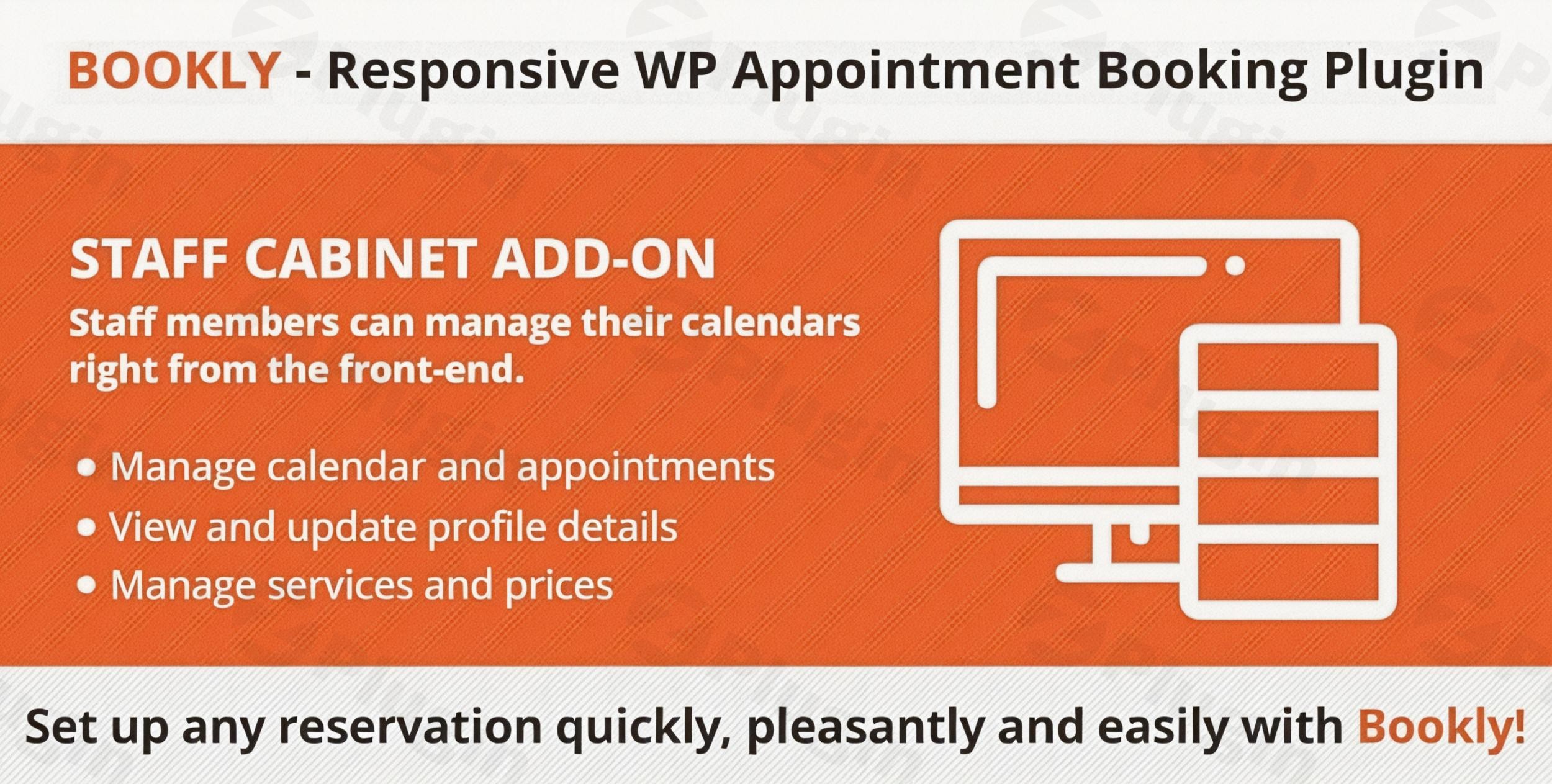
Streamline Team Workflows with Bookly Staff Cabinet
Managing service providers, contractors, or internal teams within a WordPress-based appointment system often poses security and operational challenges. Granting every team member access to the WordPress backend increases the risk of accidental configuration changes, data exposure, and general platform confusion. The Bookly Staff Cabinet Add-on addresses these core operational issues by introducing a dedicated frontend portal designed specifically for service providers. This tool bridges the gap between administrator control and staff autonomy, allowing employees to manage their own workflows while keeping the core infrastructure secure.
By installing this extension, business owners can provide an independent, professional workspace for their team. Staff members login directly from the public-facing side of the website, completely separated from the native WordPress administrative dashboard. This architecture ensures high operational security while providing staff with an intuitive, clutter-free environment focused entirely on their schedules, client assignments, and availability profiles.
What Bookly Staff Cabinet Does
The primary function of this add-on is to create a secure, frontend profile management and appointment scheduling hub for staff registered within the Bookly ecosystem. Instead of relying on administrators to update working hours, review customer notes, or process cancellations, individual service providers handle these tasks independently. The extension dynamically renders personalized calendars, appointment lists, and configuration panels based on the logged-in user credentials, ensuring that each staff member only interacts with their authorized data set.
All modifications executed within the frontend cabinet synchronize instantaneously with the primary Bookly database. Whether an employee blocks out a vacation afternoon, updates their service prices, or edits a customer profile after an appointment, the changes reflect across the entire booking ecosystem immediately. This synchronization helps prevent double bookings and keeps administrative overhead to a minimum.
Who Is This WordPress Add-On For
This extension is built for service-oriented businesses that utilize the core Bookly system and operate with multiple team members, independent contractors, or remote service providers. It serves as an essential tool across several industries, including medical clinics, wellness spas, beauty salons, fitness centers, educational institutions, and consulting agencies. Any business model where individual providers need real-time insight into their daily appointments can benefit from implementing this solution.
It is particularly beneficial for organizations hiring external contractors or temporary staff. Since contractors rarely require full administrative access to a company website, giving them a frontend cabinet provides all the necessary functionality to execute their daily tasks without risking the operational integrity of the underlying WordPress environment.
Key Capabilities and Features
The add-on introduces a suite of features engineered to maximize team efficiency and control. Staff members gain access to a comprehensive calendar interface displaying daily, weekly, or monthly schedules. Within this calendar, providers can manually insert new bookings, reschedule existing sessions using intuitive controls, or process cancellations depending on the permissions established by the site administrator.
In addition to schedule tracking, the tool permits staff to maintain their professional profiles. Employees can adjust their specific working hours, configure custom break times, and define unique holiday schedules. If permitted, providers can also manage the specific services they offer, set individual pricing tiers, and update personal information such as contact numbers and profile images, ensuring public booking forms stay accurate without administrative intervention.
Practical WordPress Use Cases
Consider a multi-location medical clinic where doctors and specialists manage distinct patient lists. By utilizing this add-on, each physician checks their daily roster from a mobile tablet or computer without ever viewing the WordPress admin panel. They can add post-appointment notes, adjust their shift patterns for the following week, and see customer contact details instantly before a consultation begins.
Another common scenario involves a fitness studio employing freelance personal trainers. The studio owner installs the extension so trainers can monitor their class sizes, track registered participants, and export their weekly appointment sheets to CSV format for accounting purposes. This setup reduces the administrative burden on the front desk team, as trainers handle their own availability and attendance verification directly through the frontend portal.
Setup and Integration Context
Implementing the extension requires an active installation of the core Bookly plugin. Because it operates as an add-on, it seamlessly adopts the design and style variables configured in your primary setup. Administrators embed the staff cabinet onto any standard WordPress page or post using a dedicated shortcode, allowing complete control over the portal URL and surrounding website layout.
Administrators retain complete supervisory control via the backend. Within the master settings, global administrators can determine precisely which features are visible or editable within the frontend cabinet. For example, you can allow staff to view their calendar but restrict them from editing service prices or deleting client histories, matching the interface capabilities perfectly with your internal business policies.
Why Choose This Solution on WPPick
Acquiring your plugins through WPPick ensures access to clean, verified digital assets optimized for modern WordPress deployments. Every product undergoes strict automated structure and safety verification, giving you confidence that your deployment is secure, stable, and ready for production use. This focus on platform reliability prevents conflicts and ensures your customer-facing booking portals remain fully operational.
Furthermore, managing your extensions via WPPick helps consolidate your digital ecosystem. With streamlined delivery pipelines and accurate asset validation, maintaining a high-performance, multi-provider booking platform becomes straightforward, allowing you to focus on scaling operations rather than troubleshooting infrastructure anomalies.
Latest Version Context
Detailed release notes are not available from the provided sources for version 6.2. Maintaining alignment between your core booking architecture and all active extensions is recommended to preserve system compatibility and ensure seamless data synchronization across all staff portals.
Frequently Asked Questions
Does this add-on require staff members to have WordPress user accounts?
Yes, staff members must be linked to a WordPress user account with appropriate roles, but they do not need access to the backend admin panel. The system uses these credentials solely to authenticate the user securely on the frontend and display the correct personalized schedule data.
Can I restrict staff from changing their service prices or working hours?
Yes, the global administrator settings within the core Bookly backend allow you to define granular permissions. You can configure the system to let staff view their appointments while blocking them from altering pricing structures, services, or core availability constraints.
Is the staff cabinet mobile-friendly for providers on the go?
Yes, the interface utilizes responsive design principles, ensuring that service providers can easily review their schedules, update client records, and manage their working hours using smartphones, tablets, or desktop computers.
Can staff members export their schedules from the frontend portal?
Yes, the frontend interface includes data management capabilities that allow authenticated staff members to export their personal appointment lists and customer logs into standard CSV formats for external tracking or payroll processing.
I. Download Limits & Account Benefits
- Free Downloads: Each email address receives 3 downloads per day for free products
- Upgrade Benefits: Purchase any paid product to increase your daily download limit by 3 for each paid product
- No Account Required: You can download immediately by receiving the download link via email
- Account Recommended: Create an account for easier access to your order history and direct update downloads
II. Understanding GPL vs Official Versions
Important: The products available on WPPick are GPL-licensed versions, which differ from official developer versions. Before purchasing, please read our comprehensive guide: Understanding GPL & Official Differences at WPPick
Key Points:
- GPL versions may not include premium support from original developers
- Updates may be delayed compared to official releases
- Some premium features might have limitations
- Always consider your specific needs and support requirements
III. Support & Assistance
We’re here to help through multiple channels:
- Email Support: Direct email assistance for all inquiries
- Live Chat: Real-time support during business hours
- Comprehensive Documentation: Detailed guides and tutorials
IV. Order Tracking
Access your complete purchase history and download links anytime: Order History
V. Account Access
New to WPPick? Login or Create Account to manage your downloads and orders efficiently.
VI. Refund Protection
We stand behind our products with a clear refund policy. Review our terms: Refund Policy
VII. Privacy & Security
Your data security is our priority. Learn how we protect your information: Privacy Policy
VII. Terms of Service
Understanding our service terms ensures a smooth experience: Terms of Use
Quick Tips for Best Experience
- Verify Compatibility: Check plugin/theme compatibility with your WordPress version
- Backup First: Always backup your site before installing new plugins or themes
- Test Environment: Consider testing on a staging site first
- Stay Updated: Regularly check for updates in your account dashboard
- Read Documentation: Review any included documentation for optimal setup
Need Help?
If you have questions about downloads, licensing, or need technical assistance, don’t hesitate to contact our support team. We’re committed to ensuring you have the best possible experience with WPPick products.
Ready to get started? Your download adventure begins with just one click!
- Added support for Bookly Pro 10.2
- Added support for Bookly Pro 9.3
- Added support for Bookly Pro 9.1
- Fixed an issue with Export to CSV
- Added support for Bookly Pro 9.0