

Bookly Waiting List (add
/Year
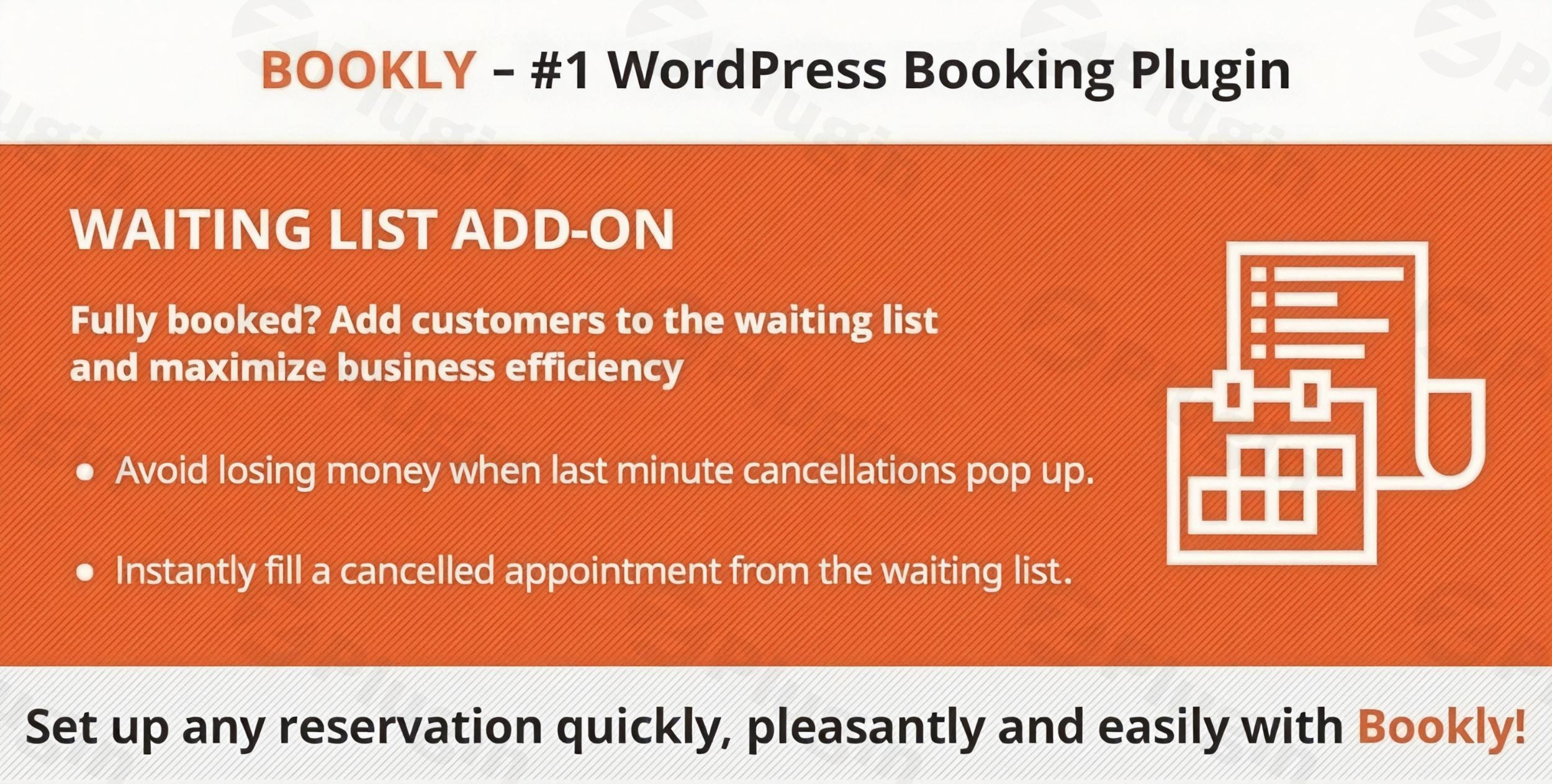
Streamline Your Scheduling with Bookly Waiting List
Managing a busy appointment calendar often comes with the challenge of handling fully booked days alongside unexpected client cancellations. When a client cancels at the last minute, it frequently leaves an empty slot that is difficult to fill on short notice, resulting in lost revenue for your business. The Bookly Waiting List add-on provides a practical solution to this problem by allowing your WordPress website to automatically capture secondary customer demand when your primary calendar slots are full. Instead of turning away interested customers, this extension invites them to join an organized queue for their preferred time and service.
By integrating a formal queue management workflow into your online reservation process, your business can maintain high schedule utilization without manual tracking. When an opening emerges due to a cancellation or rescheduled appointment, administrators can instantly identify waiting clients and move them into the active schedule. This systematic approach ensures that your service providers remain productive and your business minimizes gaps in daily operations.
What the Bookly Waiting List Add-on Does
This extension modifies the standard booking form behavior when a specific time slot, staff member, or service reaches maximum capacity. Instead of displaying an unavailable status or blocking the reservation process, the plugin presents an option for the user to join the waiting list for that specific timeframe. The client provides their contact details and preferences, which are then stored securely within your central WordPress backend.
From the administrative dashboard, business owners and service staff gain access to a dedicated queue view. This interface displays all waiting individuals, their desired services, and the specific times they are hoping to secure. When an appointment is canceled, the backend alerts the administrator, who can approve a waiting client with a single click. The plugin then handles the transition from the queue to an active booking status, keeping your data consistent and your calendar updated.
Who Should Use This Booking Queue Extension
This add-on is designed for service-oriented businesses that experience high demand and frequent scheduling conflicts. Medical clinics, dental offices, and wellness spas benefit greatly by ensuring that urgent patient or client needs can be logged even when the core calendar is full. Beauty salons, fitness instructors, and personal trainers can utilize the system to capture client interest for popular peak hours, such as evenings and weekends.
Additionally, educational institutions offering workshops, professional consultants managing consultation blocks, and event organizers coordinating limited-capacity sessions can deploy this tool to gauge true demand. If you already use the core Bookly ecosystem to manage your daily appointments and find yourself regularly turning clients away or dealing with unfulfilled cancellation slots, this extension provides the necessary framework to capture those otherwise lost opportunities.
Key Capabilities and Management Features
- Automated Queue Promotion: Transition interested clients from a waiting status to a confirmed reservation with minimal administrative overhead.
- Customizable Customer Notifications: Keep your clients informed throughout the waiting process with customizable email or SMS updates regarding their queue status.
- Centralized Dashboard Overview: View, filter, and manage all waitlisted individuals directly inside your existing appointment management panel.
- Flexible Service Integration: Apply the queue functionality across specific services, staff members, or entire calendar days based on historical demand.
- Seamless User Experience: Maintain a clean, intuitive front-end interface that guides users into the queue without confusing multi-step forms.
Practical WordPress Use Cases
Consider a boutique fitness studio that limits its specialized yoga classes to fifteen participants. Once a class fills up, regular visitors are often disappointed to find no space available. By deploying this queue system, the studio can allow an additional five individuals to register interest. If a confirmed participant cancels their spot an hour before the session, the studio manager can instantly offer the open position to the first person on the waitlist, ensuring a full class and maximizing class revenue.
Another common scenario involves busy medical practitioners who book appointments months in advance. Patients requiring follow-up consultations often face long wait times. With a managed queue, the clinic front desk can log these patients into specific timeframes. If another patient reschedules, the clinic can rapidly fill the vacancy with an individual who requires prompt attention, optimizing patient care and clinic efficiency.
Setup and System Compatibility Context
The waiting list extension functions strictly as an add-on, meaning it requires the core Bookly framework to be active on your WordPress installation. Because it hooks directly into the main scheduling logic, configuration involves enabling the waitlist option within your existing service or staff settings. It inherits the design properties, time zone configurations, and general layout rules of your main setup, ensuring a cohesive user experience without requiring extensive CSS customization or code modifications.
Why Choose This Extension on WPPick
Acquiring your scheduling tools through WPPick ensures you receive clean, verified files optimized for stable performance. WPPick provides a secure environment to download essential add-ons, allowing you to scale your booking infrastructure as your business grows. By centralizing your extension management here, you avoid the risks associated with unverified sources while maintaining full control over your site’s administrative tools and customer data workflows.
Latest Version Context
Detailed release notes are not available from the provided sources. The current version reflects ongoing development aimed at maintaining alignment with the core scheduling engine components and ensuring operational reliability across typical server environments.
Frequently Asked Questions
How are clients notified when a slot becomes available?
When an appointment slot opens up, the administrator can trigger an automated email or SMS notification through the backend. These notifications inform the waitlisted client that a space has become available and provide instructions on how their reservation will be finalized or confirmed.
Can clients join the queue for any service or staff member?
Yes, administrators have granular control over where the queue option appears. You can enable the functionality globally for all bookings, or restrict it to specific high-demand services and individual staff members whose schedules fill up rapidly.
Does the plugin automatically charge clients when they join the list?
No, the system is designed to capture booking intent and contact details without processing payments during the initial queue registration stage. Payment collection is typically handled once the appointment is officially approved and moved into an active status.
Is there a limit to how many people can join a waiting list?
The system allows you to manage lists efficiently, and you can generally accommodate multiple entries per time slot. Administrative users can view the sequential order of sign-ups within the dashboard to ensure fair, first-come, first-served processing when vacancies occur.
Does this add-on work independently of other booking plugins?
No, this is a dedicated extension built specifically for the Bookly ecosystem. It requires the primary Bookly framework to be installed and active on your WordPress site in order to process schedules, services, and client data properly.
I. Download Limits & Account Benefits
- Free Downloads: Each email address receives 3 downloads per day for free products
- Upgrade Benefits: Purchase any paid product to increase your daily download limit by 3 for each paid product
- No Account Required: You can download immediately by receiving the download link via email
- Account Recommended: Create an account for easier access to your order history and direct update downloads
II. Understanding GPL vs Official Versions
Important: The products available on WPPick are GPL-licensed versions, which differ from official developer versions. Before purchasing, please read our comprehensive guide: Understanding GPL & Official Differences at WPPick
Key Points:
- GPL versions may not include premium support from original developers
- Updates may be delayed compared to official releases
- Some premium features might have limitations
- Always consider your specific needs and support requirements
III. Support & Assistance
We’re here to help through multiple channels:
- Email Support: Direct email assistance for all inquiries
- Live Chat: Real-time support during business hours
- Comprehensive Documentation: Detailed guides and tutorials
IV. Order Tracking
Access your complete purchase history and download links anytime: Order History
V. Account Access
New to WPPick? Login or Create Account to manage your downloads and orders efficiently.
VI. Refund Protection
We stand behind our products with a clear refund policy. Review our terms: Refund Policy
VII. Privacy & Security
Your data security is our priority. Learn how we protect your information: Privacy Policy
VII. Terms of Service
Understanding our service terms ensures a smooth experience: Terms of Use
Quick Tips for Best Experience
- Verify Compatibility: Check plugin/theme compatibility with your WordPress version
- Backup First: Always backup your site before installing new plugins or themes
- Test Environment: Consider testing on a staging site first
- Stay Updated: Regularly check for updates in your account dashboard
- Read Documentation: Review any included documentation for optimal setup
Need Help?
If you have questions about downloads, licensing, or need technical assistance, don’t hesitate to contact our support team. We’re committed to ensuring you have the best possible experience with WPPick products.
Ready to get started? Your download adventure begins with just one click!
- Added support for Bookly Pro 9.7
- Added support for Bookly Pro 9.3
- Added support for Bookly Pro 9.1