
Booster Plus for WooCommerce plugin
/Year
What is Booster Plus for WooCommerce?
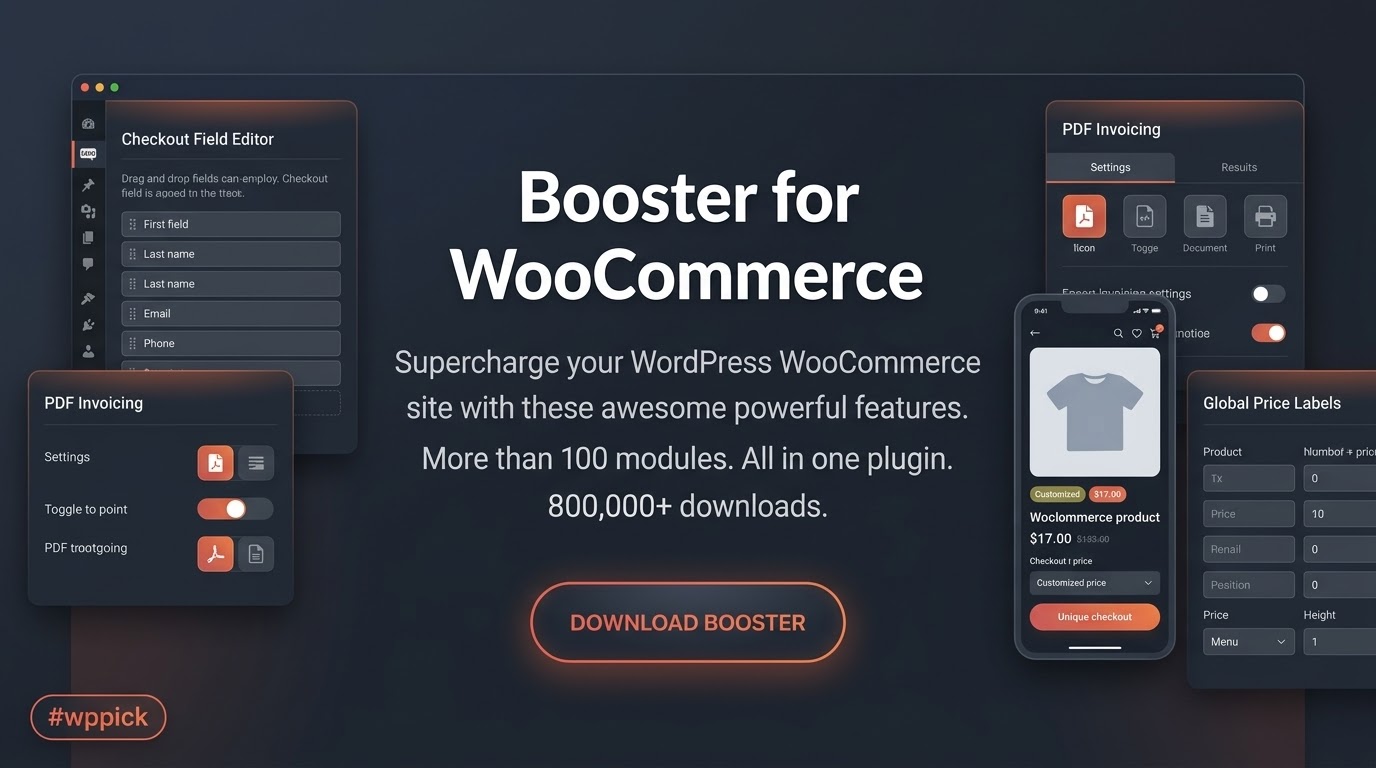
Booster Plus for WooCommerce is a comprehensive extension designed to supercharge your WordPress e-commerce store with modular tools and advanced customization features. Instead of installing dozens of separate plugins for minor tweaks, Booster Plus consolidates essential functionalities into a single, lightweight toolkit. It empowers store owners to modify prices, customize checkout fields, manage dynamic pricing, and refine cart behaviors effortlessly.
Who is Booster Plus for WooCommerce for?
This plugin is ideal for store owners, developers, and e-commerce managers running WooCommerce sites who want to tailor their user experience without dealing with complex custom code. Whether you manage a B2B storefront, a digital product marketplace, or a physical goods retailer, Booster Plus provides the flexibility needed to adapt your checkout, pricing models, and customer workflows to specific business requirements.
What are the core capabilities?
Booster Plus provides an extensive suite of modules divided into practical categories to optimize every corner of your online store:
- Advanced price and currency management, including dynamic pricing rules and user-role-based pricing displays.
- Checkout field customization, allowing you to add, edit, or remove fields seamlessly on standard and block-based checkouts.
- Cart and checkout enhancements, such as custom gateway fees, button label modifications, and file upload collection.
- Administrative utilities and status dashboards for monitoring environment compatibility and high-performance order storage (HPOS) readiness.
How can you use Booster Plus in practical WordPress scenarios?
Store administrators deploy Booster Plus to solve everyday e-commerce hurdles. For instance, if you need to display customized price labels based on customer user roles or adjust checkout fields to collect specific customer data without writing custom PHP snippets, Booster Plus handles it directly. It is also valuable for stores requiring localized currency handling, customized product add-ons, and streamlined order numbering systems.
What are the setup and compatibility considerations?
Booster Plus integrates smoothly into standard WordPress environments running WooCommerce. Version 8.2.0 introduces performance optimizations that reuse request-local pricing and taxonomy decisions, reducing database overhead during high-traffic periods. It includes explicit module boundaries for classic and block-based checkouts, ensuring reliable operation with High-Performance Order Storage (HPOS) and compatibility testing up to WordPress 7.0 and WooCommerce 10.9.4.
Why choose Booster Plus on WPPick?
Choosing Booster Plus on WPPick gives you access to a reliable, feature-rich toolkit backed by verified updates and secure installation files. It eliminates plugin bloat by combining multiple essential e-commerce adjustments into one cohesive extension, saving both server resources and configuration time.
What is new in the latest version?
Version 8.2.0 introduces performance optimizations that reuse identical price decisions by user role and multi-currency contexts across requests. It enhances gateway fee reliability with stable IDs, adds a read-only Booster Status page for configuration guidance, and confirms compatibility testing for WordPress 7.0 and WooCommerce 10.9.4.
Frequently Asked Questions
Does Booster Plus slow down my WordPress site?
No, Booster Plus is built with modular architecture and request-scoped caching optimizations. You can enable only the specific modules you need, keeping your site fast and lightweight.
Is Booster Plus compatible with WooCommerce Checkout Blocks?
Yes, recent versions include robust compatibility updates supporting checkout custom fields, server-side validation, and order saving on supported block-based checkouts.
Can I manage prices based on user roles?
Yes, the plugin includes advanced pricing modules that let you adjust product costs, fees, and visibility according to specific user roles or multi-currency preferences.
Does it support High-Performance Order Storage (HPOS)?
Yes, core modules within Booster Plus are fully modernized to support WooCommerce High-Performance Order Storage for improved database efficiency.
How do I get started after installation?
Once activated, you can navigate to the Booster settings dashboard to explore available modules, use the onboarding tools, and enable only the features required for your store.
I. Download Limits & Account Benefits
- Free Downloads: Each email address receives 3 downloads per day for free products
- Upgrade Benefits: Purchase any paid product to increase your daily download limit by 3 for each paid product
- No Account Required: You can download immediately by receiving the download link via email
- Account Recommended: Create an account for easier access to your order history and direct update downloads
II. Understanding GPL vs Official Versions
Important: The products available on WPPick are GPL-licensed versions, which differ from official developer versions. Before purchasing, please read our comprehensive guide: Understanding GPL & Official Differences at WPPick
Key Points:
- GPL versions may not include premium support from original developers
- Updates may be delayed compared to official releases
- Some premium features might have limitations
- Always consider your specific needs and support requirements
III. Support & Assistance
We’re here to help through multiple channels:
- Email Support: Direct email assistance for all inquiries
- Live Chat: Real-time support during business hours
- Comprehensive Documentation: Detailed guides and tutorials
IV. Order Tracking
Access your complete purchase history and download links anytime: Order History
V. Account Access
New to WPPick? Login or Create Account to manage your downloads and orders efficiently.
VI. Refund Protection
We stand behind our products with a clear refund policy. Review our terms: Refund Policy
VII. Privacy & Security
Your data security is our priority. Learn how we protect your information: Privacy Policy
VII. Terms of Service
Understanding our service terms ensures a smooth experience: Terms of Use
Quick Tips for Best Experience
- Verify Compatibility: Check plugin/theme compatibility with your WordPress version
- Backup First: Always backup your site before installing new plugins or themes
- Test Environment: Consider testing on a staging site first
- Stay Updated: Regularly check for updates in your account dashboard
- Read Documentation: Review any included documentation for optimal setup
Need Help?
If you have questions about downloads, licensing, or need technical assistance, don’t hesitate to contact our support team. We’re committed to ensuring you have the best possible experience with WPPick products.
Ready to get started? Your download adventure begins with just one click!
- Performance 1 of 6 - Reuses identical Price by User Role decisions during a request while preserving saved Plus pricing settings.
- Performance 2 of 6 - Reuses effective role, formula, and multi-currency context during repeated variation-price generation.
- Performance 3 of 6 - Normalizes export precision and additional-field settings once, uses bounded batches, and reuses HPOS order objects.
- Performance 4 of 6 - Reuses applicable gateway-fee cart context and skips product-context builds where no Plus-owned product restriction exists.
- Performance 5 of 6 - Shares request-local product taxonomy context across pricing and gateway category conditions and normalizes rules once.
- Performance 6 of 6 - Skips empty pricing, unnecessary product metadata, unrestricted rules, and irrelevant gateway-screen work.
- Gateway fee reliability - Uses stable IDs, normalizes legacy settings, and records safe request-local reason codes when fees apply or are skipped.
- Admin confidence - Adds a read-only Booster Status page with environment, Checkout Blocks, HPOS, active-module, and configuration-boundary guidance.
- Compatibility - Keeps module-specific Classic Checkout and Blocks boundaries explicit without exposing Elite-only controls.
- WooCommerce 10.9.4 Tested
- WordPress 7.0 Tested
- Checkout Blocks compatibility - Added supported Checkout Custom Fields to Blocks checkout with server-side validation, order saving, customer-facing display, and product, category, and cart visibility rules on supported WooCommerce versions.
- Checkout Blocks compatibility - Improved Store API-aware gateway fee recalculation while retaining precise Classic-only limits for textarea fields, checkout-field-conditional fees, and checkout file collection.
- Admin experience - Expanded module-specific Checkout Blocks and HPOS status tables with actionable supported, partial, and Classic-only guidance.
- Tier-specific value - Applied these improvements across Plus-owned multi-field, rule, upload, add-on, and input configurations without adding or implying Elite-only controls.
- HPOS compatibility - Modernized Order Numbers, Checkout Files Upload, PDF Invoicing, Checkout Custom Fields, Product Addons, and Product Input Fields across order creation, admin, account, email, and document workflows.
- WooCommerce 10.9.4 Tested
- WordPress 7.0 Tested
- Performance - Added request-scoped reuse for input-field configuration, invoice types, fee rules, gateway cart products, and Checkout Custom Field conditions, reducing repeated parsing and metadata work.
- Reliability - Preserved conditional fees through guest account creation, moved add-on order data to WooCommerce line-item APIs, batched checkout-file saves, and improved safe fallbacks.
- Security hardening - Strengthened validation and request handling in selected customer-facing workflows.
- Security - Hardened Product by User product and gallery image uploads so customer-submitted files are validated as real allowed image files before they can be moved into uploads, and uploads are only processed when the form has those fields enabled.
- Security hardening - Strengthened related customer upload validation in Checkout Files Upload and Product Input Fields.
- Plus maintenance - Product Addons selection handling is safer for the Plus feature set, with stable radio/select submitted values and compatibility for older cached forms.
- Compatibility status - Added admin-only guidance for active checkout modules that need Classic Checkout, Checkout Blocks staging, or HPOS review.
- Reliability - Order Numbers and PDF Invoicing now prefer WooCommerce order APIs for maintained order meta reads/writes, with legacy fallbacks for older stores.
- Performance - Product Addons settings are cached for the current request to reduce repeated option reads during cart and checkout calculations.
- Tier clarity - Plus keeps its Plus feature boundaries; Elite-only controls are not enabled or implied by this maintenance release.
- WooCommerce 10.8.1 Tested
- WordPress 7.0 Tested
- Added quick goal search in onboarding so merchants can find the right setup path faster.
- Added local-only onboarding interaction tracking to improve future onboarding decisions.
- Added Plus-safe quick presets and a getting-started hub for common launch goals.
- Added recommended, active, and recent module filters on the plugins list for faster navigation.
- Onboarding goal tiles now support stronger keyboard interaction and clearer active-state feedback.
- Applying a goal now keeps merchants in context and marks completed goals immediately.
- Aligned first-win checks for shared goals to match applied onboarding modules.
- WooCommerce 10.6.1 Tested
- WordPress 6.9.4 Tested
- Improved request validation and authorization for sensitive checkout/account flows.
- Replaced unsafe unserialize behavior with restricted deserialization for Product Input Fields.
- Added stronger checks before file-related operations for Product Input Fields.
- Added nonce validation for upload/remove form actions for Checkout Files Upload.
- Enforced order ownership/order-key/capability checks before modifying order files for Checkout Files Upload.
- Hardened file path validation prior to deletion for Checkout Files Upload.
- Secured resend-verification action with user-specific nonce validation for Email Verification.
- Added stricter handling for invalid resend attempts for Email Verification.
- WooCommerce 10.5.2 Tested.
- WordPress 6.8.3 Tested.
- Resolved a security vulnerability in the coupon code generation feature
- WooCommerce 10.3.3 Tested
- WordPress 6.8.3 Tested
- Sales Notifications (Lite): Displays simple "recent purchase" popups from confirmed orders with a fixed template and two positions. Advanced text, images, multiple statuses, styling, sounds, device rules, and full timing are Elite.
- Pre-Orders (Lite): Enables basic pre-orders on up to 3 products (default 1) with fixed button text and a standard message. Mixed-cart control, deposits/fees, special shipping, dedicated emails, role/category rules, dates, and UI customization are Elite.
- Instant 1-Click Onboarding — Right after activation, Booster guides you to the right modules and enables them in one click, so you launch faster, skip the settings maze, and start selling sooner.
- Resolved an XSS vulnerability in the shortcode functionality.
- WooCommerce 10.3.3 Tested
- WordPress 6.8.3 Tested