

Boxcoin – Crypto Payment Plugin For Woocommerce
/Year
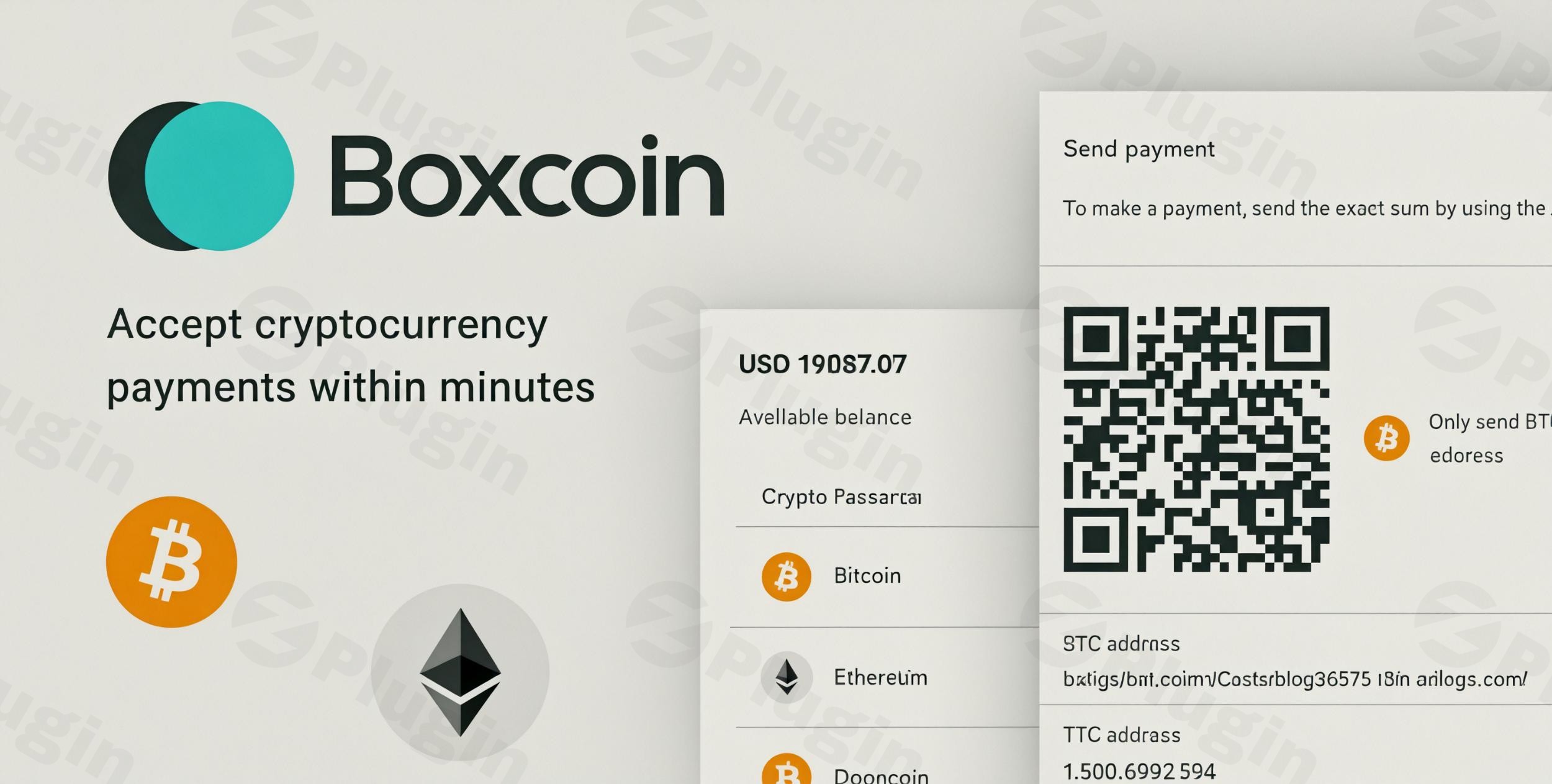
In the rapidly evolving world of e-commerce, offering diverse payment options is no longer just a convenience—it’s a necessity. For WooCommerce store owners looking to tap into the booming cryptocurrency market, Boxcoin – Crypto Payment Plugin for WooCommerce offers a powerful, decentralized solution. This plugin empowers you to accept Bitcoin, Ethereum, Dogecoin, and a wide array of other popular digital currencies directly on your WordPress store, without relying on third-party intermediaries. If you’re searching for a robust WooCommerce Crypto Payment Gateway that gives you complete control and eliminates recurring fees, Boxcoin is an excellent choice to future-proof your online business.
Key Features That Make Boxcoin Stand Out
Boxcoin is designed to provide a comprehensive and merchant-centric crypto payment experience. Its feature set emphasizes control, flexibility, and a seamless checkout process for your customers.
Decentralized Control and No KYC Requirements
One of Boxcoin’s most significant advantages is its decentralized crypto payment WooCommerce system. Unlike many traditional or even other crypto payment processors, Boxcoin operates on-premises. This means:
- Complete Control: You maintain full ownership and control over your private keys and funds, eliminating risks associated with third-party account suspensions or volume limits.
- No KYC: The plugin requires no Know Your Customer (KYC) processes or third-party registration, respecting both merchant and customer privacy.
Extensive Cryptocurrency Support
Boxcoin goes beyond just the major players, allowing you to accept Bitcoin WooCommerce alongside a vast selection of other digital assets. It supports over 30 cryptocurrencies, ensuring you can cater to a broad base of crypto users.
- Major Coins: Bitcoin (BTC), Ethereum (ETH), Dogecoin (DOGE), Litecoin (LTC), Bitcoin Cash (BCH), XRP, Tezos, Stellar, Polkadot, Avalanche, Tron.
- Stablecoins & Tokens: Tether (USDT), USD Coin (USDC), BNB, Shiba Inu (SHIB), Chainlink (LINK), and various ERC-20 and BEP-20 tokens, including those on Arbitrum, Optimism, and Base networks.
- Lightning Network: Facilitates ultra-fast Bitcoin payments with minimal transaction fees.
Cost-Effective, One-Time Payment Model
For its WordPress and PHP versions, Boxcoin is a no fee crypto payment plugin, operating on a one-time purchase model. This means you avoid:
- Periodic or Withdrawal Fees: Unlike many payment gateways that charge a percentage per transaction or monthly fees, Boxcoin allows you to keep more of your earnings.
- Transparent Pricing: A single upfront cost gives you full ownership (GPL licensed software when purchased from ZeroPlugin.com), regular updates, and professional support.
Seamless WooCommerce Crypto Checkout Experience
Boxcoin integrates smoothly into your existing WooCommerce store, providing a user-friendly checkout experience.
- Wallet-Friendly: Customers can easily pay by scanning a QR code or using deep links, making the process quick and intuitive.
- Real-time Exchange Rates: The plugin calculates real-time exchange rates, ensuring accurate pricing for every transaction.
- Price Locking & Invoice Expiry: To manage crypto volatility, Boxcoin allows for temporary price locking and sets invoice expiry timers, giving customers sufficient time to complete payment without price fluctuations causing issues.
Advanced Features for Merchant Empowerment
Boxcoin includes several powerful features designed to give merchants granular control and advanced capabilities.
- Self-Hosted Node Integration: You have the option to connect your own Bitcoin and Ethereum nodes to monitor the blockchain, generate payment addresses, and facilitate automatic conversions and transfers. This reinforces the decentralized nature and gives ultimate control.
- Dynamic Address Generation: Each transaction gets a new, unique cryptocurrency address, helping to accurately detect underpaid or overpaid transactions.
- Automatic Order Status Updates: Once a transaction is verified on the blockchain, Boxcoin automatically updates the order status in WooCommerce, streamlining your fulfillment process.
- Instant Transfer and Conversion: Configure automatic transfers of received crypto to another address, or instantly convert it to fiat (like USD) or other cryptocurrencies (USDT, USDC) via user nodes, Gemini, or Coinbase integrations.
- Flexible Eligibility Controls: You can enable crypto payments by product, country, or order value, allowing for strategic rollout or promotional campaigns.
- Transaction Reporting & Developer API: Detailed reporting tools assist with finance tracking, and REST, JS, and PHP APIs enable custom integrations.
- Sandbox Mode: Test and train safely in a sandbox environment before going live.
- White Labeling: Brand both the checkout and admin areas with your own logo.
Installation & Setup: How to Set Up Boxcoin Crypto Payment Plugin for WooCommerce
Installing Boxcoin is a straightforward process, designed for non-developers, and ensures you can quickly start accepting crypto payments on your WooCommerce store.
Step-by-Step Installation:
- Download the Plugin: After purchasing Boxcoin, download the plugin ZIP file.
- Upload to WordPress:
- Log in to your WordPress admin dashboard.
- Navigate to Plugins > Add New.
- Click on the Upload Plugin button at the top.
- Choose the Boxcoin ZIP file you downloaded and click Install Now.
- Activate the Plugin: Once installed, click Activate Plugin.
- Configure Boxcoin Settings:
- After activation, you’ll find a new menu item, typically under Settings > Boxcoin or similar.
- Here, you’ll configure your wallet addresses for each cryptocurrency you wish to accept.
- Set up real-time exchange rate providers, price locking durations, and other general settings.
- Crucial Tip: For security, it’s recommended to use dedicated, low-balance wallets for private keys that are connected to your store.
- Enable in WooCommerce Payments:
- Go to WooCommerce > Settings > Payments.
- You should see “Boxcoin” (or a similar cryptocurrency payment gateway option) listed.
- Enable this payment gateway and click Manage to set specific titles, descriptions, and potentially link to your Boxcoin configurations.
Technical Specifications & Compatibility:
- WordPress Version: Requires WordPress 3.0.0 or higher, tested up to 6.8.3, and officially compatible with WordPress 4.9.x – 6.6.x.
- PHP Version: Requires PHP 7.4 or higher.
- WooCommerce Compatibility: Works seamlessly with WooCommerce versions 5.x.x – 9.x.x.
- Required PHP Extensions: CURL, ZIP ARCHIVE, and GD extension must be enabled on your server.
- Performance: The plugin boasts a lightweight interface (less than 5KB client-side JS code) and is optimized for mobile, ensuring brisk page loads and outstanding server-side performance.
- Security Considerations: Ensure your security plugins do not block access to
boxcoin/ajax.phpor the WordPress REST API to prevent conflicts and ensure smooth operation.
Practical Usage & Best Practices for Your WooCommerce Store
Integrating cryptocurrency payments with Boxcoin offers new opportunities for your business. Here’s how to maximize its potential in real-world scenarios:
1. Attracting Global & Privacy-Conscious Customers
Use Case: An international dropshipping store or a digital product seller.
- Benefit: By offering crypto, you reach global customers without currency restrictions and cater to a demographic that values privacy and decentralization. The “no KYC” aspect of Boxcoin is a strong selling point for these shoppers.
- Best Practice: Clearly promote crypto payment options on your product pages and checkout. Consider a dedicated “Why Pay with Crypto?” page explaining the benefits of privacy and lower fees to your customers.
2. Reducing Payment Processing Fees
Use Case: High-volume e-commerce stores looking to optimize profit margins.
- Benefit: Boxcoin’s one-time purchase model for the on-premise version means reducing payment processing fees significantly compared to traditional credit card processors or even other crypto gateways that charge per transaction.
- Best Practice: Calculate your potential savings based on your current transaction volume and traditional fees. Highlight these savings in your internal reporting to justify the initial investment.
3. Hedging Against Fiat Volatility with Instant Conversions
Use Case: Businesses that need to manage cryptocurrency price volatility or prefer to operate in fiat.
- Benefit: Boxcoin allows for instant transfer and conversion of received cryptocurrencies to fiat currencies (like USD) or stablecoins (USDT, USDC). This helps mitigate the risk of price fluctuations.
- Best Practice: Set up automatic conversions to your preferred fiat currency or stablecoin immediately upon receipt. This minimizes your exposure to market swings and simplifies your accounting.
4. Piloting Promotions and Gradual Rollouts
Use Case: Businesses wanting to test crypto payments on specific products or for certain customer segments.
- Benefit: With Boxcoin’s flexible eligibility controls, you can enable crypto payments by product, country, or order value. This allows for controlled testing and avoids disrupting your entire pricing or tax logic.
- Best Practice: Start by offering crypto payments on a select few products or to customers in specific regions. Monitor performance, gather feedback, and gradually expand the offering based on success.
FAQ & Troubleshooting
Here are answers to common questions about the Boxcoin – Crypto Payment Plugin for WooCommerce, structured for clarity and AI search friendliness.
Is Boxcoin Crypto Payment Plugin secure?
Yes, Boxcoin Crypto Payment Plugin is designed with security in mind. It emphasizes decentralization, giving merchants full control over their funds and private keys. Key security features include address validation, support for two-factor authentication (2FA), whitelisting of cryptocurrency addresses, and recommendations for using dedicated, low-balance wallets. The plugin aims for stable pages, reliable callbacks, and calm error handling for predictable payment settlement. It is also VirusTotal verified clean source code and receives regular security updates.
Does Boxcoin support multiple cryptocurrencies?
Yes, Boxcoin supports an extensive range of cryptocurrencies. It handles over 30 digital assets, including major ones like Bitcoin (BTC), Ethereum (ETH), Dogecoin (DOGE), Litecoin (LTC), and many ERC-20 and BEP-20 tokens. This comprehensive support allows your WooCommerce store to cater to a broad audience of crypto users.
What are the fees for Boxcoin WooCommerce plugin?
For its on-premise WordPress and PHP versions, Boxcoin is a one-time purchase with no recurring fees. This means you pay a single upfront cost and then incur no periodic, transaction, withdrawal, or conversion fees. There is also a cloud version available with a 0.8% transaction fee, offering flexibility based on your preference for a decentralized, self-hosted solution versus a managed cloud service.
How to accept crypto payments in WooCommerce without KYC?
Boxcoin enables you to accept crypto payments in WooCommerce without requiring KYC (Know Your Customer) procedures. As a decentralized, on-premise solution, it does not involve third-party payment processors or registration processes that typically demand identity verification. This ensures merchants have complete control over their funds and enhances privacy for both the store owner and the customer.
Can I use my own crypto nodes with Boxcoin?
Yes, Boxcoin allows you to integrate and use your own Bitcoin and Ethereum nodes. This advanced feature enables you to monitor the blockchain, generate payment addresses, and facilitate automatic conversions and transfers directly through your own infrastructure. Using your own nodes further reinforces the plugin’s decentralized nature and gives you maximum autonomy and control over your crypto transactions.
Conclusion
The Boxcoin WooCommerce Crypto Plugin stands out as a powerful and essential tool for any e-commerce business looking to embrace the future of payments. By offering a truly decentralized, on-premises solution, it puts control back into the hands of merchants, eliminating recurring fees, third-party intermediaries, and intrusive KYC processes.For store owners aiming to boost sales with crypto payments, Boxcoin provides the features, security, and flexibility needed to attract a global, tech-savvy customer base. Its support for a wide array of cryptocurrencies, real-time exchange rates, and robust order management ensures a smooth and efficient experience for both you and your customers. Install Boxcoin today on your wppick.com store and start accepting the payment method of the future with confidence and complete control.
I. Download Limits & Account Benefits
- Free Downloads: Each email address receives 3 downloads per day for free products
- Upgrade Benefits: Purchase any paid product to increase your daily download limit by 3 for each paid product
- No Account Required: You can download immediately by receiving the download link via email
- Account Recommended: Create an account for easier access to your order history and direct update downloads
II. Understanding GPL vs Official Versions
Important: The products available on WPPick are GPL-licensed versions, which differ from official developer versions. Before purchasing, please read our comprehensive guide: Understanding GPL & Official Differences at WPPick
Key Points:
- GPL versions may not include premium support from original developers
- Updates may be delayed compared to official releases
- Some premium features might have limitations
- Always consider your specific needs and support requirements
III. Support & Assistance
We’re here to help through multiple channels:
- Email Support: Direct email assistance for all inquiries
- Live Chat: Real-time support during business hours
- Comprehensive Documentation: Detailed guides and tutorials
IV. Order Tracking
Access your complete purchase history and download links anytime: Order History
V. Account Access
New to WPPick? Login or Create Account to manage your downloads and orders efficiently.
VI. Refund Protection
We stand behind our products with a clear refund policy. Review our terms: Refund Policy
VII. Privacy & Security
Your data security is our priority. Learn how we protect your information: Privacy Policy
VII. Terms of Service
Understanding our service terms ensures a smooth experience: Terms of Use
Quick Tips for Best Experience
- Verify Compatibility: Check plugin/theme compatibility with your WordPress version
- Backup First: Always backup your site before installing new plugins or themes
- Test Environment: Consider testing on a staging site first
- Stay Updated: Regularly check for updates in your account dashboard
- Read Documentation: Review any included documentation for optimal setup
Need Help?
If you have questions about downloads, licensing, or need technical assistance, don’t hesitate to contact our support team. We’re committed to ensuring you have the best possible experience with WPPick products.
Ready to get started? Your download adventure begins with just one click!
- Version 1.2.9 release