

Bricks Ultimate – Ultimate Tools For Bricks Builder
/Year
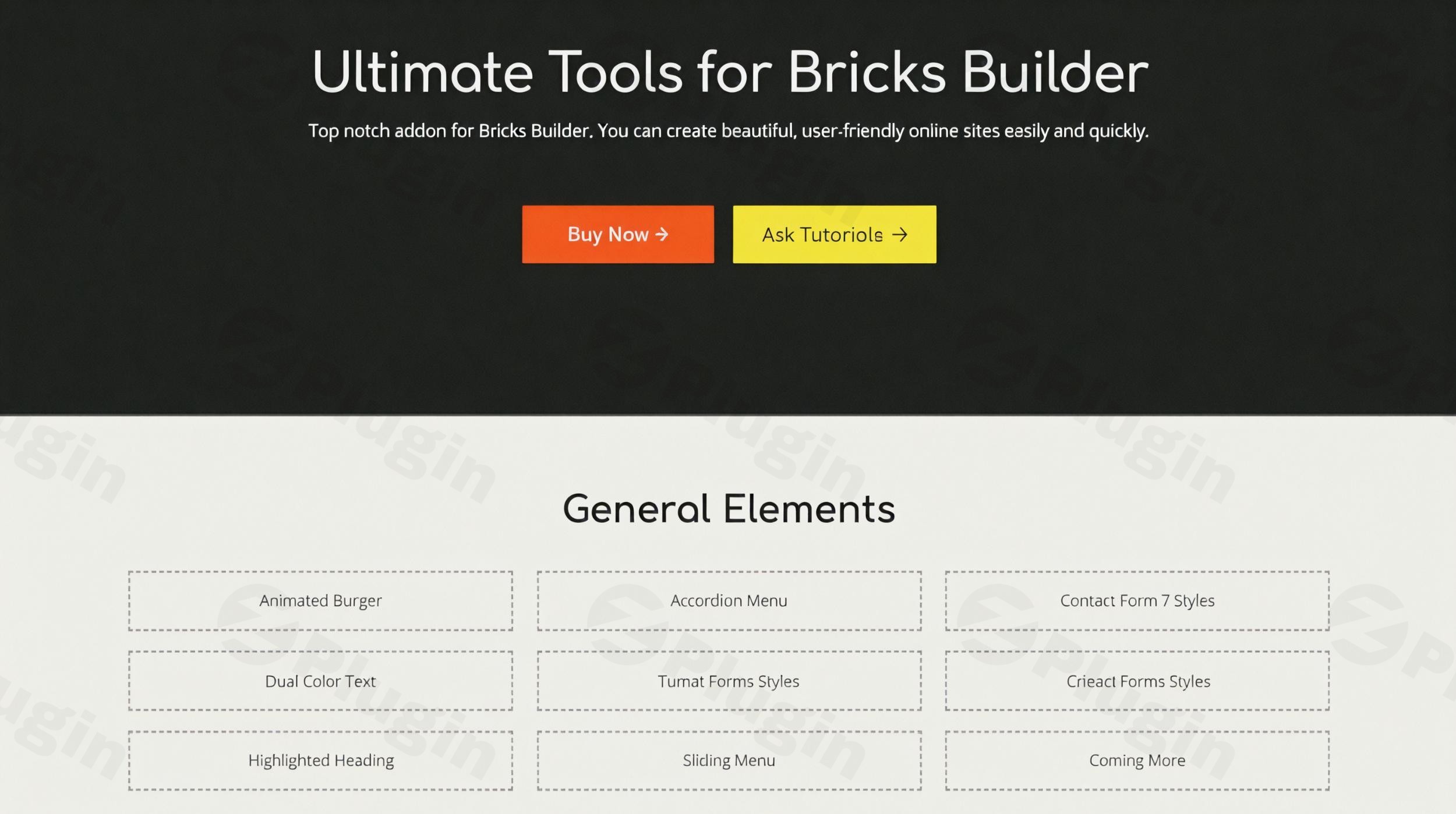
Building a high-converting, visually stunning, and performance-optimized WooCommerce store can be a complex task. While Bricks Builder offers an incredible foundation for WordPress websites, online store owners often need specialized tools to truly elevate their e-commerce presence. This is precisely where the Bricks Ultimate plugin steps in. As a comprehensive Bricks Builder add-on, Bricks Ultimate is specifically engineered to supercharge your WooCommerce store, providing an unparalleled suite of e-commerce-focused elements and dynamic content capabilities. It empowers you to create seamless shopping experiences and manage complex data-driven layouts with ease, making it an indispensable tool for anyone serious about their online business.
Key Features of Bricks Ultimate
Bricks Ultimate isn’t just another extension; it’s a meticulously crafted collection of tools designed to enhance every aspect of your Bricks Builder workflow, especially for e-commerce. Let’s dive into the core Bricks Ultimate features that make it stand out.
Advanced WooCommerce Components
At its heart, Bricks Ultimate is a Bricks Ultimate WooCommerce powerhouse. It provides the most comprehensive WooCommerce-oriented components available, enabling you to build intricate product displays and dynamic shopping experiences. From dynamic product grids to AJAX cart functionality, you get everything needed for a seamless shopping journey. Key elements include:
- Product Displays: Create unique layouts for single products, archives, and custom product grids.
- Cart & Checkout Enhancements: Implement AJAX add-to-cart, mini-cart builders, custom checkout pages, and advanced quantity selectors to streamline the purchase process.
- Conversion Boosters: Utilize features like “Buy Now” buttons, “Free Shipping Notice,” “Sales Badge,” and “Stock Indicator” to drive urgency and improve user experience.
- User Account Management: Design bespoke “My Account” navigation and provide a better experience for returning customers.
Extensive Element Library for Diverse Designs
Beyond WooCommerce, Bricks Ultimate significantly expands your design toolkit. It boasts a collection of over 35 general elements, offering diverse options for any design challenge. This includes:
- Interactive Elements: Animated Burger menus, Accordion Menus, AJAX Popup Builders, and Off Canvas elements for engaging user interfaces.
- Dynamic Content Displays: Advanced Post Grid, Comparison Table, Countdown timers, and Sliders (nestable) for compelling content presentation.
- Utility Elements: Before After Image, Business Hours, Breadcrumbs, Reading Progress Bar, and Star Ratings to enhance functionality and user feedback.
Powerful Dynamic Content Integration
For building complex, data-driven websites, Bricks Ultimate excels with its Bricks dynamic content capabilities. It provides 28 Query Loop Providers and numerous custom dynamic tags, allowing you to fetch and display dynamic data seamlessly. This is crucial for:
- Custom Layouts: Design custom layouts for posts, pages, and custom post types, pulling data from sources like ACF (Advanced Custom Fields) and Meta Box.
- User Profiles & Directories: Easily create dynamic user profiles, directories, or listings.
- Relationship Fields: Handle complex data relationships with providers like ACF Post Object, Metabox Image Advance, and Metabox Relationships, enabling highly interconnected content.
Customizable Templates and Mobile-Responsive Designs
Save significant time with Bricks Ultimate’s pre-designed templates that are easily customizable to match your brand’s identity. Furthermore, all elements and layouts are fully responsive, ensuring your store and website look perfect on any device, providing an optimal user experience across desktops, tablets, and smartphones.
Performance Optimized & User-Friendly Design
Bricks Ultimate is built with performance in mind. Its lightweight code ensures fast loading times, which is crucial for both user experience and SEO. Coupled with intuitive drag-and-drop tools, it allows you to create stunning, high-converting storefronts effortlessly, making complex designs accessible to everyone.
Installation & Setup
Getting started with Bricks Ultimate is straightforward, even for non-developers. Follow these steps to how to install Bricks Ultimate plugin and integrate it with your Bricks Builder setup:
- Purchase and Download: First, purchase Bricks Ultimate from a trusted source like ZeroPlugin.com. You will receive a ZIP file containing the plugin.
- Upload to WordPress:
- Log in to your WordPress admin dashboard.
- Navigate to Plugins > Add New.
- Click on the Upload Plugin button at the top.
- Click Choose File, select the
bricks-ultimate.zipfile you downloaded, and then click Install Now.
- Activate the Plugin: Once the plugin is installed, click on the Activate Plugin button.
- License Activation (if applicable): Depending on your purchase, you might need to enter a license key. Look for a new menu item under Bricks > Bricks Ultimate or a notification on your dashboard prompting for license activation.
- Ensure Compatibility: For optimal performance, ensure your environment meets the minimum requirements:
- Bricks Builder: Version 1.4 or higher.
- WordPress: Version 6.0+ is recommended, with a minimum of 5.0.
- PHP: Version 8.0.x+ is highly recommended, with a minimum PHP memory of 50MB. Bricks Builder itself recommends PHP 7.4+ and a WordPress memory limit of at least 64MB (preferably 512MB).Once activated, Bricks Ultimate elements will be available within the Bricks Builder editor, ready for you to drag, drop, and customize.
Practical Usage / Best Practices
Bricks Ultimate truly shines when applied to real-world scenarios, particularly for store owners, marketers, and agencies working with Bricks Builder.
- Building an Advanced WooCommerce Store:
- Use Case: Designing a custom product page that goes beyond standard layouts, featuring dynamic “Sold Out” badges, animated “Add to Cart” buttons, and personalized product recommendations pulled from related categories or user viewing history.
- Best Practice: Leverage the “Product Image,” “Quantity,” and “Add To Cart” elements to create a unique purchase flow. Combine this with dynamic content tags to display related products based on custom taxonomies or meta fields, enhancing cross-selling opportunities.
- Creating Data-Driven Content Layouts:
- Use Case: Developing a membership site where users have personalized dashboards showing their courses, downloads, or custom content, all pulled from their user profile data.
- Best Practice: Utilize Bricks Ultimate’s Query Loop Providers (e.g., Author Box, Custom WP Query, Metabox Relationships) to display dynamic data in highly customized grids or lists. Combine this with element conditions to show/hide content based on user roles or specific data points.
- Enhancing Form Designs and User Interactions:
- Use Case: Styling complex multi-step contact forms or survey forms from popular plugins (like Contact Form 7 or Fluent Forms) to perfectly match the brand’s aesthetic within Bricks Builder.
- Best Practice: Employ Bricks Ultimate’s form stylers to visually integrate your forms seamlessly into your page design. Additionally, use AJAX Popup Builder to trigger forms or promotions based on user interactions like exit intent or scroll depth.
- Optimizing for Performance and User Experience:
- Use Case: Ensuring that visually rich pages with many dynamic elements still load quickly and provide a smooth user experience.
- Best Practice: While Bricks Ultimate is performance-optimized, always test your pages with tools like Google PageSpeed Insights. Focus on lazy loading images where appropriate and utilize Bricks Builder’s native performance settings in conjunction with Bricks Ultimate’s efficient code to maintain speed.
FAQ & Troubleshooting
Here are answers to some common questions about Bricks Ultimate.
What is Bricks Ultimate used for?
Bricks Ultimate is primarily used to significantly extend the design and functional capabilities of Bricks Builder, especially for creating sophisticated WooCommerce stores and dynamic, data-driven websites. It provides a vast library of specialized elements and powerful dynamic content integration to streamline website building and enhance user experience.
Is Bricks Ultimate compatible with WordPress 6.0+?
Yes, Bricks Ultimate is compatible with WordPress 6.0+ and is continuously updated to ensure compatibility with the latest versions of WordPress and Bricks Builder. For optimal functionality, it’s recommended to use WordPress 6.0+ and PHP 8.0.x+.
How does Bricks Ultimate enhance WooCommerce?
Bricks Ultimate enhances WooCommerce by providing a dedicated and extensive suite of e-commerce-focused elements. These include advanced product displays, AJAX cart functionality, custom checkout builders, conversion-boosting badges (e.g., “New Badge,” “Sales Badge”), and tools to create a seamless, high-converting shopping experience that goes beyond Bricks Builder’s native capabilities.
What are the best alternatives to Bricks Ultimate for Bricks Builder?
While Bricks Ultimate stands out for its strong focus on WooCommerce and dynamic content, other popular Bricks Builder add-ons include Bricks Extras (known for accessibility and element conditions), BricksForge (workflow tools, global classes, animations), Bricks Ultra (landing pages), and MaxAddons (general components, form stylers). The “best” alternative depends on your specific project needs; Bricks Ultimate remains the top choice for heavy WooCommerce and complex dynamic data requirements.
Conclusion
Bricks Ultimate is undeniably a game-changer for anyone leveraging Bricks Builder to create professional WordPress websites, particularly e-commerce stores. Its unparalleled suite of WooCommerce components, robust dynamic content capabilities, and extensive element library make it an essential Bricks Builder extension. By streamlining complex design processes and offering specialized tools that perfectly integrate with Bricks Builder, Bricks Ultimate provides exceptional ROI for online store owners, marketers, and agencies. It’s the ultimate add-on package that supercharges your Bricks Builder experience, enabling you to build high-performing, visually stunning, and conversion-focused websites with confidence and ease.
I. Download Limits & Account Benefits
- Free Downloads: Each email address receives 3 downloads per day for free products
- Upgrade Benefits: Purchase any paid product to increase your daily download limit by 3 for each paid product
- No Account Required: You can download immediately by receiving the download link via email
- Account Recommended: Create an account for easier access to your order history and direct update downloads
II. Understanding GPL vs Official Versions
Important: The products available on WPPick are GPL-licensed versions, which differ from official developer versions. Before purchasing, please read our comprehensive guide: Understanding GPL & Official Differences at WPPick
Key Points:
- GPL versions may not include premium support from original developers
- Updates may be delayed compared to official releases
- Some premium features might have limitations
- Always consider your specific needs and support requirements
III. Support & Assistance
We’re here to help through multiple channels:
- Email Support: Direct email assistance for all inquiries
- Live Chat: Real-time support during business hours
- Comprehensive Documentation: Detailed guides and tutorials
IV. Order Tracking
Access your complete purchase history and download links anytime: Order History
V. Account Access
New to WPPick? Login or Create Account to manage your downloads and orders efficiently.
VI. Refund Protection
We stand behind our products with a clear refund policy. Review our terms: Refund Policy
VII. Privacy & Security
Your data security is our priority. Learn how we protect your information: Privacy Policy
VII. Terms of Service
Understanding our service terms ensures a smooth experience: Terms of Use
Quick Tips for Best Experience
- Verify Compatibility: Check plugin/theme compatibility with your WordPress version
- Backup First: Always backup your site before installing new plugins or themes
- Test Environment: Consider testing on a staging site first
- Stay Updated: Regularly check for updates in your account dashboard
- Read Documentation: Review any included documentation for optimal setup
Need Help?
If you have questions about downloads, licensing, or need technical assistance, don’t hesitate to contact our support team. We’re committed to ensuring you have the best possible experience with WPPick products.
Ready to get started? Your download adventure begins with just one click!
- Removed global variable from the dynamic tags
- JS issue on the checkout page.
- Added new option "Show variations in the product title" in the MISC tab.
- PHP fatal error.
- Customer Order query loop provider. You can display the orders of all the customers.
- Quick Add form of the Add To Cart button element. You can display the icon.
- Content Updater element. Adds the loading animation option.
- PHP fatal error in Variation Attributes element
- CSS for the Checkout page
- Add To Wishlist and Add To Compare button
- JS for swatches
- CSS for checkout page
- Dynamic tag: {product_tax_status}
- Off Canvas element. It is not showing on the Builder editor.
- Item Price element. We added the sale price option and you can display the regular price with sale price in the mini cart builder
- Product Image element. We synced the Swatches for Loop element with the gallery slider