

Brizy Pro – WordPress Builder Plugin
/Year
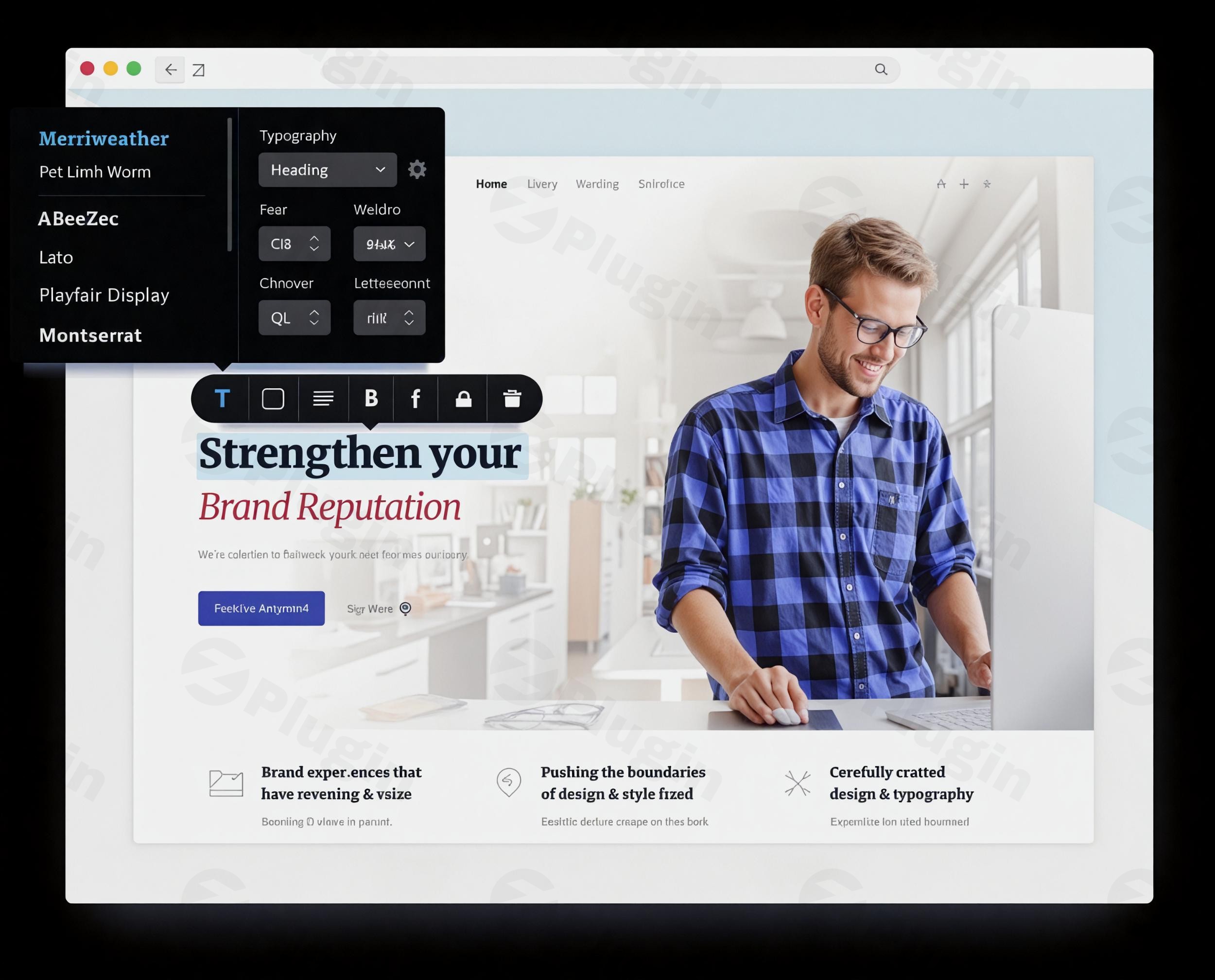
An Intuitive Approach to WordPress Site Building
Brizy Pro offers a visual development environment for WordPress users who want to create responsive websites without writing code. Unlike builders that rely on complex sidebar menus and multi-layered configurations, this plugin centers on an in-context editing interface. By allowing users to click and modify text, change colors, or reorder elements directly on the page canvas, it simplifies the design process and accelerates development workflows for both simple landing pages and structured business platforms.
What Brizy Pro Does
The primary function of this plugin is to replace the standard block editor with a fluid, drag-and-drop system. It handles structural layouts, grid alignments, and visual design configurations in real time. Beyond basic layout assembly, the premium edition introduces capabilities for integrating dynamic data from custom fields, generating conditional elements, and managing marketing tool integrations directly from the workspace. It manages underlying asset loading efficiently to maintain site speed while rendering intricate multi-column layouts, animations, and global styling variations.
Who Should Use This Website Builder
This extension fits several distinct user groups in the WordPress ecosystem:
- Freelance web designers looking to accelerate their client deployment pipelines without dealing with messy custom code integrations.
- Small business owners wanting direct control over their promotional layouts, landing pages, and service presentations without hiring a full-time developer.
- Agency teams requiring an accessible design interface for clients who need to handle content updates independently without breaking underlying grid structures.
- Digital marketers focused on designing conversion-optimized landing funnels, custom popups, and advanced lead-capture forms.
Key Capabilities and Features
The plugin incorporates a suite of visual utility modules that eliminate the need for secondary single-purpose add-ons:
- In-Context Editing: Content adjustments, block resizing, and typography changes occur directly on the frontend layout rather than through separated option panels.
- Dynamic Content Integration: Native support for retrieving data from popular custom field suites allows the creation of dynamic templates for real estate listings, portfolios, and reviews.
- Popup Builder: A comprehensive layout builder dedicated to overlays, slide-ins, and promotional banners with behavioral triggers and display conditions.
- Advanced Form Elements: Flexible input creation fields supporting file uploads, conditional fields, and direct connections to marketing automation tools.
- Mega Menu Builder: Options to design complex navigation layouts containing images, buttons, and structured grids directly inside global header configurations.
Practical WordPress Use Cases
Users deploy this suite across a wide array of functional environments:
- Lead Generation Funnels: Crafting highly focused marketing landers complete with multi-step capture forms and automated tracking parameters.
- Dynamic Portfolios: Building structured grid layouts that automatically display recent case studies, imagery, and client testimonials stored in custom post types.
- Corporate Website Overhauls: Implementing global style guides across hundreds of pages to ensure unified typography, color distribution, and branding elements.
- E-commerce Enhancements: Modifying archive templates, product displays, and promotional notice banners to align with specific sales events.
Setup and Compatibility Notes
The system operates smoothly alongside major modern WordPress themes and retains standard core standardizations. For optimal deployment, a standard hosting environment with sufficient execution memory avoids layout loading delays. It works in conjunction with popular SEO extensions, security firewalls, and translation frameworks. When combining with caching solutions, excluding the visual workspace ensures that modifications render accurately without displaying outdated layout cache artifacts during active building sessions.
Reasons to Choose It on WPPick
Acquiring this tool through WPPick ensures access to a verified and secure file package that functions immediately within standard development workflows. It provides an efficient way to evaluate advanced visual layout builders, refine staging designs, or execute comprehensive client prototypes without being constrained by initial financial barriers. The downloaded package contains all necessary styling modules, template access options, and premium block selections to help you build production-ready pages instantly.
Latest Version Context
Detailed release notes are not available from the provided sources for version 2.8.10. Regular updates from the developer typically maintain underlying system compatibility with core platform adjustments, patch asset dependencies, and ensure continuous performance optimization across various PHP runtime setups.
Frequently Asked Questions
Does this builder slow down WordPress site performance?
The plugin utilizes clean structural styling asset management that only loads necessary styles and script assets on pages where elements are deployed, ensuring minimized impact on asset weight and loading times when combined with standard caching practices.</p
Can I build custom headers and footers with the pro version?
Yes, the premium system contains comprehensive global layout management utilities that let you replace theme-provided headers and footers with custom blocks across your entire repository or on specific single pages.</p
Is it possible to display custom field data dynamically?
Yes, the application integrates with dynamic data architectures, enabling users to inject data fields from standard sources directly into typography blocks, link destinations, or image paths across templates.</p
Do I need to know how to code to use the form builder?
No, the form elements are fully visual and rely on a drag-and-drop mechanism where fields can be added, rearranged, and mapped to specific endpoints or email lists through direct user interface options.
I. Download Limits & Account Benefits
- Free Downloads: Each email address receives 3 downloads per day for free products
- Upgrade Benefits: Purchase any paid product to increase your daily download limit by 3 for each paid product
- No Account Required: You can download immediately by receiving the download link via email
- Account Recommended: Create an account for easier access to your order history and direct update downloads
II. Understanding GPL vs Official Versions
Important: The products available on WPPick are GPL-licensed versions, which differ from official developer versions. Before purchasing, please read our comprehensive guide: Understanding GPL & Official Differences at WPPick
Key Points:
- GPL versions may not include premium support from original developers
- Updates may be delayed compared to official releases
- Some premium features might have limitations
- Always consider your specific needs and support requirements
III. Support & Assistance
We’re here to help through multiple channels:
- Email Support: Direct email assistance for all inquiries
- Live Chat: Real-time support during business hours
- Comprehensive Documentation: Detailed guides and tutorials
IV. Order Tracking
Access your complete purchase history and download links anytime: Order History
V. Account Access
New to WPPick? Login or Create Account to manage your downloads and orders efficiently.
VI. Refund Protection
We stand behind our products with a clear refund policy. Review our terms: Refund Policy
VII. Privacy & Security
Your data security is our priority. Learn how we protect your information: Privacy Policy
VII. Terms of Service
Understanding our service terms ensures a smooth experience: Terms of Use
Quick Tips for Best Experience
- Verify Compatibility: Check plugin/theme compatibility with your WordPress version
- Backup First: Always backup your site before installing new plugins or themes
- Test Environment: Consider testing on a staging site first
- Stay Updated: Regularly check for updates in your account dashboard
- Read Documentation: Review any included documentation for optimal setup
Need Help?
If you have questions about downloads, licensing, or need technical assistance, don’t hesitate to contact our support team. We’re committed to ensuring you have the best possible experience with WPPick products.
Ready to get started? Your download adventure begins with just one click!
- Tabs now remember the last selected tab in preview
- Accessibility improvements for Carousel element
- Accessibility improvements for Form element
- Menu – full accessibility support added
- Accessibility improvements for Gallery element
- Accessibility improvements for Video Playlist element
- Accessibility improvements for Switcher element
- Accessibility improvements for Login element
- Accessibility improvements for Flipbox element
- Accessibility improvements for Popup
- Accessibility improvements for Image Comparison element
- Image gallery crash
- Popup is not displaying in the preview
- Form submission button customization
- Image Comparison element
- Form country code field
- Calculated form field
- Timeline border color
- Mega Menu inside submenu items
- Form reCAPTCHA
- Excerpt typography
- Removed default browser tooltip from menu
- Global block rules
- Mega Menu appearance
- Stories appearance