

Buddypress Auto Join Groups
/Year
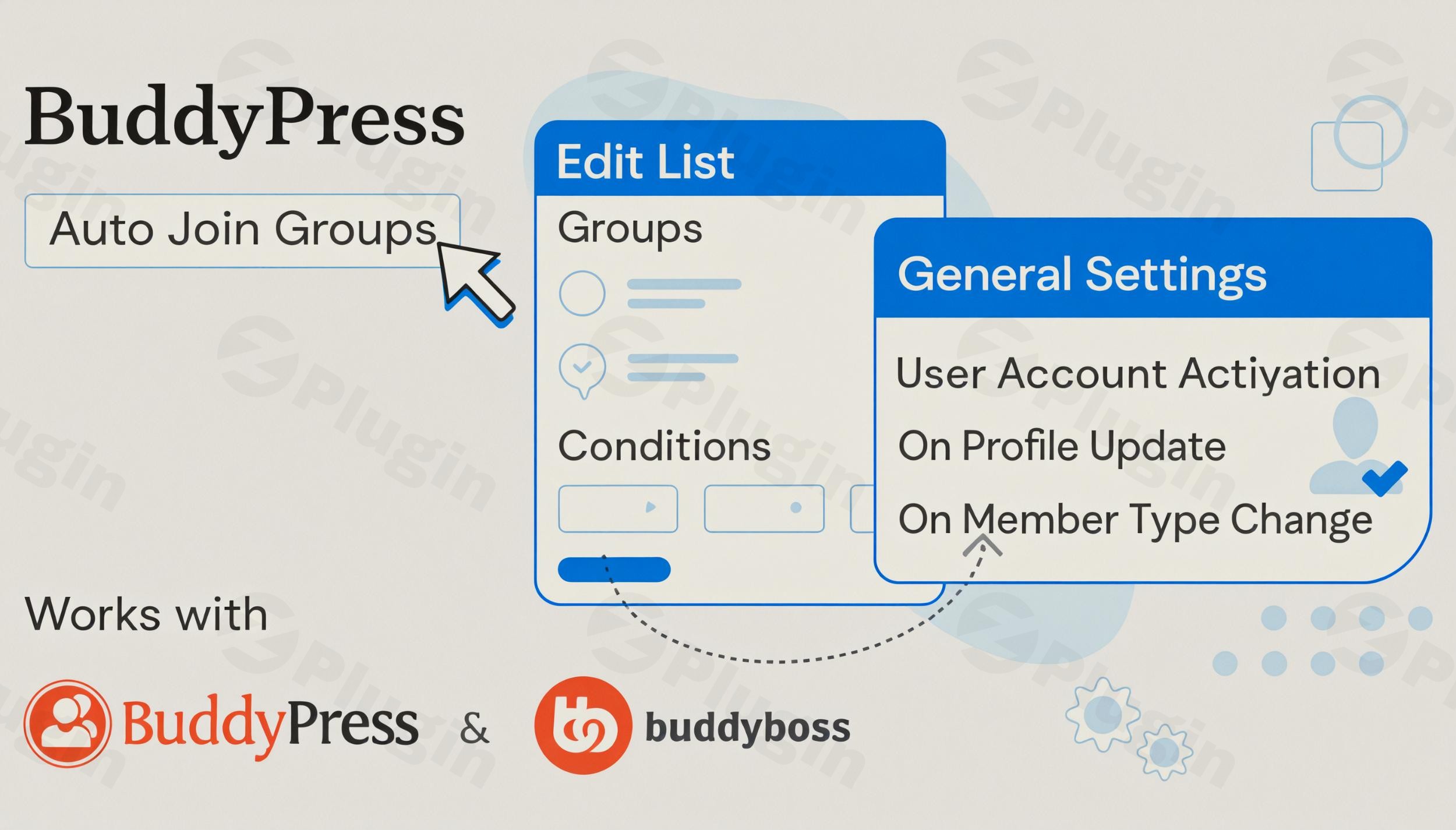
Managing a growing online community can be a logistical challenge, especially when it comes to ensuring new members find their way into the right sub-communities. BuddyPress Auto Join Groups is a premium WordPress plugin designed to solve this problem by automating the process of adding members to specific groups. By removing the manual burden of group enrollment, site administrators can significantly boost user engagement and streamline the onboarding experience.
Whether you are running a niche social network or a large-scale corporate intranet, using a BuddyPress automatic group join solution ensures that your users are connected to relevant content the moment they join your site.
Key Features of BuddyPress Auto Join Groups
This plugin goes beyond simple automation; it provides a granular rules engine that allows for sophisticated community management. Here are the core benefits and features:
1. Global and Conditional Lists
The plugin uses a “List” system to manage group assignments:
- Global Lists: Ideal for essential groups that every member should belong to (e.g., a “General Announcements” or “Welcome” group). Any user who joins the site is automatically added to the groups associated with a Global List.
- Conditional Lists: This is where the BuddyPress group automation truly shines. You can set specific criteria—such as WordPress user roles, BuddyPress member types, or custom profile field data—to determine which groups a user should join.
2. Powerful Filtering Logic
For those requiring a BuddyPress conditional group join setup, the plugin supports multiple conditions. For example, you can create a rule that says: “If a user is a ‘Premium Member’ AND their ‘Interest’ profile field is ‘Photography’, add them to the ‘Advanced Photographers’ group.”
3. Flexible Trigger Options
You can choose exactly when the plugin evaluates a user’s eligibility for a group. Triggers include:
- Account Activation: When a user clicks their activation link.
- Registration: Immediately upon signing up.
- Profile Updates: When a user changes their profile data (perfect for moving users between groups as their interests or roles change).
- Member Type Updates: Specifically for communities using BuddyPress Member Types.
4. Bulk Synchronization
If you are installing this plugin on an existing site, you don’t have to worry about old members. The Bulk Synchronize User button allows you to run your auto-join rules against your entire existing user base with a single click.
5. BuddyBoss Platform Compatibility
For users who have migrated to the BuddyBoss Platform, this plugin is fully compatible, ensuring your social features work seamlessly without technical conflicts.
How to Automatically Add New Users to BuddyPress Groups (Step-by-Step)
Setting up the BuddyPress Auto Join Groups plugin is straightforward and requires no coding knowledge. Follow these steps to get started:
- Install and Activate: Upload the plugin zip file via Plugins > Add New in your WordPress dashboard and activate it.
- Navigate to Settings: Go to Settings > BuddyPress (or the dedicated plugin menu) to find the Auto Join Groups configuration area.
- Create a New List: Click on “Add New List.” Give it a descriptive name like “New Member Onboarding.”
- Select List Type: Choose between Global (everyone) or Conditional (based on rules).
- Set Your Conditions: If choosing conditional, select the field (e.g., User Role), the operator (e.g., is equal to), and the value (e.g., Subscriber).
- Associate Groups: Select the BuddyPress groups you want the matching users to join.
- Choose Triggers: Check the boxes for when this rule should run (e.g., “On Account Activation”).
- Save and Sync: Save the list. If you have existing users, click the Bulk Synchronize button to add them to the new groups immediately.
Practical Usage & Best Practices
The best way to use BuddyPress Auto Join Groups is to align it with your community’s onboarding funnel. Here are some real-world use cases:
- For Membership Sites: Use the WordPress auto join groups plugin functionality to sync MemberPress or WooCommerce user roles with specific BuddyPress discussion groups. When a user buys a “Gold” membership, they are instantly added to the “Gold Members Only” group.
- For Niche Communities: If your registration form asks for a user’s location, use BuddyPress group management based on profile fields to automatically place them into local “Chapter” groups (e.g., “New York Members,” “London Members”).
- For Corporate Intranets: Automatically add new employees to groups based on their “Department” profile field. When an employee moves from Marketing to Sales and updates their profile, the plugin can automatically move them to the Sales group.
FAQ & Troubleshooting
Can I automatically add users to BuddyPress groups?
Yes. The BuddyPress Auto Join Groups plugin is designed specifically to automate this process. You can add users globally upon registration or conditionally based on their profile data and user roles.
How does BuddyPress Auto Join Groups plugin work?
The plugin functions as a rules engine. You create “Lists” that contain specific conditions (like “User Role is Author”). When a user triggers an event (like logging in or updating their profile), the plugin checks if they meet the list’s criteria and adds them to the associated groups automatically.
Is this plugin compatible with BuddyBoss?
Yes, it is fully compatible with the BuddyBoss Platform. It recognizes BuddyBoss groups, member types, and profile fields, making it an ideal choice for BuddyBoss users.
What should I do if a user is not being added to a group?
First, ensure the group’s privacy settings allow for the plugin to add members. Second, check the “Trigger” settings in your List to ensure the correct action (like Profile Update) is being monitored. Finally, use the Bulk Synchronize tool to manually force a check on that specific user.
Final Verdict: Is It Worth It?
If you are looking for a BuddyPress plugin to auto enroll members in groups, this tool is a top-tier choice for its reliability and depth of conditions. While there are free alternatives on WordPress.org, they often lack the “Conditional” logic and “Bulk Sync” capabilities essential for professional community management.
By implementing BuddyPress Auto Join Groups, you reduce administrative overhead and ensure that every new member is immediately immersed in the most relevant parts of your community. For any growing BuddyPress or BuddyBoss site, the ROI in terms of saved time and increased user retention is significant.
I. Download Limits & Account Benefits
- Free Downloads: Each email address receives 3 downloads per day for free products
- Upgrade Benefits: Purchase any paid product to increase your daily download limit by 3 for each paid product
- No Account Required: You can download immediately by receiving the download link via email
- Account Recommended: Create an account for easier access to your order history and direct update downloads
II. Understanding GPL vs Official Versions
Important: The products available on WPPick are GPL-licensed versions, which differ from official developer versions. Before purchasing, please read our comprehensive guide: Understanding GPL & Official Differences at WPPick
Key Points:
- GPL versions may not include premium support from original developers
- Updates may be delayed compared to official releases
- Some premium features might have limitations
- Always consider your specific needs and support requirements
III. Support & Assistance
We’re here to help through multiple channels:
- Email Support: Direct email assistance for all inquiries
- Live Chat: Real-time support during business hours
- Comprehensive Documentation: Detailed guides and tutorials
IV. Order Tracking
Access your complete purchase history and download links anytime: Order History
V. Account Access
New to WPPick? Login or Create Account to manage your downloads and orders efficiently.
VI. Refund Protection
We stand behind our products with a clear refund policy. Review our terms: Refund Policy
VII. Privacy & Security
Your data security is our priority. Learn how we protect your information: Privacy Policy
VII. Terms of Service
Understanding our service terms ensures a smooth experience: Terms of Use
Quick Tips for Best Experience
- Verify Compatibility: Check plugin/theme compatibility with your WordPress version
- Backup First: Always backup your site before installing new plugins or themes
- Test Environment: Consider testing on a staging site first
- Stay Updated: Regularly check for updates in your account dashboard
- Read Documentation: Review any included documentation for optimal setup
Need Help?
If you have questions about downloads, licensing, or need technical assistance, don’t hesitate to contact our support team. We’re committed to ensuring you have the best possible experience with WPPick products.
Ready to get started? Your download adventure begins with just one click!
- Fixed a security issue related to user permission when suggesting groups list.
- Tested With: BuddyPress 8.0+
- Compatible With: BuddyPress 14.4.0