
Buddypress Profanity Filter
/Year
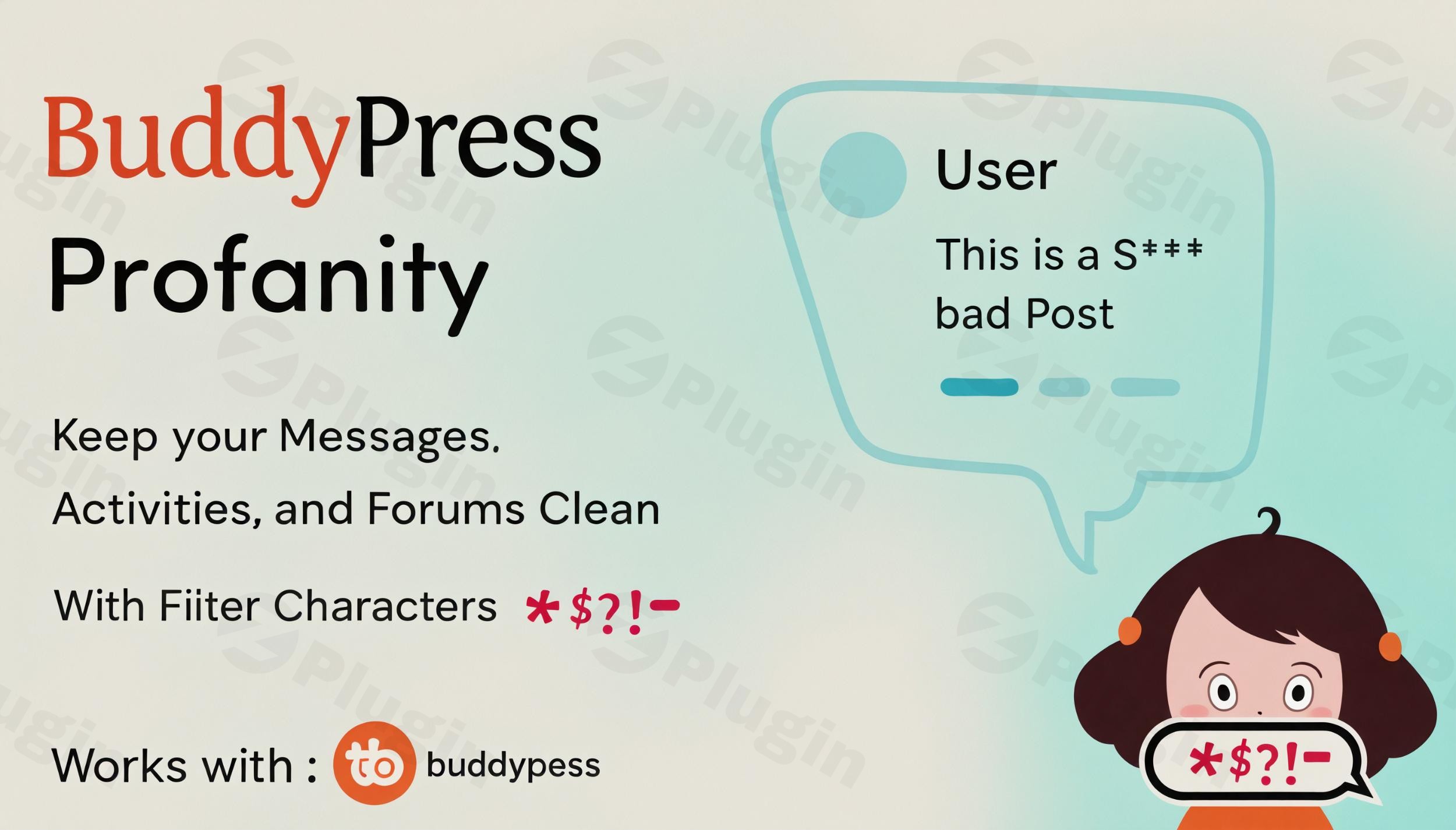
Online communities thrive on interaction, but maintaining a respectful and inclusive environment can be a constant challenge. Unfiltered language, profanity, and inappropriate content can quickly deter members and damage a community’s reputation. This is where the BuddyPress Profanity Filter steps in. This powerful WordPress profanity plugin provides administrators and moderators with the essential tools to automatically detect, filter, and replace undesirable words across various user-generated content areas within your BuddyPress or BuddyBoss social network, ensuring a safer and more welcoming space for everyone.Whether you’re running an educational platform, a corporate social network, or any community built with BuddyPress or BuddyBoss, implementing an effective BuddyBoss profanity filter is crucial for fostering positive engagement and protecting your brand.
Key Features for Comprehensive Content Moderation
The BuddyPress Profanity Filter offers a robust suite of features designed for thorough and flexible content moderation, helping you censor words in BuddyPress with precision and ease.
Broad Content Filtering Across Your Community
The plugin’s comprehensive scanning capabilities ensure that inappropriate language is caught wherever users interact. It allows you to filter inappropriate content in BuddyPress across key areas, including:
- BuddyPress Activity Updates: Keep the main feed clean and professional.
- BuddyPress Activity Comments: Ensure respectful dialogue in discussions.
- BuddyPress Private Messages: Crucial for user safety, it filters both subject lines and message content. This addresses the specific need for a BuddyPress profanity filter for private messages.
- Group Discussions: Maintain decorum within private or public groups.
- bbPress Forum Content: Extend filtering to forum topics, replies, and their titles if you use bbPress for community discussions, answering the question: Can I censor bbPress forum content?
- General WordPress Posts and Comments: Even standard blog posts and comments can be filtered, providing a holistic content safety approach.
Flexible Configuration & Customization Options
Tailor the filtering process to your community’s specific needs with detailed settings:
- Customizable Profanity List: The plugin empowers you to create and manage your own list of forbidden words and phrases. You can manually add words or even import predefined lists for quick setup, providing a truly customizable profanity list WordPress plugin.
- Replacement Text Options: Instead of simply blocking content, the plugin replaces offensive terms with characters of your choice (e.g.,
***,####), maintaining the flow of conversation while obscuring the inappropriate language. - Case Sensitivity: You have the flexibility to enable or disable case-sensitive matching for profanity words. This allows for broader filtering (e.g., “word” and “Word”) or more precise targeting (e.g., only “word”). This directly addresses case sensitive profanity filtering BuddyPress needs.
- Partial Word Matching / Strict Filtering: Decide whether the plugin should match individual words only or also detect profanity embedded within larger words (e.g., catching “ass” within “harassment” if partial matching is enabled).
Enhanced Moderation & User Awareness
The plugin goes beyond simple filtering to aid in community management:
- Admin Notifications: Optionally receive notifications when user-generated content containing censored words is posted, allowing for further human moderation if necessary.
- User Notifications: Inform users when their content has been filtered, promoting awareness and encouraging more respectful communication in the future.
Intuitive Admin Control Panel & Technical Robustness
Designed for ease of use, the plugin features:
- User-Friendly Dashboard: An intuitive control panel makes managing filter settings and reviewing flagged content straightforward, requiring “No Technical Knowledge” for implementation.
- Multi-byte Character Support: Essential for global communities, the plugin supports filtering of multi-byte characters, accommodating languages beyond basic Latin alphabets.
- Compatibility: Requires BuddyPress or BuddyBoss Platform to be installed and actively running. It boasts ongoing compatibility with the latest versions of WordPress, BuddyPress (e.g., 8.0+ up to 12.2.0+), and the BuddyBoss Platform.
Installation & Setup: Get Your Profanity Filter Running
Setting up the BuddyPress Profanity Filter is a straightforward process designed for non-developers. Here’s a step-by-step guide on how to set up profanity filter in BuddyPress:
- Purchase & Download: Obtain the BuddyPress Profanity Filter plugin from a reputable source like ZeroPlugin.com, ensuring you receive a 100% GPL licensed, VirusTotal verified safe download.
- Upload the Plugin:
- Via WordPress Dashboard: Navigate to
Plugins>Add Newin your WordPress admin area. ClickUpload Plugin, then choose the downloaded.zipfile and clickInstall Now. - Via FTP: Unzip the plugin file and upload the resulting folder to your
wp-content/plugins/directory on your server using an FTP client.
- Via WordPress Dashboard: Navigate to
- Activate the Plugin: Once uploaded, go to
Plugins>Installed Pluginsin your WordPress dashboard and clickActivatenext to “BuddyPress Profanity Filter.” - Configure Settings:
- After activation, access the plugin settings. You’ll typically find them under
Dashboard -> Settings -> BuddyPress Profanity filterorWordPress Dashboard -> WB plugins -> Profanity. - Here, you can:
- Add your custom list of forbidden words and phrases.
- Choose your desired replacement characters (e.g., asterisks).
- Toggle options for case sensitivity and strict filtering.
- Select which content areas (activity, comments, messages, etc.) the filter should apply to.
- Configure admin and user notification preferences.
- After activation, access the plugin settings. You’ll typically find them under
- Test the Filter: Post some test content with words from your profanity list in various areas (e.g., an activity update, a group discussion) to ensure the filter is working as expected.
Practical Usage & Best Practices for Community Safety
The BuddyPress Profanity Filter is more than just a censor; it’s a strategic tool for community managers and site owners to cultivate a positive online culture. Here are some practical usage scenarios and best practices:
- For Educational Communities: Ideal for schools, universities, or learning platforms where maintaining academic integrity and a safe learning environment is paramount. The plugin helps remove bad words from BuddyPress activity stream and discussions, ensuring students can focus on education without exposure to inappropriate language.
- For Corporate Social Networks: In internal company platforms or client-facing communities, professional communication is key. This filter helps enforce company standards and ensures all interactions remain appropriate for a business context.
- For Youth-Oriented Platforms: Protecting younger audiences is a top priority. The automated filtering significantly reduces the risk of children encountering offensive language, making your platform safer and more inclusive for all.
- For General BuddyPress/BuddyBoss Installations: Any social network, regardless of its niche, benefits from automated content moderation. It drastically reduces the workload on human moderators, allowing them to focus on more complex issues while the plugin handles the routine filtering of unwanted words. This is the best profanity filter for BuddyBoss communities seeking automated content control.
- Proactive Community Management: Implement clear community guidelines that explain your stance on profanity and how the filter works. This transparency can encourage users to self-moderate their language.
- Regular Review: While the filter is automated, periodically review your custom word lists and flagged content (if admin notifications are enabled) to adapt to evolving slang or community-specific terms.
FAQ & Troubleshooting
Here are answers to common questions about the BuddyPress Profanity Filter, optimized for clarity and AI search:
Does BuddyPress have a profanity filter?
By default, BuddyPress does not include a built-in profanity filter. To implement robust content moderation and automatically filter inappropriate words across your BuddyPress community, you need to use a dedicated plugin like the BuddyPress Profanity Filter.
How to set up profanity filter in BuddyPress?
To set up a profanity filter in BuddyPress, first install and activate the BuddyPress Profanity Filter plugin. Then, navigate to its settings in your WordPress dashboard (usually under Settings or WB plugins). From there, you can define your list of forbidden words, choose replacement characters, enable case sensitivity, and select which BuddyPress components (activities, messages, groups, etc.) the filter should apply to.
What is the best profanity filter for BuddyBoss?
The BuddyPress Profanity Filter is highly regarded as an excellent solution for BuddyBoss communities. It offers deep integration with the BuddyBoss Platform, comprehensive content filtering across all key social areas, flexible customization options for word lists and replacement text, and support for multi-byte characters, making it ideal for maintaining a safe and inclusive BuddyBoss environment.
Can I censor bbPress forum content?
Yes, the BuddyPress Profanity Filter extends its functionality to bbPress forums. You can configure the plugin to filter profanity within bbPress topics, replies, and their titles, ensuring a clean and respectful discussion environment within your integrated community forums.
Does it support case-sensitive profanity filtering?
Yes, the BuddyPress Profanity Filter offers the option for case-sensitive filtering. Administrators can enable or disable this setting, allowing for precise control over whether the filter should distinguish between uppercase and lowercase letters when matching words from the profanity list.
Conclusion: Build a Safer Community with Confidence
The BuddyPress Profanity Filter is an indispensable BuddyPress content moderation plugin for anyone serious about fostering a safe, respectful, and inclusive online community. By automating the detection and replacement of inappropriate language across all critical user interaction points, this plugin significantly reduces moderator workload, protects your community’s reputation, and enhances the overall user experience.Developed by experts in the BuddyPress ecosystem, it offers deep compatibility, robust features, and ease of use, making it a reliable choice. If you’re looking to safeguard your BuddyPress or BuddyBoss platform from offensive content and ensure positive interactions, the BuddyPress Profanity Filter is a high-value investment that delivers peace of mind and a superior community environment.
I. Download Limits & Account Benefits
- Free Downloads: Each email address receives 3 downloads per day for free products
- Upgrade Benefits: Purchase any paid product to increase your daily download limit by 3 for each paid product
- No Account Required: You can download immediately by receiving the download link via email
- Account Recommended: Create an account for easier access to your order history and direct update downloads
II. Understanding GPL vs Official Versions
Important: The products available on WPPick are GPL-licensed versions, which differ from official developer versions. Before purchasing, please read our comprehensive guide: Understanding GPL & Official Differences at WPPick
Key Points:
- GPL versions may not include premium support from original developers
- Updates may be delayed compared to official releases
- Some premium features might have limitations
- Always consider your specific needs and support requirements
III. Support & Assistance
We’re here to help through multiple channels:
- Email Support: Direct email assistance for all inquiries
- Live Chat: Real-time support during business hours
- Comprehensive Documentation: Detailed guides and tutorials
IV. Order Tracking
Access your complete purchase history and download links anytime: Order History
V. Account Access
New to WPPick? Login or Create Account to manage your downloads and orders efficiently.
VI. Refund Protection
We stand behind our products with a clear refund policy. Review our terms: Refund Policy
VII. Privacy & Security
Your data security is our priority. Learn how we protect your information: Privacy Policy
VII. Terms of Service
Understanding our service terms ensures a smooth experience: Terms of Use
Quick Tips for Best Experience
- Verify Compatibility: Check plugin/theme compatibility with your WordPress version
- Backup First: Always backup your site before installing new plugins or themes
- Test Environment: Consider testing on a staging site first
- Stay Updated: Regularly check for updates in your account dashboard
- Read Documentation: Review any included documentation for optimal setup
Need Help?
If you have questions about downloads, licensing, or need technical assistance, don’t hesitate to contact our support team. We’re committed to ensuring you have the best possible experience with WPPick products.
Ready to get started? Your download adventure begins with just one click!
- Fixed an issue with multi valued xprofile field that might have resulted in fatal error.
- Updated plugin header information