

Bwd Woocommerce Product Vendors Addon For Elementor
/Year
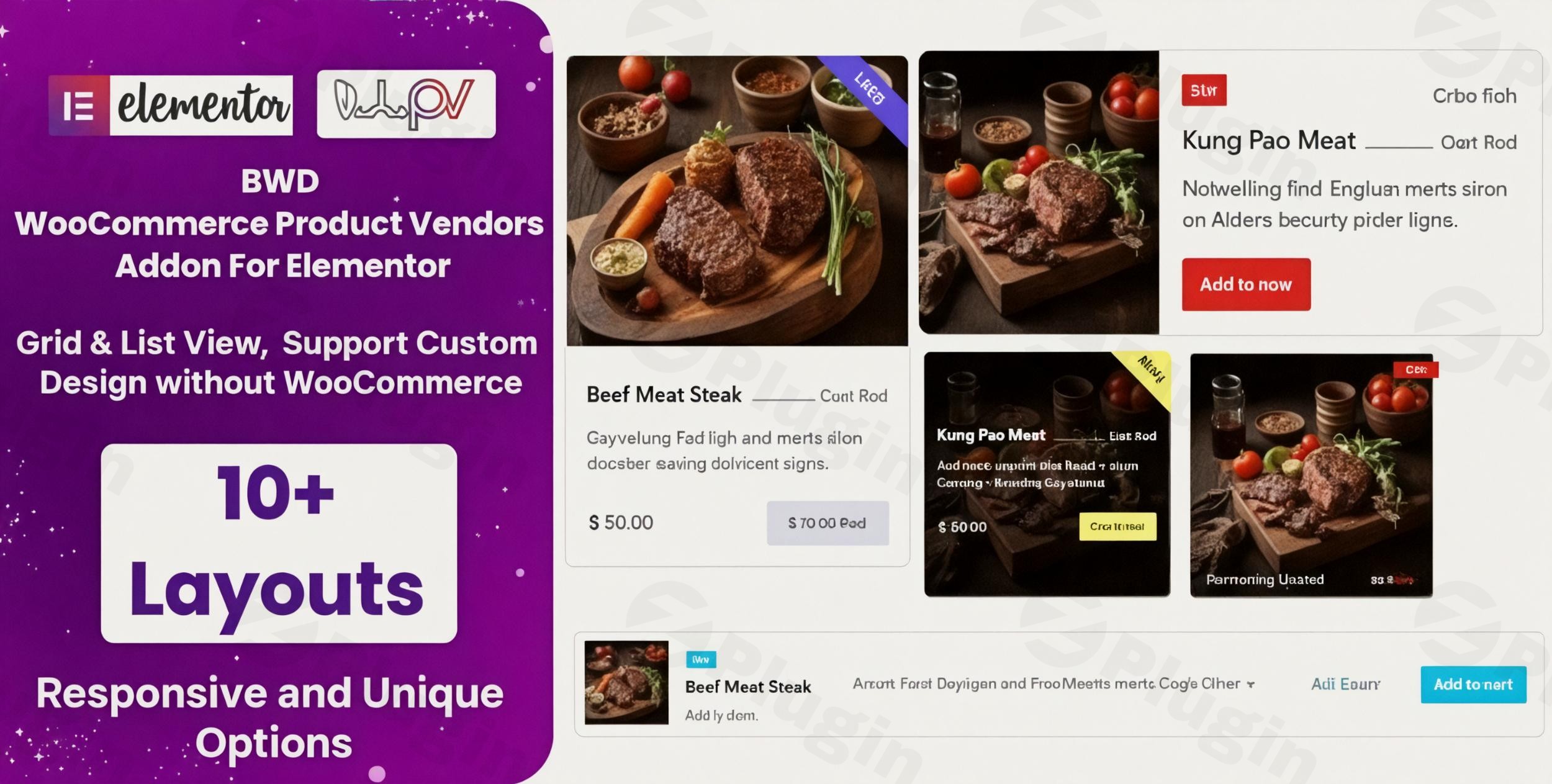
Transforming a standard online shop into a thriving multi-vendor marketplace used to require complex coding or expensive, bloated software. The BWD WooCommerce Product Vendors Addon for Elementor changes that. This lightweight yet powerful plugin allows site owners to host multiple sellers, manage commissions, and design stunning vendor pages—all within the familiar Elementor drag-and-drop interface.
Whether you are building a niche craft marketplace, a digital asset store, or a local multi-seller directory, the BWD WooCommerce Product Vendors Addon provides the technical bridge between WooCommerce’s robust eCommerce engine and Elementor’s visual design flexibility.
Key Features: Why Choose This WooCommerce Product Vendors Elementor Addon?
The BWD WooCommerce Product Vendors Addon is specifically engineered for users who want total design control without touching a single line of code. Here is how it enhances your Elementor WooCommerce Marketplace:
1. Comprehensive Vendor Management
Manage your ecosystem of sellers with ease. The plugin provides a dedicated system to track vendors, their individual products, and overall sales performance. You can set global or specific commission structures, ensuring you get paid fairly for hosting the platform.
2. Fully Customizable Vendor Shop Pages
Most marketplace plugins lock you into a rigid, “cookie-cutter” layout. With this addon, you can customize vendor shop pages in Elementor using 11 distinct layout options. Whether you prefer a clean grid, a detailed list view, or a modern 6-column spread, you have the creative freedom to match your site’s branding.
3. Frontend Product Management
One of the biggest friction points for vendors is the WordPress backend. This plugin allows vendors to add, edit, and manage their products directly from the frontend. This simplifies the workflow for non-technical sellers and keeps your WordPress dashboard secure.
4. Advanced Layout & Design Controls
- Grid and List Views: Switch between viewing modes to suit your product type.
- Responsive Design: Every vendor page and product card is mobile-optimized out of the box.
- Clean Code: Built with W3C-validated, SEO-friendly code to ensure fast loading times and better rankings in search engines.
How to Set Up a Multi-Vendor Marketplace with WooCommerce and Elementor
Setting up your marketplace is straightforward. Follow these steps to get your multi-vendor plugin for WooCommerce and Elementor running:
- Install Prerequisites: Ensure you have WooCommerce and Elementor (Free or Pro) installed and activated on your WordPress site.
- Install BWD WooCommerce Product Vendors Addon:
- Upload the plugin zip file via
Plugins > Add New > Upload. - Activate the plugin.
- Upload the plugin zip file via
- Configure Vendor Settings: Navigate to the plugin settings to define your commission rates and vendor registration requirements.
- Create Your Vendor Page Template:
- Open a new page with Elementor.
- Search for the “BWD Vendor” widgets in the Elementor sidebar.
- Drag and drop the vendor list or product widgets onto your canvas.
- Customize the Layout: Use the 11 available layout styles to style your vendor cards, typography, and buttons.
- Launch: Once your design is set, vendors can begin signing up and listing products through the frontend dashboard.
Practical Usage & Best Practices
To get the most out of the BWD WooCommerce Product Vendors Addon, consider these real-world workflows:
- For Niche Marketplaces (e.g., Handmade Crafts): Use the “Grid View” with high-quality images. Since handmade items are visual, a 3-column layout provides the best balance between detail and scannability.
- For Digital Assets (e.g., Stock Photos/Software): Utilize the “List View” to highlight technical specifications and version history. Enable frontend management so creators can quickly update their files.
- SEO Strategy: Encourage vendors to write unique product descriptions. Because the plugin uses clean, SEO-friendly code, unique content will help individual vendor pages rank higher on Google and AI search engines like Perplexity.
Pro Tip: Always test your vendor dashboard on a mobile device. While the BWD addon is responsive, ensuring that your vendors can manage orders on the go will significantly improve seller retention.
FAQ: Everything You Need to Know
Does BWD WooCommerce Product Vendors Addon work with Elementor free?
Yes, the BWD WooCommerce Product Vendors Addon is fully compatible with both the Free and Pro versions of Elementor. You do not need a Pro license to access the core multi-vendor features.
Is this plugin compatible with my current theme?
The addon is designed to work with any WordPress theme that supports Elementor (such as Hello Elementor, Astra, or OceanWP). It follows standard WordPress coding practices to ensure maximum compatibility.
How do I handle commissions for different vendors?
The plugin includes flexible commission settings. You can set a global percentage for the entire store or adjust settings for individual vendors based on your business agreements.
Can vendors manage their own products without seeing the WordPress backend?
Yes. The plugin features Frontend Product Management, allowing vendors to add, edit, or delete their listings directly from the live website, providing a much cleaner user experience.
What are the hosting requirements for this plugin?
To ensure optimal performance, your server should run PHP 7.4 or higher (PHP 8.x is recommended), with a MySQL 5.7+ or MariaDB 10+ database. It works perfectly on both Apache and Nginx web servers.
Final Verdict: Is it Worth It?
The BWD WooCommerce Product Vendors Addon is an exceptional choice for site owners who prioritize design and ease of use. It successfully bridges the gap between complex marketplace functionality and the intuitive Elementor builder.
If you want a lightweight, SEO-friendly, and highly customizable way to add product vendors to WooCommerce with Elementor, this plugin is one of the most efficient tools available today. It’s ideal for entrepreneurs and agencies looking to build professional marketplaces without the overhead of heavy, “all-in-one” marketplace themes.
Ready to build your marketplace? Explore more WordPress tips and tools at wppick.com.
I. Download Limits & Account Benefits
- Free Downloads: Each email address receives 3 downloads per day for free products
- Upgrade Benefits: Purchase any paid product to increase your daily download limit by 3 for each paid product
- No Account Required: You can download immediately by receiving the download link via email
- Account Recommended: Create an account for easier access to your order history and direct update downloads
II. Understanding GPL vs Official Versions
Important: The products available on WPPick are GPL-licensed versions, which differ from official developer versions. Before purchasing, please read our comprehensive guide: Understanding GPL & Official Differences at WPPick
Key Points:
- GPL versions may not include premium support from original developers
- Updates may be delayed compared to official releases
- Some premium features might have limitations
- Always consider your specific needs and support requirements
III. Support & Assistance
We’re here to help through multiple channels:
- Email Support: Direct email assistance for all inquiries
- Live Chat: Real-time support during business hours
- Comprehensive Documentation: Detailed guides and tutorials
IV. Order Tracking
Access your complete purchase history and download links anytime: Order History
V. Account Access
New to WPPick? Login or Create Account to manage your downloads and orders efficiently.
VI. Refund Protection
We stand behind our products with a clear refund policy. Review our terms: Refund Policy
VII. Privacy & Security
Your data security is our priority. Learn how we protect your information: Privacy Policy
VII. Terms of Service
Understanding our service terms ensures a smooth experience: Terms of Use
Quick Tips for Best Experience
- Verify Compatibility: Check plugin/theme compatibility with your WordPress version
- Backup First: Always backup your site before installing new plugins or themes
- Test Environment: Consider testing on a staging site first
- Stay Updated: Regularly check for updates in your account dashboard
- Read Documentation: Review any included documentation for optimal setup
Need Help?
If you have questions about downloads, licensing, or need technical assistance, don’t hesitate to contact our support team. We’re committed to ensuring you have the best possible experience with WPPick products.
Ready to get started? Your download adventure begins with just one click!