

Bwl Pro Voting Manager
/Year
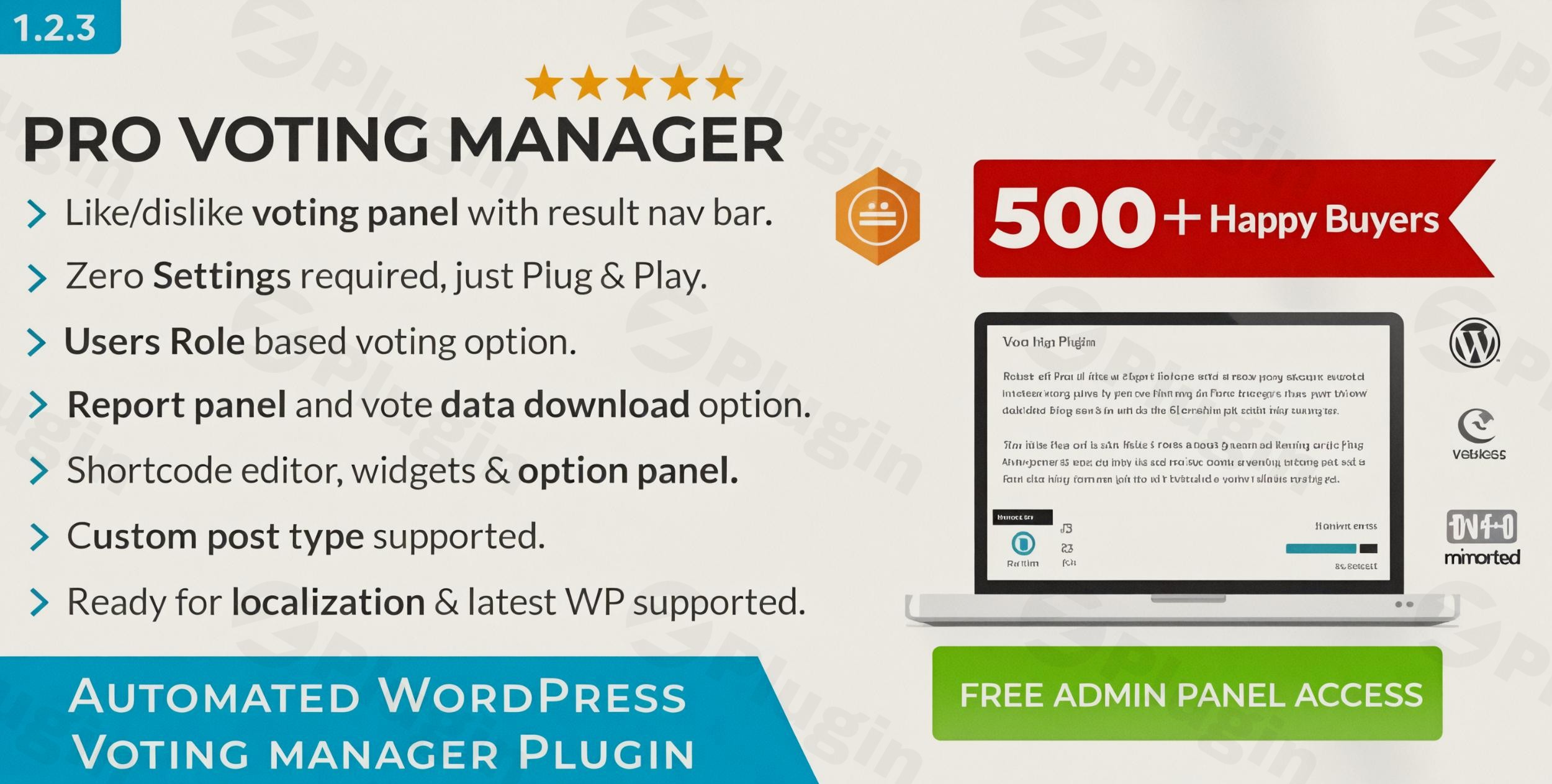
Increasing user engagement is a top priority for any website owner. While comments are great, many visitors prefer a quicker way to express their opinion. BWL Pro Voting Manager is a premium WordPress voting plugin designed to bridge this gap by allowing visitors to vote on posts, pages, and products with a simple click. Unlike basic solutions, this post voting plugin for WordPress doesn’t just collect tallies; it provides actionable insights through a unique feedback system, helping you understand why users might dislike a particular piece of content. Whether you are a blogger, a store owner, or a developer, BWL Pro Voting Manager offers a professional, AJAX-powered solution to foster interaction and improve content quality.
Key Features and Benefits of BWL Pro Voting Manager
The BWL Pro Voting Manager stands out because it balances simplicity for the user with deep customization for the administrator. Here are the core features that make it a leading WordPress like dislike plugin:
- Sophisticated Like/Dislike System: Provide users with a familiar way to interact. You can choose to show only likes, or both likes and dislikes for a more nuanced sentiment analysis.
- Actionable Negative Feedback: This is a standout feature. When a user clicks the “dislike” button, the plugin can prompt them to provide feedback. This data is sent directly to the site administrator, turning a negative interaction into a growth opportunity.
- Zero-Configuration Setup: For those who want to get started immediately, the plugin works out of the box. Once activated, it automatically appends the voting interface below your posts.
- AJAX-Powered Performance: Votes are processed instantly without reloading the page. This ensures a smooth user experience and keeps visitors engaged with your content.
- Extensive Customization:
- Icons: Use built-in Font Awesome icons or upload your own custom images.
- Styling: A dedicated options panel allows you to change colors, tooltip styles, and layout themes to match your brand.
- Social Sharing: You can trigger social share buttons to appear specifically after a user casts a “like” vote, capitalizing on their positive sentiment.
- WooCommerce & Custom Post Type Support: It isn’t limited to standard posts. You can easily enable Custom Post Type voting in WordPress or use it as a WooCommerce voting plugin to let customers rate products.
How to Install and Set Up BWL Pro Voting Manager
Setting up a WordPress feedback plugin shouldn’t be complicated. Follow these steps to get BWL Pro Voting Manager running on your site:
- Upload and Activate:
- Purchase and download the plugin from CodeCanyon.
- In your WordPress Dashboard, go to Plugins > Add New > Upload Plugin.
- Select the zip file and click Install Now, then Activate.
- Initial Configuration:
- Navigate to the new Voting Manager menu in your dashboard.
- The plugin is designed to work immediately, but you can visit the Options Panel to toggle the voting box on or off for specific post types (e.g., Pages, Posts, or WooCommerce Products).
- Customize the Interface:
- Go to the Display Settings tab within the plugin options.
- Choose your preferred theme (Light, Dark, or Custom).
- Select your Like/Dislike icons and set the colors for the results bar.
- Configure Security & Restrictions:
- Under the Security tab, enable IP Filtering to prevent users from voting multiple times from the same connection.
- You can also restrict voting to logged-in users or specific user roles if you want to limit participation to your community members.
Practical Usage & Best Practices
To get the most out of this WordPress voting plugin, consider these real-world workflows:
1. Content Quality Control for Bloggers
If you run a high-volume blog, use the dislike feedback feature as a “quality alarm.” If a post receives multiple dislikes with feedback citing “outdated information,” you can prioritize that post for an update immediately.
2. Product Validation for WooCommerce
Before launching a full marketing campaign for a new product, enable the voting manager on your WooCommerce product pages. High “like” counts serve as social proof, while dislikes can alert you to pricing or description issues before you spend money on ads.
3. Agency & Client Portfolios
For agencies using Custom Post Types to showcase work, adding a voting system allows potential clients to “heart” the projects they find most impressive. This provides the agency with data on which styles or industries are most popular with their audience.
4. Interactive Contests
Use the built-in widget to display “Most Liked Posts” in your sidebar. This is ideal for running “Post of the Month” contests, encouraging authors or community members to share their links to get more votes.
FAQ & Troubleshooting
Does BWL Pro Voting Manager support custom post types?
Yes. BWL Pro Voting Manager fully supports Custom Post Types (CPTs). You can enable or disable the voting interface for any specific CPT via the plugin’s global settings panel.
Is this plugin compatible with WooCommerce?
Absolutely. It is designed to work seamlessly as a WooCommerce voting plugin. You can display the voting box on product pages to gather customer sentiment and use the results to highlight top-rated items.
How do I prevent people from voting more than once?
The plugin includes robust IP Filtering and user role restrictions. By enabling these settings in the options panel, you can ensure that each user (or IP address) only casts a single vote per post, maintaining the integrity of your data.
Can I place the voting box anywhere using a shortcode?
Yes. While the plugin can automatically append the box to your posts, it also features a Visual Shortcode Editor. This allows you to generate a specific shortcode to place the voting panel or the results bar anywhere within your content, sidebars, or footer.
What are the system requirements?
To ensure optimal performance and security, the plugin requires WordPress 6.0+, PHP 8.1+, and MySQL 8.0+. It is fully compatible with the latest versions of WordPress (tested up to 6.9.x).
Conclusion: Final Verdict
If you are looking for the best WordPress plugin for user votes and feedback, the BWL Pro Voting Manager is a top-tier contender. Its unique ability to collect specific feedback on dislikes makes it more than just a “Like button”—it is a legitimate tool for conversion rate optimization and content strategy.With its AJAX-powered interface, zero-configuration setup, and deep integration with WooCommerce and Custom Post Types, it offers a high ROI for site owners looking to boost engagement. For a professional, reliable, and highly customizable experience, BWL Pro Voting Manager is an excellent investment for any WordPress site.
I. Download Limits & Account Benefits
- Free Downloads: Each email address receives 3 downloads per day for free products
- Upgrade Benefits: Purchase any paid product to increase your daily download limit by 3 for each paid product
- No Account Required: You can download immediately by receiving the download link via email
- Account Recommended: Create an account for easier access to your order history and direct update downloads
II. Understanding GPL vs Official Versions
Important: The products available on WPPick are GPL-licensed versions, which differ from official developer versions. Before purchasing, please read our comprehensive guide: Understanding GPL & Official Differences at WPPick
Key Points:
- GPL versions may not include premium support from original developers
- Updates may be delayed compared to official releases
- Some premium features might have limitations
- Always consider your specific needs and support requirements
III. Support & Assistance
We’re here to help through multiple channels:
- Email Support: Direct email assistance for all inquiries
- Live Chat: Real-time support during business hours
- Comprehensive Documentation: Detailed guides and tutorials
IV. Order Tracking
Access your complete purchase history and download links anytime: Order History
V. Account Access
New to WPPick? Login or Create Account to manage your downloads and orders efficiently.
VI. Refund Protection
We stand behind our products with a clear refund policy. Review our terms: Refund Policy
VII. Privacy & Security
Your data security is our priority. Learn how we protect your information: Privacy Policy
VII. Terms of Service
Understanding our service terms ensures a smooth experience: Terms of Use
Quick Tips for Best Experience
- Verify Compatibility: Check plugin/theme compatibility with your WordPress version
- Backup First: Always backup your site before installing new plugins or themes
- Test Environment: Consider testing on a staging site first
- Stay Updated: Regularly check for updates in your account dashboard
- Read Documentation: Review any included documentation for optimal setup
Need Help?
If you have questions about downloads, licensing, or need technical assistance, don’t hesitate to contact our support team. We’re committed to ensuring you have the best possible experience with WPPick products.
Ready to get started? Your download adventure begins with just one click!
- Plugin for WordPress 6.8.1
- Plugin translation file & documentation.