

Cart Lift – Abandoned Cart Recovery For Woocommerce And Edd
/Year
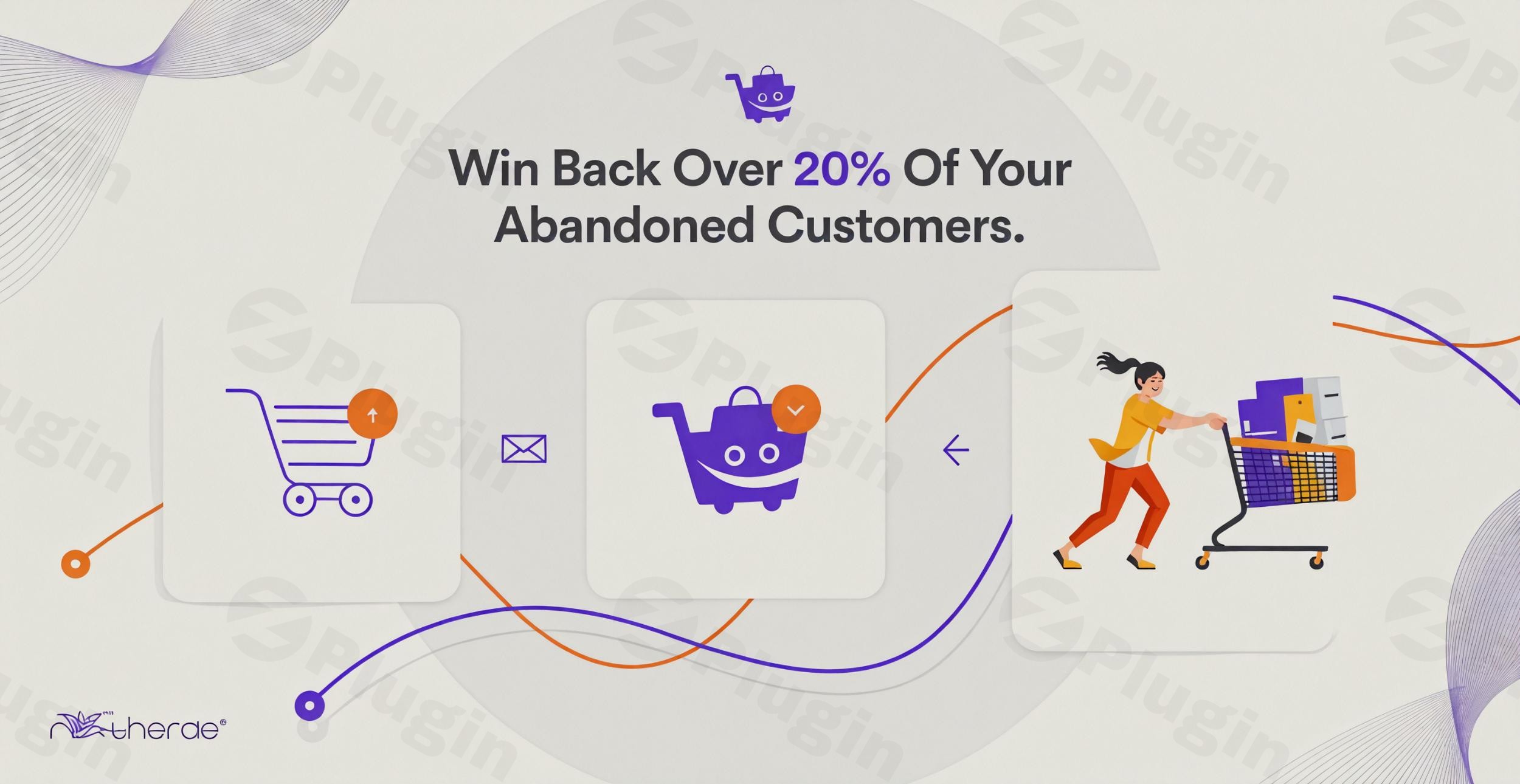
Abandoned carts are one of the biggest revenue killers for online store owners. Statistics show that nearly 70% of shoppers add items to their cart but leave without completing the purchase. Cart Lift is a powerful WordPress plugin specifically designed to solve this problem through automated abandoned cart recovery for WooCommerce and Easy Digital Downloads (EDD). By identifying lost shoppers and re-engaging them via strategic email and SMS sequences, Cart Lift helps you recover lost sales and boost your store’s ROI with minimal manual effort. Whether you are running a digital storefront or a physical goods shop, this plugin provides the tools to turn “lost” visitors into loyal customers.
Key Features of Cart Lift: Beyond Basic Recovery
Cart Lift isn’t just a simple email sender; it’s a full-scale marketing automation tool. Here are the core features that make it a top-tier WooCommerce abandoned cart plugin:
1. Automated Abandoned Cart Tracking
Cart Lift works silently in the background. It automatically detects when a user (both registered members and guests) leaves your site with items still in their cart. It captures the cart data instantly, allowing you to start the recovery process as soon as the “abandonment” threshold is met.
2. Smart Email Marketing Automation
The heart of the plugin is its customizable email sequences. You can set up a series of personalized emails to be sent at specific intervals (e.g., 1 hour, 24 hours, and 3 days after abandonment).
- Personalization Tags: Use tags to insert the customer’s name, their specific cart items, and a direct link to their checkout page.
- Built-in Editor: Create professional-looking emails without needing a separate email marketing platform.
3. High-Converting Exit-Intent Popups (Pro Feature)
Stop abandonment before it happens. The Cart Lift exit-intent popup triggers the moment a visitor moves their cursor to close the tab. You can offer a last-minute discount or ask for their email address to save their cart, significantly increasing your lead capture rate.
4. SMS Recovery via Twilio
In an era of crowded inboxes, SMS often sees higher open rates. Cart Lift integrates with Twilio, allowing you to send automated text messages to customers who have abandoned their carts, providing a direct and personal way to encourage a purchase.
5. Detailed Analytics and ROI Reporting
You can’t improve what you don’t measure. Cart Lift provides a comprehensive dashboard showing:
- Total abandoned carts vs. recovered carts.
- The exact revenue amount recovered.
* The performance of individual email templates.
How to Set Up Abandoned Cart Emails in WordPress with Cart Lift
Setting up your first recovery campaign is straightforward. Follow these steps to get Cart Lift up and running on your site.
Step 1: Installation and Activation
- Log in to your WordPress admin dashboard.
- Navigate to Plugins > Add New.
- Search for “Cart Lift.”
- Click Install Now and then Activate.
Step 2: Choose Your Platform (WooCommerce or EDD)
Upon activation, Cart Lift will prompt you to select your e-commerce platform. It offers native support for both WooCommerce and Easy Digital Downloads, ensuring it pulls the correct product data and checkout URLs.
Step 3: Configure Your Recovery Campaign
Navigate to the Cart Lift menu in your sidebar:
- Campaigns: Click “Add New Campaign.”
- Email Templates: Draft your recovery messages. Start with a friendly reminder, follow up with a small incentive (coupon), and end with a “last chance” notification.
- Set Intervals: Decide how long the system should wait before sending each message.
Step 4: Enable the “Add to Cart” Popup
For guest users, go to the settings and enable the Add to Cart Popup Modal. This asks for an email address as soon as a guest adds an item to the cart, ensuring you can track them even if they don’t reach the checkout page.
Practical Usage & Best Practices for Store Owners
To get the most out of your abandoned cart recovery for EDD or WooCommerce, consider these professional strategies:
- The Power of Incentives: Don’t lead with a discount. Send the first email as a helpful reminder (perhaps they just got distracted). Save your 10% or 15% coupon for the second or third email to protect your profit margins.
- Optimize for Mobile: Most abandoned carts happen on mobile devices. Ensure your email templates are responsive and your Cart Lift exit intent popup setup is tested on various screen sizes.
- Use Webhooks for Advanced CRM: For larger agencies, use Cart Lift’s Webhook support to send cart data to external CRMs like HubSpot or Zapier. This allows you to include cart abandoners in your broader marketing funnels.
* When to Use SMS: Reserve SMS recovery for your highest-value products. Since SMS has a cost per message, it is most effective as a “final nudge” for carts over a certain dollar value.
FAQ: Frequently Asked Questions about Cart Lift
What is the Cart Lift plugin?
Cart Lift is an automated abandoned cart recovery plugin for WordPress. It helps e-commerce stores (WooCommerce and EDD) track users who leave without purchasing and sends automated emails and SMS messages to win them back.
Is Cart Lift Pro GPL licensed?
Yes, Cart Lift Pro is GPL licensed. This means you have the freedom to use the software on unlimited websites, and it typically includes lifetime free updates from the developer, RexTheme.
Does Cart Lift support Easy Digital Downloads?
Yes. Unlike many competitors that focus only on physical goods, Cart Lift offers full, native support for Easy Digital Downloads (EDD), making it ideal for software developers and digital creators.
Is Cart Lift compatible with my WordPress theme?
Cart Lift is designed to be fully compatible with any standard WordPress theme, including popular builders like Elementor, Divi, and Gutenberg. Because it operates primarily in the background and via popups, it does not interfere with your site’s visual layout.
How does Cart Lift handle GDPR?
Cart Lift is GDPR compatible. It tracks abandoned carts automatically but provides options to ensure you are collecting data ethically, such as using the “Add to Cart” popup to gain explicit consent before tracking guest emails.
Final Verdict: Is Cart Lift Worth It?
If you are looking for a “set it and forget it” solution to recover lost sales in WooCommerce, Cart Lift is an exceptional choice. It bridges the gap between simple email notifications and complex marketing automation. By combining automated tracking, customizable email sequences, and high-conversion tools like exit-intent popups, it provides a clear ROI for any store owner. For those using Easy Digital Downloads, it is one of the few robust options available that treats digital products with the same level of priority as physical ones. Visit wppick.com for more insights on optimizing your WordPress e-commerce experience.
I. Download Limits & Account Benefits
- Free Downloads: Each email address receives 3 downloads per day for free products
- Upgrade Benefits: Purchase any paid product to increase your daily download limit by 3 for each paid product
- No Account Required: You can download immediately by receiving the download link via email
- Account Recommended: Create an account for easier access to your order history and direct update downloads
II. Understanding GPL vs Official Versions
Important: The products available on WPPick are GPL-licensed versions, which differ from official developer versions. Before purchasing, please read our comprehensive guide: Understanding GPL & Official Differences at WPPick
Key Points:
- GPL versions may not include premium support from original developers
- Updates may be delayed compared to official releases
- Some premium features might have limitations
- Always consider your specific needs and support requirements
III. Support & Assistance
We’re here to help through multiple channels:
- Email Support: Direct email assistance for all inquiries
- Live Chat: Real-time support during business hours
- Comprehensive Documentation: Detailed guides and tutorials
IV. Order Tracking
Access your complete purchase history and download links anytime: Order History
V. Account Access
New to WPPick? Login or Create Account to manage your downloads and orders efficiently.
VI. Refund Protection
We stand behind our products with a clear refund policy. Review our terms: Refund Policy
VII. Privacy & Security
Your data security is our priority. Learn how we protect your information: Privacy Policy
VII. Terms of Service
Understanding our service terms ensures a smooth experience: Terms of Use
Quick Tips for Best Experience
- Verify Compatibility: Check plugin/theme compatibility with your WordPress version
- Backup First: Always backup your site before installing new plugins or themes
- Test Environment: Consider testing on a staging site first
- Stay Updated: Regularly check for updates in your account dashboard
- Read Documentation: Review any included documentation for optimal setup
Need Help?
If you have questions about downloads, licensing, or need technical assistance, don’t hesitate to contact our support team. We’re committed to ensuring you have the best possible experience with WPPick products.
Ready to get started? Your download adventure begins with just one click!
- Changelog not found.