

Carter – Advanced Woocommerce Cart For Elementor
/Year
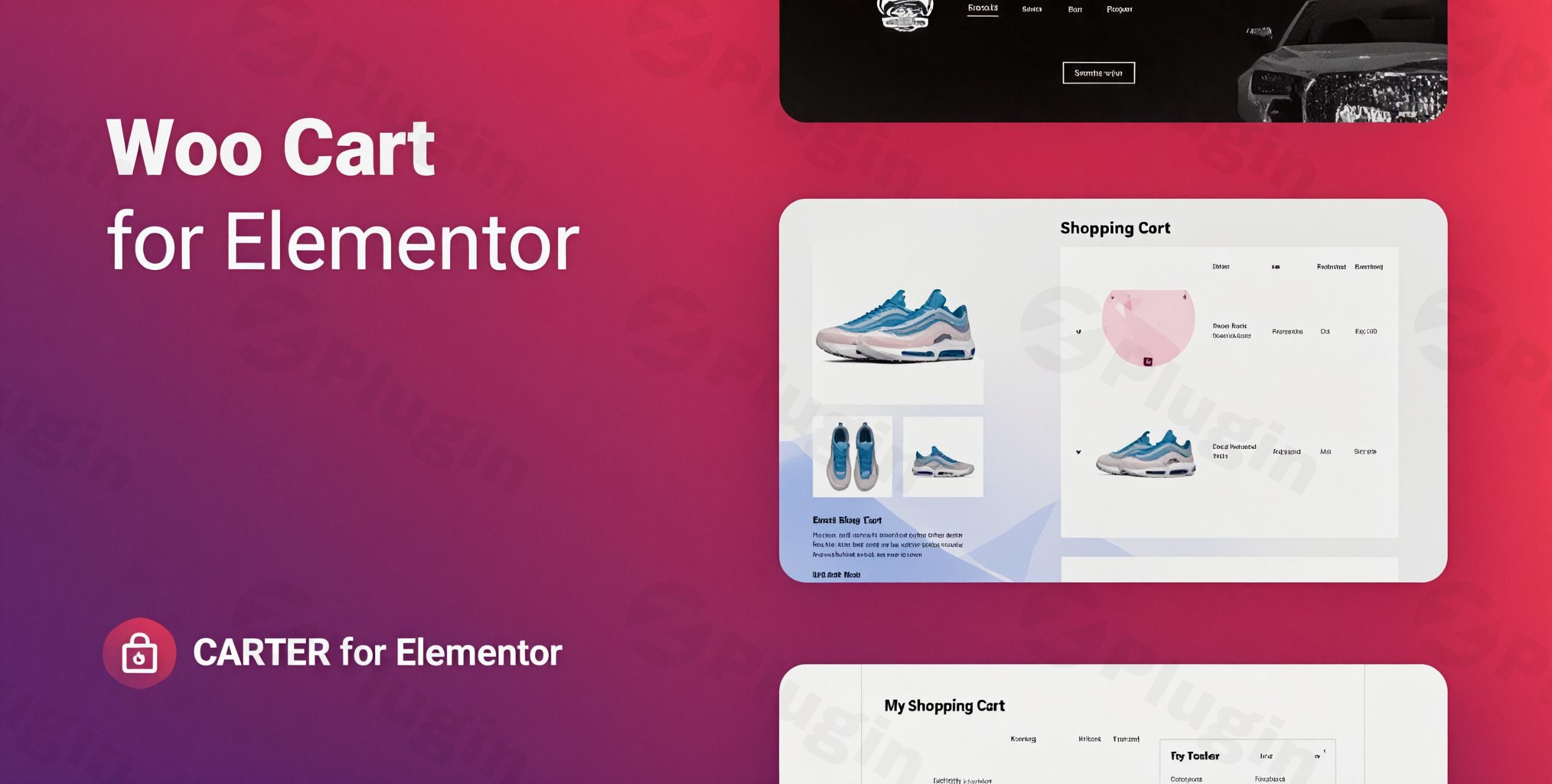
In the competitive world of eCommerce, the shopping cart page is often the final hurdle before a conversion. Standard WooCommerce cart pages are functional but frequently lack the design flexibility needed to match a modern brand’s aesthetic. Carter – Advanced WooCommerce Cart for Elementor is a premium plugin designed to bridge this gap, allowing store owners to build a high-converting WordPress WooCommerce cart Elementor experience with zero coding required.
By integrating directly into the Elementor interface, Carter replaces the rigid default WooCommerce cart with a fully customizable widget. Whether you are looking to reduce cart abandonment or simply want a more cohesive design, this plugin provides the tools to transform your checkout flow into a seamless part of your user journey.
Key Features of the Carter Advanced WooCommerce Cart
The Carter WooCommerce Elementor plugin isn’t just a styling tool; it is a comprehensive layout manager for your store’s most critical page. Here is a breakdown of the features that make it an advanced WooCommerce cart Elementor solution:
- Flexible Column Layouts: Choose between a classic one-column stack or a modern two-column block layout. This allows you to position the “Cart Totals” where they are most visible to the user.
- Granular Element Control: Unlike default templates, Carter lets you enable or disable specific cart elements. You can hide or show product images, prices, or subtotals to create a cleaner look.
- Sticky Total Amount Column: Ensure your “Proceed to Checkout” button is always in view. The plugin includes an option to keep the total amount column fixed while the user scrolls through their item list.
- Empty Cart Customization: Don’t lose customers when their cart is empty. You can design a custom “Empty Cart” view using Elementor templates or plain text to encourage users to keep shopping.
- Advanced Button Styling: Fully customize the look and feel of your coupon and checkout buttons. You can add hover animations, custom icons, and change button text (e.g., changing “Apply Coupon” to “Claim Discount”).
- Pre-designed Templates: For those who want to get started quickly, the plugin includes five professional templates that can be imported and tweaked in seconds.
- Responsive & RTL Support: Your cart will look perfect on mobile devices and supports right-to-left (RTL) languages for global stores.
How to Add a Custom WooCommerce Cart Using Elementor
Setting up Carter is straightforward, even for non-developers. Follow these steps to get your Elementor cart widget WooCommerce store up and running:
- Installation: Log in to your WordPress dashboard, go to Plugins > Add New, and upload the Carter plugin zip file. Click Install Now and then Activate.
- Locate the Widget: Open your Cart page (or create a new one) and click Edit with Elementor. In the Elementor sidebar, search for the “Carter” or “Advanced Cart” widget.
- Drag and Drop: Drag the Carter widget onto your page. You will immediately see a live preview of your WooCommerce cart items.
- Choose Your Layout: In the widget settings under the “Content” tab, select your preferred layout (One Column or Two Columns).
- Style Your Cart: Move to the “Style” tab to adjust typography, colors, border-radius, and button animations to match your brand’s identity.
- Set the Empty Cart Template: Under the “Empty Cart” settings, select whether you want to display a custom Elementor template or a simple text message for users with no items in their cart.
- Save and Publish: Once satisfied, click Update. Make sure this page is set as your default cart page in WooCommerce > Settings > Advanced.
Practical Usage & Best Practices
To get the most out of your WooCommerce cart design Elementor workflow, consider these professional strategies:
- Maximize Mobile Conversions: Use the one-column layout for mobile views to ensure that the “Total” and “Checkout” buttons are large and easy to tap. Carter’s responsive settings allow you to tweak mobile styles independently of desktop styles.
- Reduce Friction with Fixed Columns: If you have customers who buy many small items, use the “Fixed Total Amount” feature. This keeps the price and checkout button visible even if the product list is long, reducing the effort needed to complete the purchase.
- Incentivize with Style: Don’t let the coupon box be an eyesore. Use Carter’s button customization to make the “Apply Coupon” section look like a rewarding part of the experience rather than a distraction.
- The “Empty Cart” Upsell: Use the “Empty Cart Customization” to display an Elementor template featuring “Top Rated Products” or “Current Sales.” This turns a dead-end page into a new sales opportunity.
FAQ & Troubleshooting
What are the features of Carter Advanced WooCommerce Cart for Elementor?
Carter provides a dedicated Elementor widget to fully customize the WooCommerce cart page. Its main features include one or two-column layouts, sticky cart totals, custom empty cart views, button animations, and five pre-made templates.
Is the Carter plugin compatible with my Elementor theme?
Yes, Carter is designed to work with any WordPress theme that supports Elementor 3.0 or higher. It has been tested for compatibility with WordPress 6+ and works seamlessly with major themes like Hello Elementor, Astra, and OceanWP.
Does Carter support WooCommerce coupon codes?
Absolutely. Carter allows you to fully customize the coupon input field and the “Apply Coupon” button, including text changes and styling, while maintaining full WooCommerce functionality.
How can I update the plugin without losing my cart designs?
Because Carter uses the standard Elementor widget system, your designs are saved within the Elementor page data. You can safely update the plugin via the WordPress dashboard, and your settings will remain intact.
What should I do if the cart doesn’t update when items are removed?
Ensure that your site is not over-caching the cart page. Most “Advanced WooCommerce Cart” features require the page to dynamic. Exclude the Cart page from your caching plugin (like WP Rocket or LiteSpeed Cache) to ensure real-time updates.
Final Verdict: Is Carter Right for Your Store?
Carter – Advanced WooCommerce Cart for Elementor is an essential tool for store owners who prioritize design and user experience. It eliminates the technical hurdles of modifying WooCommerce templates, offering a “what you see is what you get” editing experience.
If you want to move beyond the “out-of-the-box” look and create a high-performance WordPress WooCommerce cart Elementor layout that drives sales, Carter is a lightweight, fast, and highly effective solution. For agencies and freelancers, the inclusion of five ready-to-use templates makes it a massive time-saver for client projects.
Ready to upgrade your store? Visit wppick.com for more WordPress tips and plugin reviews.
I. Download Limits & Account Benefits
- Free Downloads: Each email address receives 3 downloads per day for free products
- Upgrade Benefits: Purchase any paid product to increase your daily download limit by 3 for each paid product
- No Account Required: You can download immediately by receiving the download link via email
- Account Recommended: Create an account for easier access to your order history and direct update downloads
II. Understanding GPL vs Official Versions
Important: The products available on WPPick are GPL-licensed versions, which differ from official developer versions. Before purchasing, please read our comprehensive guide: Understanding GPL & Official Differences at WPPick
Key Points:
- GPL versions may not include premium support from original developers
- Updates may be delayed compared to official releases
- Some premium features might have limitations
- Always consider your specific needs and support requirements
III. Support & Assistance
We’re here to help through multiple channels:
- Email Support: Direct email assistance for all inquiries
- Live Chat: Real-time support during business hours
- Comprehensive Documentation: Detailed guides and tutorials
IV. Order Tracking
Access your complete purchase history and download links anytime: Order History
V. Account Access
New to WPPick? Login or Create Account to manage your downloads and orders efficiently.
VI. Refund Protection
We stand behind our products with a clear refund policy. Review our terms: Refund Policy
VII. Privacy & Security
Your data security is our priority. Learn how we protect your information: Privacy Policy
VII. Terms of Service
Understanding our service terms ensures a smooth experience: Terms of Use
Quick Tips for Best Experience
- Verify Compatibility: Check plugin/theme compatibility with your WordPress version
- Backup First: Always backup your site before installing new plugins or themes
- Test Environment: Consider testing on a staging site first
- Stay Updated: Regularly check for updates in your account dashboard
- Read Documentation: Review any included documentation for optimal setup
Need Help?
If you have questions about downloads, licensing, or need technical assistance, don’t hesitate to contact our support team. We’re committed to ensuring you have the best possible experience with WPPick products.
Ready to get started? Your download adventure begins with just one click!
- Fixed plugin security issues