

Cf7 Auto Responder Addon
/Year
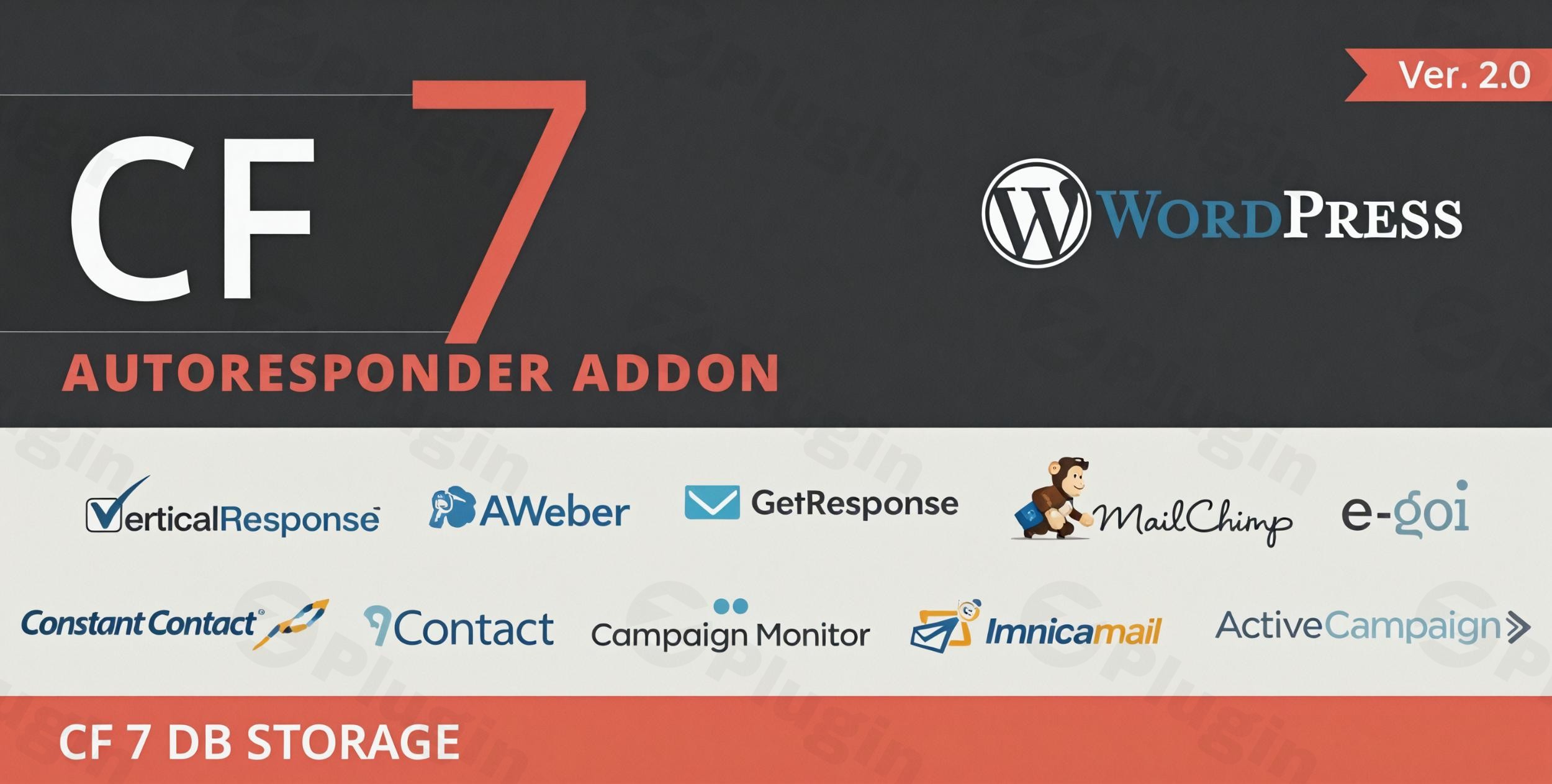
Transform Contact Form 7 into a Powerful Lead Generation System
In today’s competitive digital landscape, converting website visitors into valuable leads is paramount for business growth. The Contact Form 7 Auto Responder Integration Plugin transcends the basic email notification capabilities of Contact Form 7, transforming your standard contact forms into sophisticated lead capture and list-building powerhouses. This premium extension is engineered to seamlessly integrate with industry-leading email marketing platforms, streamlining your lead generation and nurturing processes.This article serves as a comprehensive overview, detailing the plugin’s core functionality, technical specifications, and the profound benefits it offers to businesses and marketers alike. We’ll explore how this robust solution simplifies complex marketing workflows, ensuring every form submission contributes directly to your subscriber base and ultimately, your bottom line.
Key Features and Benefits
The Contact Form 7 Auto Responder Integration Plugin is packed with features designed to maximize your marketing efficiency and lead conversion rates.
Multi-Platform Email Marketing Integration
At its core, this plugin offers unparalleled integration with a diverse array of top-tier email marketing services. Upon form submission, the plugin automatically syncs new contacts with your chosen platform, ensuring no lead is ever missed. Supported platforms include:
- AWeber
- Mailchimp
- GetResponse
- Constant Contact
- Campaign Monitor
- iContact
- Vertical Response
- Imnica MailThis broad compatibility allows you to effortlessly build and segment your subscriber lists across the marketing services you already trust.
Comprehensive Lead Management Dashboard
Beyond mere integration, the plugin provides an intuitive WordPress dashboard where all form submissions are meticulously captured and stored. This centralized system organizes leads by their source form, offering complete visibility into your lead generation efforts directly within your WordPress backend. You gain a holistic view of your inquiries without solely relying on email notifications, empowering you to track and analyze submission trends effectively.
Flexible Data Export Capabilities
Maintaining control over your data is crucial. The Contact Form 7 Auto Responder Integration Plugin facilitates this by allowing you to easily export all captured leads to CSV format. This feature ensures seamless integration with spreadsheet applications like Excel and other data analysis tools, enabling further processing, reporting, and strategic decision-making.
Standalone Widget Functionality
A unique aspect of this plugin is its versatility. Even if you’re not utilizing Contact Form 7 for all your forms, the plugin offers four specialized widgets designed to capture leads and integrate with your autoresponders. This flexibility ensures you can implement powerful lead capture solutions across various sections of your WordPress site, adapting to your specific needs and existing form setups.
Smart Data Capture and Opt-in Options
The plugin intelligently reads configured fields from your Contact Form 7 submissions, accurately inserting vital information like email addresses and names into your chosen email lists. Furthermore, it supports opt-in checkboxes, providing visitors with the choice to subscribe. This functionality is crucial for maintaining transparency and compliance with data privacy regulations such as GDPR, building trust with your audience.
Why Choose Our Auto Responder Integration?
Choosing a premium solution like the Contact Form 7 Auto Responder Integration Plugin is an investment in your marketing infrastructure. Here’s why it stands out:
Enhanced Lead Conversion
Transition from passive email notifications to an active, automated list-building strategy. Every form submission becomes an opportunity to grow your subscriber base, directly feeding leads into your email marketing sequences for immediate engagement and nurturing.
Centralized Lead Management
Consolidate all form submissions into a robust database within your WordPress admin area. This central hub allows you to track which forms are most effective, monitor submission patterns, and gain actionable insights into your lead generation performance over time.
Streamlined Marketing Workflows
Eliminate the inefficiencies of manual data entry. By automating the transfer of form submissions to your preferred email marketing platform, you create seamless marketing automation workflows that initiate the moment a visitor completes your form, saving valuable time and resources.
Technical Specifications and Compatibility
Designed for reliability and performance, the Contact Form 7 Auto Responder Integration Plugin adheres to modern web standards.
- Dependencies: This plugin requires the popular Contact Form 7 plugin to be installed and activated for its core functionality.
- Compatibility: It is built to be compatible with the latest versions of WordPress and jQuery, ensuring stable operation within a contemporary WordPress environment. For optimal performance and security, it is always recommended to use updated WordPress and PHP versions (e.g., PHP 7.4 or higher).
- Ease of Use: With a focus on user experience, the plugin is designed for easy setup and intuitive configuration, making advanced lead generation accessible to users of all technical skill levels.
- Translation Ready: Includes a
.pofile, ensuring it is ready for translation into various languages, catering to a global user base. - GDPR Compliance: The plugin is engineered to work in accordance with General Data Protection Regulation (GDPR) principles, providing tools like opt-in checkboxes to help you maintain compliance.
- Performance Optimized: Developed with efficiency in mind, the plugin has a minimal impact on server memory usage, contributing to a fast and responsive website.Best Practice Note: For consistently reliable email delivery, especially on shared hosting environments, integrating your WordPress site with a dedicated SMTP plugin is highly recommended. This helps bypass potential server-level email sending restrictions and improves deliverability rates for your autoresponder emails.
Setup and Usage Guide
Getting started with the Contact Form 7 Auto Responder Integration Plugin is a straightforward process:
- Install Contact Form 7: Ensure the Contact Form 7 plugin is already installed and activated on your WordPress site.
- Install the Auto Responder Integration Plugin: Upload and activate the Contact Form 7 Auto Responder Integration Plugin through your WordPress dashboard.
- Configure Integrations: Navigate to the plugin’s settings. Here, you will connect your desired email marketing services (e.g., AWeber, Mailchimp) by providing the necessary API keys or credentials.
- Connect Forms to Lists: For each Contact Form 7 form you wish to integrate, go to its settings. You’ll find new options added by our plugin allowing you to select which autoresponder service and specific mailing list (or multiple lists) new submissions should be added to.
- Map Form Fields: Configure how fields from your Contact Form 7 forms (e.g., “your-name,” “your-email”) map to the corresponding fields in your chosen autoresponder list.
- Utilize Widgets (Optional): If using the standalone widgets, simply add them to your desired widget areas and configure their autoresponder integrations similarly.By following these steps, you can quickly transform your forms into efficient lead-generating assets.
Perfect For
This professional lead management solution is an indispensable tool for a wide range of professionals and businesses:
- Digital Marketing Agencies: Enhance client lead generation campaigns with robust automation.
- E-commerce Businesses: Build customer lists for targeted promotions and abandoned cart sequences.
- Lead Generation Specialists: Optimize lead capture processes for higher conversion rates.
- Content Marketers: Grow subscriber lists for newsletters, content upgrades, and promotions.
- Small Business Owners: Automate marketing efforts and scale their customer base.
- Marketing Departments: Streamline workflows and improve data management.
- WordPress Developers: Offer advanced lead generation capabilities to their clients.
Secure and Reliable Source
When you acquire the Contact Form 7 Auto Responder Integration Plugin from ZeroPlugin.com, you are investing in a genuine, GPL-licensed product. We are committed to providing regular updates and ensuring comprehensive security verification. Our plugin files undergo thorough VirusTotal scanning, guaranteeing complete safety and reliability for your WordPress installation. This commitment to security and ongoing maintenance ensures that your lead generation efforts are always supported by a trustworthy and high-performing solution.
Conclusion
The Contact Form 7 Auto Responder Integration Plugin is the definitive professional solution for businesses serious about lead generation and email marketing automation. By seamlessly bridging the gap between your Contact Form 7 submissions and leading email marketing platforms, it provides a comprehensive toolset that maximizes the value of every website visitor interaction. Experience the transformative difference that professional list building and lead management can make for your business growth and overall marketing effectiveness. Invest in a solution that empowers you to capture, manage, and nurture your leads with unprecedented efficiency and reliability.
I. Download Limits & Account Benefits
- Free Downloads: Each email address receives 3 downloads per day for free products
- Upgrade Benefits: Purchase any paid product to increase your daily download limit by 3 for each paid product
- No Account Required: You can download immediately by receiving the download link via email
- Account Recommended: Create an account for easier access to your order history and direct update downloads
II. Understanding GPL vs Official Versions
Important: The products available on WPPick are GPL-licensed versions, which differ from official developer versions. Before purchasing, please read our comprehensive guide: Understanding GPL & Official Differences at WPPick
Key Points:
- GPL versions may not include premium support from original developers
- Updates may be delayed compared to official releases
- Some premium features might have limitations
- Always consider your specific needs and support requirements
III. Support & Assistance
We’re here to help through multiple channels:
- Email Support: Direct email assistance for all inquiries
- Live Chat: Real-time support during business hours
- Comprehensive Documentation: Detailed guides and tutorials
IV. Order Tracking
Access your complete purchase history and download links anytime: Order History
V. Account Access
New to WPPick? Login or Create Account to manage your downloads and orders efficiently.
VI. Refund Protection
We stand behind our products with a clear refund policy. Review our terms: Refund Policy
VII. Privacy & Security
Your data security is our priority. Learn how we protect your information: Privacy Policy
VII. Terms of Service
Understanding our service terms ensures a smooth experience: Terms of Use
Quick Tips for Best Experience
- Verify Compatibility: Check plugin/theme compatibility with your WordPress version
- Backup First: Always backup your site before installing new plugins or themes
- Test Environment: Consider testing on a staging site first
- Stay Updated: Regularly check for updates in your account dashboard
- Read Documentation: Review any included documentation for optimal setup
Need Help?
If you have questions about downloads, licensing, or need technical assistance, don’t hesitate to contact our support team. We’re committed to ensuring you have the best possible experience with WPPick products.
Ready to get started? Your download adventure begins with just one click!
- Fixed Issue