
Chat – Support Board – Openai Chatbot – Wp
/Year
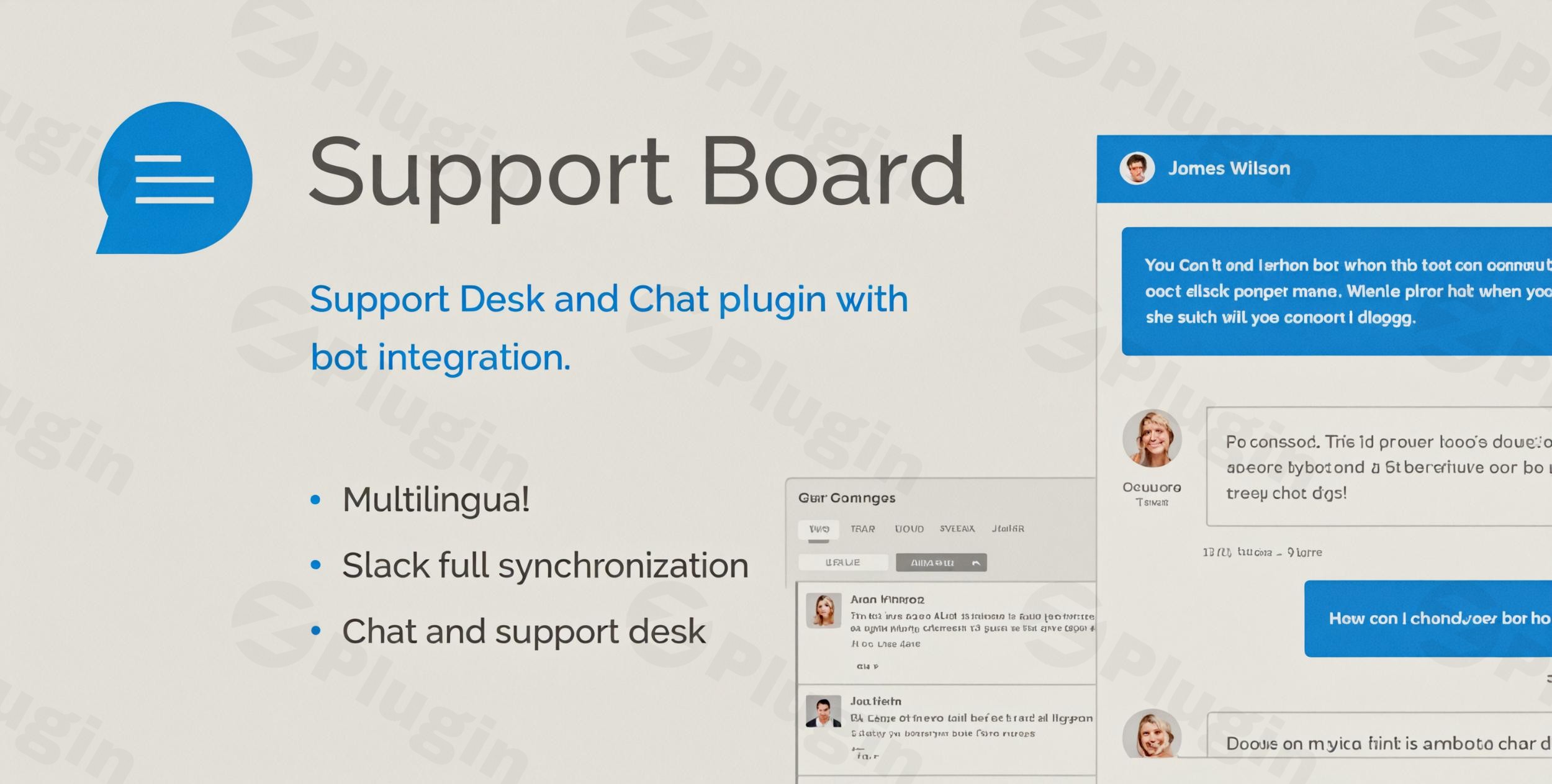
In today’s fast-paced digital world, providing instant, effective customer support is crucial for any WordPress website. The Support Board WordPress plugin emerges as a powerful, all-in-one solution designed to transform your customer service, combining a robust ticketing system, real-time live chat, and advanced WordPress OpenAI chatbot capabilities. This plugin helps businesses streamline communication, automate support, and significantly enhance user engagement without requiring any coding expertise.Whether you’re running an e-commerce store, a blog, or a service-based website, Support Board empowers you to deliver exceptional support experiences, leveraging the power of AI to provide 24/7 assistance and seamlessly integrate with various messaging platforms. It’s the ideal choice for anyone looking for a comprehensive WordPress live chat with AI solution to manage customer interactions efficiently.
Key Features of Support Board: Elevating Your Customer Engagement
Support Board is packed with features designed to create a seamless support ecosystem. It goes beyond basic chat, offering a full suite of tools for both agents and customers. Here’s a detailed look at its capabilities:
Intelligent Support and Chat Automation
- OpenAI & Dialogflow Integration: Power your support with sophisticated AI chatbots. Support Board seamlessly connects with OpenAI (ChatGPT) and Google Dialogflow (formerly API.AI) to handle FAQs, provide instant answers, qualify leads, recommend products, and assist with onboarding. This significantly reduces the burden on human agents.
- Multilingual Bot Capabilities: Leverage AI-powered bots that can communicate in multiple languages, ensuring your global audience receives personalized support. The plugin supports WPML and RTL languages, with front-end translations available in 13 languages.
- Automated Messaging & Triggers: Set up intelligent welcome messages, follow-up messages, and offline messages based on user behavior, pages visited, or WooCommerce cart status, creating engaging and proactive support flows.
- Email Alerts & Notifications: Keep both users and agents informed with timely notifications via email, push notifications, desktop notifications, and sound alerts for new messages, ensuring no query goes unnoticed.
Comprehensive Help Desk and Ticketing System
- Unified Conversation Management: Handle all customer conversations, support tickets, and live chats from a single, intuitive dashboard. This centralizes your support operations for maximum efficiency.
- Smart Ticketing & Agent Assignment: Utilize a complete ticketing system to manage conversations, automatically assign them to available agents, track user history, and prioritize inquiries. Agents can also create tickets directly within the chatbox.
- Independent User System: Support Board operates with its own user management system, separate from standard WordPress users, offering custom registration and login forms for enhanced flexibility.
- User Sync & CRM Features: Automatically identify logged-in WordPress users, import existing users, and track valuable data such as name, email, browser, location, and WooCommerce purchase history. This allows for highly targeted support and marketing efforts.
- Knowledge Base Integration: Create and integrate a multilingual knowledge base directly accessible from a dedicated page or within the chat widget. This empowers users to find solutions independently and enhances AI-powered answers by citing extracted information.
Advanced Chat Functionality and Customization
- Live Chat for WordPress & WooCommerce: Provide a fast, modern chat window for real-time engagement. It’s fully integrated with WooCommerce to assist with cart status, order history, and product recommendations, boosting sales and customer satisfaction.
- Multi-Platform Integration: Centralize communication by connecting with popular messaging channels like WhatsApp, Facebook Messenger, Telegram, Slack, and Discord. Manage all interactions from one system, offering true
multi-channel support WordPress. - Custom Branding & Layouts: Personalize the chat widget with your own logo, background, colors, and icons to perfectly match your brand. Choose between scrollable or full-width layouts for optimal user experience.
- Rich Messages & Media: Enhance conversations with over 3000 emojis, markdown syntax, voice messages, and the ability to attach media and files. Bots and agents can utilize interactive elements like buttons, dropdown lists, text inputs, and forms.
- Guest Access: Allow both registered and guest users to initiate chats, ensuring no potential customer is left unheard.
Performance, Compatibility & Developer Features
- Optimized Performance: Designed to be lightweight, Support Board has minimal impact on site speed, adding approximately 70 KB and 12 requests. It offers a minified JavaScript file option for further optimization.
- Developer-Friendly: For those needing custom solutions, Support Board provides comprehensive APIs for custom integrations and extensions.
- Mobile App & PWA: The administration area functions as a Progressive Web App (PWA), installable on Windows, Macs, Android, and iOS devices, turning your mobile devices into portable customer service hubs.
- Regular Updates: Benefit from continuous improvements, bug fixes, and feature enhancements to keep your support system cutting-edge.
- GDPR Ready: The plugin is designed with data privacy in mind, helping you maintain GDPR compliance.
Installation & Setup: Get Your Support Board Running
Installing the Support Board WordPress plugin is a straightforward process, even for non-developers. Here’s a step-by-step guide on how to install Support Board WordPress plugin:
- Download the Plugin: Obtain the Support Board plugin ZIP file from your purchase source (e.g., ZeroPlugin.com for GPL versions, or CodeCanyon).
- Upload to WordPress:
- Log in to your WordPress admin dashboard.
- Navigate to Plugins > Add New.
- Click on the “Upload Plugin” button at the top of the page.
- Click “Choose File”, select the Support Board plugin ZIP file from your computer, and click “Install Now”.
- Activate the Plugin: Once installed, WordPress will prompt you to activate the plugin. Click on “Activate Plugin”.
- Initial Configuration:
- After activation, you’ll typically find a new menu item in your WordPress dashboard, often named “Support Board” or similar.
- Click on this menu item to access the plugin settings. You may be prompted to enter a license key if you purchased from CodeCanyon to enable updates.
- Explore the general settings to configure basic chat appearance, notifications, and user management.
- Add Chat Widget to Your Site:
- To display the chat widget on your site, Support Board usually integrates automatically.
- For specific areas like ticket displays or knowledge base articles, you might use shortcodes. For instance,
[sb-tickets]will display the user’s ticket area, and[sb-articles]will show your knowledge base articles on any WordPress page. - You can often configure the chat widget’s display rules (e.g., on all pages, specific pages, or based on user roles) within the Support Board settings.
Practical Usage & Best Practices
Support Board is incredibly versatile, fitting a range of business needs. Here are some practical usage scenarios and best practices for leveraging its full potential:
- E-commerce Customer Service (Support Board WooCommerce Chatbot Integration):
- Use Case: A WooCommerce store owner wants to reduce cart abandonment and provide instant product support.
- Best Practice: Integrate the WordPress OpenAI chatbot to answer common product questions, provide shipping updates, and even offer product recommendations based on browsing history. Use automated messages to greet customers on product pages or when they linger in their cart, offering real-time assistance via live chat for complex queries. The
Support Board WooCommerce chatbot integrationis ideal for boosting conversion rates and customer satisfaction.
- Lead Generation and Qualification for SaaS/Agencies:
- Use Case: A SaaS company or digital agency wants to qualify leads and gather initial information before connecting with a sales representative.
- Best Practice: Deploy an AI chatbot to engage website visitors, ask qualifying questions (e.g., company size, needs, budget), and collect contact details through custom forms. Based on the responses, the bot can either route the conversation to the appropriate agent or provide relevant information from the knowledge base. This automates the initial lead nurturing process, allowing your team to focus on high-quality prospects.
- 24/7 Automated Support for Content Creators/Bloggers:
- Use Case: A popular blogger receives hundreds of questions daily about their content, courses, or resources, and cannot personally answer all of them.
- Best Practice: Utilize the WordPress OpenAI chatbot to provide instant answers to frequently asked questions about blog topics, course schedules, or membership details. Populate the knowledge base with comprehensive articles. The bot can direct users to relevant content, freeing up the content creator to focus on producing more value. For more complex inquiries, the system can seamlessly transition to an email ticketing system or agent chat during business hours.
- Multi-Channel Communication Hub:
- Use Case: A business wants to consolidate customer communication from various platforms into one system.
- Best Practice: Activate integrations with WhatsApp, Facebook Messenger, Telegram, and Slack. This allows your support team to manage all conversations from the Support Board dashboard within WordPress, providing a unified experience for agents and consistent service for customers across their preferred channels. This
multi-channel support WordPresscapability significantly streamlines agent workflow.
FAQ & Troubleshooting
Here are answers to common questions about the Support Board WordPress plugin:
What are the system requirements for Support Board WordPress plugin?
The Support Board WordPress plugin is highly compatible with standard WordPress environments. It requires WordPress 3.0.0 or higher (tested up to 6.8.3), PHP 8.0+ (though some older versions might indicate compatibility with 7.4+), and MySQL 5.5+ (InnoDB, UTF-8MB4). Essential PHP extensions include CURL, ZIP ARCHIVE, MBSTRING, pdo_mysql, mbstring, openssl, json, and curl. It also needs jQuery 1.1+ and works with both Nginx/Apache servers.
Does Support Board integrate with WhatsApp?
Yes, Support Board does integrate with WhatsApp, as well as other popular messaging platforms like Facebook Messenger, Telegram, Slack, and Discord. This allows you to centralize communications from various channels into a single dashboard, providing a unified management system for all customer interactions.
How to set up an OpenAI chatbot in WordPress with Support Board?
To set up an OpenAI chatbot in WordPress using Support Board, you typically need to connect your OpenAI (ChatGPT) or Google Dialogflow account within the plugin’s settings. Navigate to the Support Board settings in your WordPress dashboard, locate the “Chatbot” or “AI Integration” section, and enter your API keys or credentials. From there, you can configure bot responses, train your bot with knowledge base articles, and set up automated chat flows based on user intent.
Is Support Board GDPR compliant?
Yes, Support Board is designed to be GDPR compliant. It includes features and configurations that allow website owners to manage customer data responsibly, obtain consent, and facilitate data access or deletion requests in line with GDPR regulations. It’s important to configure the plugin’s privacy settings correctly and ensure your overall website also adheres to GDPR guidelines.
Does Support Board impact website performance?
No, Support Board is highly optimized for performance. It is explicitly described as a lightweight plugin, adding approximately 70 KB and 12 requests to your website. It also offers options like minified JavaScript files to ensure minimal impact on your site’s speed and overall user experience.
Conclusion
The Support Board WordPress plugin stands out as a robust, high-performance solution for any website owner looking to enhance their customer support. By seamlessly blending real-time live chat, a comprehensive ticketing system, and cutting-edge AI chatbot capabilities through WordPress OpenAI chatbot integration, it empowers businesses to deliver exceptional and efficient service around the clock.Its rich feature set, multi-channel support, and focus on performance make it an invaluable asset for e-commerce stores, agencies, and content creators alike. Support Board not only streamlines internal workflows but also significantly improves customer satisfaction and engagement. For those seeking an all-encompassing WordPress live chat with AI system that truly elevates the user experience, Support Board offers a confident, reliable, and future-proof choice.
I. Download Limits & Account Benefits
- Free Downloads: Each email address receives 3 downloads per day for free products
- Upgrade Benefits: Purchase any paid product to increase your daily download limit by 3 for each paid product
- No Account Required: You can download immediately by receiving the download link via email
- Account Recommended: Create an account for easier access to your order history and direct update downloads
II. Understanding GPL vs Official Versions
Important: The products available on WPPick are GPL-licensed versions, which differ from official developer versions. Before purchasing, please read our comprehensive guide: Understanding GPL & Official Differences at WPPick
Key Points:
- GPL versions may not include premium support from original developers
- Updates may be delayed compared to official releases
- Some premium features might have limitations
- Always consider your specific needs and support requirements
III. Support & Assistance
We’re here to help through multiple channels:
- Email Support: Direct email assistance for all inquiries
- Live Chat: Real-time support during business hours
- Comprehensive Documentation: Detailed guides and tutorials
IV. Order Tracking
Access your complete purchase history and download links anytime: Order History
V. Account Access
New to WPPick? Login or Create Account to manage your downloads and orders efficiently.
VI. Refund Protection
We stand behind our products with a clear refund policy. Review our terms: Refund Policy
VII. Privacy & Security
Your data security is our priority. Learn how we protect your information: Privacy Policy
VII. Terms of Service
Understanding our service terms ensures a smooth experience: Terms of Use
Quick Tips for Best Experience
- Verify Compatibility: Check plugin/theme compatibility with your WordPress version
- Backup First: Always backup your site before installing new plugins or themes
- Test Environment: Consider testing on a staging site first
- Stay Updated: Regularly check for updates in your account dashboard
- Read Documentation: Review any included documentation for optimal setup
Need Help?
If you have questions about downloads, licensing, or need technical assistance, don’t hesitate to contact our support team. We’re committed to ensuring you have the best possible experience with WPPick products.
Ready to get started? Your download adventure begins with just one click!
- Fixed bug related to broken rendering of links.
- Fixed bug related to article translations.
- Fixed bug related to sending custom emails and text messages.
- Dark mode for admin area.
- Added option to show a left menu in the single article page.
- Added option to show a button with link and text at the bottom of the single article page.
- Added Acumbamail as newsletter provider.
- Added typing indicator bubble.
- Added option to customize the header user's name text.
- Added option to exclude admins from header.
- Improved chat widget UI and UX.
- Added multiple Web, JavaScript APIs.
- Updated the API documentation to include the latest endpoints.
- Fixed bug related to duplicated messages from email piping.
- Fixed bug related to user login via chat widget.
- Fixed bug related to unsuccessful WordPress admin login.
- Fixed bug related to email notifications.
- Option to filter conversations by agent.
- Assign an agent to multiple conversations at once.
- Fixed security vulnerabilites related to the 'sb_encryption()' and 'sb_file_delete()' functions. Special thanks to Foxyyy and Wordfence.
- Fixed security vulnerability allowing unauthorized file access if special constants where present in the config.php file. Special thanks to Envato and Patchstack.
- Fixed bug related to automation conditions checks.
- Fixed bug related to wrong message time in email notifications and transcripts.
- Fixed bug related to OTP email wrongly sent on follow-up message submission.
- Fixed bug related to OTP email wrongly sent on WP user update and PHPMailer fatal error.
- Fixed bug related to agent assignment of routing and queue.
- Fixed bug related to the avatar profile picture generation.
- Fixed bug related to WordPress and PHPMailer.
- Restored breakline functionality for the chat widget in desktop mode by pressing CTRL+ENTER.
- Added last modified date and time to notes.