

Chauffeur Booking System For WordPress
/Year
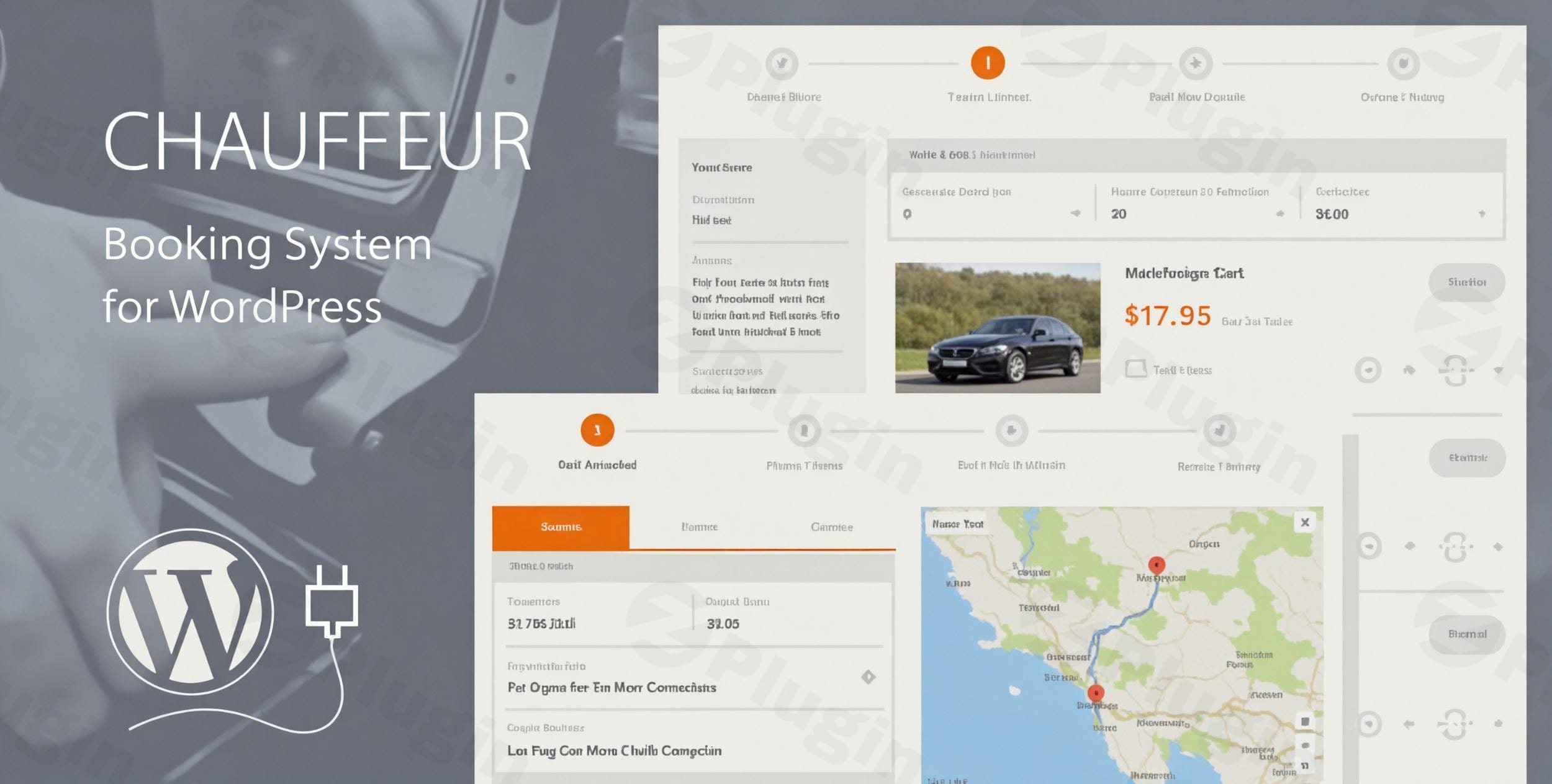
Professional Fleet and Fleet Dispatch Automation
The Chauffeur Booking System For WordPress converts a standard website into a high-conversion booking engine tailored for private hire, executive travel, limousine companies, and airport shuttle services. Operating an transport dispatch operation requires precision in routing, vehicle allocation, luggage capacities, and transparent pricing structure. This plugin addresses these operational challenges directly inside the WordPress dashboard, reducing administrative overhead and eliminating manual booking friction.
Latest Version 9.5 Changes
The official developer documentation and changelog from QuanticaLabs confirm that version 9.3 is the latest documented release (introduced in April 2026). There is currently no official release or changelog for version 9.5.
- The official changelog page provided by the developer, QuanticaLabs, lists detailed historical changes but does not reference version 9.5.
- The official blog entries on QuanticaLabs show that version 9.3 (introducing Suitcase Pricing & PDF Documents) was released recently in April 2026.
- No official notes or release data exist for a version 9.5 of the Chauffeur Taxi Booking System for WordPress as of mid-2026.
Who This Reservation Engine Is Built For
This software is engineered specifically for transport providers who need more than a generic form builder. It serves limo operators tracking vehicle availability, taxi dispatch agencies managing flat-rate city transfers, airport shuttle fleets pricing by the passenger or suitcase, and hourly chauffeur businesses requiring rigid geofencing. By capturing precision pickup and drop-off data, operators can seamlessly scale fleet utilization and manage independent drivers without external SaaS fees.
Key Core Capabilities and Operational Logic
The engine handles logistics with structural flexibility across three distinct core booking types: Distance-based routes, Hourly hires, and Flat-rate point-to-point journeys. Built-in distance mapping calculates real-world travel costs dynamically. Advanced luggage rules allow administrators to tie maximum suitcase allowances to specific vehicle tiers, preventing unexpected vehicle overloads during pickup. The layout adapts responsively to mobile booking pathways, ensuring customers can reserve executive vehicles from airport terminals or mobile devices cleanly.
Practical WordPress Business Use Cases
- Airport Transfer Portals: Establish dedicated fixed-route pricing from terminal hubs directly to city business centers, tracking precise arrival details.
- Corporate Hourly Rentals: Configure complex pricing structures where corporate clients book high-end executive vans for specific time frames with predefined included distance ranges.
- Special Event Coordination: Manage large-scale luxury limousine bookings for weddings, gala events, or corporate outings with clear add-on services like child seats or refreshments.
- Regional Shuttle Dispatches: Automate regular commuter point-to-point transfers utilizing precise custom pricing rules and geofenced zones.
Configuration Options and WordPress Environment Context
Deploying the software requires minimal technical configuration. Administrators map operational boundaries using built-in geofencing utilities to replace complex addresses with defined neighborhood zones. It features custom payment gateways, email notifications, and automated webhooks to connect directly with driver dispatch systems. Database performance is sustained through granular options to purge transients, reset configuration caches, and safely remove heavy frontend visual libraries if theme conflicts occur.
Strategic Reasons to Choose This Plugin via WPPick
Acquiring this solution on WPPick offers access to an open, unencrypted deployment suitable for high-volume enterprise usage. Fleet operators can deploy the system without recurring per-seat user fees or strict transaction commissions. This direct hosting approach gives developers full control over database integrity, automated backups, and deep styling overrides to ensure consistency with luxury hospitality branding elements.
Latest Version Context and Technical Release Integrity
While external public tracking platforms highlight major historical additions up to version 9.3—such as dedicated suite-case pricing, dynamic administrative boxed layouts, and automated internal PDF summary updates—the current downloadable package on WPPick represents the optimized version 9.5. Detailed prose release notes are not available from the public developer web sources for this specific iteration; however, internal maintenance checks confirm that version 9.5 integrates targeted backend framework adjustments, database query restructuring, and map request handling optimizations designed to ensure long-term stability and performance under heavy traffic loads.
Frequently Asked Transport Questions
Can the system automatically select vehicles based on passenger and luggage counts?
Yes. The booking logic allows fleet managers to specify exact maximum passenger capacities and suitcase thresholds for every vehicle class. When a user executes a search, the frontend dynamically filters out under-sized models, ensuring a party with excessive suitcases is prompted to reserve a larger executive van or SUV automatically.
How does the application process distance calculations and toll fees?
The system leverages direct mapping API requests to determine precise route lengths and driving durations. Administrators can apply custom toll calculation adjustments, flat-rate addition rules, or distance-tier multipliers to guarantee all regional operational fees and route overheads are included in the customer quote before checking out.
Can I restrict bookings to specific service regions or cities?
Yes, through advanced geofencing and custom location overrides. You can draw strict boundaries or define precise pickup/drop-off pairs. If a customer tries to book a trip originating outside your allowed zone, the form will cleanly present a message indicating service unavailability for that region.
Is it possible to synchronize bookings with external scheduling tools?
The software features robust native integrations, including Google Calendar synchronization, to update dispatch calendars instantly when a client pays. Additionally, built-in system webhooks can trigger on specific status changes, letting developers pipe booking data instantly to external logistics tools or CRM suites.
I. Download Limits & Account Benefits
- Free Downloads: Each email address receives 3 downloads per day for free products
- Upgrade Benefits: Purchase any paid product to increase your daily download limit by 3 for each paid product
- No Account Required: You can download immediately by receiving the download link via email
- Account Recommended: Create an account for easier access to your order history and direct update downloads
II. Understanding GPL vs Official Versions
Important: The products available on WPPick are GPL-licensed versions, which differ from official developer versions. Before purchasing, please read our comprehensive guide: Understanding GPL & Official Differences at WPPick
Key Points:
- GPL versions may not include premium support from original developers
- Updates may be delayed compared to official releases
- Some premium features might have limitations
- Always consider your specific needs and support requirements
III. Support & Assistance
We’re here to help through multiple channels:
- Email Support: Direct email assistance for all inquiries
- Live Chat: Real-time support during business hours
- Comprehensive Documentation: Detailed guides and tutorials
IV. Order Tracking
Access your complete purchase history and download links anytime: Order History
V. Account Access
New to WPPick? Login or Create Account to manage your downloads and orders efficiently.
VI. Refund Protection
We stand behind our products with a clear refund policy. Review our terms: Refund Policy
VII. Privacy & Security
Your data security is our priority. Learn how we protect your information: Privacy Policy
VII. Terms of Service
Understanding our service terms ensures a smooth experience: Terms of Use
Quick Tips for Best Experience
- Verify Compatibility: Check plugin/theme compatibility with your WordPress version
- Backup First: Always backup your site before installing new plugins or themes
- Test Environment: Consider testing on a staging site first
- Stay Updated: Regularly check for updates in your account dashboard
- Read Documentation: Review any included documentation for optimal setup
Need Help?
If you have questions about downloads, licensing, or need technical assistance, don’t hesitate to contact our support team. We’re committed to ensuring you have the best possible experience with WPPick products.
Ready to get started? Your download adventure begins with just one click!
- Improved code.
- Optimized SQL database queries.
- Optimized the Google Maps API requests.
- Improved code.
- Improved code.
- Added new boxed booking view in the WP dashboard.
- Added option to create a booking summary page displayed after submitting a booking.
- Added option to create a PDF document with all booking details, accessible from the booking summary page and the WP dashboard.
- Added option to copy all booking details to the system clipboard.
- Added option to support suitcases separately for each service type.
- Added option to set the default number of suitcases.
- Added new price type: price per suitcase, available in the “Vehicles”, “Routes”, and “Pricing Rules” modules.
- Added option to set prices based on the number of suitcases.
- Added option to automatically select a vehicle based on the number of suitcases and passengers.
- Added new language files: Polish, Portugal and Croatian.
- Changed the order of some fields in step #1 of the booking form.
- Added option to calculate vehicle availability based on total booking duration (including travel time from base to pickup and from drop-off back to base).
- Added option to define vehicle availability limits based on minimum and maximum ride duration.
- Added new Google Maps control options.
- Added option to set vehicle engine type.
- Added option to set vehicle toll pass.
- Added option to calculate tolls for trip, delivery, and return delivery.
- Added option to reset plugin settings to default.
- Added option to reset plugin JS/CSS cache.
- Added option for bulk modification of vehicle prices and tax rates.
- Added option for bulk modification of price, price alter type, and tax rate in pricing rules.
- Added option to exclude "FancyBox" JS library.
- Added option to exclude "International Telephone Input" JS library.
- Reduced number of included JS libraries and CSS files.
- Improved coding
- Fixed bugs
- Added option to set customer's email address in the 'Reply-To' field for admin notifications
- Added option to define 'Included Kilometers' for each ride duration in the 'Hourly' service
- Added option to use multiple 'Price Source Types' in the 'Pricing Rules' module
- Added coupon code display in email notifications
- Added option to define booking statuses that trigger driver notifications
- Added option to define booking statuses that trigger booking webhooks
- Added option to set the first day of the week in the calendar (supports Sunday-first layout for US format)
- Added option to open the 'Bookings' list filtered by a selected date when clicking a day number in the admin calendar
- Added option to display the booking form name in booking details
- Added protection against double-clicking the demo data import button to prevent duplicate imports
- Added option to filter bookings by vehicle in the calendar view
- Added automatic plugin update checker
- Added initial language files: German, Greek, Spanish, French, Italian, Dutch, and Turkish
- Improved code.
- Added option to set own Google Calendar event name (title).
- Added option to display value of coupon discount in the booking summary.
- Added "Replace locations" feature based on which locations (from the "Geofence" area) entered by the customer cane be replaced by the defined one.
- Improved code.