
Checkout Countdown
/Year
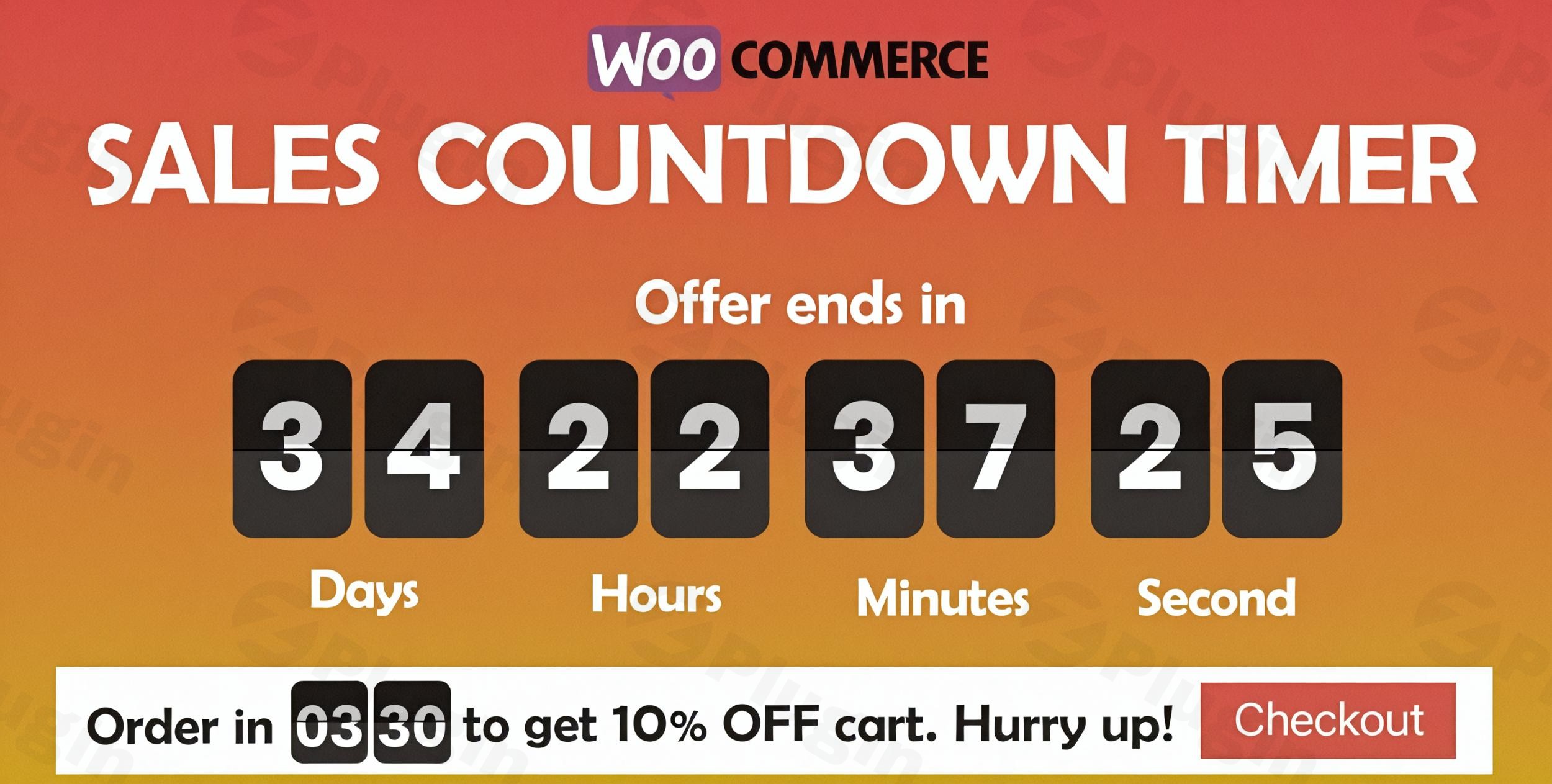
Introduction to Checkout Countdown
Checkout Countdown is a specialized WordPress plugin designed for store owners looking to leverage urgency and FOMO (fear of missing out) to increase sales. By displaying dynamic countdown timers directly on product pages, shop archives, and checkout areas, store owners can encourage visitors to complete purchases before promotional offers expire.
Latest Version 1.1.11 Changes
Version 1.1.11 of the Sales Countdown Timer (also known as Checkout Countdown) plugin by VillaTheme was released on June 20, 2026. The only change noted in the official changelog for this version is an update to VillaTheme support.
- Updated: VillaTheme support.
What Checkout Countdown Does
The plugin provides robust tools to configure time-sensitive campaigns across an entire e-commerce catalog or for specific items. It allows administrators to set custom start and end dates, style timer displays to match existing store branding, and automatically hide or expire offers when time runs out. Integration with WooCommerce ensures that promotional rules align smoothly with inventory and pricing settings.
Who It Is For
This plugin is ideal for WooCommerce store owners, e-commerce managers, digital marketers, and agencies building online shops. Whether running seasonal holiday promotions, flash sales, or limited-time product drops, store administrators can deploy timers quickly without needing complex custom development or advanced coding skills.
Key Capabilities
- Customizable timer designs matching various store layouts and aesthetics.
- Flexible placement options across single product pages, shop loops, and widget areas.
- Automated expiration triggers that remove deals or update product statuses instantly.
- Shortcode support allowing timers to be embedded inside custom landing pages and blog posts.
- Compatibility updates ensuring stable performance with modern WordPress and WooCommerce environments.
Practical WordPress Use Cases
- Creating 24-hour flash sales to clear out seasonal inventory quickly.
- Highlighting limited-time preorder windows for upcoming product releases.
- Adding urgency banners to cart or checkout pages to reduce cart abandonment rates.
- Running weekend-only discount events tied to specific product categories.
Setup and Compatibility Notes
Checkout Countdown integrates natively into the standard WordPress dashboard. Configuration requires an active installation of WooCommerce. The codebase is optimized for PHP compatibility and receives routine updates to ensure seamless integration with popular page builders and theme frameworks.
Reasons to Choose It on WPPick
Choosing Checkout Countdown via WPPick gives store owners access to secure, verified plugin files ready for immediate deployment. It offers a streamlined path to enhancing store conversion rates without bloating site performance or requiring expensive monthly software subscriptions.
Latest Version Context
Version 1.1.11 introduces important updates to VillaTheme support, ensuring improved stability and compatibility across updated WordPress environments. Detailed changes focus on maintaining reliable background operations and smoother execution of timed promotional rules.
Frequently Asked Questions
Can I display different timers for different products?
Yes, the plugin supports both global site-wide timers and individual product-specific countdown configurations tailored to unique promotional schedules.
Does the timer automatically stop when the sale ends?
Yes, timers expire automatically based on your preset schedule, and you can configure whether the promotional price or product visibility changes accordingly.
Are shortcodes supported for custom page layouts?
Yes, you can use built-in shortcodes to place countdown timers anywhere on your site, including custom landing pages built with popular editors.
Will this plugin slow down my WooCommerce store?
No, Checkout Countdown is lightweight and optimized to load efficiently without impacting page speed or user experience.
Is coding knowledge required to set up timers?
No coding knowledge is necessary. All configuration options are managed directly through an intuitive settings panel inside the WordPress dashboard.
I. Download Limits & Account Benefits
- Free Downloads: Each email address receives 3 downloads per day for free products
- Upgrade Benefits: Purchase any paid product to increase your daily download limit by 3 for each paid product
- No Account Required: You can download immediately by receiving the download link via email
- Account Recommended: Create an account for easier access to your order history and direct update downloads
II. Understanding GPL vs Official Versions
Important: The products available on WPPick are GPL-licensed versions, which differ from official developer versions. Before purchasing, please read our comprehensive guide: Understanding GPL & Official Differences at WPPick
Key Points:
- GPL versions may not include premium support from original developers
- Updates may be delayed compared to official releases
- Some premium features might have limitations
- Always consider your specific needs and support requirements
III. Support & Assistance
We’re here to help through multiple channels:
- Email Support: Direct email assistance for all inquiries
- Live Chat: Real-time support during business hours
- Comprehensive Documentation: Detailed guides and tutorials
IV. Order Tracking
Access your complete purchase history and download links anytime: Order History
V. Account Access
New to WPPick? Login or Create Account to manage your downloads and orders efficiently.
VI. Refund Protection
We stand behind our products with a clear refund policy. Review our terms: Refund Policy
VII. Privacy & Security
Your data security is our priority. Learn how we protect your information: Privacy Policy
VII. Terms of Service
Understanding our service terms ensures a smooth experience: Terms of Use
Quick Tips for Best Experience
- Verify Compatibility: Check plugin/theme compatibility with your WordPress version
- Backup First: Always backup your site before installing new plugins or themes
- Test Environment: Consider testing on a staging site first
- Stay Updated: Regularly check for updates in your account dashboard
- Read Documentation: Review any included documentation for optimal setup
Need Help?
If you have questions about downloads, licensing, or need technical assistance, don’t hesitate to contact our support team. We’re committed to ensuring you have the best possible experience with WPPick products.
Ready to get started? Your download adventure begins with just one click!
- Updated: VillaTheme support
- Updated: Only specific conditional tags are supported.
- Error when load placeholder image
- Add option Use default date, Default date profile to set countdown base on Woocommerce setting sale date
- Add option Background image for shortcode countdown.
- Add option Shortcode position for shortcode countdown.