
Clever
/Year
Add Seamless Radio Streaming to Your WordPress Web Property
The Clever Radio Player is a purpose-built audio integration tool designed exclusively as an addon for the WPBakery Page Builder. It empowers website administrators to embed live internet radio streams directly into their page layouts with a visual, drag-and-drop interface. By connecting directly to Shoutcast and Icecast servers, this plugin transforms a standard WordPress site into a fully functioning online broadcasting hub. Whether you are running a standalone internet radio station or simply want to provide curated audio content to your audience, this tool handles the complex stream parsing and frontend audio rendering automatically.
What Clever Radio Player Does
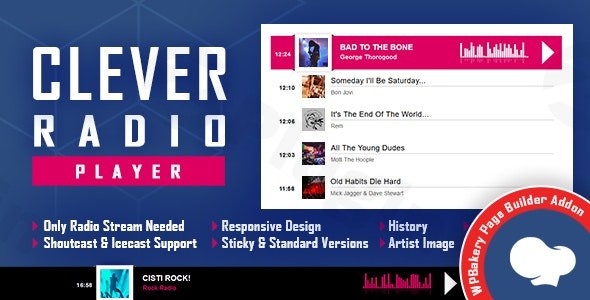
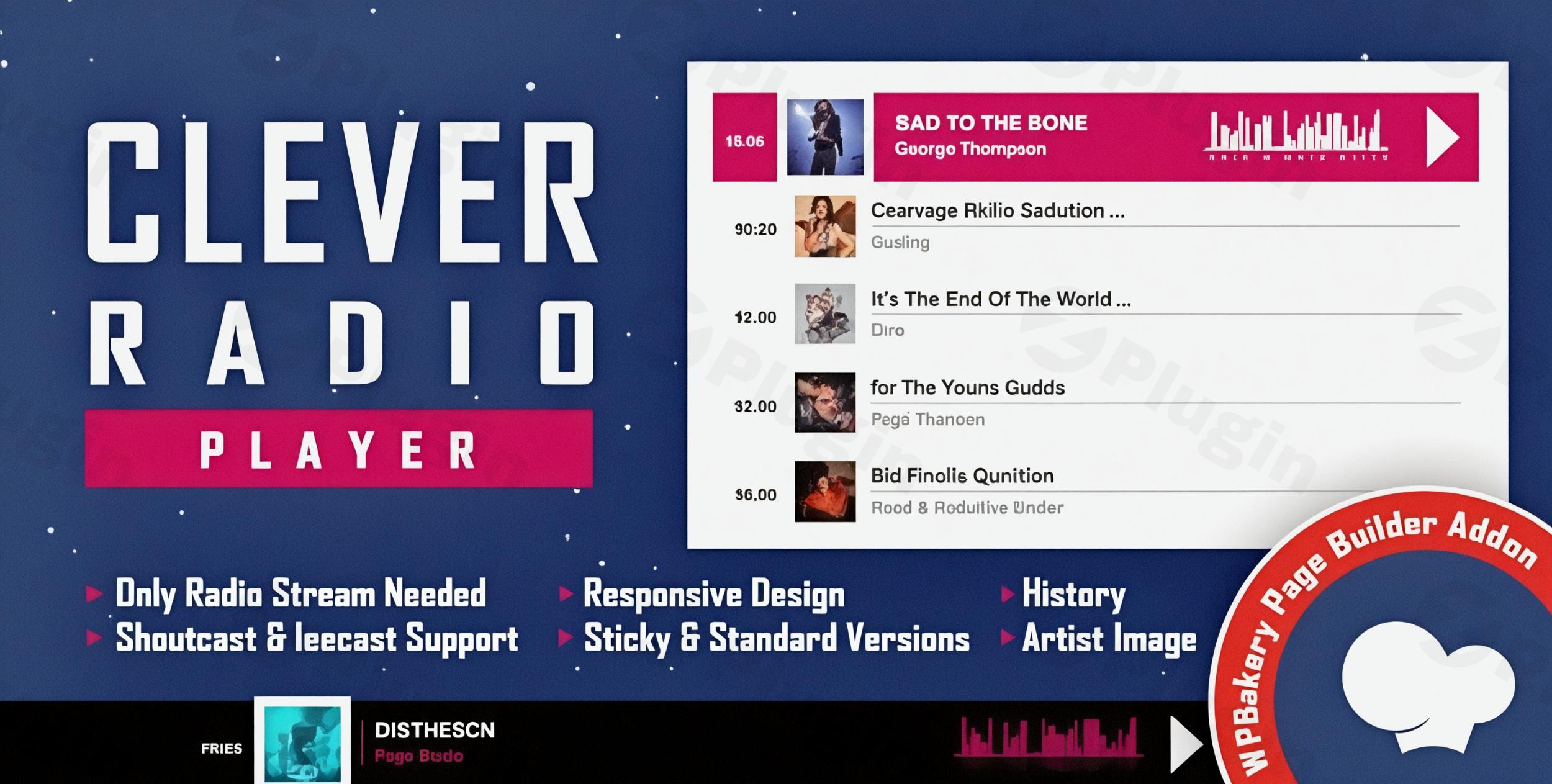
At its core, this addon bridges the gap between internet radio broadcasting servers and modern web browsers. It actively fetches live audio feeds utilizing either Shoutcast or Icecast streaming protocols and outputs them through an elegant HTML5 audio interface. Beyond simply playing sound, the player actively communicates with the stream to extract live metadata. This means it can automatically display the current song title, the broadcasting artist, and relevant stream information in real time. The visual interface is highly flexible, providing options for a persistent footer layout that remains anchored to the bottom of the viewport, or a standard full-width layout that can be placed anywhere within your WPBakery row and column structure. It also maintains a localized history of played tracks, allowing listeners to look back at the playlist during their current session.
Who Should Use This Addon?
This media tool is designed specifically for online broadcasters, independent radio station owners, and digital content creators who distribute live audio feeds. It serves internet DJs who need a reliable web player for their audience to tune in without requiring third-party software. Community organizations, churches, and campus radio stations can utilize this plugin to broadcast live events, sermons, or local news over the internet. Additionally, WordPress developers and agency professionals building custom websites for musicians or broadcasting networks will find this addon significantly reduces development time by providing a pre-built, customizable audio interface that natively hooks into the WPBakery ecosystem.
Key Capabilities and Features
- Native integration with the WPBakery Page Builder via a dedicated drag-and-drop element.
- Direct compatibility with both Shoutcast and Icecast internet radio streaming server architectures.
- Dynamic extraction and display of live track information and broadcasting metadata.
- A sticky footer mode that anchors the player to the bottom of the screen for continuous visibility.
- A full-width layout option for embedding the player directly within page content blocks.
- Integrated track history and playlist tracking to improve the overall listener experience.
- Mobile-responsive design that scales seamlessly across desktop monitors, tablets, and smartphones.
- Customizable user interface elements to match the visual branding of the host website.
- HTML5 audio playback ensuring cross-browser compatibility without requiring external plugins.
Practical WordPress Use Cases
One of the most common applications for this plugin is creating a dedicated landing page for an internet radio station. A webmaster can place the full-width player at the top of the homepage alongside schedules and DJ profiles, giving users an immediate way to listen. Another frequent use case involves the sticky footer deployment. For music blogs or network sites, attaching the player to the bottom of the viewport ensures that the stream controls remain accessible no matter how far the user scrolls down to read articles. It is also highly effective for event websites broadcasting live commentary, where users need to keep the audio running while browsing speaker schedules or sponsor information on the same page.
Setup and Compatibility Notes
Because this is a dedicated addon, your WordPress installation must have the WPBakery Page Builder plugin installed and activated prior to use. The player element will automatically appear within the standard WPBakery element library. Site administrators simply need to drag the player into a row and paste their Shoutcast or Icecast stream URL into the configuration panel. For uninterrupted playback during site navigation, the WordPress theme must utilize AJAX page loading; otherwise, standard browser page refreshes will temporarily pause and buffer the stream. The hosting environment should also permit external HTTP requests so the plugin can fetch stream metadata reliably.
Reasons to Choose This Addon on WPPick
Acquiring this WPBakery addon through WPPick ensures that you receive unmodified, transparent GPL code. This allows you to deploy the radio player across numerous client sites or personal web projects without dealing with restrictive domain limitations or unnecessary license activation bloatware. The provided files are carefully managed to deliver exactly what is needed for functionality, ensuring your WordPress environment remains fast, secure, and focused on delivering a high-quality streaming experience to your audience.
Latest Version Context
Detailed release notes are not available from the provided sources.
Frequently Asked Questions
- Does this plugin work with the standard WordPress block editor? No, this specific audio player is engineered exclusively as an addon for the WPBakery Page Builder and requires it to function.
- Will the radio stream continue playing when a user clicks a new link? If your WordPress theme uses standard page loads, the browser will refresh and the audio will restart. For continuous uninterrupted playback across different pages, your site must use an AJAX-based theme.
- Can it display the currently playing song? Yes, the plugin is capable of reading live metadata from Shoutcast and Icecast streams to display the current track information dynamically.
- Do I need a third-party application to manage the music? The plugin itself is only a web player frontend. You must already have an active Shoutcast or Icecast server broadcasting the actual audio files.
- Is the player interface mobile friendly? Yes, the visual components and audio controls are fully responsive and adapt to function properly on mobile devices and smaller screens.
I. Download Limits & Account Benefits
- Free Downloads: Each email address receives 3 downloads per day for free products
- Upgrade Benefits: Purchase any paid product to increase your daily download limit by 3 for each paid product
- No Account Required: You can download immediately by receiving the download link via email
- Account Recommended: Create an account for easier access to your order history and direct update downloads
II. Understanding GPL vs Official Versions
Important: The products available on WPPick are GPL-licensed versions, which differ from official developer versions. Before purchasing, please read our comprehensive guide: Understanding GPL & Official Differences at WPPick
Key Points:
- GPL versions may not include premium support from original developers
- Updates may be delayed compared to official releases
- Some premium features might have limitations
- Always consider your specific needs and support requirements
III. Support & Assistance
We’re here to help through multiple channels:
- Email Support: Direct email assistance for all inquiries
- Live Chat: Real-time support during business hours
- Comprehensive Documentation: Detailed guides and tutorials
IV. Order Tracking
Access your complete purchase history and download links anytime: Order History
V. Account Access
New to WPPick? Login or Create Account to manage your downloads and orders efficiently.
VI. Refund Protection
We stand behind our products with a clear refund policy. Review our terms: Refund Policy
VII. Privacy & Security
Your data security is our priority. Learn how we protect your information: Privacy Policy
VII. Terms of Service
Understanding our service terms ensures a smooth experience: Terms of Use
Quick Tips for Best Experience
- Verify Compatibility: Check plugin/theme compatibility with your WordPress version
- Backup First: Always backup your site before installing new plugins or themes
- Test Environment: Consider testing on a staging site first
- Stay Updated: Regularly check for updates in your account dashboard
- Read Documentation: Review any included documentation for optimal setup
Need Help?
If you have questions about downloads, licensing, or need technical assistance, don’t hesitate to contact our support team. We’re committed to ensuring you have the best possible experience with WPPick products.
Ready to get started? Your download adventure begins with just one click!
- Patch applied