

Coupons
/Year
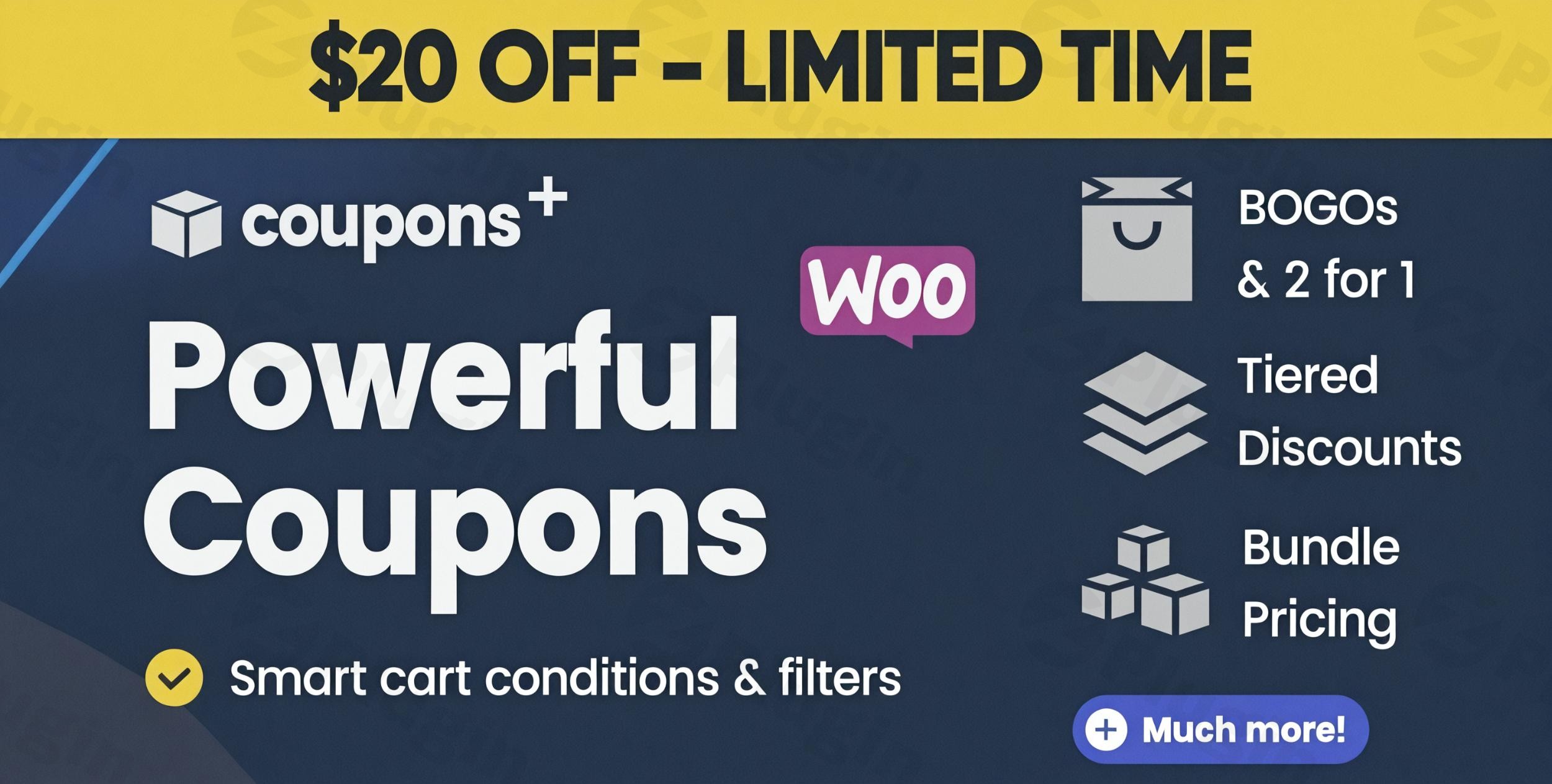
Standard WooCommerce installations offer basic coupon functionality, but for most growing stores, a simple “10% off” code isn’t enough to drive a sophisticated marketing strategy. If you’ve ever wondered what are the limitations of WooCommerce coupons, you’ve likely encountered the lack of “Buy One Get One” (BOGO) logic, inability to target specific user roles, or the friction of requiring customers to manually enter codes. Coupons + (by Neblabs) is a premium WooCommerce Advanced Coupons plugin designed to bridge this gap. It transforms your store into a promotional powerhouse by offering an advanced rules builder that supports complex BOGO deals, tiered pricing, and automatic discount application. In this guide, we will explore how to leverage Coupons+ to maximize your ROI and streamline your checkout experience.
Key Features of Coupons+ WooCommerce
The core strength of Coupons+ lies in its flexibility. Unlike other plugins that offer rigid templates, this tool provides a modular system of conditions and filters.
1. Advanced WooCommerce Discount Rules Builder
The plugin features an intuitive “Offer Builder” that allows you to stack logic without writing a single line of code. You can define:
- 16+ Trigger Conditions: Set coupons to activate based on customer purchase history, cart subtotal, geographical location, user roles (VIP/Wholesale), or even specific payment methods.
- 6+ Cart Filters: Refine which items are eligible. For example, you can apply a discount only to “Featured Products” or items within a specific category tag.
- Tiered Discounts: Create “Spend More, Save More” campaigns where the discount percentage increases as the cart value grows.
2. BOGO Deals and Extra Products
One of the most sought-after features in e-commerce is the ability to offer BOGO deals in WooCommerce. Coupons+ makes this simple. You can configure “Buy X, Get Y Free” or “Buy 2, Get 50% off the 3rd item” logic effortlessly.
3. Native WooCommerce Integration
A technical standout for Coupons+ is its use of Native Discounts. Because the plugin applies offers as native WooCommerce discount objects, your WooCommerce Analytics remain accurate. Invoices, tax calculations, and reports will display the discounts correctly without breaking third-party bookkeeping integrations.
4. Auto-Apply and Coupon URLs
To reduce cart abandonment, you can set coupons to apply automatically when conditions are met. Additionally, you can generate Coupon URLs. When a customer clicks a specific link (from an email or social ad), the coupon is applied to their session automatically, and you can even set it to redirect them to a specific landing page or add a product to their cart instantly.
How to Install and Set Up Coupons+
Setting up your first advanced promotion takes only a few minutes. Follow these steps to get started:
- Download & Upload: Purchase Coupons+ from CodeCanyon and download the ZIP file. In your WordPress dashboard, go to Plugins > Add New > Upload Plugin.
- Activation: Once uploaded, click Activate.
- Accessing the Builder: Navigate to Marketing > Coupons. You will see the standard WooCommerce coupon interface, but with a significantly enhanced “Coupons+” data meta box.
- Importing Presets: If you are in a hurry, use the One-Click Presets Import feature. This allows you to load 20+ built-in templates like “Free Shipping,” “BOGO,” or “First Purchase Discount” and tweak them to your needs.
5. Configure Rules: Define your “Conditions” (Who gets it?) and your “Offers” (What do they get?) within the builder tabs.
Practical Usage & Best Practices
To get the most out of this advanced WooCommerce discount rules builder, consider these real-world workflows:
For Marketing Agencies: The “Happy Hour” Sale
Use the Time and Date conditions to trigger a “Happy Hour” sale every Friday between 4 PM and 6 PM. Set the coupon to Auto-Apply so that users shopping during that window see the savings immediately, creating a sense of urgency without manual input.
For Store Managers: Clearing Inventory
If you have overstock in a specific category, use the Cart Subtotal in Categories filter. Create a “Buy 3, Get 1 Free” offer specifically for that category to move stock quickly while maintaining your overall profit margins.
For Membership Sites: VIP Rewards
Target customers based on User Role or Customer Purchase History. You can offer an exclusive 20% discount that only appears for customers who have spent over $500 in your store historically, rewarding loyalty and increasing lifetime customer value (LTV).
FAQ & Troubleshooting
How to apply coupons automatically in WooCommerce using this plugin?
In the Coupons+ settings for any specific coupon, look for the “Automatic Application” toggle. When enabled, the plugin checks the cart conditions in real-time. If the requirements (e.g., subtotal > $100) are met, the discount is applied instantly without the customer needing to type a code.
Can I create Buy One Get One (BOGO) deals with Coupons+?
Yes. Coupons+ is widely considered one of the best tools for BOGO. You can set an “Extra Product” offer type, which allows you to give away a product for free or at a discount when specific quantities of other items are added to the cart.
Is Coupons+ compatible with WooCommerce HPOS?
Yes, the latest versions (including 3.0-BETA and higher) are fully compatible with High-Performance Order Storage (HPOS). This ensures that your site remains fast and your database remains optimized even as your order volume grows.
What happens if I have multiple coupons active at once?
Coupons+ uses “Column Types” (Simple, And, Or, Tiered, Multi) to define logic. You can set rules so that only the best discount applies, or allow multiple discounts to “stack” depending on your promotional strategy.
Final Verdict
Coupons+ is a robust, professional-grade solution for anyone looking to move beyond basic discounting. It provides the granular control needed for complex marketing campaigns while maintaining the performance and analytical integrity of a native WooCommerce setup. If you are looking to increase your conversion rate through personalized offers and automated rewards, Coupons+ WooCommerce is a high-value investment for your store. Visit wppick.com for more WordPress plugin reviews and tutorials to help grow your e-commerce business.
I. Download Limits & Account Benefits
- Free Downloads: Each email address receives 3 downloads per day for free products
- Upgrade Benefits: Purchase any paid product to increase your daily download limit by 3 for each paid product
- No Account Required: You can download immediately by receiving the download link via email
- Account Recommended: Create an account for easier access to your order history and direct update downloads
II. Understanding GPL vs Official Versions
Important: The products available on WPPick are GPL-licensed versions, which differ from official developer versions. Before purchasing, please read our comprehensive guide: Understanding GPL & Official Differences at WPPick
Key Points:
- GPL versions may not include premium support from original developers
- Updates may be delayed compared to official releases
- Some premium features might have limitations
- Always consider your specific needs and support requirements
III. Support & Assistance
We’re here to help through multiple channels:
- Email Support: Direct email assistance for all inquiries
- Live Chat: Real-time support during business hours
- Comprehensive Documentation: Detailed guides and tutorials
IV. Order Tracking
Access your complete purchase history and download links anytime: Order History
V. Account Access
New to WPPick? Login or Create Account to manage your downloads and orders efficiently.
VI. Refund Protection
We stand behind our products with a clear refund policy. Review our terms: Refund Policy
VII. Privacy & Security
Your data security is our priority. Learn how we protect your information: Privacy Policy
VII. Terms of Service
Understanding our service terms ensures a smooth experience: Terms of Use
Quick Tips for Best Experience
- Verify Compatibility: Check plugin/theme compatibility with your WordPress version
- Backup First: Always backup your site before installing new plugins or themes
- Test Environment: Consider testing on a staging site first
- Stay Updated: Regularly check for updates in your account dashboard
- Read Documentation: Review any included documentation for optimal setup
Need Help?
If you have questions about downloads, licensing, or need technical assistance, don’t hesitate to contact our support team. We’re committed to ensuring you have the best possible experience with WPPick products.
Ready to get started? Your download adventure begins with just one click!