
Custom Javascript & Css In Pages!
/Year
What Is Custom JavaScript & CSS in Pages?
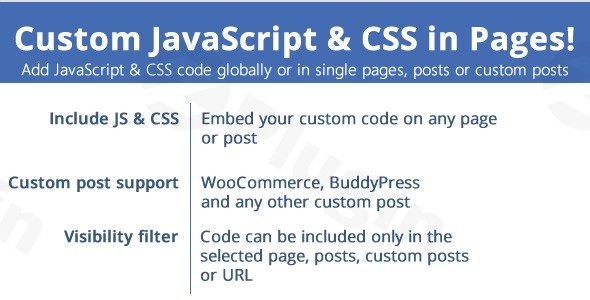
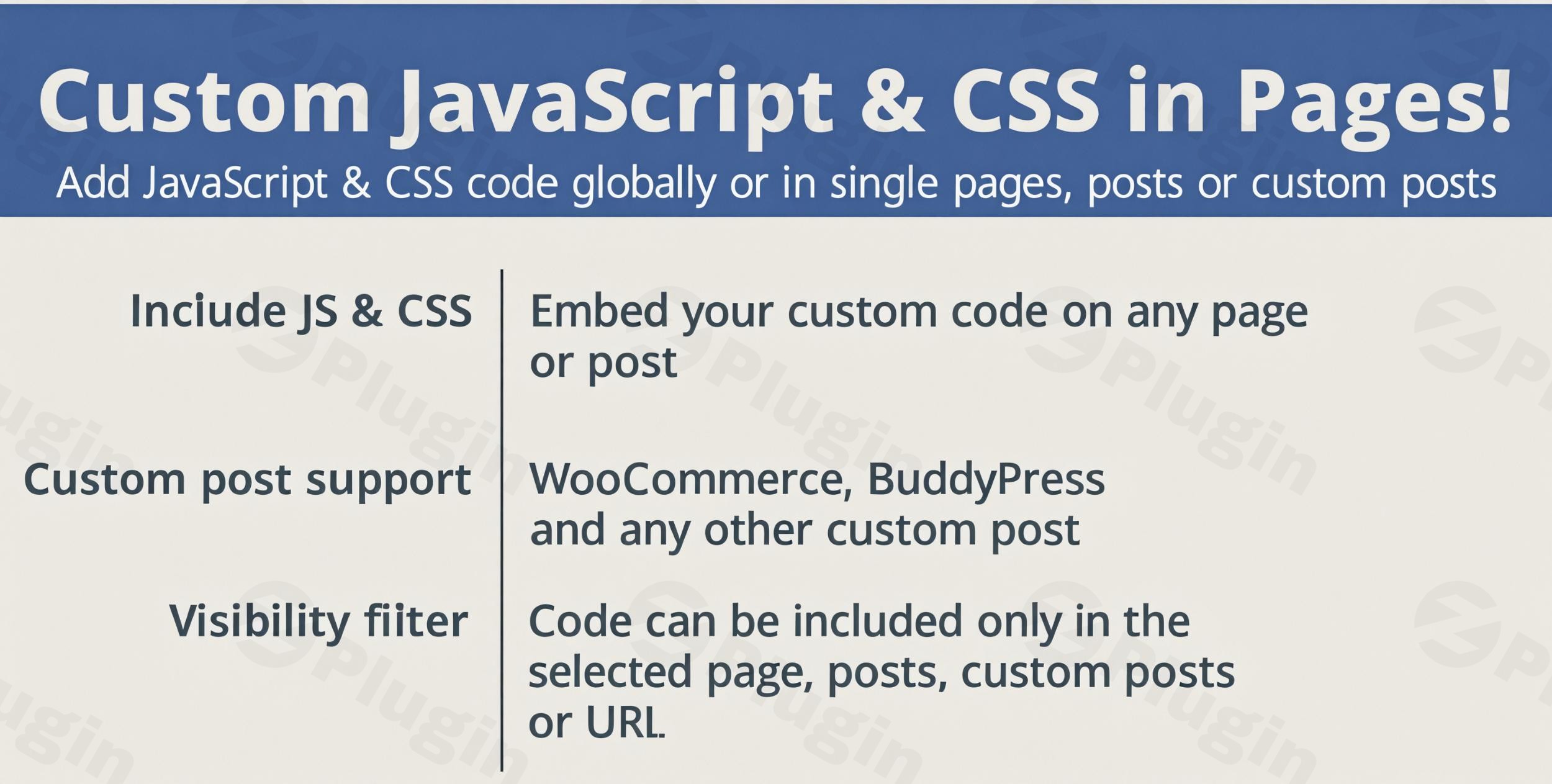
Custom JavaScript & CSS in Pages! is a specialized WordPress plugin designed for developers, designers, and site administrators who need to inject custom scripts and stylesheets without modifying theme source files. By isolating custom code per page, post, or custom post type, it prevents bloated global stylesheets and keeps your script execution strictly where it is needed.
What Does It Do?
The plugin provides a dedicated code editor interface directly inside the WordPress admin dashboard. It allows you to write, edit, and assign custom CSS and JavaScript to individual pages or apply them globally across the entire website. Features include syntax highlighting for improved readability, flexible header and footer code placement options, and theme-independent storage so your customizations remain intact even if you switch your active WordPress theme.
Who Is It For?
This plugin is ideal for web developers, front-end designers, marketing professionals, and site owners who require precise design tweaks or functional scripts on specific landing pages. Whether you are running AB tests, adding custom tracking scripts, or applying unique layout styling to a single blog post, the plugin offers the granularity needed without requiring complex child theme setups.
Key Capabilities
- Page-level and global code injection for CSS and JavaScript
- Built-in syntax highlighting editor for error-free coding
- Header and footer placement controls for optimized script loading
- Theme-independent storage preserving code during theme updates
- Lightweight architecture ensuring minimal performance overhead
Practical WordPress Use Cases
- Applying unique CSS overrides to a single landing page without affecting global styles
- Injecting custom tracking or event-handling JavaScript on specific conversion pages
- Adding quick design adjustments or responsive fixes to individual custom post types
- Testing experimental front-end code snippets safely within a controlled environment
Latest Version Context
Version 3.8 introduces important stability improvements, specifically fixing an issue related to WP-CLI usage to ensure smoother command-line management for developers. For more details, you can review the official source at https://codecanyon.net/item/wordpress-js-css-everywhere/21938278.
Frequently Asked Questions
Can I add code to specific pages only?Yes, the plugin lets you target individual posts, pages, or custom post types independently, ensuring scripts only load where necessary.
Will my custom code be lost when I update my theme?No, all custom styles and scripts are stored independently of your active theme, keeping your modifications safe during theme updates.
Does the plugin support syntax highlighting?Yes, it includes a built-in code editor equipped with syntax highlighting to make reading and writing CSS and JavaScript easier.
Where can I place my custom code?You can choose to place your code snippets in either the website header or footer depending on execution requirements.
I. Download Limits & Account Benefits
- Free Downloads: Each email address receives 3 downloads per day for free products
- Upgrade Benefits: Purchase any paid product to increase your daily download limit by 3 for each paid product
- No Account Required: You can download immediately by receiving the download link via email
- Account Recommended: Create an account for easier access to your order history and direct update downloads
II. Understanding GPL vs Official Versions
Important: The products available on WPPick are GPL-licensed versions, which differ from official developer versions. Before purchasing, please read our comprehensive guide: Understanding GPL & Official Differences at WPPick
Key Points:
- GPL versions may not include premium support from original developers
- Updates may be delayed compared to official releases
- Some premium features might have limitations
- Always consider your specific needs and support requirements
III. Support & Assistance
We’re here to help through multiple channels:
- Email Support: Direct email assistance for all inquiries
- Live Chat: Real-time support during business hours
- Comprehensive Documentation: Detailed guides and tutorials
IV. Order Tracking
Access your complete purchase history and download links anytime: Order History
V. Account Access
New to WPPick? Login or Create Account to manage your downloads and orders efficiently.
VI. Refund Protection
We stand behind our products with a clear refund policy. Review our terms: Refund Policy
VII. Privacy & Security
Your data security is our priority. Learn how we protect your information: Privacy Policy
VII. Terms of Service
Understanding our service terms ensures a smooth experience: Terms of Use
Quick Tips for Best Experience
- Verify Compatibility: Check plugin/theme compatibility with your WordPress version
- Backup First: Always backup your site before installing new plugins or themes
- Test Environment: Consider testing on a staging site first
- Stay Updated: Regularly check for updates in your account dashboard
- Read Documentation: Review any included documentation for optimal setup
Need Help?
If you have questions about downloads, licensing, or need technical assistance, don’t hesitate to contact our support team. We’re committed to ensuring you have the best possible experience with WPPick products.
Ready to get started? Your download adventure begins with just one click!
- Fixed an issue with the WP-CLI usage