

Darklup Pro – Best WordPress Dark Mode Plugin
/Year
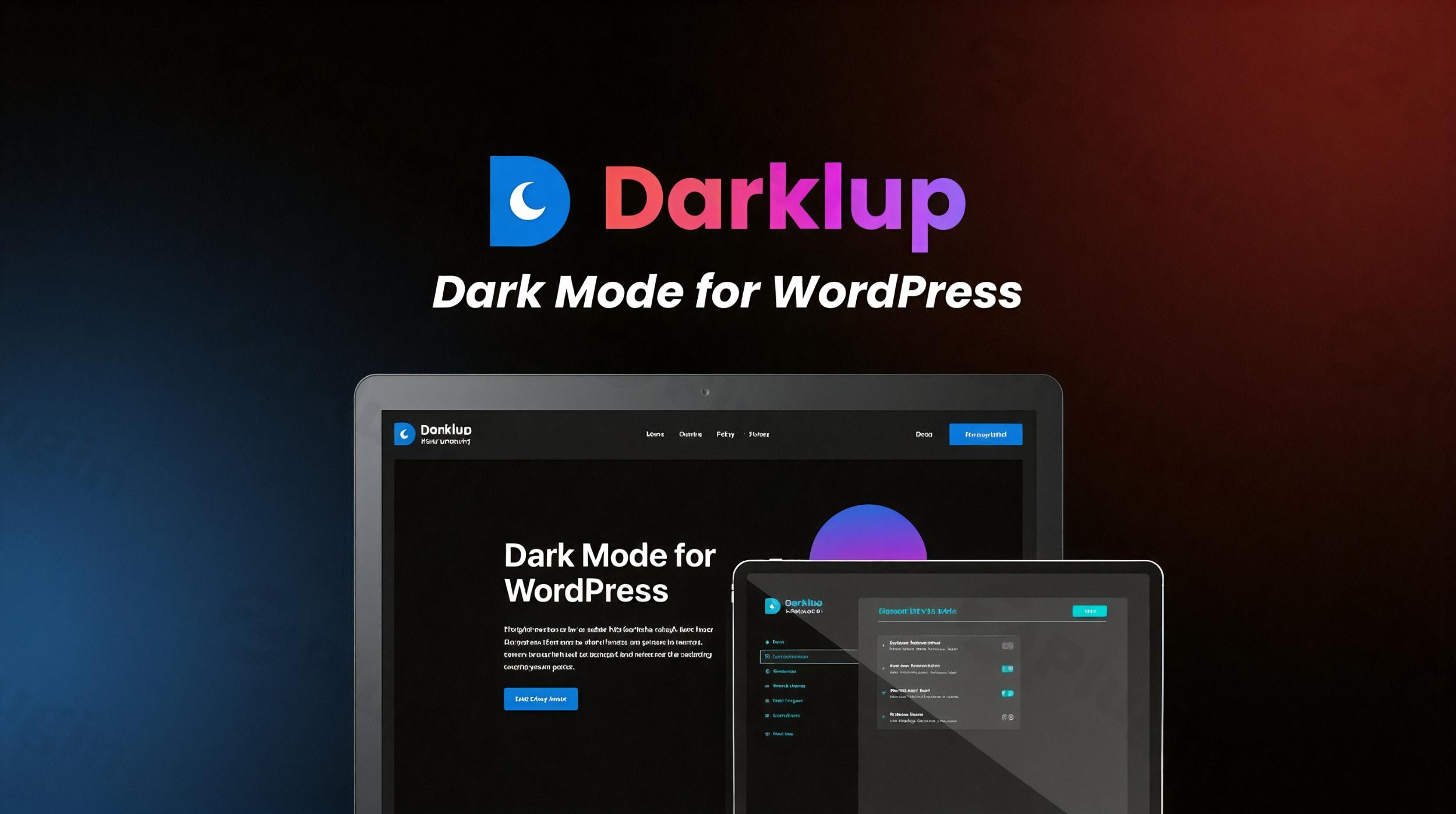
In today’s digital landscape, user experience (UX) is the bridge between a bounce and a conversion. As more users prefer browsing in low-light environments, providing a “Dark Mode” option has shifted from a luxury to a necessity. Darklup Pro is a premium WordPress dark mode plugin designed to transform your website’s aesthetics while significantly reducing eye strain for your visitors. Whether you are running a high-traffic blog, a busy WooCommerce store, or a professional portfolio, Darklup Pro provides a sophisticated, AI-powered solution to implement a dark theme without touching a single line of code. In this guide, we will explore why Darklup Pro is widely considered the best WordPress dark mode plugin and how you can set it up to improve your site’s performance and accessibility.
Why Choose Darklup Pro for Your WordPress Website?
Darklup Pro goes beyond a simple “color inverter.” It uses an intelligent algorithm to analyze your site’s structure and generate a visually balanced dark color palette. This ensures that your branding remains professional and readable, regardless of the complexity of your theme.
Key Features & Benefits
- Dynamic Dark Mode Engine: Unlike basic plugins that simply flip colors, Darklup Pro uses an artificial intelligence-based algorithm to intelligently generate dark mode schemes that respect your original design’s hierarchy.
- One-Click Activation: Instantly enable a WordPress dark theme across your entire site.
- Advanced Customization Kit: Use a circular color palette (WCAG-standard) or choose from 12+ exclusive pre-designed color presets.
- OS-Based & Time-Based Scheduling: You can set the plugin to automatically follow the visitor’s device settings (Windows/macOS/iOS/Android) or schedule dark mode to activate during specific hours (e.g., sunset to sunrise).
- WooCommerce Compatibility: Darklup Pro is arguably the best dark mode plugin for WooCommerce, offering seamless integration for product pages, checkout flows, and account dashboards.
- Floating Switch Styles: Choose from dozens of customizable toggle buttons. You can adjust the position (top-right, bottom-left, etc.), margins, and button animations to match your site’s UI.
- Image & Media Optimization: Adjust image brightness and contrast in dark mode, or use the “Image Swapping” feature to display entirely different images when dark mode is active.
* Admin Panel Dark Mode: Improve your own workflow by enabling a dark interface for the WordPress backend, making long editing sessions easier on your eyes.
How to Install and Set Up Darklup Pro
Setting up a dark mode for a WordPress website shouldn’t be complicated. Follow these steps to get Darklup Pro running in minutes:
- Purchase and Download: Secure your copy of Darklup Pro and download the
.zipfile from the official provider. - Upload the Plugin: Go to your WordPress Dashboard, navigate to Plugins > Add New, click Upload Plugin, and select your file.
- Activate: Once uploaded, click Activate.
- Initial Configuration: Navigate to the new “Darklup” menu item in your sidebar.
- General Settings: Enable the “Frontend Dark Mode” toggle.
- Switch Settings: Choose your preferred floating switch style and position.
- Color Settings: Select a preset or use the color picker to align with your brand.
5. Save Changes: Refresh your website to see the dark mode toggle in action.
Practical Usage & Best Practices
To get the most ROI out of your WordPress dark mode plugin, consider these professional implementation strategies:
1. For E-commerce (WooCommerce)
Dark mode provides a premium, “luxury” feel for online stores. Use Darklup Pro’s WooCommerce-specific settings to ensure that product gallery images don’t look washed out. Use the Image Brightness setting to slightly dim bright product photos so they blend naturally into the dark background.
2. For Content Creators and Bloggers
If your visitors spend a long time reading (e.g., long-form articles), use the Font Size Kit. Dark mode text can sometimes feel tighter; increasing the font size by 1–2 pixels specifically for dark mode can significantly improve readability.
3. For Developers and Agencies
Darklup Pro is developer-friendly. Use the Custom CSS field to fix specific element conflicts or use Developer Hooks to trigger dark mode events within your custom-built themes. If you use caching plugins like WP Rocket or LiteSpeed, remember to exclude Darklup’s JS/CSS from minification if you encounter any toggle flickering.
Darklup Pro vs. WP Dark Mode: Which is Better?
When searching for the best WordPress dark mode plugin, you will likely encounter WP Dark Mode. While both are excellent, Darklup Pro is often preferred by users who want:
- A more modern UI: The Darklup settings panel is more intuitive and visually polished.
- Better Dynamic Logic: Darklup’s “Dynamic Dark Mode” algorithm is frequently cited as more accurate in color conversion.
* Lifetime Value: Darklup Pro often offers competitive lifetime deals that provide higher value for agencies managing multiple client sites.
FAQ: Frequently Asked Questions
What is the best dark mode plugin for WordPress?
Darklup Pro is widely considered the best choice due to its AI-powered color conversion, extensive switch customization, and dedicated WooCommerce support. It balances feature-richness with a lightweight performance footprint.
Does Darklup Pro work with Elementor and Divi?
Yes. Darklup Pro is fully compatible with major page builders, including Elementor, Divi, Beaver Builder, and WP Bakery. It recognizes the containers and widgets created by these builders to apply colors correctly.
How do I schedule dark mode on my WordPress site?
In the Darklup Pro settings, navigate to the Time Based tab. You can enable “Schedule Dark Mode” and set specific start and end times, or use the “Auto” setting to follow local sunset and sunrise times based on the user’s location.
Will dark mode slow down my website?
No. Darklup Pro is optimized for Core Web Vitals. It is built to be lightweight and includes options to optimize how the script loads, ensuring minimal impact on your PageSpeed Insights score.
Can I exclude specific pages from dark mode?
Yes. Darklup Pro allows you to exclude specific Posts, Pages, or Categories from the dark mode effect. You can also exclude specific elements by entering their CSS ID or Class in the “Exclude Elements” section.
Final Verdict
If you want to provide a modern, accessible, and high-performing browsing experience, Darklup Pro is an essential investment. Its combination of AI-driven color logic, deep WooCommerce integration, and OS-aware scheduling makes it the premier WordPress dark mode plugin on the market today. By implementing dark mode, you aren’t just following a trend—you are actively improving your site’s accessibility and keeping your audience engaged for longer. For more WordPress plugin reviews and technical guides, visit wppick.com.
I. Download Limits & Account Benefits
- Free Downloads: Each email address receives 3 downloads per day for free products
- Upgrade Benefits: Purchase any paid product to increase your daily download limit by 3 for each paid product
- No Account Required: You can download immediately by receiving the download link via email
- Account Recommended: Create an account for easier access to your order history and direct update downloads
II. Understanding GPL vs Official Versions
Important: The products available on WPPick are GPL-licensed versions, which differ from official developer versions. Before purchasing, please read our comprehensive guide: Understanding GPL & Official Differences at WPPick
Key Points:
- GPL versions may not include premium support from original developers
- Updates may be delayed compared to official releases
- Some premium features might have limitations
- Always consider your specific needs and support requirements
III. Support & Assistance
We’re here to help through multiple channels:
- Email Support: Direct email assistance for all inquiries
- Live Chat: Real-time support during business hours
- Comprehensive Documentation: Detailed guides and tutorials
IV. Order Tracking
Access your complete purchase history and download links anytime: Order History
V. Account Access
New to WPPick? Login or Create Account to manage your downloads and orders efficiently.
VI. Refund Protection
We stand behind our products with a clear refund policy. Review our terms: Refund Policy
VII. Privacy & Security
Your data security is our priority. Learn how we protect your information: Privacy Policy
VII. Terms of Service
Understanding our service terms ensures a smooth experience: Terms of Use
Quick Tips for Best Experience
- Verify Compatibility: Check plugin/theme compatibility with your WordPress version
- Backup First: Always backup your site before installing new plugins or themes
- Test Environment: Consider testing on a staging site first
- Stay Updated: Regularly check for updates in your account dashboard
- Read Documentation: Review any included documentation for optimal setup
Need Help?
If you have questions about downloads, licensing, or need technical assistance, don’t hesitate to contact our support team. We’re committed to ensuring you have the best possible experience with WPPick products.
Ready to get started? Your download adventure begins with just one click!