

Darklup Pro – Best WordPress Dark Mode Plugin
/Year
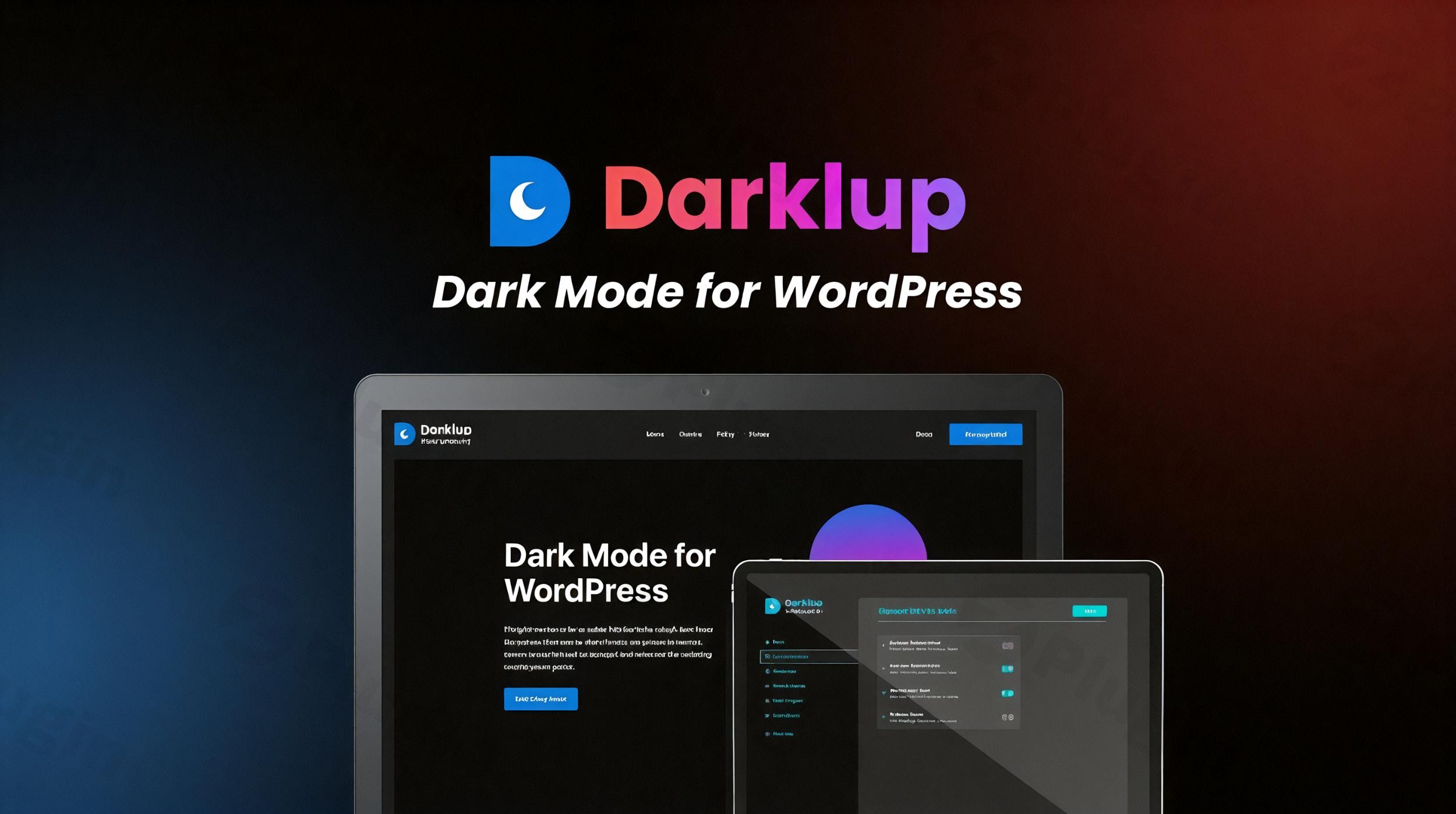
In the modern digital landscape, user experience is defined by comfort and accessibility. As more users shift toward “Dark Mode” on their operating systems and mobile devices to reduce eye strain and save battery life, website owners must adapt. Darklup Pro is a premium WordPress dark mode plugin designed to provide a seamless, high-performance night-mode experience for any website. Whether you are a blogger looking to improve readability or a WooCommerce store owner aiming for a modern aesthetic, Darklup Pro offers an intelligent, AI-driven solution that goes far beyond simple color inversion. In this guide, we will explore why it is considered the best WordPress dark mode plugin and how you can leverage its features to boost your site’s engagement and accessibility.
Key Features and Benefits of Darklup Pro
Darklup Pro is built to be more than just a toggle switch. It is a comprehensive suite of tools that ensures your site looks professional in both light and dark environments.
1. Intelligent Dynamic Dark Mode
Unlike basic plugins that often break layouts by inverting all colors blindly, Darklup Pro uses a dynamic algorithm. It analyzes your website’s structure and applies dark mode intelligently, ensuring that contrast remains high and your branding stays intact.
2. Extensive Customization & Color Presets
If you aren’t a designer, you can choose from over 12 pre-designed color presets to get started instantly. For those who want a bespoke look, the Advanced Color Picker and Custom CSS options allow for pixel-perfect control over every element, from backgrounds to button borders.
3. Advanced Media Handling (Image & Logo Swapping)
One of the biggest “gotchas” in dark mode is a bright white logo or an over-saturated image clashing with a dark background. Darklup Pro solves this by offering:
- Logo Swapping: Display a specific version of your logo for dark mode.
- Image & Video Inversion: Automatically adjust media brightness or swap images entirely to maintain visual harmony.
4. OS-Based & Time-Based Scheduling
To provide a truly native feel, Darklup Pro can automatically sync with a visitor’s operating system preferences. Alternatively, you can schedule dark mode to activate during specific hours (e.g., from sunset to sunrise), catering specifically to users browsing at night.
5. Seamless WooCommerce & Page Builder Integration
Darklup Pro is fully compatible with WooCommerce, ensuring your product pages and checkout look stunning in dark mode. It also integrates deeply with popular page builders like Elementor, Gutenberg, Divi, and Beaver Builder, allowing you to exclude specific sections or customize how they appear.
How to Add Dark Mode to WordPress with Darklup Pro
Setting up Darklup Pro is straightforward and requires no coding knowledge. Follow these steps to get started:
- Install the Plugin: Purchase and download the Darklup Pro .zip file. Go to your WordPress Dashboard > Plugins > Add New > Upload Plugin and activate it.
- Initial Configuration: Navigate to the Darklup menu in your sidebar. The “Global Settings” allow you to enable dark mode on the frontend with a single click.
- Choose Your Switch Style: Under the “Floating Switch” settings, choose from over 15 unique button styles. You can make the switch draggable or fix it to a specific corner of the screen.
- Configure Exclusions: If you have specific pages or sections (like a brightly colored landing page) that shouldn’t change, use the Exclusion Rules to white-list those URLs or CSS selectors.
5. Enable Backend Dark Mode (Optional): If you spend long hours managing your site, enable the “Backend Dark Mode” to apply a dark interface to your WordPress admin dashboard.
Practical Usage & Best Practices
To get the most out of your WordPress night mode plugin, consider these real-world workflows:
- For Content Marketers: Use the Keyboard Shortcut feature (Ctrl+Alt+D) to allow your power users to toggle dark mode instantly without searching for a button. This improves the “readability ROI” for long-form articles.
- For WooCommerce Store Managers: Always use the Image Re-lighting feature. Product photos with white backgrounds can be jarring in dark mode; Darklup Pro can slightly dim these images to ensure they don’t overwhelm the user’s eyes.
- For Web Design Agencies: Leverage the Custom CSS field to handle complex third-party widgets. If a specific plugin’s widget doesn’t look right, you can target it specifically within the Darklup settings without bloating your theme’s stylesheet.
* Performance First: Darklup Pro is optimized for Core Web Vitals. To ensure the fastest load times, only enable the features you need and use the “Lightweight” mode if you are running a high-traffic site.
FAQ & Troubleshooting
Is Darklup Pro good for SEO?
Yes. Darklup Pro is designed to be lightweight and does not interfere with your site’s metadata or crawling. By improving user dwell time (through better readability) and accessibility, it indirectly supports positive SEO signals.
Can Darklup Pro be scheduled?
Absolutely. You can set specific start and end times for dark mode, or use the “Sunset to Sunrise” feature which uses the user’s local time to trigger the theme change.
Does it work with Elementor and Gutenberg?
Yes, Darklup Pro is fully compatible with both Elementor and Gutenberg. It recognizes the blocks and widgets used by these builders, ensuring that layouts remain consistent when the colors shift.
What should I do if my logo looks bad in Dark Mode?
You should use the “Logo Swap” feature in the Darklup Pro settings. This allows you to upload a separate transparent PNG or SVG logo specifically for the dark interface, ensuring your branding remains clear and professional.
Conclusion: Final Verdict
Darklup Pro is an essential tool for any modern website looking to prioritize user experience and accessibility. Its combination of AI-driven dynamic colors, extensive switch customizations, and deep integration with WooCommerce and Elementor makes it the premier choice for professional sites.The ROI of implementing a WordPress dark mode plugin is clear: longer session durations, reduced bounce rates from night-time browsers, and a modern, high-end feel for your brand. If you want a “set it and forget it” solution that still offers deep granular control, Darklup Pro is the best investment for your WordPress toolkit.Ready to transform your site? Visit wppick.com for more tips and the latest updates on premium WordPress plugins.
I. Download Limits & Account Benefits
- Free Downloads: Each email address receives 3 downloads per day for free products
- Upgrade Benefits: Purchase any paid product to increase your daily download limit by 3 for each paid product
- No Account Required: You can download immediately by receiving the download link via email
- Account Recommended: Create an account for easier access to your order history and direct update downloads
II. Understanding GPL vs Official Versions
Important: The products available on WPPick are GPL-licensed versions, which differ from official developer versions. Before purchasing, please read our comprehensive guide: Understanding GPL & Official Differences at WPPick
Key Points:
- GPL versions may not include premium support from original developers
- Updates may be delayed compared to official releases
- Some premium features might have limitations
- Always consider your specific needs and support requirements
III. Support & Assistance
We’re here to help through multiple channels:
- Email Support: Direct email assistance for all inquiries
- Live Chat: Real-time support during business hours
- Comprehensive Documentation: Detailed guides and tutorials
IV. Order Tracking
Access your complete purchase history and download links anytime: Order History
V. Account Access
New to WPPick? Login or Create Account to manage your downloads and orders efficiently.
VI. Refund Protection
We stand behind our products with a clear refund policy. Review our terms: Refund Policy
VII. Privacy & Security
Your data security is our priority. Learn how we protect your information: Privacy Policy
VII. Terms of Service
Understanding our service terms ensures a smooth experience: Terms of Use
Quick Tips for Best Experience
- Verify Compatibility: Check plugin/theme compatibility with your WordPress version
- Backup First: Always backup your site before installing new plugins or themes
- Test Environment: Consider testing on a staging site first
- Stay Updated: Regularly check for updates in your account dashboard
- Read Documentation: Review any included documentation for optimal setup
Need Help?
If you have questions about downloads, licensing, or need technical assistance, don’t hesitate to contact our support team. We’re committed to ensuring you have the best possible experience with WPPick products.
Ready to get started? Your download adventure begins with just one click!
No changelog available.