

Dhwc Elementor – Woocommerce Page Builder With Elementor
/Year
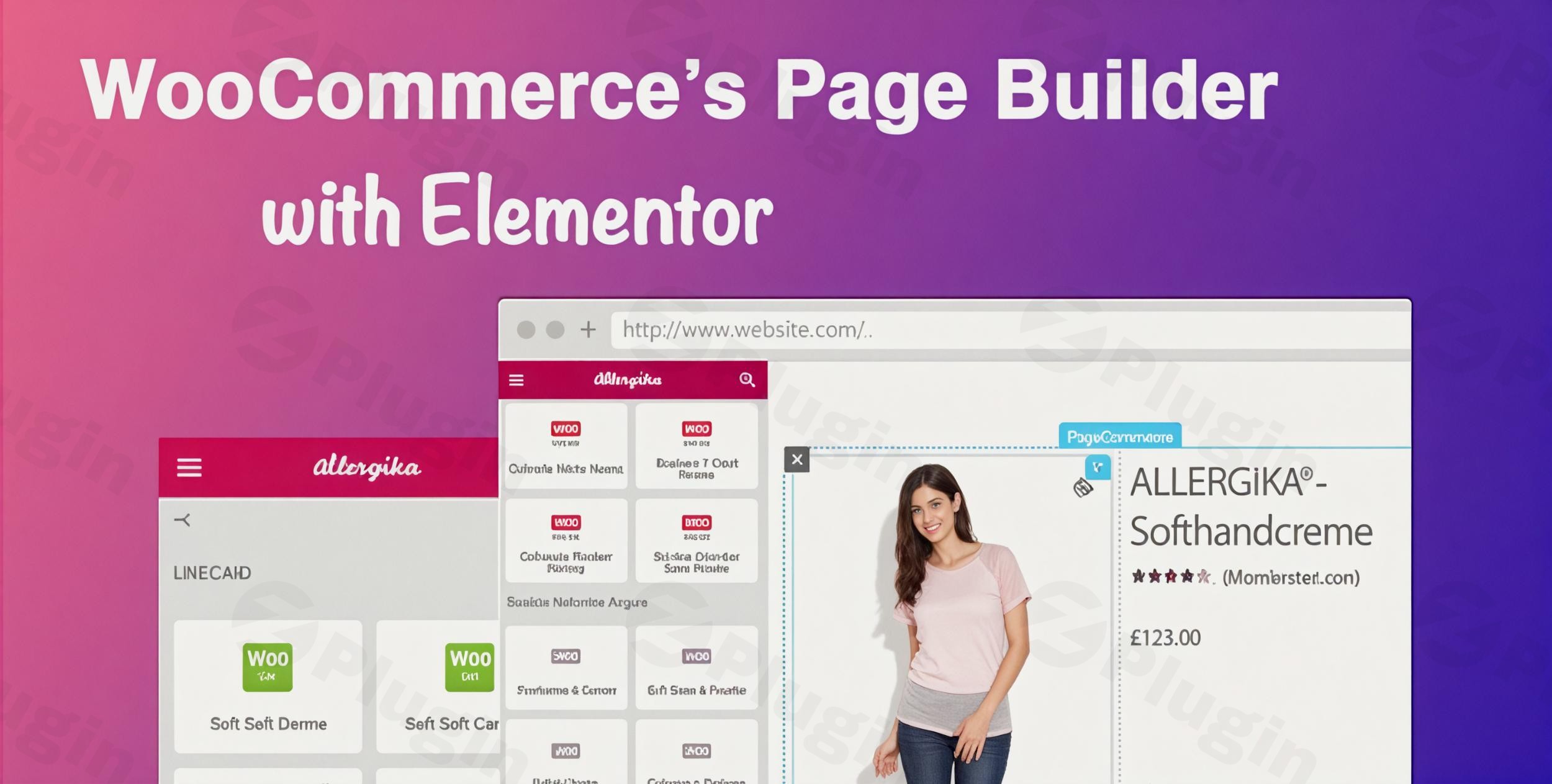
Designing a high-converting online store often requires more flexibility than a standard WordPress theme provides. DHWC Elementor is a powerful WooCommerce Page Builder Elementor extension designed to give store owners and developers total creative control over their e-commerce shop. By leveraging the intuitive drag-and-drop interface of Elementor, this plugin allows you to bypass the rigid layouts of traditional WooCommerce templates.Whether you need to create a unique single product layout or a streamlined checkout process, DHWC Elementor bridges the gap between professional design and technical functionality.
Key Features: Transform Your Shop with DHWC Elementor
DHWC Elementor isn’t just a simple add-on; it is a comprehensive Elementor WooCommerce plugin that targets the most critical touchpoints of the customer journey.
1. Fully Custom WooCommerce Page Templates
The core strength of this plugin is the ability to create custom templates for essential pages, including:
- Single Product Pages: Move the price, add custom descriptions, and rearrange images with ease.
- Product Archive & Categories: Design how your product grids appear to browsing customers.
- Cart & Checkout Pages: Optimize these high-stakes pages to reduce cart abandonment.
- Account & Login Pages: Maintain brand consistency even in the private user areas.
2. Granular Product Element Control
Unlike standard themes that lock the “Add to Cart” button or “Price” in specific spots, DHWC Elementor allows you to treat every product component as an individual widget. You can independently style and place the product title, rating, price, and data tabs anywhere on your canvas.
3. Advanced Integration & Shortcode Support
This plugin is built for power users. It offers seamless support for:
- Advanced Custom Fields (ACF): Display technical specifications or custom data points directly on your product pages.
- WooCommerce Shortcodes: Integrate standard WooCommerce functionality into any Elementor section.
- Third-Party Plugins: Built-in compatibility with popular extensions like YITH WooCommerce Wishlist.
4. Smart Template Application
You don’t have to use one design for everything. You can apply specific templates to individual products or assign them to entire categories. This is ideal for stores that sell diverse product types (e.g., a different layout for “Digital Downloads” vs. “Physical Goods”).
Installation & Setup: How to Install DHWC Elementor
Setting up your WooCommerce template builder is straightforward. Follow these steps to get started:
- Ensure Requirements are Met: You must have both WordPress, WooCommerce, and the Elementor (Free or Pro) plugin installed and active.
- Upload the Plugin: From your WordPress dashboard, go to Plugins > Add New. Click Upload Plugin and select the DHWC Elementor .zip file.
- Activate: Once uploaded, click Activate.
- Configure Settings: Navigate to WooCommerce > DHWC Elementor in your sidebar. Here, you can define which pages the builder should take control of.
5. Create Your First Template: Go to Templates > Add New in Elementor, select the DHWC template type, and start designing your custom layout.
Practical Usage & Best Practices
To get the most out of this custom WooCommerce product page tool, consider these real-world workflows:
High-Ticket Item Layouts
If you sell expensive products, the standard WooCommerce layout often lacks enough “white space” and room for long-form sales copy. Use DHWC Elementor to create a landing-page-style product page with large hero images, detailed feature sections using ACF, and sticky “Add to Cart” buttons.
Optimizing for Conversion
One of the best ways to use this plugin is to simplify the Checkout Page. By removing unnecessary distractions and styling the checkout fields to look more modern, you can significantly improve your store’s conversion rate.
Best Way to Display Reviews
Standard tabs often hide valuable social proof. Use the “Separate Product Data Display” feature in DHWC Elementor to pull reviews out of the tabs and place them directly under the product description for maximum visibility.
FAQ & Troubleshooting
Can Elementor be used for WooCommerce?
Yes, Elementor can be used for WooCommerce, but standard Elementor (Free) has limited capabilities. DHWC Elementor extends these features, allowing you to build custom templates for the Single Product, Cart, and Checkout pages without needing to write PHP code.
How do I customize my WooCommerce product page with Elementor?
To customize your product page, install DHWC Elementor and create a new “Single Product” template. Use the specific DHWC widgets (like Product Title, Image, and Price) to build your layout. Finally, go to the plugin settings and set your new template as the default for your products or specific categories.
Is DHWC Elementor compatible with my theme?
DHWC Elementor is designed to be theme-agnostic. It works by overriding the default WooCommerce template files. As long as your theme follows standard WordPress and WooCommerce coding practices (like Astra, Hello Elementor, or OceanWP), it will function perfectly.
Does it support Advanced Custom Fields (ACF)?
Yes. DHWC Elementor is highly compatible with ACF. This allows you to pull in unique metadata—such as “Material,” “Dimensions,” or “Brand”—and display them anywhere within your Elementor layout using dynamic tags or shortcodes.
Conclusion: Final Verdict
DHWC Elementor is an essential tool for any shop manager or agency looking to move beyond the “out-of-the-box” look of WooCommerce. It provides a significant ROI by allowing you to design high-converting, professional-grade store pages without the high cost of a custom developer.If you are looking for a reliable WooCommerce Page Builder Elementor solution that balances ease of use with deep technical integration (like ACF and YITH support), DHWC Elementor is a top-tier choice for your next e-commerce project. You can explore more tutorials and tools at wppick.com.
I. Download Limits & Account Benefits
- Free Downloads: Each email address receives 3 downloads per day for free products
- Upgrade Benefits: Purchase any paid product to increase your daily download limit by 3 for each paid product
- No Account Required: You can download immediately by receiving the download link via email
- Account Recommended: Create an account for easier access to your order history and direct update downloads
II. Understanding GPL vs Official Versions
Important: The products available on WPPick are GPL-licensed versions, which differ from official developer versions. Before purchasing, please read our comprehensive guide: Understanding GPL & Official Differences at WPPick
Key Points:
- GPL versions may not include premium support from original developers
- Updates may be delayed compared to official releases
- Some premium features might have limitations
- Always consider your specific needs and support requirements
III. Support & Assistance
We’re here to help through multiple channels:
- Email Support: Direct email assistance for all inquiries
- Live Chat: Real-time support during business hours
- Comprehensive Documentation: Detailed guides and tutorials
IV. Order Tracking
Access your complete purchase history and download links anytime: Order History
V. Account Access
New to WPPick? Login or Create Account to manage your downloads and orders efficiently.
VI. Refund Protection
We stand behind our products with a clear refund policy. Review our terms: Refund Policy
VII. Privacy & Security
Your data security is our priority. Learn how we protect your information: Privacy Policy
VII. Terms of Service
Understanding our service terms ensures a smooth experience: Terms of Use
Quick Tips for Best Experience
- Verify Compatibility: Check plugin/theme compatibility with your WordPress version
- Backup First: Always backup your site before installing new plugins or themes
- Test Environment: Consider testing on a staging site first
- Stay Updated: Regularly check for updates in your account dashboard
- Read Documentation: Review any included documentation for optimal setup
Need Help?
If you have questions about downloads, licensing, or need technical assistance, don’t hesitate to contact our support team. We’re committed to ensuring you have the best possible experience with WPPick products.
Ready to get started? Your download adventure begins with just one click!