
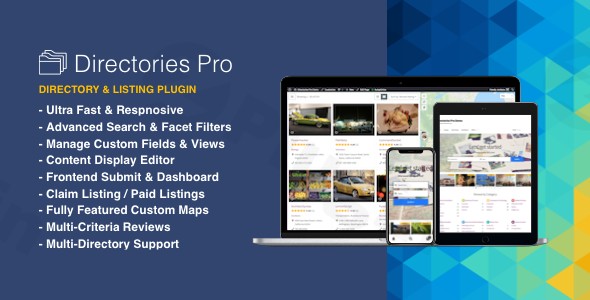
Directories Pro Plugin For WordPress
/Year
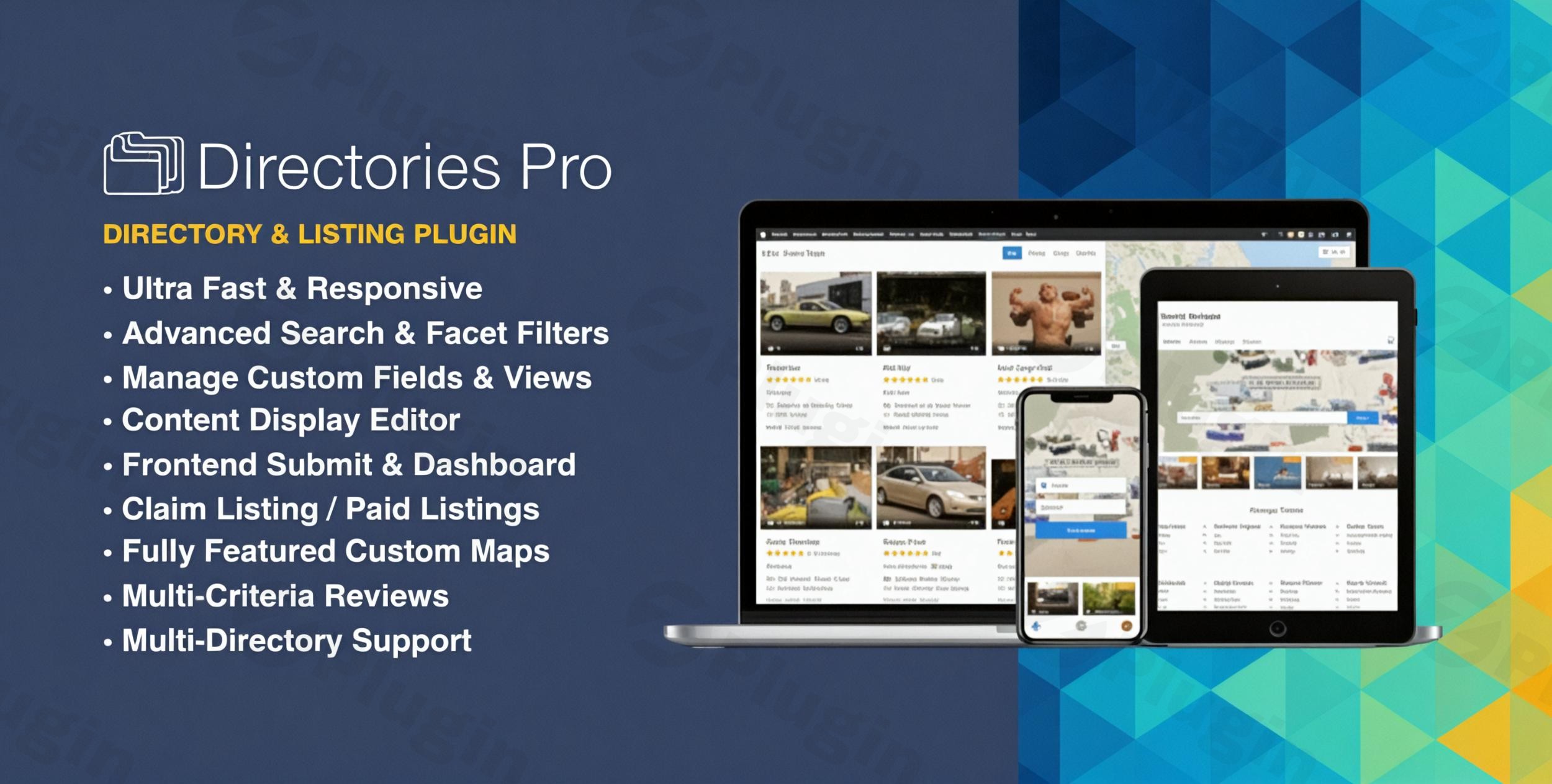
Building a robust, feature-rich directory on WordPress can often feel like a complex endeavor, but with the Directories Pro WordPress plugin, it becomes an intuitive and highly efficient process. This versatile WordPress directory plugin empowers you to create virtually any type of listing website, from local business hubs akin to Yelp, to specialized directories for properties, users, or any custom content you envision. Directories Pro from ZeroPlugin offers a complete toolkit for entrepreneurs, agencies, and businesses aiming to launch professional, high-performing listing platforms.Whether you’re looking to create a community resource, a monetization engine, or a highly organized database of information, Directories Pro provides the underlying architecture and advanced features to bring your vision to life, all within the familiar WordPress environment.
Key Features of Directories Pro
Directories Pro stands out with an extensive suite of features designed for flexibility, performance, and user engagement. Here’s a detailed look at what makes this plugin a top choice for a customizable WordPress directory.
Advanced Directory Management
With Directories Pro, you’re not limited to a single directory. You can create unlimited directories within one WordPress installation, each with its own unique settings for categories, tags, locations, and review systems. This granular control extends to a comprehensive permission management system, allowing you to define who can access, submit, or manage different aspects of your listings. Need to move data or set up a new directory quickly? The easy import/export functionality simplifies bulk management and migration.
Complete Customization Options
One of the plugin’s most powerful aspects is its deep customization. You can add custom fields to all content types—listings, reviews, categories, tags, and locations—using over 30 different field elements. This is crucial for creating tailored entry forms and displaying specific information. Conditional logic for dynamic forms further enhances user experience by showing or hiding fields based on previous selections. For display, the intuitive template customization without coding (using a drag-and-drop editor) allows you to control how listings appear, while role-based content visibility ensures the right information reaches the right audience.
Smart Search & Filter System
A directory is only as good as its search capabilities. Directories Pro provides an advanced search with autocomplete for quick, accurate results. Users can refine their searches with customizable filters offering live results and real-time facet counts, making discovery effortless. For local businesses or property listings, geolocation-based searching is a game-changer, allowing users to find listings near them. You can also enable users to search by custom field values, offering highly specific search parameters. This robust system is ideal for those building a WordPress business directory plugin where precise search is paramount.
Monetization & E-Commerce
For those looking to generate revenue, Directories Pro offers robust monetization features. With deep WooCommerce integration for paid listings, you can create flexible pricing plans and add-ons for listing submissions, claims, upgrades, and more. Features like prorated discounts and guest checkout optimize the user experience, while support for multiple payment gateways ensures a smooth transaction process. This makes it an excellent WordPress listing plugin with payment capabilities, including support for WooCommerce Subscriptions for recurring revenue models.
User-Friendly Frontend System
Empower your users by allowing them to interact directly with your directory without touching the WordPress backend. The frontend submission system for listings and reviews simplifies content contribution. A comprehensive user dashboard provides a central hub for users to manage their listings, reviews, claims, and even bookmarks. For convenience, guest submissions without registration are supported, and reCAPTCHA and spam protection keep your directory clean and secure. The plugin also integrates with popular profile pages like WooCommerce My Account, BuddyPress, Ultimate Member, and PeepSo.
Professional Review System
Foster community engagement and provide valuable insights with a top-tier review system. Users can submit detailed reviews with a multi-criteria rating system, allowing for nuanced feedback beyond a simple star rating. Advanced review filtering helps visitors find the most relevant opinions, while rating statistics and analytics provide valuable data. Crucially, reviews can even power review-based search functionality, letting users discover highly-rated listings.
SEO & Marketing Ready
Directories Pro is built with search engines in mind, ensuring your listings get discovered. It features an SEO-optimized structure, including support for custom schema.org markup (JSON-LD) to enhance visibility in search results. OpenGraph integration ensures your shared listings look great on social media, and the plugin is compatible with major SEO plugins like Yoast SEO and Rank Math, allowing you to leverage your existing SEO tools.
Other Noteworthy Features
Beyond the core functionalities, Directories Pro includes:
- Multilingual & RTL Ready: Compatible with WPML and PolyLang for global reach, and supports Right-to-Left languages.
- Admin & User Notifications: Integrates with plugins like Better Notifications For WordPress for customizable email alerts.
- Contact Form Integration: Supports Contact Form 7, WPForms, Gravity Forms, and HappyForms for adding contact forms to listings.
- CSV Export & Import: Simplifies bulk content management and migration.
- GDPR Compliance: Features to assist with data privacy regulations.
Installation & Setup of Directories Pro WordPress Plugin
Installing and setting up Directories Pro is straightforward, ensuring you can quickly get your directory online.
- Download the Plugin: After purchasing, download the plugin zip file from ZeroPlugin (or CodeCanyon, depending on your source).
- Upload to WordPress:
- Navigate to your WordPress dashboard.
- Go to Plugins > Add New.
- Click on the “Upload Plugin” button at the top.
- Choose the
directories-pro.zipfile you downloaded and click “Install Now“.
- Activate the Plugin: Once installed, click “Activate Plugin“.
- Initial Setup Wizard: Directories Pro typically guides you through an initial setup wizard, helping you create your first directory, define its content types, and configure basic settings. Follow the on-screen prompts.
- Configure Essential Pages: The plugin will suggest creating essential pages like “Submit Listing,” “Dashboard,” and “Search Results.” Ensure these pages are created and correctly assigned in the plugin settings.
- Set Up Custom Fields: Go to Directories Pro > Custom Fields to define the specific data points for your listings, categories, and other content types. This is where you can truly customize the information your directory collects and displays.
- Integrate with WooCommerce (Optional): If you plan to monetize, navigate to Directories Pro > WooCommerce to enable paid listings, create pricing plans, and configure payment options.
- Maps Integration: If you need geolocation, configure your map API (Google Maps API or OpenStreetMap) under Directories Pro > Settings > Map.
Practical Usage & Best Practices with Directories Pro
Leveraging the Directories Pro WordPress plugin can transform your website into a dynamic platform. Here are a few concrete use cases and best practices.
1. Building a Local Business Directory (e.g., Yelp-like)
Scenario: You want to create a comprehensive listing of local businesses in a city, complete with reviews, contact details, and location maps.How Directories Pro helps:
- Custom Fields: Add fields for business hours, services offered, photos, and website links.
- Geolocation Search: Enable users to find businesses “near me” or within a specific radius.
- Professional Review System: Encourage customers to leave multi-criteria reviews, boosting user-generated content and trust.
- Monetization: Offer premium listing spots or enhanced features (like image galleries) through WooCommerce paid plans.Best Practice: Encourage businesses to claim their listings (a built-in Directories Pro feature) to ensure accurate information and drive engagement. Integrate a “report listing” feature for community moderation. This is an ideal way
how to create a local directory WordPress.
2. Creating a Niche Listing Hub (Properties, Jobs, Events)
Scenario: You need a specialized platform, such as a real estate portal, a job board, or an events calendar.How Directories Pro helps:
- Unlimited Directories: Create a dedicated directory for “Properties” with specific fields (bedrooms, bathrooms, price range, property type) and another for “Jobs” (job title, salary range, company, application link).
- Advanced Search & Filter: Allow users to filter properties by price, number of rooms, or location; filter jobs by industry, salary, or experience level.
- Frontend Submission: Let real estate agents submit properties directly or companies post job openings.Best Practice: Design distinct custom templates for each niche directory using the display editor to provide a tailored user experience that aligns with the specific content type.
3. Monetizing Your Directory
Scenario: You want to generate revenue from your directory by charging for submissions, premium placements, or featured listings.How Directories Pro helps:
- WooCommerce Integration: This is the core for monetization. Set up various pricing plans (e.g., Free, Basic, Premium) with different durations and features.
- Add-on Plans: Offer additional paid features like “Featured Listing” badges, extra images, or video embeds.
- Prorated Discounts & Subscriptions: Manage upgrades and recurring payments seamlessly.Best Practice: Clearly outline your pricing plans and their benefits on a dedicated page. Offer a free trial or a basic free listing option to encourage initial adoption before upselling to paid plans.
FAQ & Troubleshooting
Here are answers to common questions about the Directories Pro WordPress plugin:
Is Directories Pro SEO friendly?
Yes, Directories Pro is highly SEO-friendly. It’s built with an optimized structure, generates custom schema.org JSON-LD markup for rich snippets in search results, and includes OpenGraph integration for social media sharing. It also supports custom permalinks and canonical URLs to prevent duplicate content. Furthermore, it’s compatible with leading SEO plugins like Yoast SEO and Rank Math, allowing you to fine-tune your SEO efforts.
What are the monetization options for Directories Pro?
Directories Pro offers extensive monetization options primarily through its WooCommerce integration. You can charge for:
- Submitting new listings.
- Claiming existing listings.
- Upgrading listing plans (e.g., from free to premium).
- Add-on plans (e.g., “featured listing” status, extra image slots).It supports flexible pricing plans, prorated discounts, and recurring revenue via WooCommerce Subscriptions.
How to add custom fields in Directories Pro?
To add custom fields in Directories Pro, navigate to Directories Pro > Custom Fields in your WordPress dashboard. Here, you can define new fields and assign them to various content types (listings, categories, reviews, etc.). You can choose from over 30 field elements (text, dropdown, checkboxes, images, etc.) and even implement conditional logic to show or hide fields based on other selections, providing a dynamic form experience.
What are the alternatives to Directories Pro?
While Directories Pro is a top-tier solution, popular alternatives include:
- GeoDirectory: Strong focus on geolocation, often preferred for local directories.
- Directorist: Offers a free core version with many premium extensions for scalability.
- HivePress: A modern, comprehensive solution with pre-built themes and extensions.
- Business Directory Plugin: User-friendly and scalable.
- Toolset: Allows building directories without PHP coding, integrating well with Elementor and WooCommerce.Directories Pro often stands out for its comprehensive feature set, deep customization, and robust performance.
What are the technical requirements for Directories Pro?
To ensure optimal performance and compatibility, Directories Pro requires:
- PHP version: 5.4.0 or greater
- MySQL version: 5.0.3 or greater
- WordPress version: 5.1.0 or greaterIt is designed to be ultra-fast, responsive, and performance-optimized, leveraging caching for excellent speed on both desktop and mobile devices.
Conclusion
The Directories Pro WordPress plugin is an exceptional tool for anyone serious about building a professional, high-converting directory website. Its unmatched versatility, combined with deep customization options, advanced search capabilities, and robust monetization features, positions it as a market leader. From local business directories to niche listing hubs, Directories Pro provides the power and flexibility to create virtually any listing platform you can imagine.With its SEO-optimized architecture, seamless user experience, and continuous development, Directories Pro offers significant ROI for entrepreneurs, marketers, and agencies. Choosing Directories Pro means investing in a reliable, feature-rich solution that empowers you to launch and scale powerful directory websites with confidence, making it the ultimate WordPress directory plugin for your next project.
I. Download Limits & Account Benefits
- Free Downloads: Each email address receives 3 downloads per day for free products
- Upgrade Benefits: Purchase any paid product to increase your daily download limit by 3 for each paid product
- No Account Required: You can download immediately by receiving the download link via email
- Account Recommended: Create an account for easier access to your order history and direct update downloads
II. Understanding GPL vs Official Versions
Important: The products available on WPPick are GPL-licensed versions, which differ from official developer versions. Before purchasing, please read our comprehensive guide: Understanding GPL & Official Differences at WPPick
Key Points:
- GPL versions may not include premium support from original developers
- Updates may be delayed compared to official releases
- Some premium features might have limitations
- Always consider your specific needs and support requirements
III. Support & Assistance
We’re here to help through multiple channels:
- Email Support: Direct email assistance for all inquiries
- Live Chat: Real-time support during business hours
- Comprehensive Documentation: Detailed guides and tutorials
IV. Order Tracking
Access your complete purchase history and download links anytime: Order History
V. Account Access
New to WPPick? Login or Create Account to manage your downloads and orders efficiently.
VI. Refund Protection
We stand behind our products with a clear refund policy. Review our terms: Refund Policy
VII. Privacy & Security
Your data security is our priority. Learn how we protect your information: Privacy Policy
VII. Terms of Service
Understanding our service terms ensures a smooth experience: Terms of Use
Quick Tips for Best Experience
- Verify Compatibility: Check plugin/theme compatibility with your WordPress version
- Backup First: Always backup your site before installing new plugins or themes
- Test Environment: Consider testing on a staging site first
- Stay Updated: Regularly check for updates in your account dashboard
- Read Documentation: Review any included documentation for optimal setup
Need Help?
If you have questions about downloads, licensing, or need technical assistance, don’t hesitate to contact our support team. We’re committed to ensuring you have the best possible experience with WPPick products.
Ready to get started? Your download adventure begins with just one click!
- Resolved potential JavaScript error on main directory page related to imagesLoaded JavaScript library.
- Featured listings now display in the order of their featured date and time.
- FontAwesome icons not displaying correctly in some sections since last update.
- "Month picker" filter not working correctly.
- Pending listings being published on payment renewal.
- New "Thumbnail" summary display and "Thumbnail Grid" view.
- Option to query by province, city, country, and zip text values in database for "Location - location_address" field in view settings
- Bluesky, Threads, and Mastodon to "Social Accounts" fields
- Compatibility with PHP8
- FontAwesome icons to v6.7.2