
Divi Booster WordPress Plugin
/Year
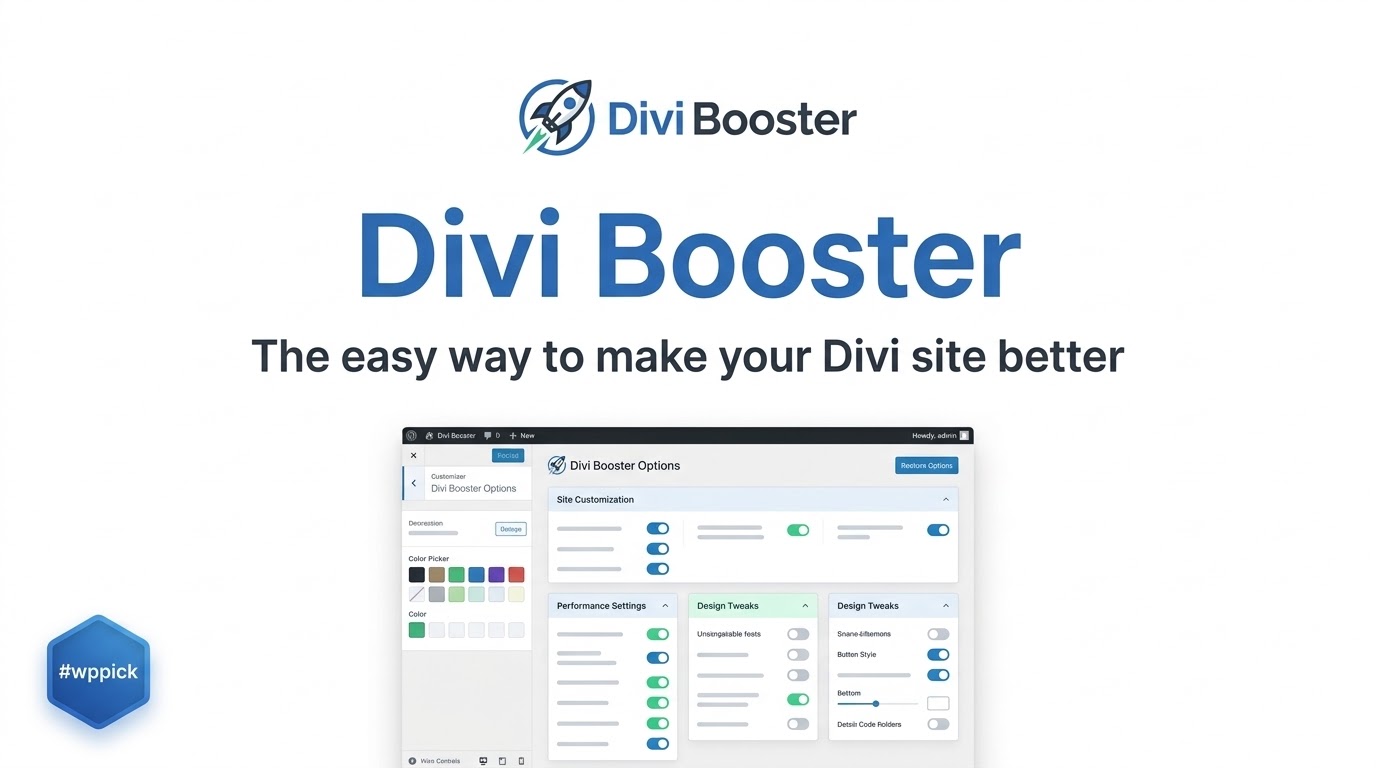
Supercharge Your Layouts with Divi Booster
Divi Booster is a configuration tool built specifically for the Divi Theme by Elegant Themes. While the core Divi builder provides structural design flexibility, users often find themselves needing small custom modifications that require writing bespoke CSS rules or altering child theme PHP files. This extension eliminates that technical friction by injecting hundreds of pre-coded configuration toggles directly into your WordPress environment, giving you instantaneous administrative control over design adjustments, layout behavior, and module styling.
What It Does
The plugin acts as a central control panel containing hundreds of modular fixes, enhancements, and speed-optimization options. Instead of scouring documentation forums for custom code snippets to stop the header from shrinking, center a logo, or change the mobile menu breakpoint, users simply select the desired features within a clean administration menu. The software handles code compiling automatically, injecting clean and minimized styling rules across your entire website infrastructure.
Who It Is For
This software is developed for website managers, freelance developers, and creative agencies who use the Divi theme as their primary design framework. Casual creators benefit from executing modifications that would normally demand hiring an engineer. Professional developers find it invaluable for saving hours of repetitive style tuning on client installations, allowing them to expedite project timelines and improve deployment workflows.
Key Capabilities
- Header Customizations: Change logo sizing, adjust mobile navigation breakpoints, and add custom content or social links above the primary navigation area easily.
- Post and Page Layouts: Control sidebar display conditions, hide page titles globally or per-post type, and modify footer styling independently.
- Module Modifications: Enhance default modules with unique features, such as adding auto-numbering or marker text alterations to timelines and adjusting individual item spacing.
- Mobile Architecture: Fix common responsiveness hitches, style the mobile menu slideout, and create distinct styling rules specific to touch devices.
- Code Injection and Performance: Optimize stylesheet delivery by minimizing automatic CSS outputs and ensuring scripts compile only when required modules load.
Practical WordPress Use Cases
Consider a digital agency building an online portfolio where standard menu layouts do not fit the client identity. Instead of crafting fragile child theme style templates, the designer uses the plugin settings to center the main logo above navigation items instantly. In a corporate project, a developer might need a custom layout for specific timeline modules. By leveraging the options to add automated sequencing numbers, the site structure remains uniform without forcing the content editor to format entries manually.
Setup and Compatibility Notes
The system installs directly through the default WordPress extension installer like any standard ZIP package. It runs seamlessly on current WordPress installations and retains backward compatibility with major framework iterations. It is engineered to integrate cleanly alongside Divi version 4 and version 5 environments. Because it writes minimized styling to a compiled cache directory, it maintains structural stability across popular caching and hosting layers without triggering database overhead.
Reasons to Choose It on WPPick
Acquiring this tool through WPPick ensures your team retains immediate access to reliable, uncorrupted product archives optimized for immediate activation. We supply clean, unmodified design resources to remove deployment blockers, helping you avoid subscription fatigue while building high-performance customer websites. This platform gives you the flexibility to download and test performance upgrades in localized staging instances smoothly.
Latest Version Context
Detailed release notes are not available from the provided sources. The plugin developer embeds comprehensive release data directly inside the internal installation package readme or within the active WordPress dashboard notifications upon upgrade. Users running version 5.6 benefit from ongoing development efforts centered around modern theme performance, minor style resolutions, and structural continuity across core framework updates.
Frequently Asked Questions
Does using Divi Booster slow down my WordPress website?
No, it is built with site speed in mind. It minimizes the custom styling selected across the administration tabs and saves it into a single, static external CSS file. This ensures your server renders the configurations quickly without executing slow database queries or script operations on every page generation loop.
Do I need to create a child theme to utilize these features?
A child theme is not required. The software attaches its structural overrides dynamically through appropriate theme hooks, ensuring your specific customization tweaks persist perfectly even when the parent theme receives major design updates.
Can I use this extension alongside Extra or other page builders?
This extension is engineered strictly for environments utilizing the official Divi Theme or the standalone Divi Builder. While some global block modifications may apply to compatible child elements, it is not meant for use with entirely unrelated page builder frameworks.
What happens if I decide to deactivate the plugin?
If you deactivate the module, your website layout returns back to its standard theme presentation settings. The tool does not alter your underlying site content, databases, or shortcodes permanently, meaning your pages remain safe and editable via the default builder layout tool.
Are custom coding skills necessary to adjust the features?
No coding experience is required. The dashboard replaces the need to write custom styles with basic toggle switches, text inputs, and selective checkbox inputs, making advanced structural adjustments approachable for all skill levels.
I. Download Limits & Account Benefits
- Free Downloads: Each email address receives 3 downloads per day for free products
- Upgrade Benefits: Purchase any paid product to increase your daily download limit by 3 for each paid product
- No Account Required: You can download immediately by receiving the download link via email
- Account Recommended: Create an account for easier access to your order history and direct update downloads
II. Understanding GPL vs Official Versions
Important: The products available on WPPick are GPL-licensed versions, which differ from official developer versions. Before purchasing, please read our comprehensive guide: Understanding GPL & Official Differences at WPPick
Key Points:
- GPL versions may not include premium support from original developers
- Updates may be delayed compared to official releases
- Some premium features might have limitations
- Always consider your specific needs and support requirements
III. Support & Assistance
We’re here to help through multiple channels:
- Email Support: Direct email assistance for all inquiries
- Live Chat: Real-time support during business hours
- Comprehensive Documentation: Detailed guides and tutorials
IV. Order Tracking
Access your complete purchase history and download links anytime: Order History
V. Account Access
New to WPPick? Login or Create Account to manage your downloads and orders efficiently.
VI. Refund Protection
We stand behind our products with a clear refund policy. Review our terms: Refund Policy
VII. Privacy & Security
Your data security is our priority. Learn how we protect your information: Privacy Policy
VII. Terms of Service
Understanding our service terms ensures a smooth experience: Terms of Use
Quick Tips for Best Experience
- Verify Compatibility: Check plugin/theme compatibility with your WordPress version
- Backup First: Always backup your site before installing new plugins or themes
- Test Environment: Consider testing on a staging site first
- Stay Updated: Regularly check for updates in your account dashboard
- Read Documentation: Review any included documentation for optimal setup
Need Help?
If you have questions about downloads, licensing, or need technical assistance, don’t hesitate to contact our support team. We’re committed to ensuring you have the best possible experience with WPPick products.
Ready to get started? Your download adventure begins with just one click!
- Added auto-numbering option to Divi timeline module
- Added marker text option to Divi timeline module
- Improved CSS loading in menu module button feature to avoid style conflicts
- Fixed is_plugin_active() not defined error
- Added option to set circle counter prefix text
- Fixed social media follow module icons not displaying correctly on Divi 5 front-end
- Fixed enqueueing dependency notices
- Additional error handling and hardening around option values.
- Updated WP tested version to 6.9
- Improved error handling for option values
- Divi 5 compatibility updates
- Added Nebenan to social icons
- Divi 5 compatibility updates
- Added background "glass effect" blur option to all modules / elements