
Divi Essential – Divi Extension For Next Label Modules.
/Year
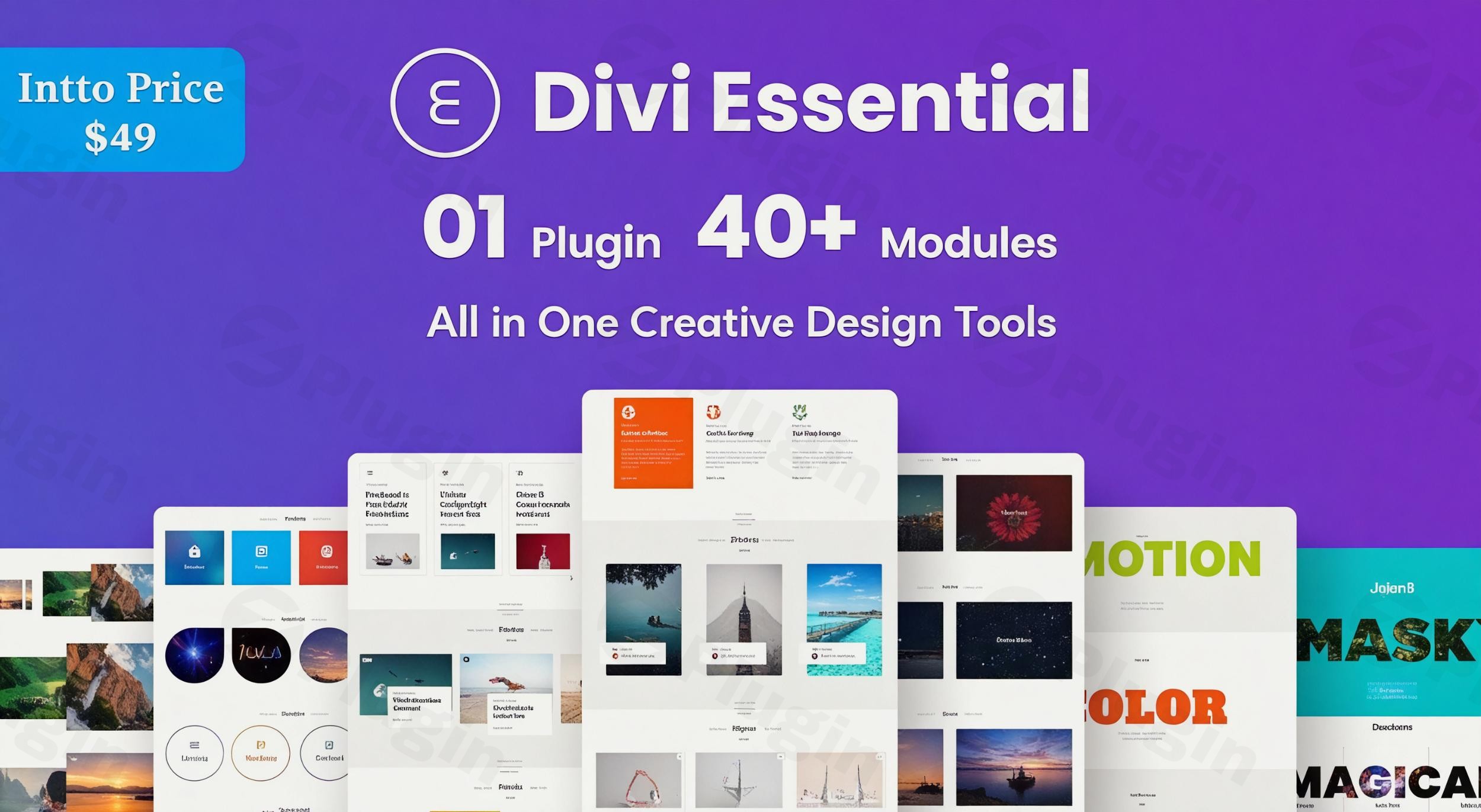
Enhance Your Divi Website Architecture with Premium Creative Modules
Building high-converting websites requires design flexibility beyond standard features. Divi Essential functions as a versatile layout extension for WordPress web creators, introducing over sixty custom design elements directly into the native Divi Builder. This system removes design bottlenecks by eliminating the need for tedious manual CSS configurations or secondary plugins when creating complex user interfaces.
What Divi Essential Does for Your Layout Workflows
This premium suite bridges the functional gap between static design templates and interactive web experiences. By introducing modular building blocks tailored for layouts, user micro-interactions, and professional data presentation, it gives creators access to high-performance assets. Every integrated element fits seamlessly within the core framework, ensuring that custom text layouts, visual effects, and administrative layout tasks operate flawlessly across contemporary web browsers.
Who Benefits from Integrating Divi Essential
Freelance developers, creative design agencies, and corporate web managers will find immediate value in deploying this toolset. It serves professionals seeking to optimize project timelines across multiple client projects while maintaining original designs. Small business owners managing their own corporate web portals also benefit from an accessible, layout-focused visual control workspace that requires no prior programming expertise.
Key Capabilities and Advanced Module Suites
- Creative Text Assets: Leverage advanced text carousels, typographic marquees, and dual-heading blocks to maximize user focus.
- Interactive Design Assets: Implement interactive flip boxes, card grids, dynamic 3D elements, and hover animations without impacting web vitals.
- Form and Tool Customization: Restyle external forms directly through integrated stylers for popular web elements like Contact Form 7 and Gravity Forms.
- Data Layout Modules: Deploy organized data tables, TablePress integrations, automated tables of contents, and responsive pricing grids effortlessly.
Practical WordPress Use Cases
Web production teams regularly use these tools to build engaging landing pages, structural digital product catalogs, and conversion-optimized checkout layouts. For instance, SaaS pricing grids can utilize interactive dual buttons to toggle between monthly and annual payment structures cleanly. Agency portfolio portals can implement staggered team member grids with dynamic social profile highlights, while professional blogs can use reading progress indicators alongside nested tables of contents to improve readability scores.
Setup and Framework Compatibility Notes
Divi Essential is designed specifically to match contemporary layout engines and fully supports the newer Divi 5 Builder structural updates. The plugin functions within standard WordPress hosting requirements and respects server-side caching systems. It also includes performance features that replace older external modal packages with streamlined native scripts, ensuring that your web assets load rapidly across desktop and mobile devices.
Reasons to Select Divi Essential on WPPick
Acquiring this toolset on WPPick gives web creators reliable access to clean, verified code repositories free from malicious files or unauthorized tracking frameworks. WPPick offers a dependable download repository designed for development professionals who prioritize security, operational transparency, and continuous build stability across diverse server environments.
Latest Version Build Context
While third-party release logs are not detailed across public indexing platforms, internal product logs confirm stable integration updates. Version 5.8.1 resolves critical operational bugs, including a fatal structural exception in the timeline asset engine and a layout priority mismatch with dual button styling rules. These structural patches ensure smooth operational performance when running contemporary design workflows.
Frequently Asked Questions
Does this extension require any coding knowledge?
No, the plugin interfaces directly with the native visual editor. All adjustments, layout parameters, spacing settings, and aesthetic features are adjusted via a standard visual configuration panel, eliminating manual programming tasks entirely.
Is this module bundle fully compatible with the new Divi 5 engine?
Yes, newer version deployments feature full structural support for the Divi 5 framework architecture. This maintains reliable backward compatibility with legacy builder versions while optimizing modern runtime speeds.
Can I utilize multiple popup elements on a single page template?
Yes, modern build updates allow creators to design and trigger several independent modal popups on the same web canvas without encountering script conflicts or interface bugs.
How does this extension handle form styling?
The system features built-in custom style panels that directly inherit external layout properties from systems like Gravity Forms or Contact Form 7, allowing complete typographic and spatial management without writing custom CSS overrides.
I. Download Limits & Account Benefits
- Free Downloads: Each email address receives 3 downloads per day for free products
- Upgrade Benefits: Purchase any paid product to increase your daily download limit by 3 for each paid product
- No Account Required: You can download immediately by receiving the download link via email
- Account Recommended: Create an account for easier access to your order history and direct update downloads
II. Understanding GPL vs Official Versions
Important: The products available on WPPick are GPL-licensed versions, which differ from official developer versions. Before purchasing, please read our comprehensive guide: Understanding GPL & Official Differences at WPPick
Key Points:
- GPL versions may not include premium support from original developers
- Updates may be delayed compared to official releases
- Some premium features might have limitations
- Always consider your specific needs and support requirements
III. Support & Assistance
We’re here to help through multiple channels:
- Email Support: Direct email assistance for all inquiries
- Live Chat: Real-time support during business hours
- Comprehensive Documentation: Detailed guides and tutorials
IV. Order Tracking
Access your complete purchase history and download links anytime: Order History
V. Account Access
New to WPPick? Login or Create Account to manage your downloads and orders efficiently.
VI. Refund Protection
We stand behind our products with a clear refund policy. Review our terms: Refund Policy
VII. Privacy & Security
Your data security is our priority. Learn how we protect your information: Privacy Policy
VII. Terms of Service
Understanding our service terms ensures a smooth experience: Terms of Use
Quick Tips for Best Experience
- Verify Compatibility: Check plugin/theme compatibility with your WordPress version
- Backup First: Always backup your site before installing new plugins or themes
- Test Environment: Consider testing on a staging site first
- Stay Updated: Regularly check for updates in your account dashboard
- Read Documentation: Review any included documentation for optimal setup
Need Help?
If you have questions about downloads, licensing, or need technical assistance, don’t hesitate to contact our support team. We’re committed to ensuring you have the best possible experience with WPPick products.
Ready to get started? Your download adventure begins with just one click!
- Timeline module fatal error issue.
- Dual Button module style priority issue.
- Stripe Button module
- Countdown module
- Scroll Stacked Cards module
- Interactive Circle module
- DataTable module
- TablePress Styler module
- Table of Content module
- Reading ProgressBar module
- Contact Form 7 Styler module
- Gravity Form Styler module
- Text Marquee module
- Divi 5 Builder content support
- Multiple popup in a same page support
- Tooltip in close popup button
- Frontend rendering system [remove magnific popup]
- Input and textarea field not writeable under overlay
- Unable to play the video while the popup is visible.
- Frontend rendering system [remove magnific popup]
- 404 page broken while the Popup Pro is activated
- Input and textarea field not writeable under overlay
- Unable to play the video while the popup is visible
- Multiple popups on the same page support
- Tooltip in the close popup button
- Extended Font Type [Extension]
- Header & Navigation Customization [Extension]
- Browser Scrollbar [Extension]
- Maintenance mode Extension
- Customizable Project Extension