

Divi Supreme – Custom and Creative Divi Modules
/Year
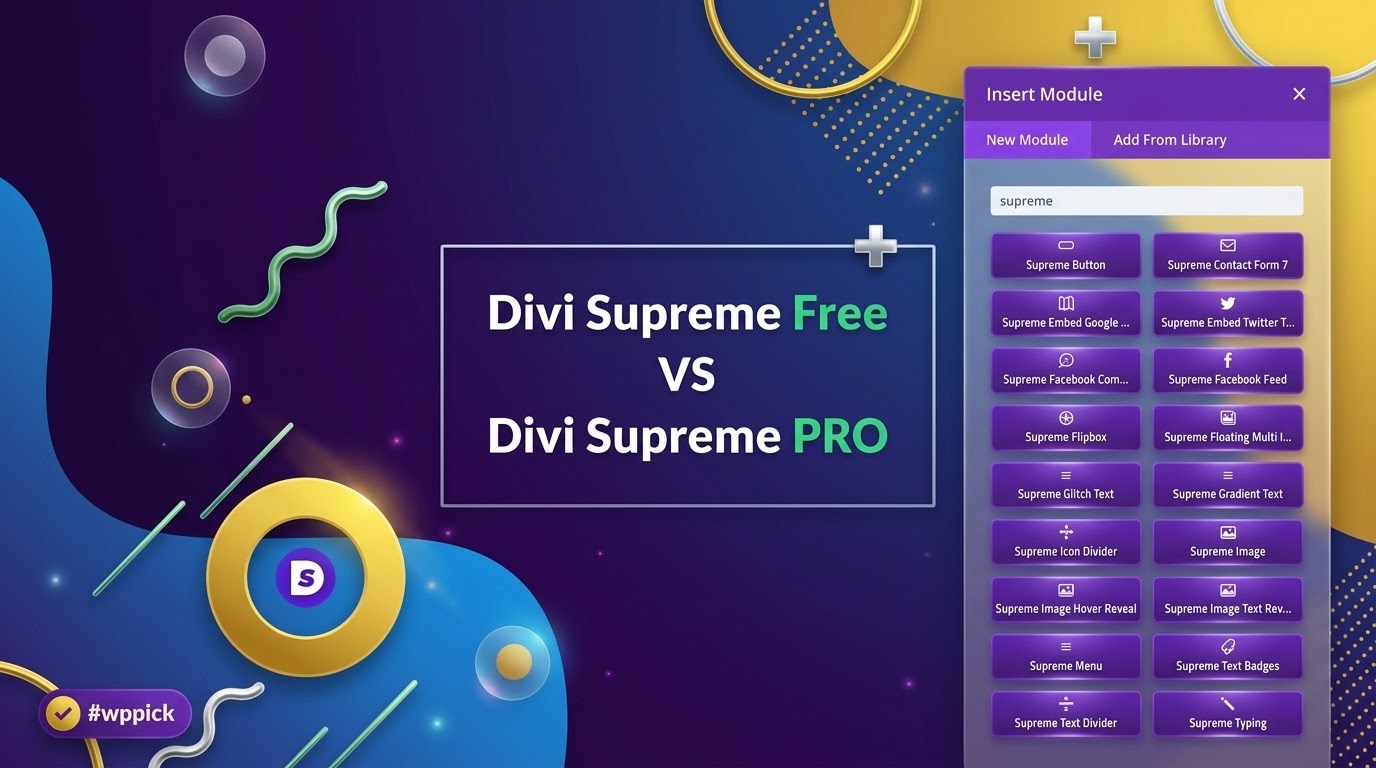
Enhance Web Design with Divi Supreme
Divi Supreme is a premium extension package designed specifically for the Elegant Themes Divi Builder ecosystem. It functions as a comprehensive toolkit that integrates directly into your native editing workspace. Instead of writing complex CSS code or stitching together multiple single-purpose plugins, web creators can deploy advanced layouts, animations, and marketing utilities directly from the visual builder interface. This optimization helps developers maintain fast design workflows while expanding what the native builder can accomplish.
What It Does
This plugin adds dozens of unique creative modules and system extensions to your standard Divi setup. It expands your styling capabilities by introducing interactive web elements such as carousels, text animations, price lists, and popups. Beyond visual elements, it introduces systemic enhancements like custom visibility logic, custom badges, and scheduled content display. These additions help turn generic layouts into interactive, highly tailored user experiences without affecting theme stability.
Who It Is For
Divi Supreme is engineered for WordPress professionals, freelance designers, and digital agencies who build sites on the Divi framework. It provides agency teams with a uniform toolkit to build unique client sites quickly, minimizing reliance on heavy custom code. E-commerce store managers can use it to build dynamic product grids, while marketers can deploy interactive elements and conversion-focused popups to increase engagement.</p
Key Capabilities and Layout Modules
The plugin adds multiple functional upgrades grouped into creative and utility modules:
- Advanced Text Utilities: Includes animated headings, gradient text effects, and typewriter interactions to capture reader attention.
- Media and Display Elements: Offers image carousels, image hotspots, card carousels, and video lightboxes for interactive media portfolios.
- Marketing and Conversion Tools: Features structured pricing lists, dual-button call-to-actions, and flip boxes to guide user decision-making.
- Integrations and Shortcodes: Embeds external forms and layouts seamlessly within standard module configurations.
Practical WordPress Use Cases
Web builders use Divi Supreme to solve frequent design challenges. For instance, an agency building a restaurant website can implement the price list module to present menus cleanly on mobile layouts. A marketing site can leverage the popup builder extension to trigger discount notices or email signups based on user scrolling behavior. Additionally, complex product show-reels can be organized inside responsive carousels rather than static, stacked columns that lengthen page scroll times.
Setup and Compatibility Context
The tool installs like standard WordPress plugins and requires an active parent installation of either the Divi Theme or the Divi Builder plugin. Once activated, the new capabilities populate automatically within your visual builder menu under their own category. The codebase is structured to preserve standard responsive configuration settings, allowing you to fine-tune padding, margins, and visibility across mobile, tablet, and desktop viewports independently.
Reasons to Choose It on WPPick
Acquiring Divi Supreme on WPPick lets developers explore advanced design tools economically. It serves as an affordable asset for test environments, prototyping, or lowering overhead costs on client projects. Users receive functional, clean files scanned for safety, enabling rapid development without long-term financial commitments to expensive bundles.
Latest Version Context
Detailed release notes are not available from the provided sources. While internal automated repositories record version 4.9.97.33, official developer channels and vendor changelogs have transitioned their core tracking to updated sequences or alternative version schemas, leaving specific release summaries unverified in public documentation.
Frequently Asked Questions
Does this plugin slow down page loading speeds?
No, it is built with performance efficiency in mind. The assets and scripts for individual modules load only when those specific elements are active on a webpage, preventing unnecessary script bloat on simple layouts.
Can I use these modules anywhere on my website?
Yes, these modules are accessible wherever the Divi Builder is active. This includes standard pages, posts, custom post types, and layouts built inside the Divi Theme Builder ecosystem.
Do these extensions replace native Divi elements?
No, they work alongside native elements. They add a separate set of creative choices within your existing builder panel, giving you more options without changing standard functionality.
Is coding knowledge required to use these tools?
No coding knowledge is necessary. All design adjustments, text effects, animations, and responsive breakpoints are managed via intuitive toggle options and sliders inside the visual builder interface.
I. Download Limits & Account Benefits
- Free Downloads: Each email address receives 3 downloads per day for free products
- Upgrade Benefits: Purchase any paid product to increase your daily download limit by 3 for each paid product
- No Account Required: You can download immediately by receiving the download link via email
- Account Recommended: Create an account for easier access to your order history and direct update downloads
II. Understanding GPL vs Official Versions
Important: The products available on WPPick are GPL-licensed versions, which differ from official developer versions. Before purchasing, please read our comprehensive guide: Understanding GPL & Official Differences at WPPick
Key Points:
- GPL versions may not include premium support from original developers
- Updates may be delayed compared to official releases
- Some premium features might have limitations
- Always consider your specific needs and support requirements
III. Support & Assistance
We’re here to help through multiple channels:
- Email Support: Direct email assistance for all inquiries
- Live Chat: Real-time support during business hours
- Comprehensive Documentation: Detailed guides and tutorials
IV. Order Tracking
Access your complete purchase history and download links anytime: Order History
V. Account Access
New to WPPick? Login or Create Account to manage your downloads and orders efficiently.
VI. Refund Protection
We stand behind our products with a clear refund policy. Review our terms: Refund Policy
VII. Privacy & Security
Your data security is our priority. Learn how we protect your information: Privacy Policy
VII. Terms of Service
Understanding our service terms ensures a smooth experience: Terms of Use
Quick Tips for Best Experience
- Verify Compatibility: Check plugin/theme compatibility with your WordPress version
- Backup First: Always backup your site before installing new plugins or themes
- Test Environment: Consider testing on a staging site first
- Stay Updated: Regularly check for updates in your account dashboard
- Read Documentation: Review any included documentation for optimal setup
Need Help?
If you have questions about downloads, licensing, or need technical assistance, don’t hesitate to contact our support team. We’re committed to ensuring you have the best possible experience with WPPick products.
Ready to get started? Your download adventure begins with just one click!
- Divi Contact Form 7 Module select field not displaying dynamic option filter.
- Divi Blog Carousel not rendering the excerpt correctly in certain cases when the blog page is built with the Divi Builder and specific complex conditions are present.
- Increased the timeout duration for license activation and deactivation processes to improve compatibility and resolve activation issues on certain servers.